 THE GAME ARCHIVE
Selecting Soldiers and Reading the HUD
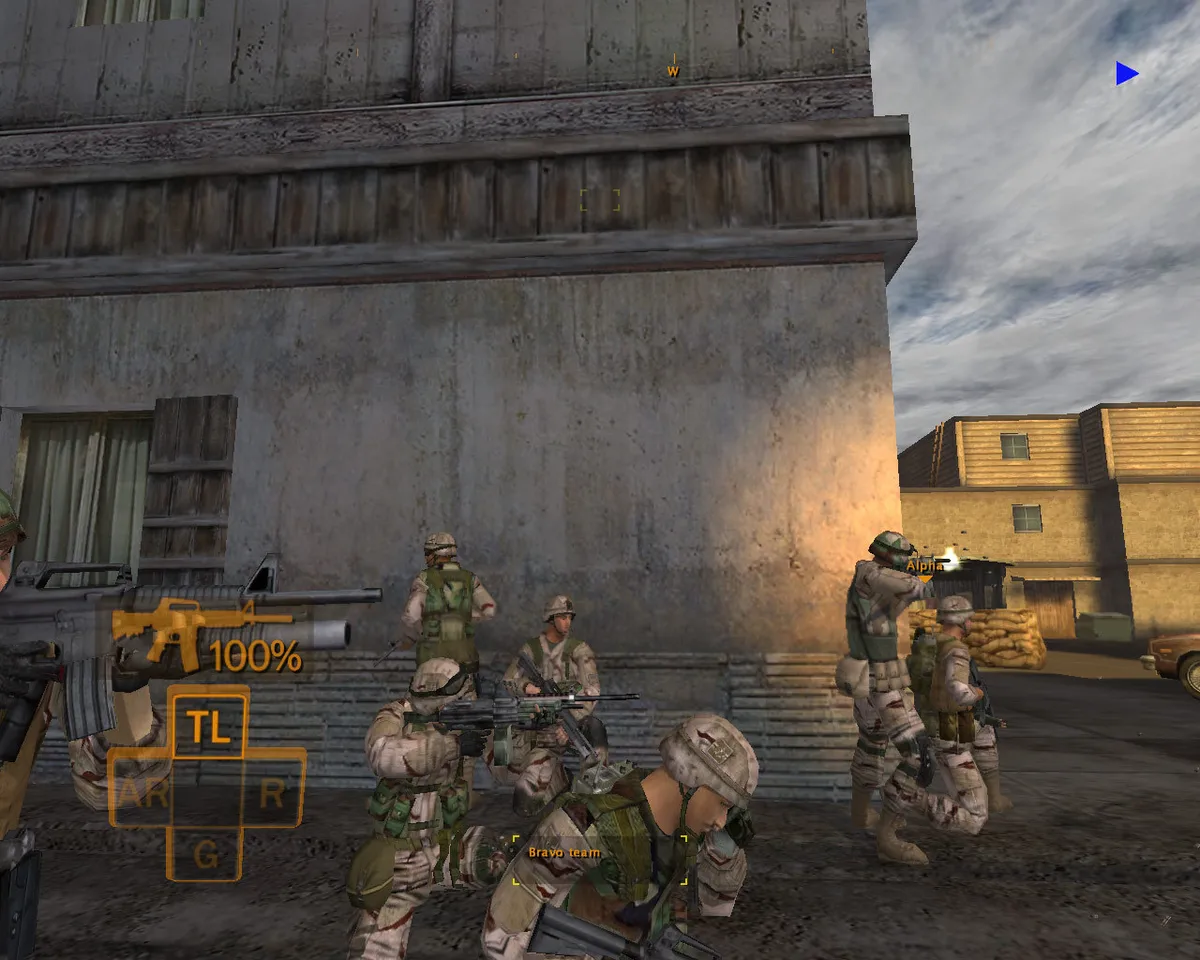
Soldier selection in Full Spectrum Warrior is handled directly from the keyboard: tapping W selects the Team Leader, S selects the Grenadier, A selects the Automatic Rifleman, and D selects the Rifleman. Choosing a soldier moves the camera to that soldier's point of view. The Info Bar along the bottom of the screen updates to match, showing the current team by default, the selected soldier's name when one is picked, and the name of any soldier who has been injured.
The rest of the heads-up display is arranged around several labeled parts: a soldier selector, the Info Bar, a Formation Icon, an ammunition indicator, a compass carrying objective markers, and objective information. The small square at the lower right shows the formation the team is using. Pressing and holding W, S, A, or D does a second job beyond choosing a soldier: it activates a 3D fog of war, keeping the view bright where a soldier is looking and blurred where no one is scanning, and it places the player in individual command mode.
Point Fire, Suppression Fire, and Enemy States
Point fire is issued by clicking the left mouse button or pressing the right Control key while the fire sector cursor is open. This orders soldiers to shoot at enemies within that sector, and they ignore threats outside it even when being shot at. Within the sector, soldiers prioritize targets out of cover and split their fire to exploit Engagement. However, if more than two enemies are present, some remain free to return fire. Holding either input instead of tapping it issues suppression fire, which makes the team fire continuously at all enemies in the sector.
Enemy behavior changes under fire according to documented states. When three M class rifles or a SAW fire at an enemy, that enemy becomes Engaged and displays the Engaged symbol (1) in his indicator. Engaged enemies will only shoot at the soldier engaging them, unless they spot a team standing still without cover. Extremely heavy fire from heavy weapons can cause soldiers and enemies to become Pinned, indicated by the Pinned symbol (2). Player soldiers never become Engaged due to their training, but they can still be Pinned.
Indirect Fire: M203 and Smoke Grenades
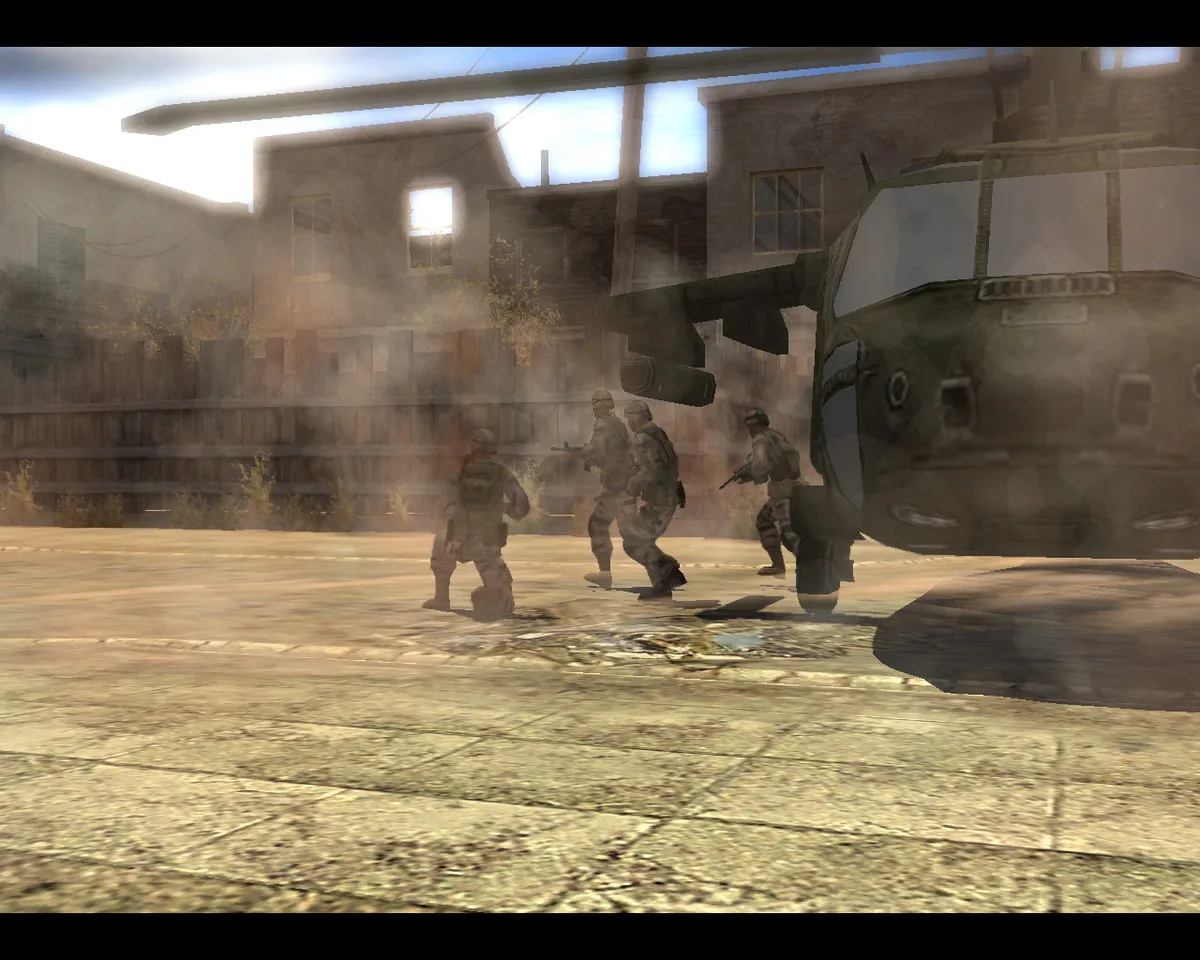
Indirect fire in Full Spectrum Warrior is split between two keyboard-selected items. Pressing the 2 key selects the M203 grenade launcher, and a new cursor appears to show the selection; the player then moves that cursor over the target with either the mouse or the arrow keys, and can zoom in using the Shift key or the mouse wheel. The order is issued with the left mouse button or the right Control key. Pressing the 3 key instead selects the smoke grenade, which is used to conceal the team from hostiles and is deployed when the team needs to traverse open or enemy-controlled terrain.
Grenade use sits alongside the ammunition rules that govern the whole squad. The ammo indicator above the team selector reports the percentage of ammunition remaining for the currently selected team, and suppression fire drains that stock faster than point fire, so it should be used carefully. When a team runs low, it can be brought to a CASEVAC station for resupply; the same stations treat wounded soldiers, with the nearest one marked on the compass by a cross icon and a matching cross appearing in the world at the station itself.
CASEVAC, Compass Markers, and the Cost of Failure
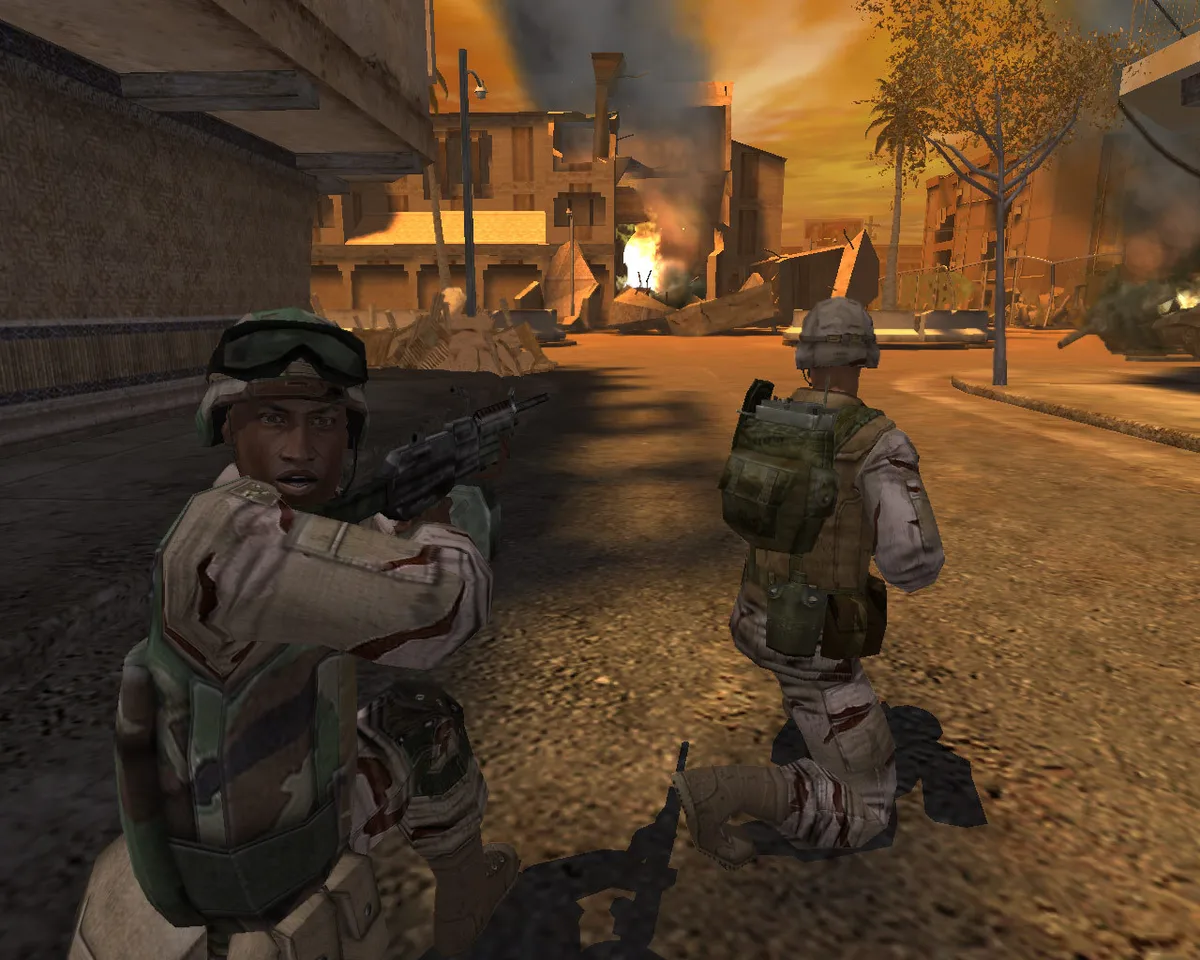
CASEVAC stations serve two purposes: they resupply ammunition and treat wounded soldiers. When a team member is incapacitated, he can be carried to the nearest station. The compass marks the closest CASEVAC with a cross icon, and a matching cross appears in the world at the station. To order treatment, place the movement cursor inside the red circle and press the left mouse button or right Control key. A medic then aids the soldier, who rejoins the team. A soldier brought to a station by the other team waits there.
The compass at the top of the screen rotates with the camera and carries markers for mission goals. Blue triangles point to current objectives, while red triangles indicate incapacitated soldiers awaiting aid. A red triangle with a cross points to the closest CASEVAC and appears when carrying a wounded soldier. Centering an objective marker on the HUD displays a distance readout in meters and a brief description of the current goal. Mission failure occurs by sustaining more than one injured soldier, killing a friendly unit such as a medic, or letting a team member die.
GPS, Radio, and Bounding Overwatch Movement
The Team Leader's Global Positioning System receiver is opened by pressing the E key, ordering him to consult satellite data about the current area. Its default screen is the city map, which shows a detailed view of several blocks around the Team Leader. The two teams appear on that map as A and B icons, and the current Team Leader's field of view is also represented. The same Team Leader carries a radio pack for communicating with Lieutenant Phillips, the platoon leader. Some reporting happens automatically at save points and in cinemas, but pressing Q or F1 reports in at any time, and Phillips can advise on the best way to proceed toward the objective. When he expects a report, the radio pack's red light blinks and his voice comes over the radio, with Q answering.
Bounding Overwatch is a movement order that splits the fire team into pairs. The first pair moves cautiously with eyes sighted while the second pair provides cover; on reaching the destination, the pairs switch roles, and the exchange continues until the fire team is regrouped at the new position. The GPS city map and the radio sit alongside this order as Team Leader tools: the map marks both teams and the current Team Leader's field of view, while the radio carries automatic and manual reports to Lieutenant Phillips and his incoming information or new objectives. The glossary also defines the Bradley Infantry Fighting Vehicle, which transports infantry and provides cover fire to dismounted troops.
Co-op: Splitting the Squad Between Two Leaders
Cooperative play in Full Spectrum Warrior distributes command of the eight-man squad between two squad leaders, each controlling a fire team of four soldiers. The normal ability to issue orders to both fire teams simultaneously is suspended, so the leaders must coordinate their actions and divide responsibility for the squad's safety to reach the mission goals. In online play, a chat window supports this division of labor between partners; text entry is begun with the T, slash, or backslash keys before a message is typed for the other leader.
Online sessions are reached from the Play menu, which offers Co-op Host to create and host a game, Co-op Join to enter another user's game, and Join IP to connect to a specified address. Hosting a game brings up a set of parameters: Deploy begins hosting, a Chapter tab selects the starting level, and a Save Section option scrolls through the available starting points. Outside of hosting and joining, progress can be saved and replayed through a movie-style playback feature.
Sources & further reading.
- Full Spectrum Warrior — official game profile Retrieved Oct 18, 2026
- Full Spectrum Warrior — official game profile — publisher-supplied gameplay manual Retrieved Oct 18, 2026
First published .