 THE GAME ARCHIVE

Black Mesa from the security desk
Half-Life: Blue Shift returns to Black Mesa with Barney Calhoun as its playable character. Gearbox's expansion puts the security guard, rather than Gordon Freeman, at the center of the journey. The useful way to approach it is as a first-person adventure that mixes armed encounters with interaction and navigation. Shooting is one tool; understanding a door, a piece of machinery or another employee can be just as important. Barney's equipment also has its own rules. Learning those rules makes this more than a change of name and uniform within a familiar setting.
The core loop: inspect, interact, move on
A new area asks you to look for both danger and a way forward. The manual describes doors that open automatically, doors that respond to the Use command, and doors that need security clearance through a keypad or retinal scanner. Buttons operate machinery and elevators. Some levers and wheels need the Use command to be held down rather than tapped once. If progress seems blocked, vary the interaction before assuming the game wants another weapon. A nearby control, a sustained action or an employee's clearance may explain what an apparently closed route is asking you to do.
Move objects instead of treating them as scenery
Boxes and carts can be repositioned to clear space or provide something to climb on. The documented pull action combines holding Use with moving slowly backward; pushing begins by moving into the object. That makes the environment part of the navigation system. Before spending time repeatedly jumping at a ledge, look around for something movable. This is not a promise that every crate can be shifted or every obstacle solved in the same way. It is a habit of checking the available objects before treating the room as a purely visual backdrop.
Talk to the people who belong there
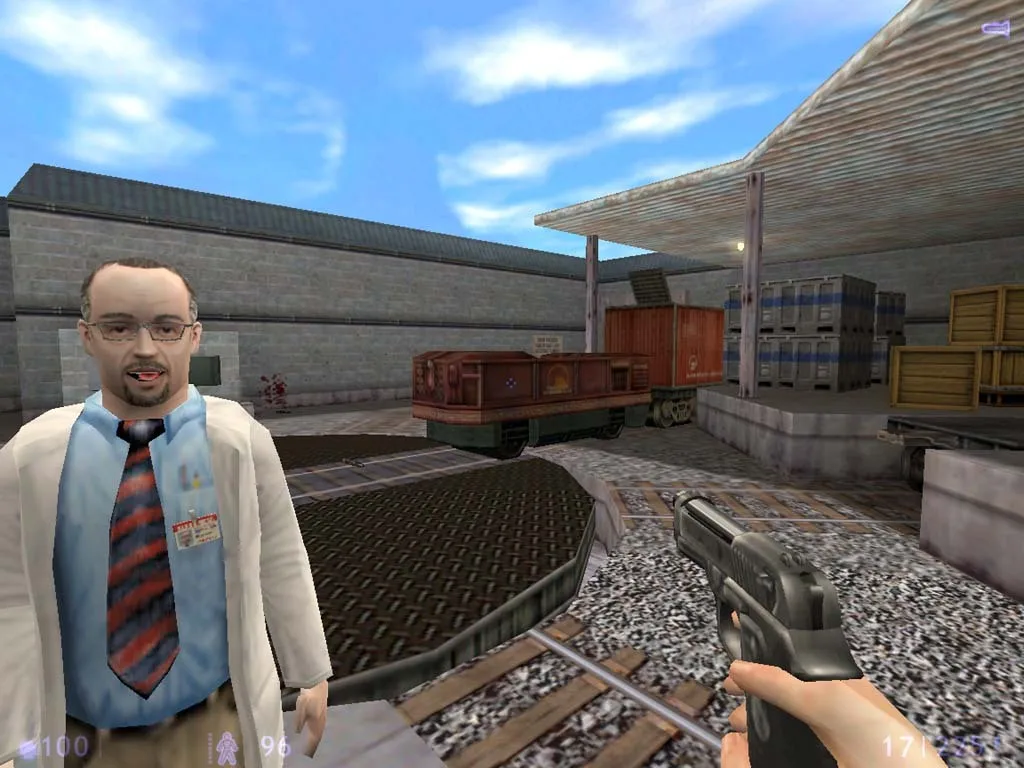
Black Mesa's staff have different security access. The manual tells you to approach personnel and use the interaction command to communicate with them, and it connects access permissions with moving through the facility. For a newcomer, that means a scientist or guard is worth noticing before you search for another corridor. Listen to the response and check what the person or nearby equipment makes possible. The setting helps communicate the puzzle: a research facility has controlled doors, workstations and employees with duties, so progress can depend on understanding those relationships as well as surviving an encounter.
Read health, armor and ammunition separately
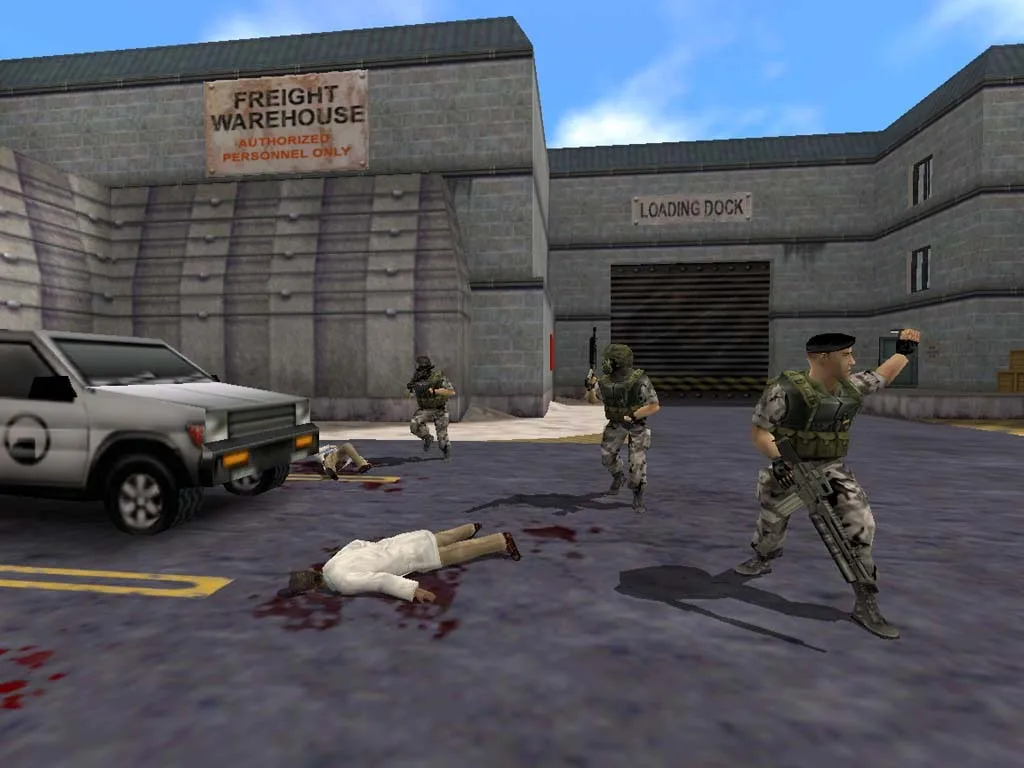
The HUD shows health, armor, ammunition and environmental danger information. These are different resources, not a single general measure of readiness. A health problem does not disappear because you found ammunition, and a fresh magazine does not provide protection from a hazardous room. The danger indicators cover threats such as radiation, corrosive substances, fire and lack of air. When an indicator appears, first identify what is hurting you. Spending a few seconds looking for the source of an environmental warning can be more useful than trying to aim at an enemy that is not causing the damage.
Barney does not recharge armor like Gordon
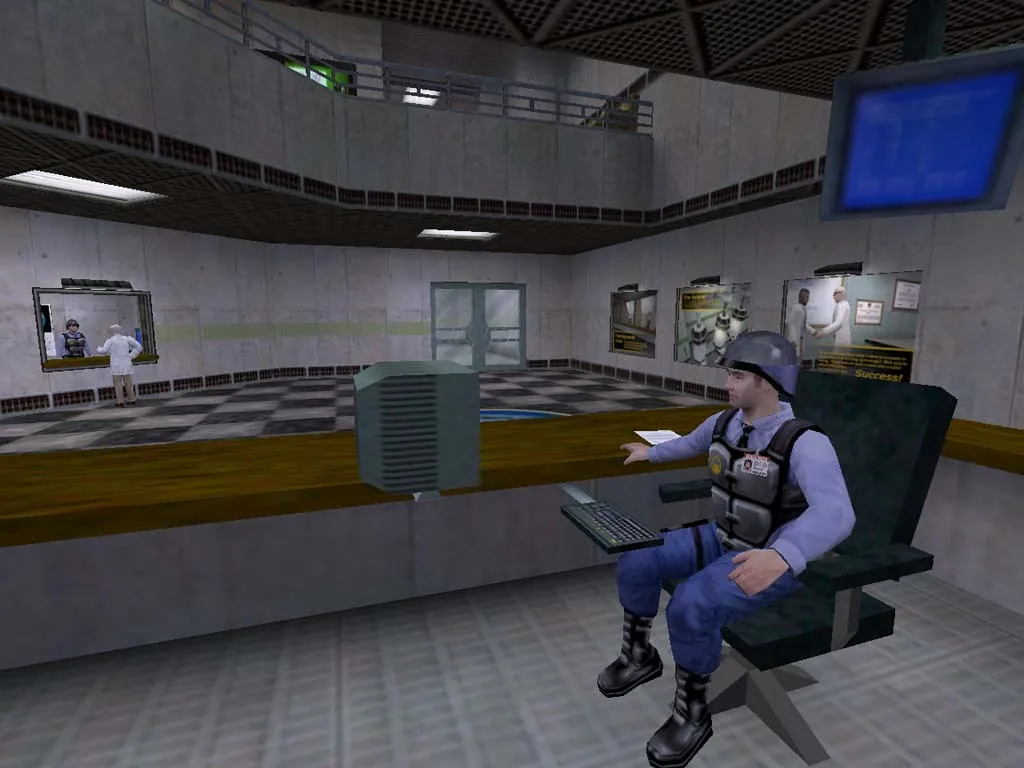
Blue Shift equips Barney with a protective vest and helmet. Replacement equipment can be found through the facility, but the manual explicitly says HEV suit chargers do not affect his vest and helmet. Wall-mounted first-aid stations work through holding the Use command. This distinction is especially useful if you arrive with memories of another Half-Life game: a familiar-looking machine does not necessarily refill the same resource for a different protagonist. Keep the armor supply and the health supply separate in your thinking, and do not spend time trying to make an HEV charger repair Barney's security gear.
Use light and weapons deliberately
The flashlight runs on a battery that drains while the light is on and replenishes when it is off. Switch it off after leaving a dark space so the charge is available when you next need it. Weapons are collected into selection categories, and the PC controls distinguish primary fire, secondary fire and reload. Learn those actions with the equipment you currently have rather than assuming every weapon behaves like the pistol. The manual covers both Blue Shift and other bundled material, so a listed weapon category is not proof that every weapon in that booklet belongs to Barney's campaign.
A first-session routine that fits the game
Check your movement, jump, duck, Use and flashlight bindings in the options menu before relying on a remembered keyboard layout. In each unfamiliar area, identify the exit, any interaction devices and the resources you can recover. If a wheel does nothing after a tap, try the documented sustained interaction. If a route is too high, inspect movable objects. If a familiar charger fails to help, check whether it is a health station or equipment meant for an HEV suit. These small checks turn the manual's rules into practical habits without turning an introductory article into a room-by-room spoiler guide.
Sources & further reading.
- Half-Life: Blue Shift — official game profileRetrieved Oct 8, 2026
- Gearbox and Sierra: Half-Life Blue Shift PC manual (archived)Retrieved Oct 8, 2026
First published .