 THE GAME ARCHIVE
Plan & Go: Where the World Map Meets the Firefight
On the world map, squads travel toward enemy locations, and when one reaches an area shaded red, the game switches to the tactical view for the firefight. Time on the map can be sped up, slowed down, or stopped, which lets you send a squad across a long distance and wait for its arrival. Time passes only on the world map, not during a combat operation, so a deployment entered at night falls between 11:00 pm and 6:00 am.
The campaign casts players as commanders of rebel and mercenary forces tasked with freeing the island of Arulco from a dictator, using tactical, diplomatic, and economic tools to keep troops supplied and ready for the next fight. Combat blends real-time strategy with turn-based elements through the plan-and-go system, so world-map management and direct battlefield command form one continuous loop of planning, moving, and fighting.
Squad Roster: Six Mercs, Split and Merge
Squads in the field are capped at six mercenaries, and the roster is managed through two opposing actions. To remove a mercenary, you select that person in the squad list and click the leave-squad icon; the merc then becomes a new squad standing at the current position. To combine smaller squads, you select one of the squads to be merged and issue it a movement order to the other squad. This creates a practical flow of splitting off specialists and later reuniting them at a chosen point without exceeding the six-merc limit.
Each squad member carries stamina, visibility, and noise values that shape how the group operates. Travel across the world map exhausts mercenaries and lowers the individual maximum of every merc in that squad, so an assignment begun with reduced stamina shows signs of exhaustion and shorter breath. On the battlefield, visibility rises or falls with the environment, the camouflage pattern worn, and use of shadows and dark places; the four patterns are woods, desert, urban, and night, with the night variant suited to dark settings.
The Action Timeline: Stacking and Synchronizing Orders
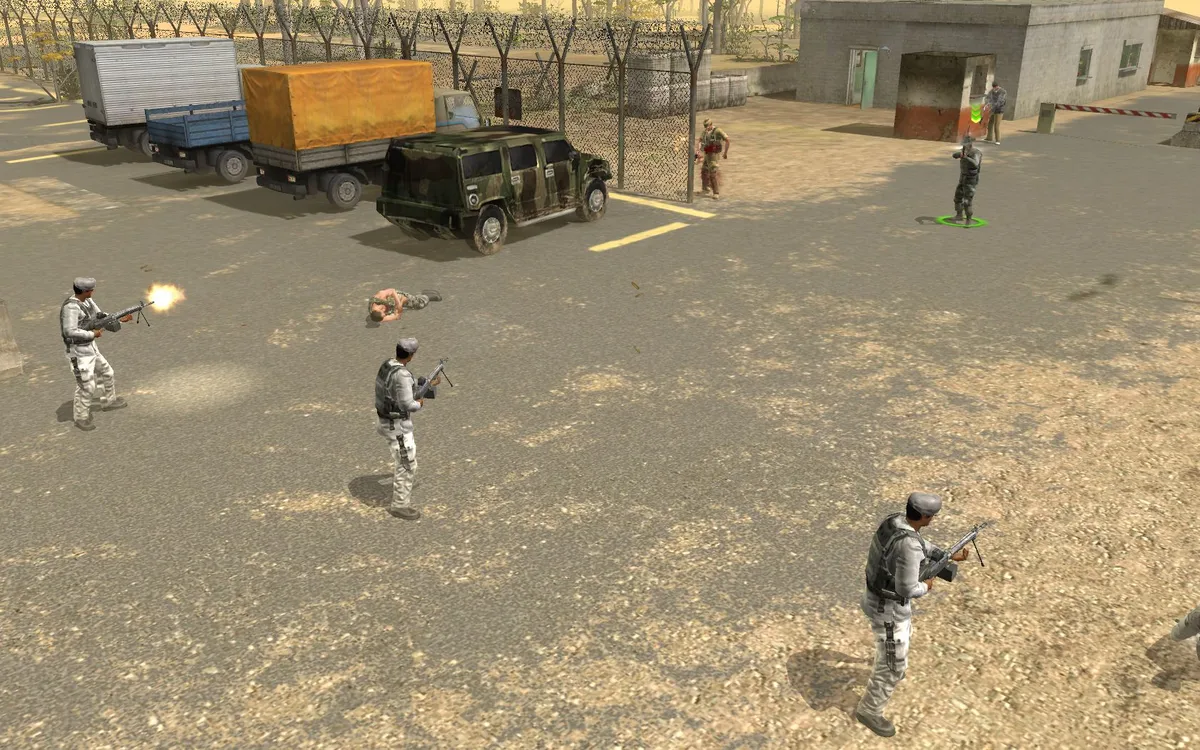
Combat orders are queued on an action timeline for each mercenary. Dragging an order icon from one merc's bar onto an order icon in another merc's bar synchronizes the two commands: the orders shift onto the same level and are drawn in a shared color, so both are carried out simultaneously. This stacking is the basis for launching attacks together, such as an assault on a target from several directions at once that is meant to surprise the enemy. To regroup after heavy scheduling, the Delete key resets the entire timeline, wiping every action belonging to every merc.
While queuing orders, Spacebar toggles command mode, and Backspace cancels the selected merc's last action. The stance keys F1 through F4 set ready weapon, run, crouch, and go prone; stances change noise, visibility, and aiming accuracy, and a guards mode is switched with G for holding a position. Guard mode is a state a merc can move within rather than a single queued step. Shootiing mode keys choose single shot or burst, and R loads the weapon, since magazines do not reload themselves.
Weapons, Attachments and Grenades in the Field
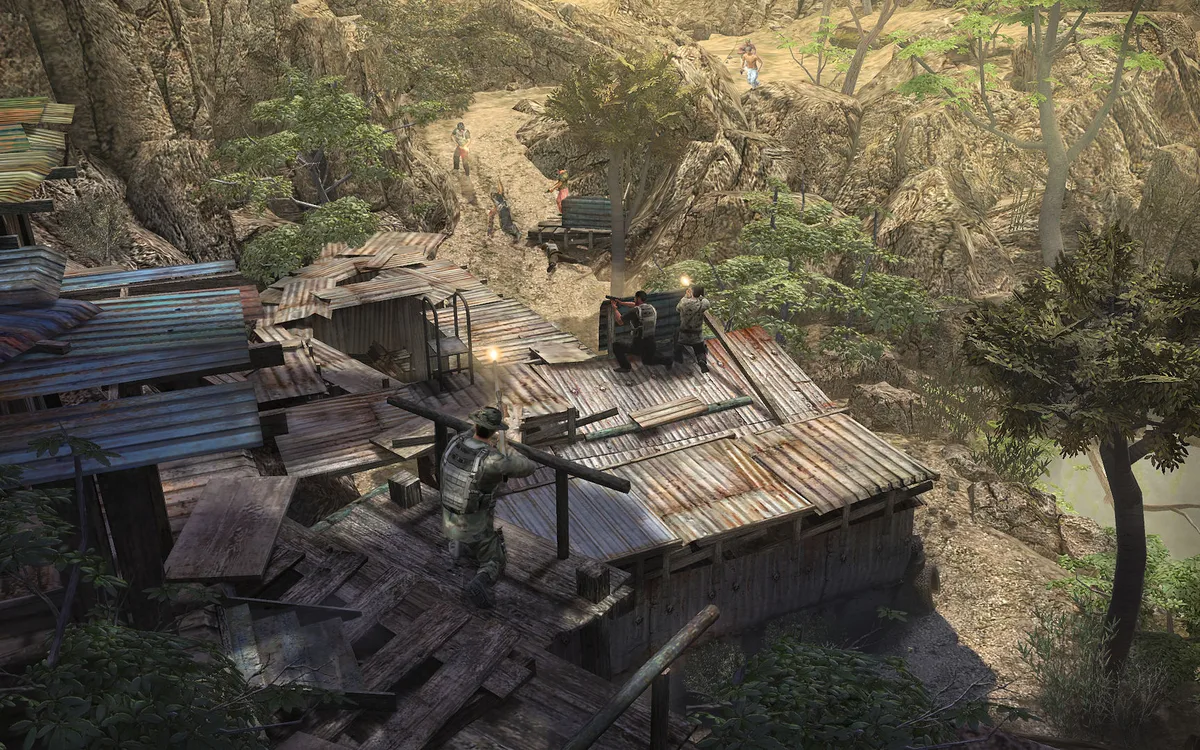
Weapons in the field accept attachments that change how they behave, but compatibility depends on the weapon type. Silencers reduce the noise produced by shots and can only be mounted on handguns and many rapid-fire guns. Telescopic sights or other optical attachments increase aim accuracy over long distances, yet the weapon's optimal range area shifts, so aiming at closer targets takes slightly longer than it would without the attachment; these upgrades are limited to guns. Mercenaries carry weapons, ammunition, and items such as medkits through quickslots, and reloading is manual—the ammunition slot tracks bullets remaining before a reload against the magazine's full capacity.
Grenades are equipped like other items and thrown using the quickslot in the merc overview; how far and how accurately a merc can throw depends on Strength and skill. Frag grenades are primed before throwing, then explode shortly after, causing damage across a wide area that can strike multiple enemies at once. Smoke grenades create a dense wall of smoke for a short period, providing cover from enemy sight for crossing a position unscathed, while stun grenades and gas grenades round out the options with temporary incapacitation and related effects.
Training Points and Fixed Traits
Mercenaries earn experience that feeds level-ups, and each level grants training points spent in the character view on attributes such as Agility, Strength, and Dexterity, or on skills such as Marksmanship, Explosives, and Stealth. Points need not be spent immediately; they can be banked and assigned later, and changes are validated with the relevant button once the allocation looks right. Every attribute and skill is shown on a 1-to-100 scale, with higher values representing a better merc, so the same pool of points can push a specialist further or round out a weak area.
Those numbers connect to concrete behavior: Agility sets maximum stamina and how quickly a merc moves and reacts to orders, Strength sets maximum health, melee damage, and the odds of forcing a door open, Dexterity covers aiming, weapon repair, and explosives use, Intelligence governs medical checks and defusing plus the rate of experience gain, and Perception sets how far a merc can see and hear while extending the reach of guard mode. Traits, by contrast, never change through leveling and come in two kinds: specific skills, such as an untrained merc losing stamina faster when running, and character traits that shift morale, like a wimp whose morale sinks when injured or a macho merc who reacts differently.
Loyalty, Income and Arming the Militia
Liberating a city or another locality does not immediately win the inhabitants over; they view you with suspicion at first, and their trust grows only gradually if you keep the place free over a longer period and prevent it from being snatched back. Loyalty rises faster when you liberate more locations in the surrounding area. That loyalty feeds two linked systems: most localities and all cities contain inhabitants who want to join the struggle, so each provides financial support provided it remains free, with the amount depending on the loyalty level already reached there. As loyalty climbs, more people declare themselves willing to take up arms, and you can recruit these marked inhabitants as militia if you kit them out with weapons and armor from mercenary inventories, which affects city control and resource availability.
Beyond loyalty and militia, resources come from capturing mines and camps, and inventory weight limits shape what mercenaries can haul. The laptop opens from the icon at the top left or with the L button and closes via the Close button or Escape; inside it, email can be called up and read, and mercenaries can be hired through the A.I.M. website, which also displays information on the Association of International Mercenaries. Strategic targets are marked by small flags on the minimap, and enemy forces defend them when attacked: a flag turns yellow as defenders advance toward it and dark green once all defending forces are eliminated. Capturing every flag around the airport yields total control of it, and the mission fails if all hired mercs die and no airport remains controlled, so the airport must stay well defended.
Sources & further reading.
- Jagged Alliance - Back in Action — official game profile Retrieved Oct 19, 2026
- Jagged Alliance - Back in Action — official game profile — publisher-supplied gameplay manual Retrieved Oct 20, 2026
First published .