 THE GAME ARCHIVE
Hero Combat: Combos, Officer Support and Enemy Leaders
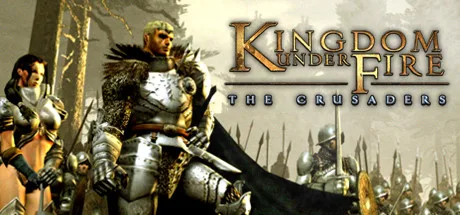
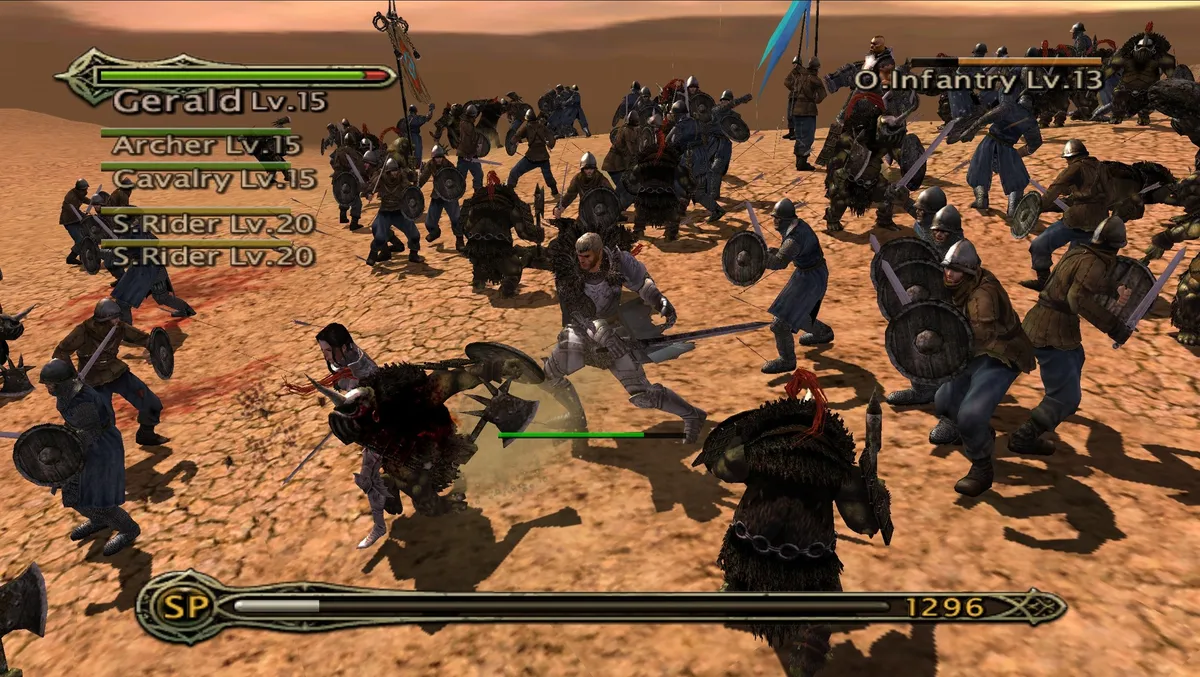
Kingdom Under Fire: The Crusaders lets you directly control one of four heroes in melee, using that hero’s special attacks and combos against enemy soldiers. Enemy leaders give this fighting a specific target: killing a leader wipes out the entire troop, rather than merely removing one combatant. The leader rules also make the hero essential to that task, since only a hero can kill a troop leader. Cutting through ordinary soldiers and attacking their commander therefore have different results: the former removes individual enemies, while the latter can end the fight against that whole troop at once.
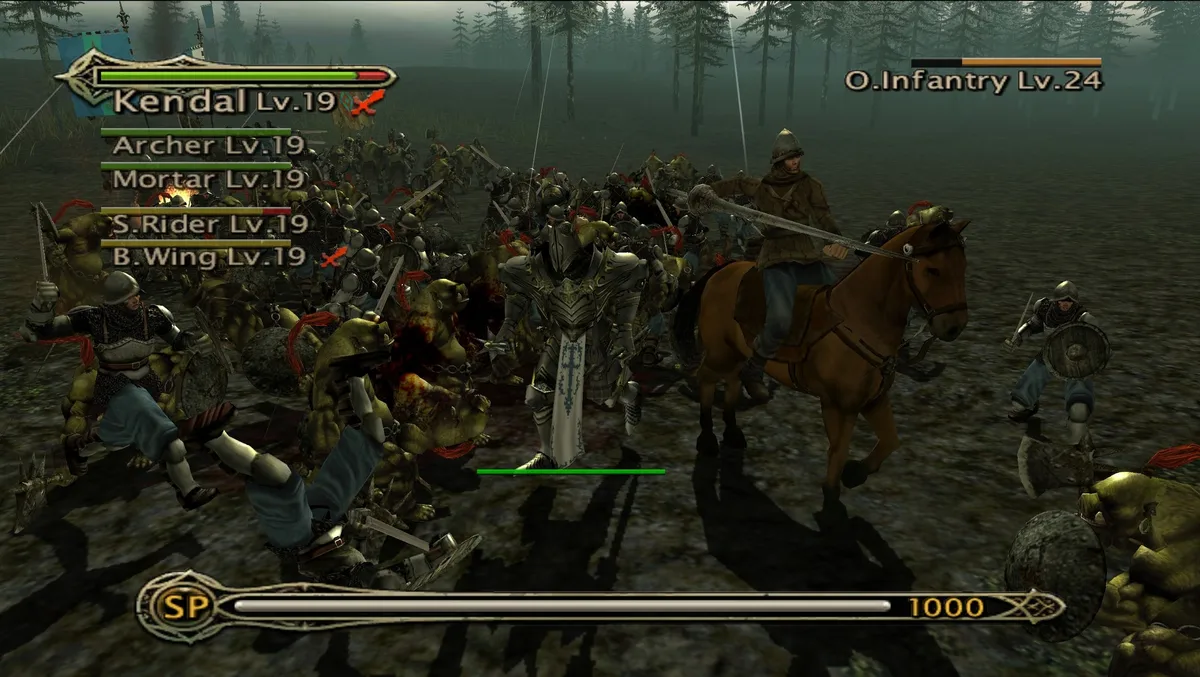
Officer support supplies another action during melee, when an engaged troop cannot use its own spells or abilities. Request help and an officer attacks either enemies surrounding the hero or the enemies the hero is currently attacking. Physical and magical support differ in which units they affect and how much damage they produce, so the support type matters alongside the target. The player-controlled leader also has an exception to the usual destruction rule: reaching zero hit points does not wipe out that leader’s troop. Instead, it temporarily prevents you from controlling the troop, leaving a penalty without immediate troop destruction.
Battlefield Command: Waypoints, Formations and Weather
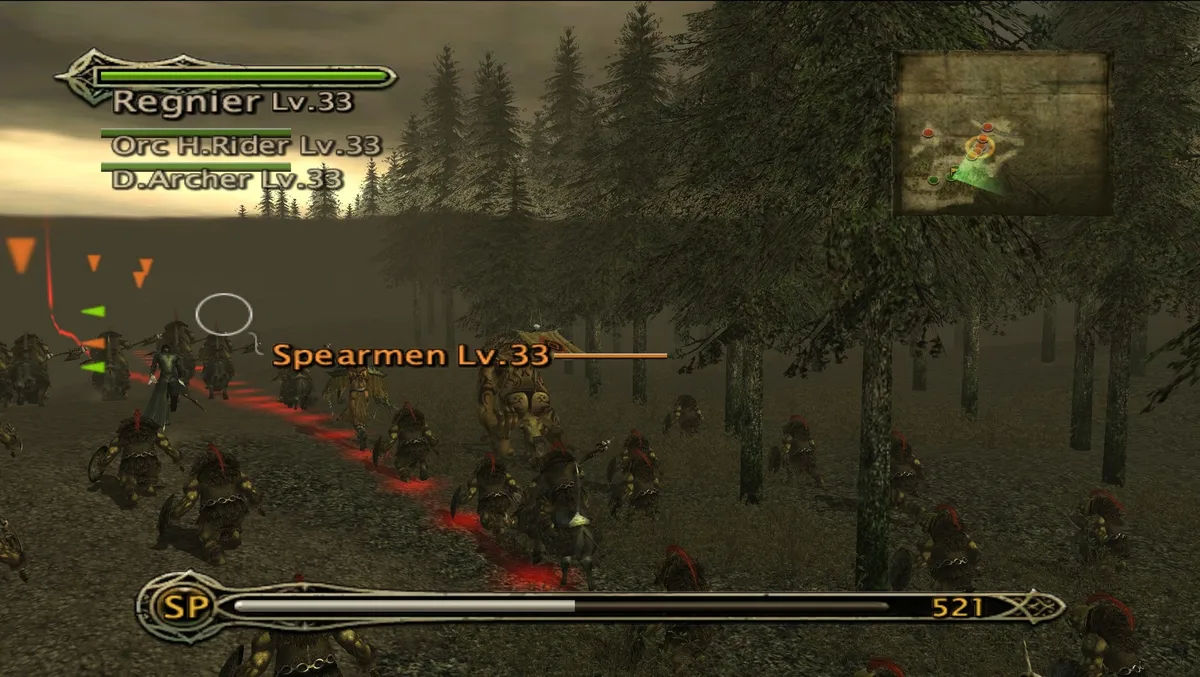
Battlefield command lets you select troops, plot up to four waypoints on the mini-map, or order every troop to move at once. Formation changes then alter how those troops travel and fight. Infantry, spearmen and cavalry gain offensive and defensive power in tight formation but lose movement speed; spreading them out reverses that trade-off. For ranged troops, formation instead changes the area covered by their attacks: tight ranks narrow it, while wide ranks broaden it. Since combat begins automatically when opposing troops draw close enough, movement orders and formation settings establish how your soldiers approach an engagement before the fighting starts.
Terrain and weather add further conditions to those orders. Cavalry can charge with sunlight behind them to blind their targets, while troops occupying high ground can attack enemies in the valleys below. Forests can be burned to drive enemies out, and dense smoke offers concealment. Neither fire nor smoke remains independent of the weather: rain extinguishes flames, while strong winds move smoke and deflect arrows. Rank spacing also answers different threats, with close ranks suited to melee and scattered troops answering artillery bombardment. These environmental rules sit alongside the formation trade-offs, so positioning involves sunlight, elevation, cover and the incoming attack.
Campaign Development: World-Map Marches and Barracks Spending
The campaign moves across a 3D world map, where you lead your troops between locations. Completing each stage automatically awards experience and war funds, linking battlefield progress to development at the main base. At its Barracks, you spend those resources to strengthen the army rather than simply carrying the rewards into another fight unchanged. The management options distinguish the hero, officers and troops: leaders and officers have skill and equipment menus, while an officer-selection option lets you replace the current officer. The skill menu supports both learning new skills and raising the level of existing ones.
Barracks spending also covers weapons, armor and accessories, but having the funds is not the only condition for improving equipment. The leader must already meet the required skill levels when purchasing gear, and items carry equipment limitations tied to hero and troop levels. That makes skill development and equipment purchasing connected parts of preparation: money alone cannot bypass the documented requirements. You can purchase and equip gear through the leader and officer equipment menu, while troops have their own equipment option. Campaign rewards therefore support both character development and outfitting, with eligibility determining which items those resources can buy and equip.
Army Specialization: Job Changes, Troop Skills and Siege Monsters
Troop jobs determine how many soldiers a unit contains, while its level depends on its hero or leader. Changing that job requires the troop’s skills to reach specified levels; check the Barracks for the requirements before choosing a new specialization. The hero’s own troop has a narrower range of options, since it can switch only to melee-related jobs. Skills have separate limits: every unit starts with one default skill and can learn up to four. Troop abilities include Scout, Cure and Lightning, but access depends on meeting both job and level requirements, connecting the available abilities to the troop’s specialization.
Specialized units also have distinct attack methods and vulnerabilities. Dark Elf Cavalry Archers can fire while moving at high speed, combining movement and attack rather than stopping to shoot. Orc-Ghouls, available to Orcs and Undead, supplement their melee attacks with a devastating self-destruct attack against enemy troops. The huge Scorpion serves as a siege weapon and is effective against infantry, but fire attacks are a pronounced weakness: its anti-infantry role does not make it resistant to every threat. Swamp-Mammoths provide another powerful ground unit, adding a large battlefield creature alongside the Scorpion’s more specifically documented siege role.
Sources & further reading.
- Kingdom Under Fire: The Crusaders — official game profileRetrieved Nov 9, 2026
- Kingdom Under Fire: The Crusaders — official game profile — publisher-supplied gameplay manualRetrieved Nov 9, 2026
First published .