 THE GAME ARCHIVE
nail'd is a 2010 Windows racing game from developer Techland and publisher Deep Silver, and its official manual describes a game built around speed, constant airtime, and deliberately remixed rules. The publisher's store description frames the experience around an "ultimate speed" sensation in which fast reflexes and tactical skills separate victory from defeat. This guide covers what each documented key does, how jumps and boost interact, how the race modes and leaderboards are scored, and which mutators change the conditions of a race.
Gameplay Controls: Throttle, Steering, and Airtime
The manual's gameplay control list is compact, and it states that controls can be adjusted according to personal preferences. Acceleration sits on Right Shift. Steering is split across the Left and Right arrow keys: Left turns left, Right turns right. In practice a player holds the throttle with one hand while the other handles direction, which matters on a track where a corner often feeds straight into a jump.
The arrow keys change meaning once the vehicle leaves the ground. Air control on Down shortens the jump, and air control on Up lengthens it. That turns the same part of the keyboard into a second control layer: the player accelerates on Right Shift, steers with Left and Right, and then switches to Up or Down while airborne to tune the distance a leap carries before landing. The manual presents these as one continuous set of gameplay controls rather than separate schemes, so how far a jump runs becomes a decision made in the air, not just a consequence of launch speed.
Brake and Reverse on the Slash Key
Braking and reversing share a single binding. The manual assigns that combined action to the slash (/) key, listed as "BRAKE REVERSE /." It sits on the same page as the throttle, steering, air control, and boost entries, all of which the manual says can be rebound to personal preference. A player who wants to scrub speed before a landing or back off after a bad jump has a documented default to use, and can move it elsewhere if the layout does not suit them.
Boost, Nitro Fuel, and Boost Feats
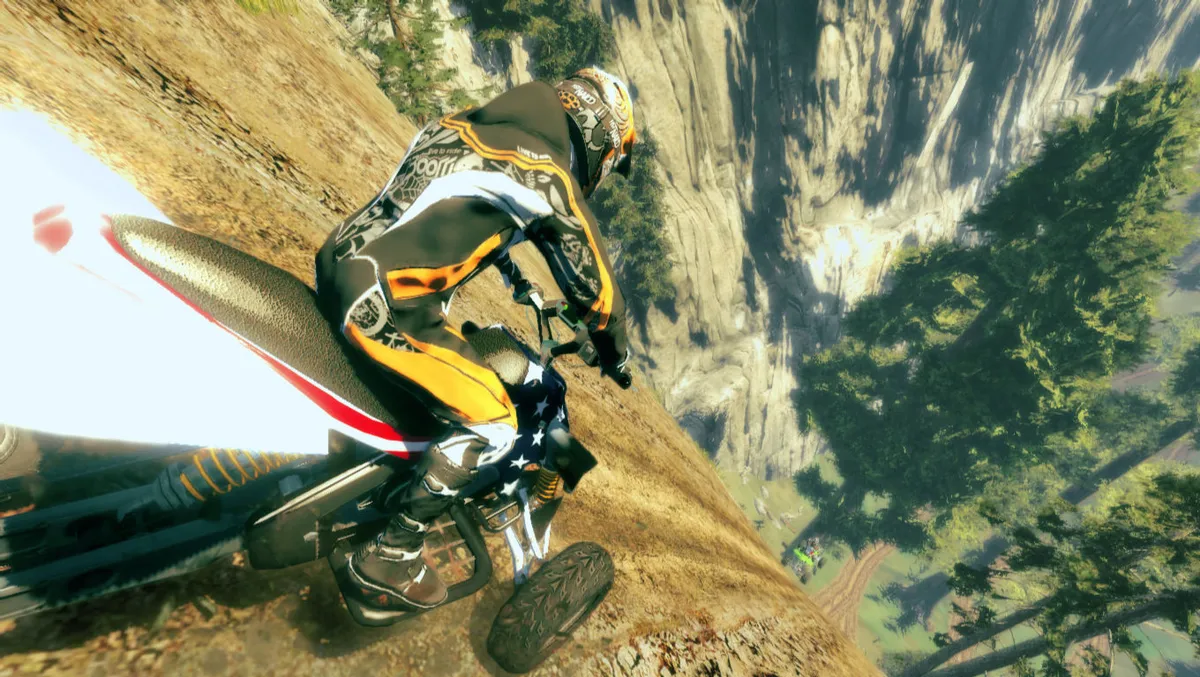
Boost is bound to Right Control, kept separate from acceleration on Right Shift and from the arrow-key steering and air control. The manual's Boost Feats page explains the cost of pressing it: every boost consumes a large amount of nitro fuel. Nitro accumulates slowly in the boost gauge over time, but completing specific challenges on the track refills it instantly, so the manual's advice is to keep the gauge full and ready. This creates a rhythm rather than a hold-and-go button. A player who spends boost freely waits on a slow meter, while a player who earns track challenges can keep boost available.
Those refill challenges are the Boost Feats, and the manual lists eight by name: Jumper, Telemark, Monster MTX, Terminator, Sweet Revenge, Watch Your Back, Looking Down On Them, and Boost Maniac. Each is treated as a tracked objective tied to the boost economy. For the player, the practical loop is to watch for feat moments between corners and jumps, since each completed feat is fuel for the next burst of speed.
The Four Game Modes
The manual states that nail'd offers four game modes. Simple Race is the cleanest: the first player to the finish line simply wins. Time Challenge sends the rider from one checkpoint to another within a designated time limit, so the clock, not the opponent, is the constraint. Stunt Challenge rewards Boost Feats with points, and the player with the highest point total wins. A notice attached to Stunt Challenge adds a twist: once the first player crosses the finish line, the other players' points gradually decrease, so a lead earned early can drain away if the race drags on.
Free Race is available only in multiplayer mode. It sets a time limit, awards the win to the best lap time, and lets the rider restart a lap whenever needed to make the most of the remaining time; the manual also notes that in this mode the player will not get smashed by other players. Separately from the four modes, Time Attack lets a solo player compete against the clock and allows activating a ghost, either your own or a developer's. The manual restricts the player's ghost to tracks finished during the current game session.
Leagues, Rewards, and Leaderboard Scoring
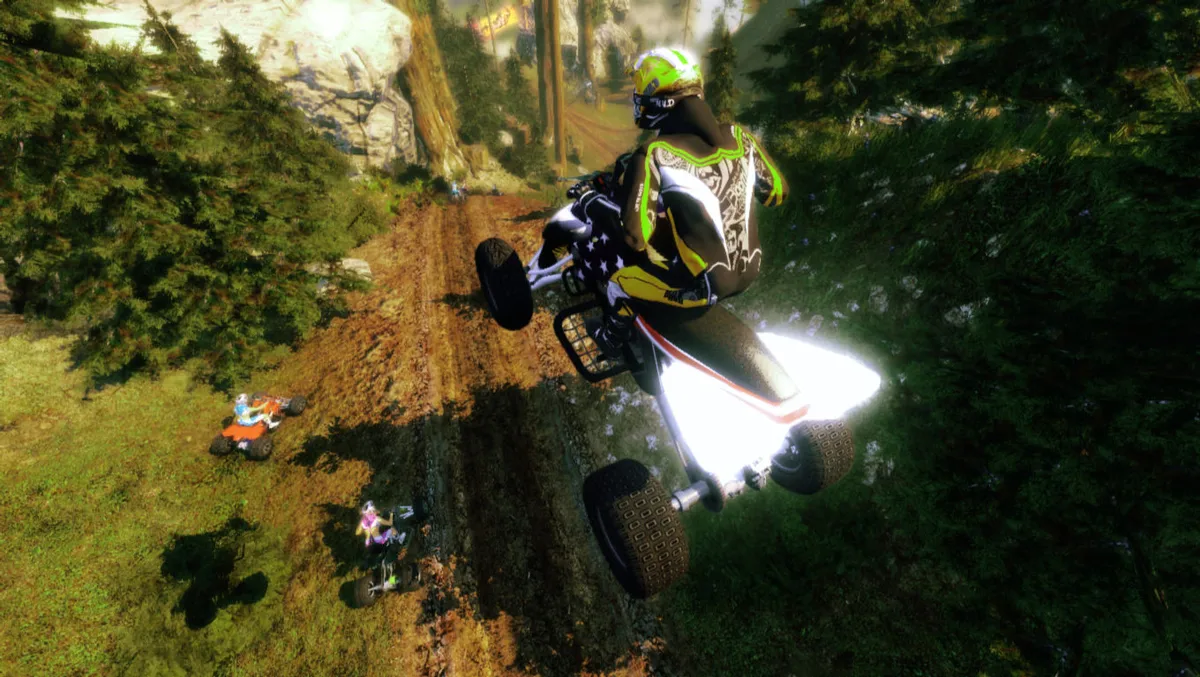
The single-player campaign is a Tournament divided into leagues. To advance through a league, the player finishes all of its events. An event is composed of one or more tracks, run in the same game mode with the same set of mutators, and it counts as complete at a 1st, 2nd, or 3rd place finish. Completing a league earns new paint jobs, vehicle parts, or driver suits. The manual adds that the player can track professional progress by collecting career titles, and that a tutorial entered from the Tournament Menu covers the basics before league racing.
The leaderboard uses a scoring system tied to each track's designated completion time. Every second below that time is worth 100 points, and further points are awarded only after your personal record is beaten. The manual notes that scoring all available points requires finishing all tracks with and without the Boost Madness mutator, plus all tracks in Stunt Challenge mode, where mutators are irrelevant. The Garage is where unlocked rewards get used: the player selects and customizes driver and vehicle, choosing gender and outfit, and picks a vehicle and adjusts all parts from engine to handlebars.
Mutators and the Collision Rules
Mutators are toggled options described as giving your race a twist. Boost Madness grants the engine unlimited boost power, removing the usual nitro constraint. No Collision assures the player will not crash into any other player on the track, so opponents stop being obstacles. These two compound directly with the control scheme: unlimited boost reduces pressure on the gauge, while No Collision changes how aggressively a rider can take lines through traffic.
The mutator list also holds feat-style tasks rather than conditions. Punch Bag asks the rider to be destroyed by opponents three times in a race, Snail asks for driving in last position for more than 30 seconds, and Speed Master appears for driving through a checkpoint above a given speed. Sniper is cleared by driving or flying through a narrow window or gap. The two named after the game set skill tiers: nail'd Fan is a flawless run through a medium-difficulty part of the track, and nail'd Expert raises that standard.
Reading the HUD and Playing Online
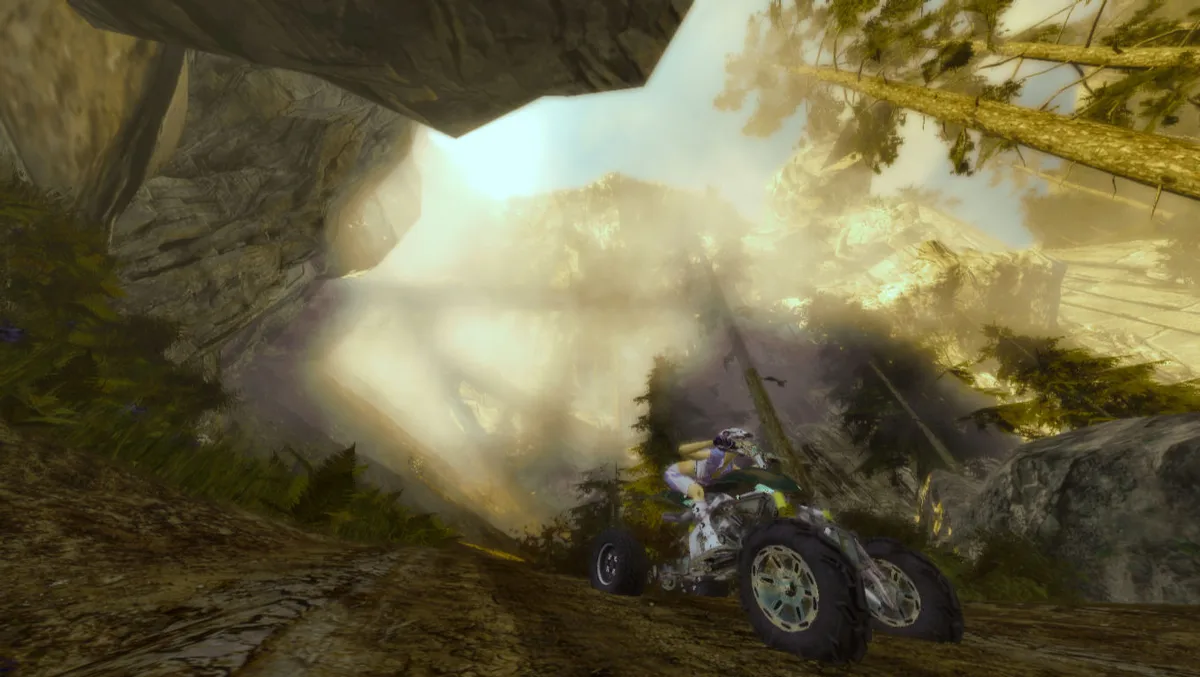
The Simple Race HUD keeps the screen focused on the race itself. It displays current position, race time, lap number, distance to the finish line, boost gauge level, and distance to two other players. That pairing of placement and proximity tells the player both where they stand and how close the competition is. In Time Challenge, the display changes to match the checkpoint format: it adds a Boost Feat indicator, the time left to the next checkpoint, a personal time readout, and a respawn indicator, alongside the lap number, distance to the finish line, and boost gauge level.
The manual's multiplayer section separates local and online play. Players can invite friends over a local area network, and playing online requires logging on to an online profile, choosing a region, and setting a server filter to keep track of local ratings. The mention of local ratings ties back to the leaderboard structure described elsewhere, where world rankings show separate high scores for a specific track and game mode while regional leaderboards present overall performance.
Practical Starting Guidance
A new rider can turn the documented rules into a plan. Start in the tutorial from the Tournament Menu, then treat league events as the main progression. On the track, hold acceleration on Right Shift, use the arrows for steering, and remember that Up and Down tune jump length in the air. Treat boost as a resource: because each press drains a large amount of nitro and the gauge fills slowly, spending boost only when a Boost Feat or track challenge is near gives the instant refill a chance to keep the gauge topped up.
For score chasing, the leaderboard rules point to a specific order of work: finish all tracks with and without Boost Madness, then finish all tracks in Stunt Challenge mode, where mutators are irrelevant. Restart laps in Free Race only when it helps the best-lap objective, and use ghost runs in Time Attack after a track has been finished in the current session.
Sources & further reading.
- nail'd — official game profile Retrieved Oct 21, 2026
- nail'd — official game profile — publisher-supplied gameplay manual Retrieved Oct 21, 2026
First published .