 THE GAME ARCHIVE
Moving Through the Complex: WASD, Run, Crouch and Jump
Philp's movement around the shadowy underground complex runs on familiar first-person PC defaults. The W, A, S, and D keys move him, holding Shift makes him run, Ctrl toggles crouching, and Space jumps; in water, the same jump input also swims him upward. The manual notes that crouch can be switched between toggle and hold behaviour in the Options Menu, and that every default key can be reassigned there. Because Black Plague is a single-player narrative about Philip investigating his father's disappearance, these inputs are the basic vocabulary for covering ground while collecting clues and solving puzzles.
New players choosing a new game see three difficulty settings, with Normal recommended and Easy aimed at beginners; Easy simplifies sneaking and enemy encounters, while Hard intensifies combat. On the first new game, the player is offered a tutorial, which the manual recommends for its information on navigating the game world. Once the game has been played at least once, the tutorial can be revisited later. Together with the reassignable movement keys, this gives a first-time player guidance before exploring Philip's underground setting.
Grabbing, Examining and Turning Objects in a Physics World
Interaction in Black Plague is built on a physics system that lets you handle any object not fixed to the ground, though some items require crouching before you can pick them up. By default, you hold the left mouse button to grab an object and release it to let go; while still holding the left button, a press of the right mouse button tosses the object away. Smaller objects can be rotated using the C key, which supports the environmental puzzles that call for moving and positioning things rather than only finding them.
Examining something uses the right mouse button by default, and a text prompt appears on screen; clicking either mouse button clears it. When there is a lot to inspect, pressing R enters Interact Mode, which makes manipulating held objects and interacting with small things easier. A click of the middle mouse button enters Look Mode for changing the view with the mouse, and dragging the cursor to the edge of the screen does the same. Pressing Tab opens the inventory.
Sneaking, Shadows and Hidden Mode
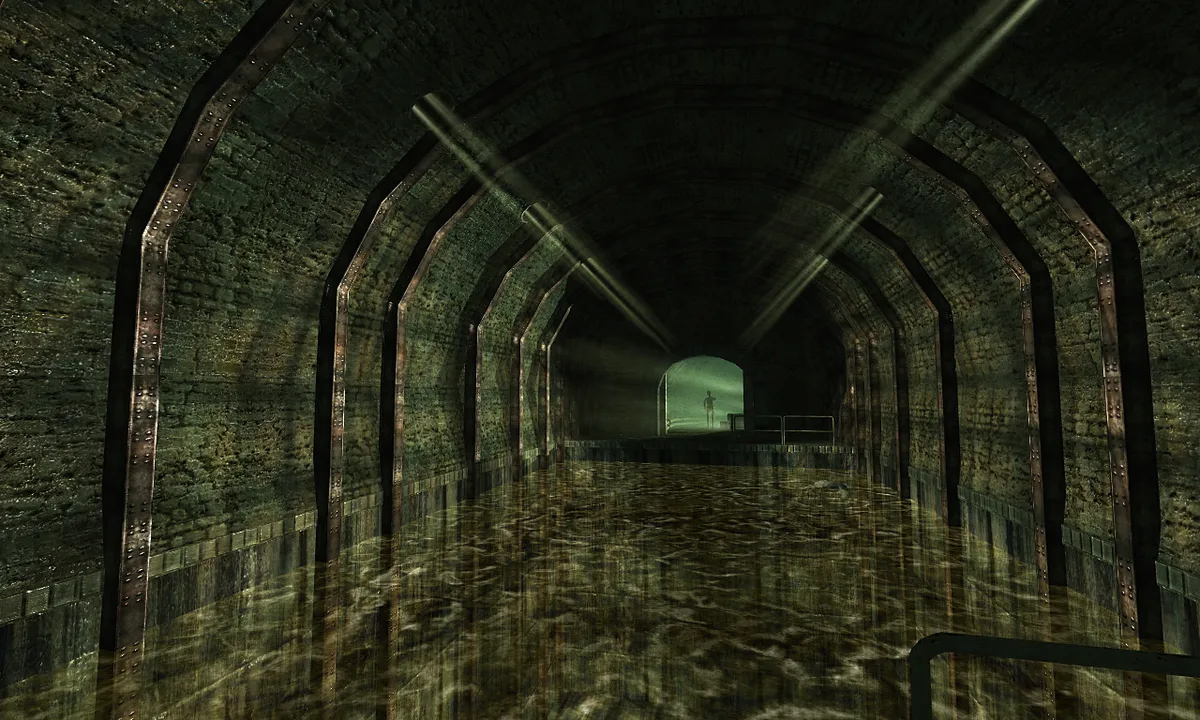
Approaching a creature in Black Plague is risky because Philip can be heard before he is seen, so PC players crouch with the Ctrl key to reduce the noise of walking. Another way to draw attention away from Philip is to throw an object, giving creatures something else to investigate. Light is a further tactical element: searching dark corners with a flashlight, glowstick, or other light source can reveal what is lurking there, but the manual warns that some creatures are attracted to light while others are scared of it, so a light source can be used to advantage either way.
Shadows form the basis of the stealth system. When Philip crouches in a shadow, a faint blue glow appears at the edges of the screen. If he then stays still for a few seconds in that position, he enters Hidden Mode, which makes him harder to detect. This creates a clear sequence of actions: crouch to cut down noise, move into shadow, watch for the blue glow, and hold still until Hidden Mode begins. Combat is limited, so these options encourage avoiding enemies through noise control, thrown distractions, and careful use of darkness rather than direct confrontation.
Inventory, Light Sources and the Notebook
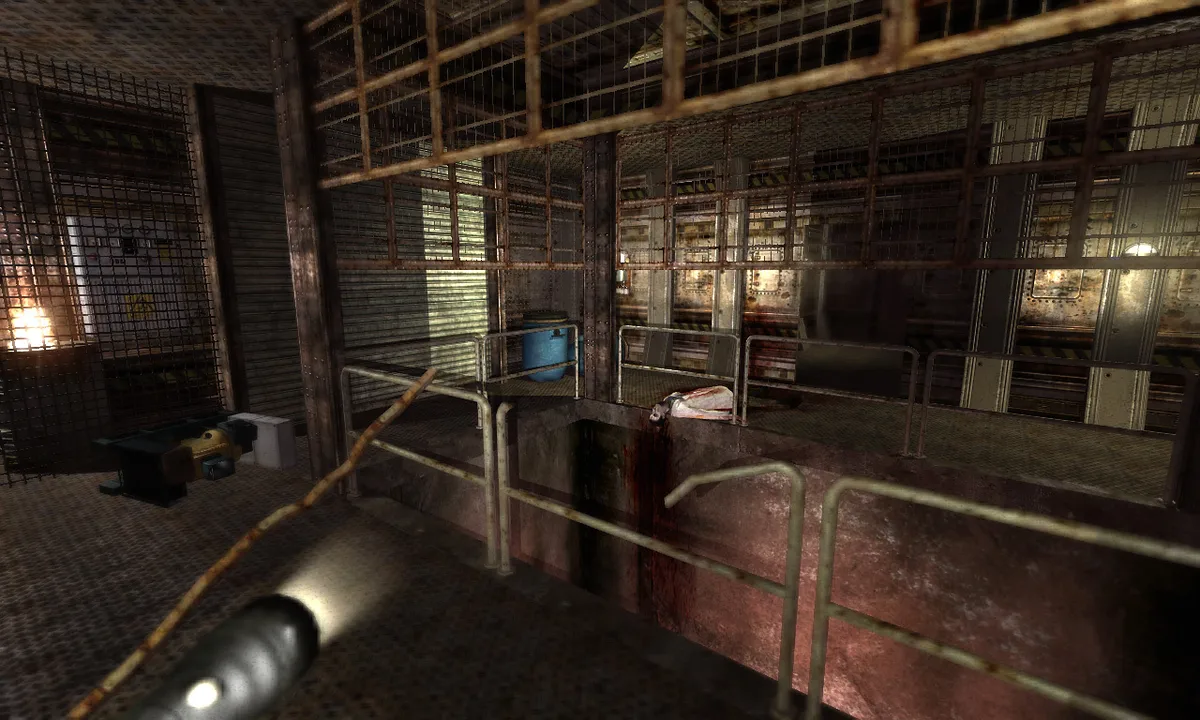
Tab opens the inventory, where items are handled with the mouse: double-clicking with the left button uses an item, click-and-drag rearranges them, and dropping one item onto another combines some of them. Dragging an item outside the inventory and releasing the button throws it. To keep tools reachable, items can be dragged into any of nine shortcut slots, each bound to a number key; pressing that number afterward uses the item in-game, which is useful for quickly equipping a tool or a key item.
Light splits between two carried sources. The flashlight, opened with F, is the stronger option for dark areas but consumes batteries, which are themselves items that raise its power level, so overuse wastes them. The glowstick, opened with G, casts a subtler light and is weaker than the flashlight, but it never needs batteries. A battery item restores the flashlight's power. The notebook opens with N or from the inventory, letting the player read collected notes or personal notes. Painkillers, another inventory item, quickly restore health.
Auto-Saves, Artefact Save Points and Favourite Saves
Saving in Black Plague works through two distinct channels. At certain points the game performs an auto-save, announced by a bright yellow flash on screen. At other locations the player can save manually at save points shaped as ancient artefacts. Both channels feed the same pool of save files, and the manual caps that pool at ten hard saves and five auto-saves; once the limit is reached, the older files are overwritten by any new saves. Loading is handled from the Main Menu through either Load Game or Continue, which loads the most recent save of any type.
The cap creates a second layer of management, because an auto-save rolling through the oldest files could replace a moment you wanted to keep. The manual's answer is the Favourite Saves list: open the Load Game menu, select the save you want to protect, and click Add to Favourites, after which it is never overwritten. This protection sits alongside the differences between the two save types, since auto-saves made at set points and hard saves made at artefact points are classed differently and age out of their own pools. Choosing which files to pin before the limits push older entries out keeps a chosen record intact.
Tutorial Choices and Difficulty Settings
Starting a new game in Black Plague presents three difficulty settings. Normal is the recommended option, Easy is described as intended for beginners and makes both sneaking and enemy encounters much simpler, and Hard intensifies combat. Alongside the difficulty selection, the first time a new game begins the player is offered a tutorial, which is recommended for the information it gives on navigating the game world. Once the game has been played at least once, the tutorial becomes available to revisit, so a returning player can return to that guidance later if needed.
The game's puzzles lean on a physics-based interaction system: environments are highly interactive, and Philip can focus on, pick up and move around any object not nailed to the ground through a simple drag-and-drop interface. The puzzle challenges themselves are framed as a horror adventure in puzzle-like style, with bonuses and incentives to challenge the player throughout the game. These mechanics give the tutorial and difficulty choices something concrete to prepare the player for, since handling objects and working through puzzle scenarios form the core of the documented gameplay.
Sources & further reading.
- Penumbra: Black Plague Gold Edition — official game profile Retrieved Oct 19, 2026
- Penumbra: Black Plague Gold Edition — official game profile — publisher-supplied gameplay manual Retrieved Oct 19, 2026
First published .