 THE GAME ARCHIVE

Switching to Aron: Delta-Mode, Weapon Slots and Ammunition
When both operatives are available in a level, Tab switches between Myra and Aron. With Aron selected, Q activates Delta-Mode: the surroundings appear to slow down, but his aim continues at normal speed. Aron can use captured guns as secondary weapons, selected through the HUDCOM or by pressing 3. These weapons differ in ammunition type, firing speed, precision and damage, so the secondary slot does not represent one fixed weapon. Special weapons available during missions, such as RPGs and sniper rifles, occupy slot 4.
Ammunition type connects the XM8 to weapons found during missions. If its supply runs dry, look for guns chambered for the same 5.56mm NATO rounds, including the AK-101 and M4A1. The HUDCOM identifies which ammunition each gun uses, providing a way to check that match rather than treating every captured weapon as a separate ammunition supply. Stationary miniguns, available in some levels, follow a different restriction: their rounds are unlimited, but their temperature is not something to ignore. Watch the heat while firing and stop sustained bursts to let the gun cool; ammunition conservation is replaced by temperature management.
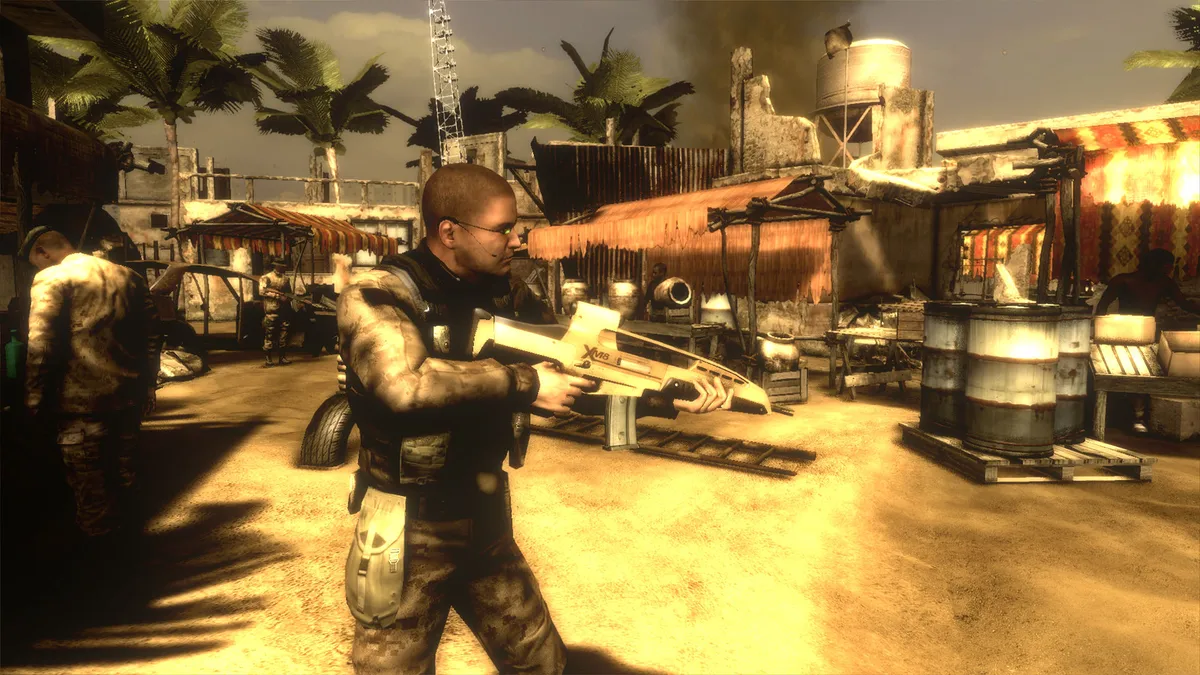
Myra in Cover: Automatic Positioning, Awareness and Stealth Energy
Move Myra into a valid cover position and the Active Cover System places her in cover automatically, without a separate cover-key press. The distinction between entering cover and merely standing in front of it matters: only the actual cover position makes her almost invisible to enemies. From there, she can lean out and aim without being seen; standing nearby leaves her vulnerable. To leave cover, step back or focus on a target behind her. For movement between cover positions, press C to enter fast mode, keeping the cover state itself—not proximity to an obstacle—as the condition to check.
Myra’s Awareness Meter adds information about enemy attention to those positioning rules. Look at the top-right corner of the display for the danger level: it indicates how aware enemies are of her, helping you judge whether to remain under cover or move forward. Her stealth suit has a separate resource constraint, since it runs on stealth energy and replacement energy cells are rare. Save that supply for special situations, including an escape from a difficult position. Cover, awareness and suit power therefore serve distinct purposes: concealment depends on entering cover, the meter reports enemy awareness, and energy limits suit use.
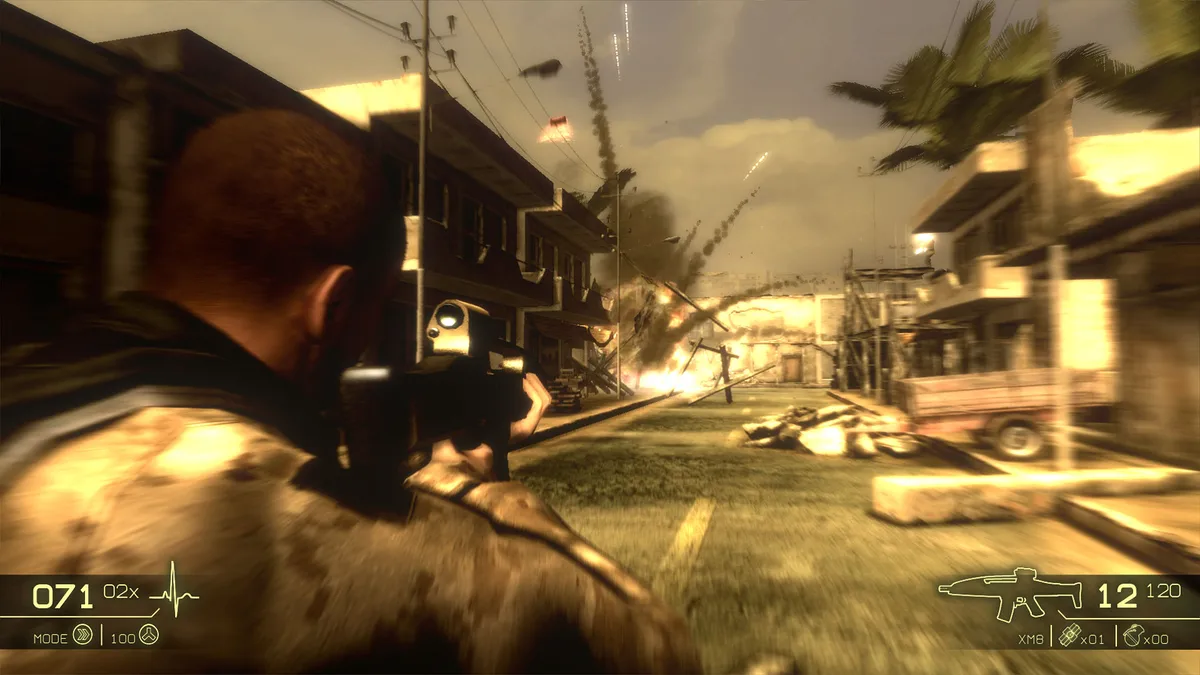
Avoiding Direct Fights: Nano-Bolts, Distractions and Headlocks
Myra’s crossbow offers a lethal alternative to a direct firefight, but its ammunition rules limit repeated shots. Select it through the HUDCOM or press 2: a nano-bolt kills an enemy wherever it hits, and the injection starts a biochemical process that makes the body disappear for a few hours. That removes the need to hide the corpse. The crossbow uses all three slots at once, requiring a reload after every shot, and Myra carries very few nano-bolts. Its guaranteed lethality therefore comes with two concrete restrictions: each shot spends scarce ammunition, and another shot requires reloading first.
To move soldiers away from their posts instead, select attractor bolts through the HUDCOM or press 3. Once a bolt reaches its target, it emits visual and sound signals that distract enemies; right-click to check which soldiers it will influence. For a close-range kill, Myra can quietly approach an enemy from behind and press E to apply a headlock. She can then break his neck or use a nano-injection. The injection works only on a headlocked enemy, kills immediately and makes the body invisible within five seconds, giving this technique a body-concealment effect as well as a lethal one.
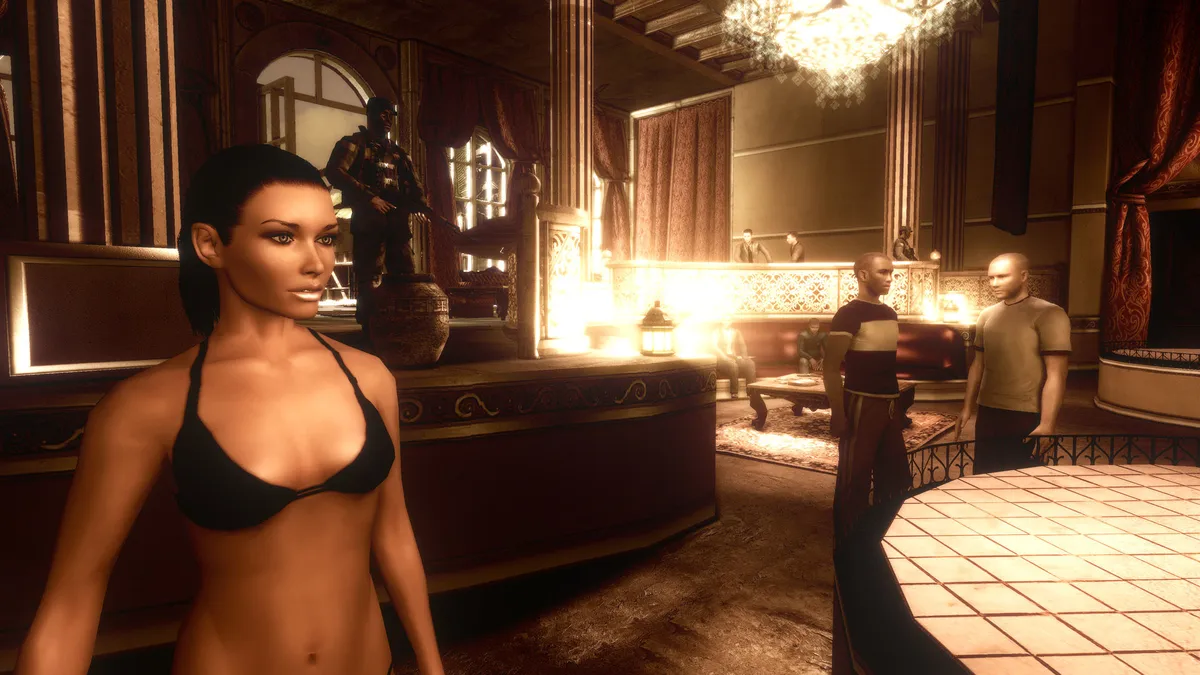
Collecting and Using HUDCOM: Targets, Sensors and Sub-Objectives
The HUDCOM is not available at the start: collect the unit, just as you must collect weapons, before using its augmented-reality visor interface. Once acquired, scroll the mouse wheel to open its menu and move through the available entries, left-click to choose an item or function, and right-click to exit. Its targeting display also supplies information about the world. Focus on an object or person to see details such as distance, status and name. Shape interpolation displays covered portions of the focused target, while additional icons represent objects and people when more than one is in focus.
Myra’s HUDCOM connects to the tox-sensor in her stealth suit, which reacts to stress hormones including adrenaline and cortisol. That connection lets her locate nervous people even through walls: the sensor detects the hormone emitters, and shape interpolation makes those people visible on her display. The HUDCOM also reports their state of excitement, adding a condition readout to their location. Aron’s display provides a separate use for focused icons through sub-objectives. Focus on a sub-objective icon to bring up its descriptive text and distance, pairing the task description with a measurement of how far away that objective is.
Sources & further reading.
- Shadow Harvest: Phantom Ops — official game profileRetrieved Nov 13, 2026
- Shadow Harvest: Phantom Ops — official game profile — publisher-supplied gameplay manualRetrieved Nov 14, 2026
First published .