 THE GAME ARCHIVE
Moving, Walking, and Sprinting with the Cursor Keys
The cursor keys form the core of movement for both Lara Croft and Kurtis Trent. Pressing the left or right cursor key turns the character on the spot rather than stepping sideways, while the down cursor key makes the character step backwards. The mouse can also steer the character left and right. Running is the default mode, and tapping the Shift key toggles between running and walking. Holding Shift together with the cursor keys slows the character to a walk; in that state left or right sidesteps, up walks forward, and down steps backwards.
Sprinting is bound to the zero key on the numeric keypad and works by holding it while already moving at running speed. Lara can only sprint after collecting the appropriate lower body upgrade, and she announces when she feels strong enough to do so, making the ability a progression gate rather than a starting option. Separately, the End key performs a 180-degree roll, letting the character reverse facing in a single press. These three inputs layer onto the cursor-key base: Shift changes pace, the numeric zero key adds a faster gear once unlocked, and End turns the character around.
Stealth Mode, Wall Hugging, and Silent Takedowns
Stealth mode is toggled with the Enter key: pressing it once places Lara or Kurtis in a stealthy stance, and pressing it again returns the character to a normal stance. This mode is built for silent running, but crossing an enemy's line of sight instantly alerts that enemy to the character's presence, so staying hidden depends on where the character is positioned relative to what enemies can see.
While in stealth mode and standing next to a flat upright surface, pressing the Action key, which is Control or the first mouse button, makes the character hug the wall. The left and right cursor keys then perform a leaning look around a corner, and pressing Action again returns the character to stealth mode. Lara also has a silent neck-breaker move, triggered with the Action key when she stands directly behind an enemy who has not noticed her, connecting the wall-hug approach to a takedown.
Fists, Drawn Weapons, and Firing on Target
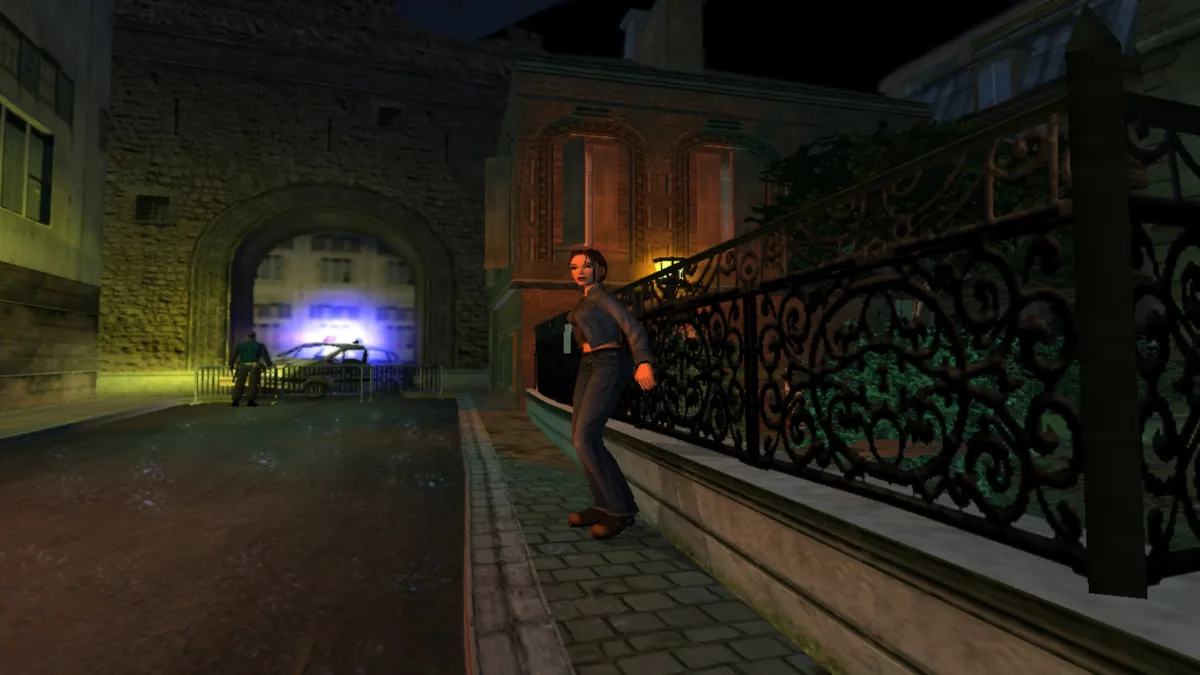
Weapons are handled through the Space Bar, a toggle with two states. Pressing it once draws the weapon currently selected in the inventory, and pressing it again holsters that weapon. The draw is tied to whatever is already selected, so the Space Bar does not cycle through gear; it only brings the chosen weapon out or puts it away. This makes the same key both an offensive and a safe-state control, and the drawn or holstered condition determines whether the Action key has a firing role or remains the general interaction input described elsewhere.
Once the weapon is drawn, the Action key fires it; the manual defines Action as Control or the first mouse button. Switching target does not use Action, because tapping the Roll key redirects fire to a different target. That same Action key still covers scenery interaction, conversations, ledge grabs and releasing from a fixed grab such as a monkey swing, so its effect shifts with context. With a weapon holstered, Action is the interaction and grab key; with the weapon drawn, it becomes the firing input, while the Roll key handles target switching.
Climbing, Swinging, Swimming, and Grabbing Ledges
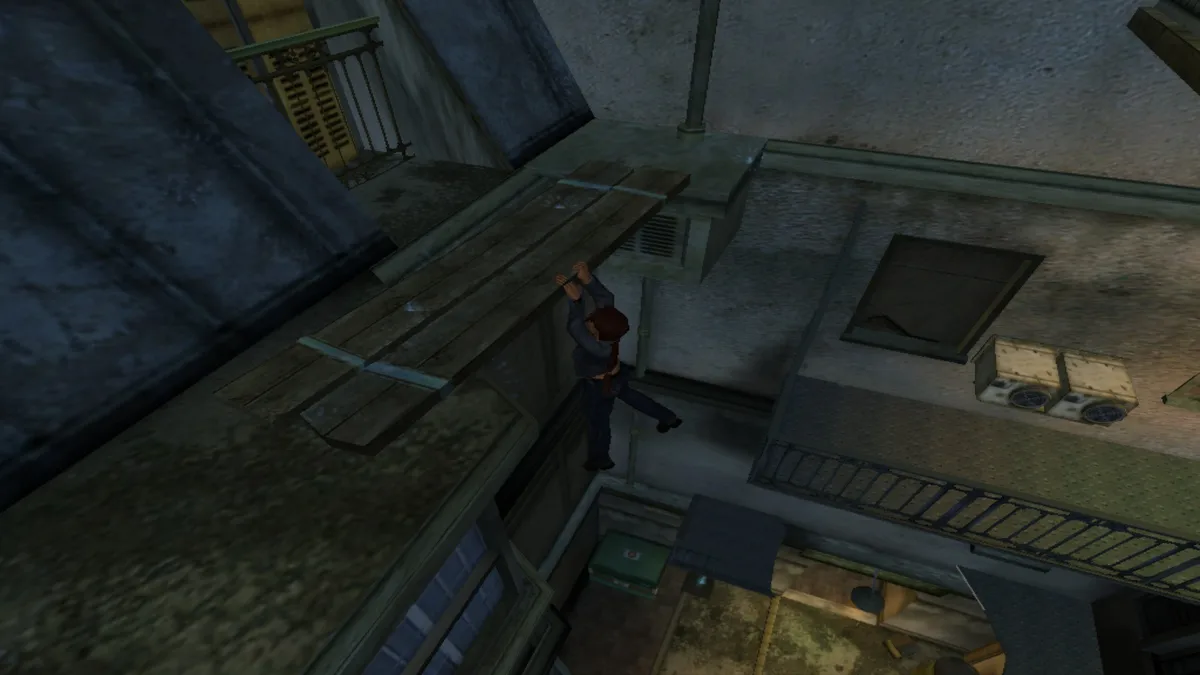
Climbing starts by walking up to a drainpipe or ladder; pressing the up cursor key mounts Lara onto it. Once mounted, the cursor keys climb up, descend, and dismount, and Kurtis Trent can use ladders as well. For gaps crossed by monkey swings, Lara positions under the first bar and presses the Jump key to catch it; while hanging, the up cursor key swings her forward, and the Action key releases the bar. Long jumps to ledges or rails use a jump-and-grab: press Jump with the up cursor, release Jump, then at the apex press and hold Action until the ledge is grabbed. After grabbing, the cursor keys shimmy sideways, and the up cursor key climbs onto the ledge.
In deep water, Lara can jump in and swim; underwater, the cursor keys rotate her and the Jump key strokes forward, with breath lasting about a minute before she drowns. On the surface, the cursor keys move her; at the water’s edge, pushing the up cursor and pressing Action climbs out. If the character starts to slide on scenery, pressing Action performs a last-chance grab before falling. A held ledge grab also ends when the grab bar empties, causing the character to lose grip immediately, or can be released by pressing Action.
Pushing, Pulling, and Reading the Environment
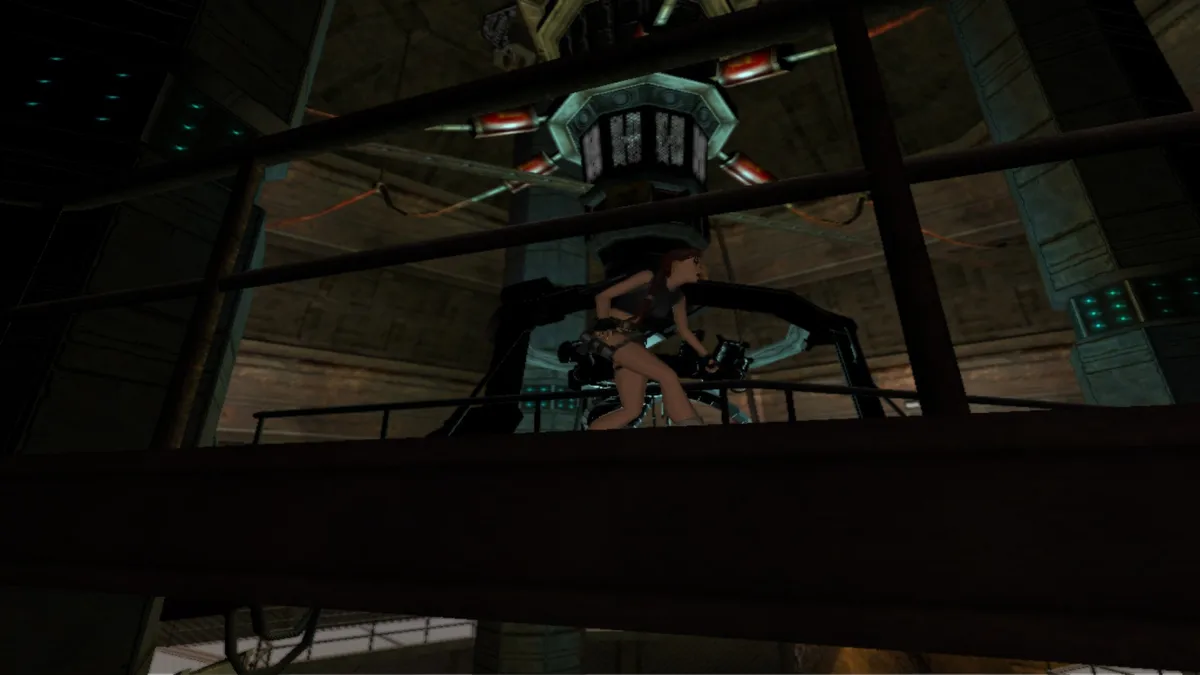
Pushing and pulling begins with the character positioned directly beside a movable object. The player holds the Action key while pressing the up cursor key to push the object forward or the down cursor key to pull it back. The Action key stays held for the maneuver, and the cursor keys supply the direction of travel. Other environmental interactions follow a simpler pattern: standing by a door brings up a hand icon on screen, and pressing Action makes the character attempt to open it. Windows and boxes work differently, since walking the character up to the object causes an automatic climb or squeeze-through when the geometry permits.
The Duck key, the 1 key on the numeric keypad, is held down to lower the character into a crouch, and the cursor keys then guide movement while crawling. Releasing the key returns the character to a normal stance. While ducking, pressing Enter performs a commando crawl. A related traversal use appears on zip wires. To mount a zip wire, the character stands directly beneath it and presses Jump, then uses the cursor keys to travel along the rope; holding the Duck key tucks the character's legs up to avoid obstacles along the route.
Health, Breath, and Grip Bars
The health bar tracks each character's remaining energy, shrinking steadily as damage accumulates. When the character is poisoned, that same bar flashes, giving a visual signal distinct from ordinary energy loss. Because the bar only reflects depletion and the poisoned state, managing health means watching the bar drop and reacting before it empties. Poison adds a second condition to monitor: the flashing continues while the character is affected, so the state is visible on the bar itself rather than through a separate indicator.
Lara's breath and grip share a single bar. Underwater the bar drains as she swims, and while she hangs from a ledge it reduces as her hold weakens; the manual gives roughly a minute of breath before she drowns. Kurtis has a grip bar of his own that reduces only while he hangs from ledges. These rules tie traversal to the bar: staying submerged or hanging too long empties it, and a held ledge grab ends when the grab bar empties, dropping the character immediately unless Action releases the ledge first.
Sources & further reading.
- Tomb Raider VI: The Angel of Darkness (2003) — official game profileRetrieved Oct 28, 2026
- Tomb Raider VI: The Angel of Darkness (2003) — official game profile — publisher-supplied gameplay manualRetrieved Oct 28, 2026
First published .