 THE GAME ARCHIVE
Foundations: Movement, Stealth, and Detective Mode on Windows
Movement on Windows is built around the keyboard and mouse: the W, A, S, and D keys steer Batman while the mouse turns the camera. Holding the Space bar makes him run, while pressing Space twice in quick succession performs an evade. Holding the Control key crouches, and the mouse wheel, number keys, or the minus and equals keys select gadgets. The X key activates Detective Mode, which the manual describes as an alternate view of the surroundings, letting Batman spot enemies, hiding spots, and structural weaknesses in the environment around him.
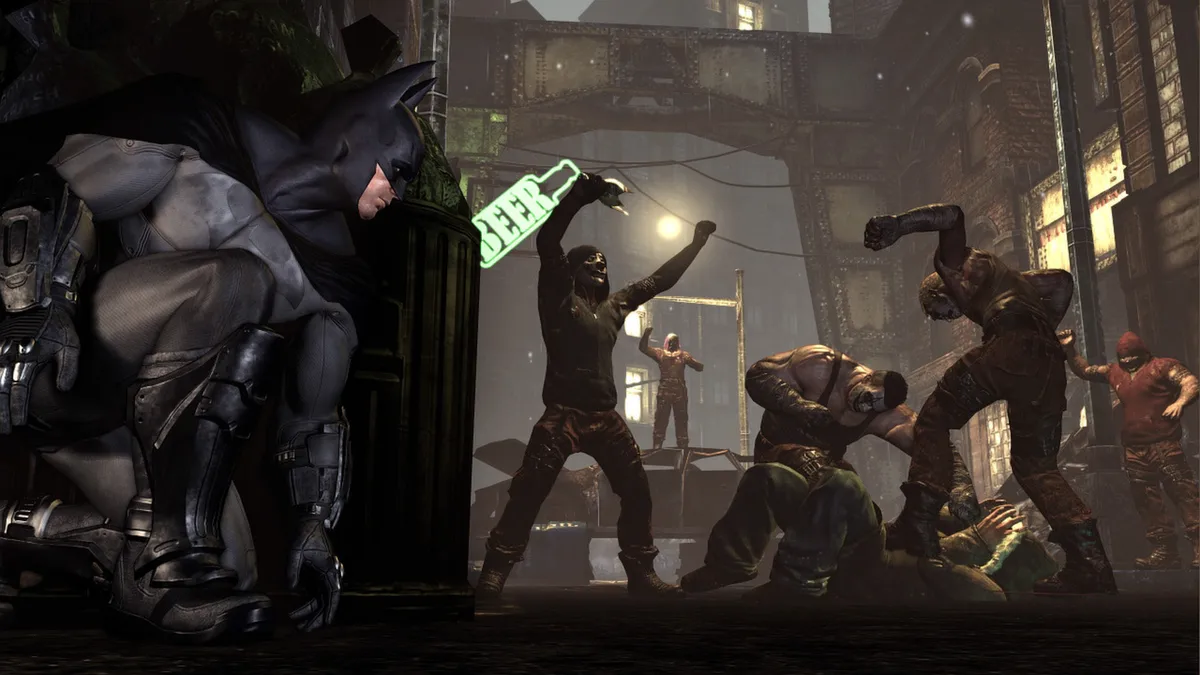
Detective Mode assigns colors to what it reveals: hiding spots such as gargoyles and grates, and objects of interest like security cameras and doors, appear orange. Enemies carrying weapons also appear orange, while unarmed enemies are shown in blue. Structurally unsound walls that Batman can break through are likewise singled out in this view. Because the X key toggles Detective Mode at any time, the same alternate view used to read a room's hiding spots and weak points also marks which enemies are armed and which are not.
Freeflow Combat: Strikes, Counters, and Cape Stuns
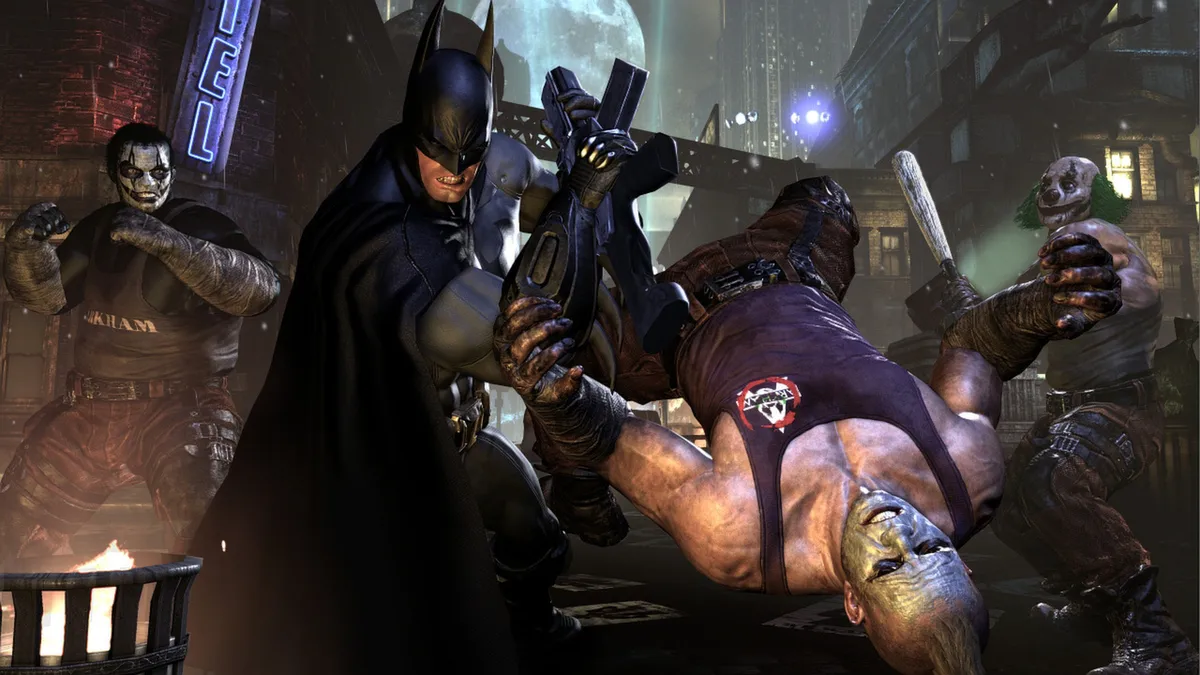
Freeflow combat on Windows maps each basic action to a mouse button. Clicking the left mouse button makes Batman strike an enemy. When a foe is about to attack, a lightning bolt icon appears above that enemy's head; before the icon disappears, clicking the right mouse button counters the attack. Clicking the mouse wheel performs a cape stun, and the manual notes that in the confusion caused by the stun Batman can follow up with a beatdown attack, an aerial attack, or another action. These three inputs—left click to strike, right click to counter on the warning icon, and middle click to stun—form the core of the hand-to-hand system.
The combo system ties these inputs together. A combo is created by stringing together strikes, counters, gadgets, stuns, and evade moves without taking or missing a hit. Maintaining that uninterrupted chain increases the XP multiplier, so clean sequences of left-click strikes, right-click counters triggered by the lightning bolt icon, and mouse-wheel cape stuns feed directly into progression. The documented rules show how the actions interact: a missed hit or a hit taken breaks the chain, while counters and cape stuns count as links alongside strikes, gadgets, and evades.
Gadgets and Traversal: Batarangs, the Grapnel Gun, and Glide Attacks
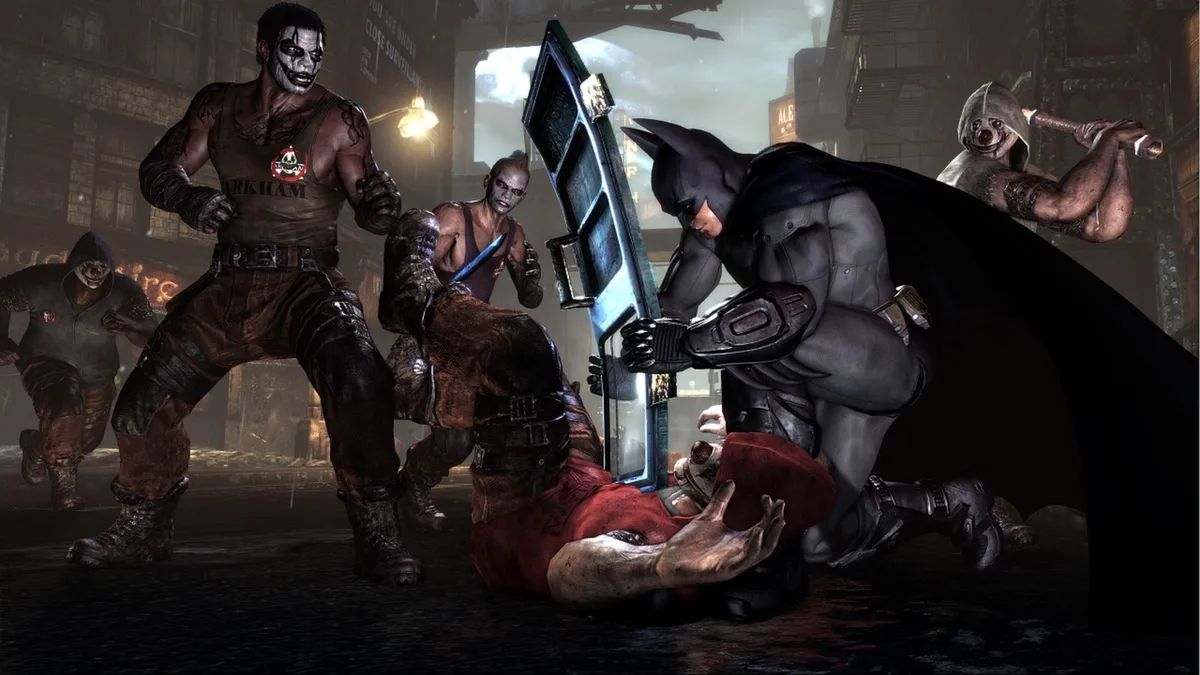
The Batarang is Batman's signature gadget, used to stun foes or strike objects that are out of reach. To aim it, hold the right mouse button, then click the left mouse button to throw; alternatively, press the 1 key twice in quick succession to fire one directly. Up to three Batarangs can be thrown in rapid succession. Number keys or the mouse wheel select gadgets, so Batman can switch from the Batarang to other tools and back during a confrontation.
The Grapnel Gun handles vertical navigation: press the F key and Batman instantly grapples and climbs to the nearest ledge, while pressing the Control key at any point during the grapple disengages the hook. From a glide or a perch on a high vantage point, a bat symbol appears above enemies in range; clicking the left mouse button then triggers a Glide Kick, and Batman automatically glides down to attack. Holding Control during a glide makes him dive straight down, and releasing it while using the mouse to pull up converts the dive into a boost of speed and height.
Progression and Modes: XP, Riddler Trophies, and Riddler's Revenge
Progression in this Windows version runs through experience earned by defeating criminals. The green bar in the upper left corner tracks Batman's current XP level, and each time it fills he may purchase an upgrade from WayneTech. The progression loop therefore ties combat directly to character growth: taking down enemies feeds the bar, and a full bar opens the upgrade menu. The manual also documents how further content is gated. Finding Riddler trophies scattered throughout Arkham City unlocks additional challenges, and trophies also unlock concept art viewable from the menu. Collecting is thus a route to both challenge content and gallery material rather than a self-contained diversion.
Riddler's Revenge is the challenge framework, built from several challenges the Riddler sets to push Batman and other playable characters to their limits. Ranked Challenges run without set modifiers and place results on online leaderboards, while Campaigns string challenges into a gauntlet in which the player tactically chooses which modifiers to apply on each map; modifiers affect either Batman's abilities or his enemies'. The manual also lists optional content: the Harley Quinn's Revenge pack adds a new story with additional areas and enemies set two weeks after the main story, and the Nightwing and Robin bundle packs make those allies playable in the challenge maps while adding two maps each.
Sources & further reading.
- Batman: Arkham City - Game of the Year Edition — official game profile Retrieved Oct 17, 2026
- Batman: Arkham City - Game of the Year Edition — official game profile — publisher-supplied gameplay manual Retrieved Oct 18, 2026
First published .