 THE GAME ARCHIVE
Taking and Holding Objectives
In Shattered Union, tactical battles center on controlling objective points, and the two sides pursue opposite goals through the same hexes. The attacker must end up as the only faction with units in every objective hex, while the defender simply must keep the attacker from achieving that. Any objective containing at least one defending unit counts as defender-owned. Flags on the map mark ownership by color: blue for the defender, red for the attacker, making the contested ground visible at a glance and telling the attacker which hexes still need clearing.
A battle status bar, marked with a sword for the attacker and a shield for the defender, splits into red and blue portions reflecting how many objective points each side holds. If the bar fills completely red, the attacker has captured every objective point required to win, and the defender must watch that bar closely. Tactical battles run in days, with each side giving orders once per day under a fourteen-day limit, and a fight also ends if the attacker captures all objectives or wipes out the enemy units. The objective map displays objective locations and values alongside remaining days and the positions of friendly and visible enemy units, with icons that toggle objective flags, deployment zones, units, feature buildings, airports, and landmarks.
Turn Order and the Firefight
Once a unit stands within range of an enemy, the player moves the cursor onto that unit and clicks when the hex turns red to begin an attack. The view fades in on the two units, and the attacker always fires first; the defender then retaliates if it is able. Each unit may attack only once per turn, so any later attack against a unit that has already fired draws no return fire. Using up a unit's retaliation still requires that the unit be capable of attacking; for example, a ground unit with no air attack cannot answer a bombing run.
Tactical battles play out in days: each side receives one turn to issue orders, and a new day begins once both have done so, with a fourteen-day limit on the battle. Combat itself is turn-based, with damage figured from attack and defense statistics and random factors, including the possibility of critical and lucky hits. A unit's condition appears on a health bar that starts green, shifts with damage, and turns red when the unit is near death, while darkened hexes under fog of war hide enemy units, defensive structures, and airfields.
Movement, Fuel, and Resupply
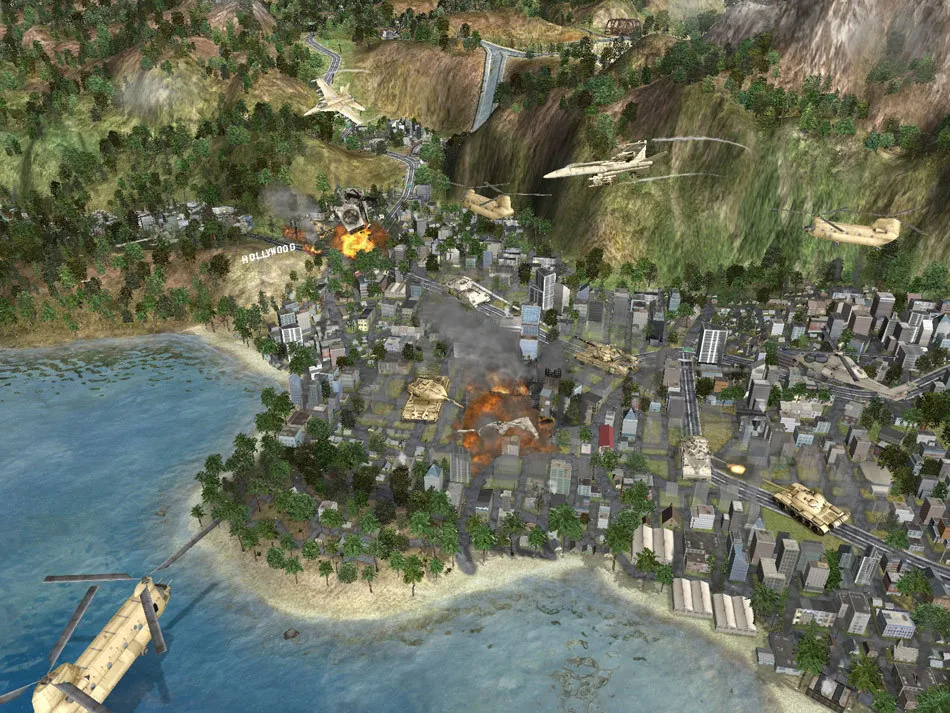
Each unit's movement range is displayed when selected and is modified by fuel, terrain type, and the enemy zone of control. Every movement point spent consumes one point of fuel; when fuel runs out, the fuel number blinks to indicate that the unit must resupply before moving again. Moving one hex normally costs one movement point, but terrain can increase or decrease that cost. Helicopters ignore ground obstacles such as mines and can move over all terrain types.
Resupplying restores hit points and fuel automatically at the end of a turn, provided the unit does not move or attack that turn and is not adjacent to an enemy. Resupplying in a city is much faster than in the field: a unit in a city regains full fuel and health, while one in open terrain regains only 50% fuel and partial health. A unit that runs out of fuel must resupply before it can move again. The tactical map is partially obscured by fog of war, which hides enemy units and structures; movement overlays mark explored versus unexplored terrain.
Deploying the Force Pool
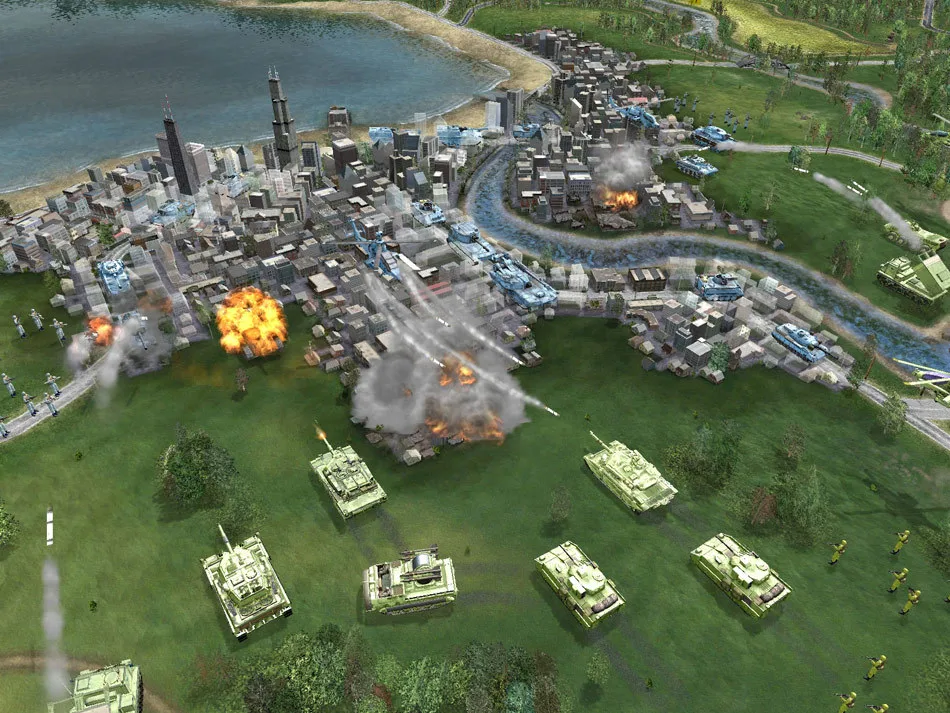
Deployment begins by opening the manage units screen, which has three modes: buying units, selling or repairing units, and deploying forces. In campaign mode the deploy mode is available; in any skirmish, all available units are automatically selected to be deployed. To buy a unit, the player clicks the unit pictures on the upper-left menu to rotate through the different units, and the unit detail window to the right shows the current unit's statistics. Units fall into categories: ground units such as infantry, armor, and artillery; air units such as fighters, bombers, and helicopters; single-use defensive structures; and specialized units including scouts, engineers, and partisans.
Every tactical battle opens with a deployment phase in which the area available for placing units is highlighted in yellow. A cursor carrying a transparent image of a unit follows the mouse, and the pictured unit is the one placed when the player clicks; the bracket hotkeys change which unit the cursor carries. The player moves this cursor around the map and distributes units as desired, and any unit already positioned can be repositioned if the placement is unsatisfactory. Aircraft brought into a battle require an airfield, a stationary unit that can be placed anywhere inside the deployment zone but cannot move once placed; destroying it eliminates all associated aircraft in the battle.
Air Power and Engineer Traps
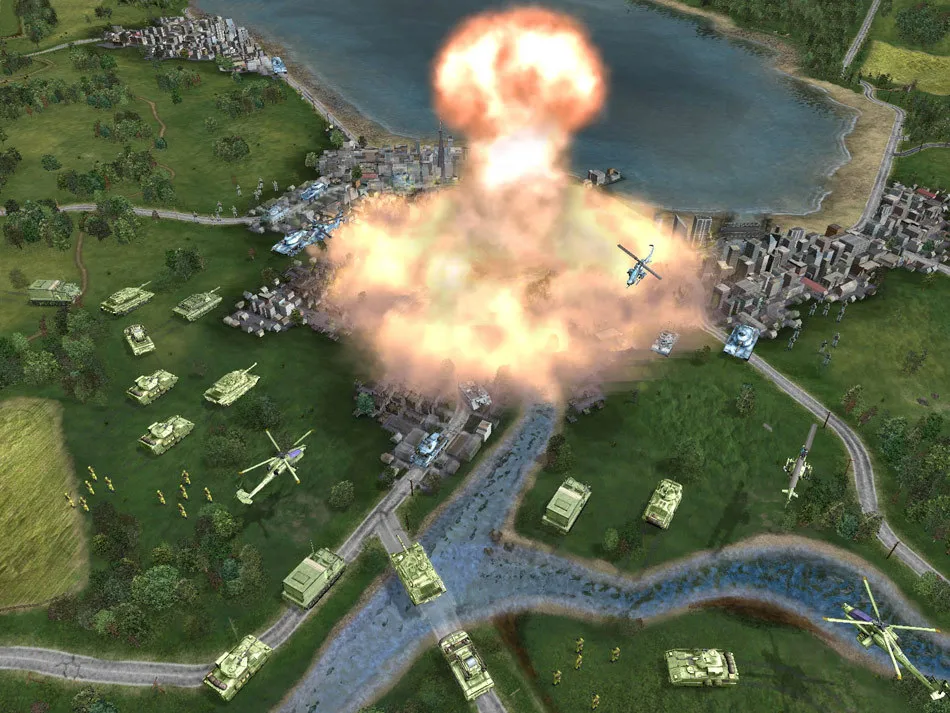
Aircraft roles split along different lines. Bombers strike ground targets with area damage, while fighters provide broad area air defense across a force and serve as direct attackers against other air units, with a fighter that discovers an enemy fighter patrolling the same space attempting to shoot it down for control of the air. Helicopters are strong against ground targets but carry light armor and stay vulnerable to air units and to ground anti-aircraft units, so escorting them against fighters matters given their high price. Bringing aircraft into a battle requires an airfield, a stationary unit placed anywhere inside the deployment zone that cannot move once placed; destroying it eliminates all associated aircraft in the battle.
Engineer infantry are the only units that can lay mines, doing so through their sub-menu on the battlefield. They may lay only one mine per turn, and laying it uses up their attack. Mines can be placed on any hex and come in several types, including standard mines, dragon's teeth, and barbed wire, which block movement. Mines remain visible to enemies, and engineers can remove them from the map by moving over them; clearing costs movement points but the mines do not explode or cause other ill effects. Engineer units thus both seed obstacles and clear paths through them.
Special Powers, Reputation, and Modes
Special powers in Shattered Union are tied to political reputation: factions earn them based on standing, and each can be triggered from icons on the tactical interface. Picking one brings up a targeting cursor marking the power's area of effect, with hexes shifting from white to green whenever a legal target lies underneath. Many powers also carry charge-up and cool-down periods, shown as a number over the icon, and a dimmed icon means the power is not yet ready and will become available once the listed wait has passed.
The collateral damage meter sits just right of the battle status bar and tracks harm dealt to the world during a battle, filling red as bridges, buildings, and landmarks are destroyed. In campaign mode that destruction directly shapes political reputation, which in turn determines alignment and special powers; in skirmish mode the bar can be ignored. Skirmish setup itself lets players set Faction, Starting Money, Special Powers, Attacker or Defender role, Opponent, Map, and Attack Direction, each changed by clicking its arrow or option.
Sources & further reading.
- Shattered Union — official game profile Retrieved Oct 17, 2026
- Shattered Union — official game profile — publisher-supplied gameplay manual Retrieved Oct 18, 2026
First published .