 THE GAME ARCHIVE
Moving Jade: WASD, Running, Stealth and Climbing
Jade moves along the ground with the four WASD direction keys, with A steering left, W up, D right and S down. Pressing the Space bar once switches her into a run; pressing it again or releasing it returns her to a walk. For quieter movement, holding Ctrl while choosing a direction puts her into crouch or stealth mode, where she stays low and makes less noise as she travels. Releasing Ctrl brings her back to a standing position.
Jumping is largely automatic: in most situations Jade clears precipices and other obstacles on her own, though some spots require the player to aim her and press the left mouse button. The right mouse button performs a roll or dive, and rolling can also let her dodge attacks from certain enemies. Approaching a wall makes Jade flatten against it automatically when possible, after which the WASD keys slide her along it. Moving into a ladder or vertical wall with those same keys makes her jump up and hang on by herself.
Daï-Jo Stick Combat, Super Attack and Companions
Jade fights the enemies and creatures inhabiting the planet Hillys with her Daï-Jo stick, a weapon through which the power sleeping inside her awakens and produces a Super Attack. A strike comes from the left mouse button, and when several enemies surround her the WASD keys direct and distribute the blows, with the strikes changing automatically according to her position. How quickly the left mouse button is pressed also matters: a slow or fast press shifts Jade into a faster, more powerful whirlwind attack.
While standing still, Jade concentrates and releases an energy discharge affecting every enemy in the zone; this Super Attack triggers by holding the left mouse button down for a few moments and releasing it once enough Daï-Jo energy has built up. Companions join fights of their own accord whenever possible, but each has a personal Special Attack held back until ordered, and pressing the E key requests it. Cooperation between Jade and her companions can be vital to winning certain fights.
The Camera: Aiming, Zooming and Photo-Taking
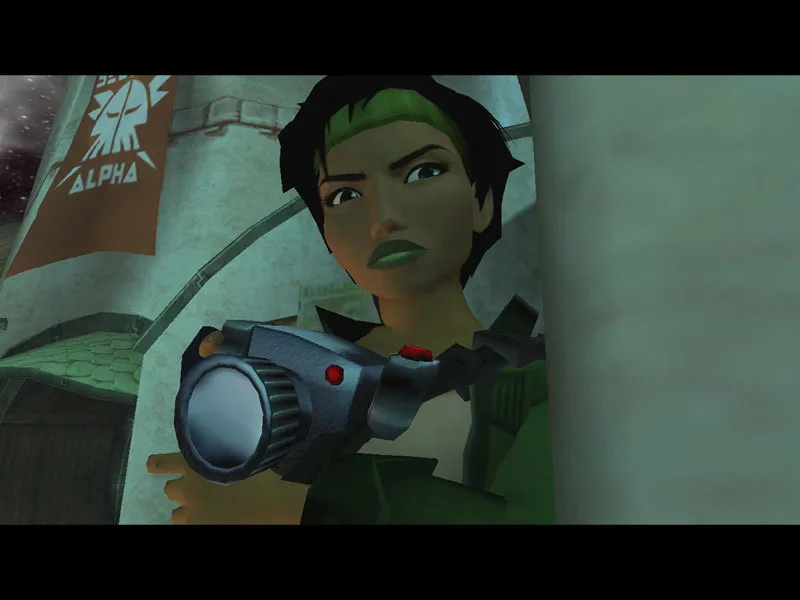
Photography begins by pressing Shift to enter Aiming Mode, a dedicated stance for framing shots. Once there, the mouse directs the camera, turning it toward the subject, while the mouse wheel zooms in and out and adjusts focus. When the framing satisfies the player, the left mouse button presses to take the photo. These steps form a single sequence: enter the mode, aim with the mouse, refine the shot with the wheel, then capture the image with the click.
The camera itself is Jade's main tool of trade rather than a simple accessory. It stores and transmits photos and reports, receives information and e-mails, and its database supplies details about objects or creatures inside her line of sight. It can also scan maps and record them to aid navigation. Outside Aiming Mode, the mouse serves to direct the camera generally, and the C key repositions it behind Jade when the view needs resetting.
Pearls, Energy Items and the S.A.C. Inventory
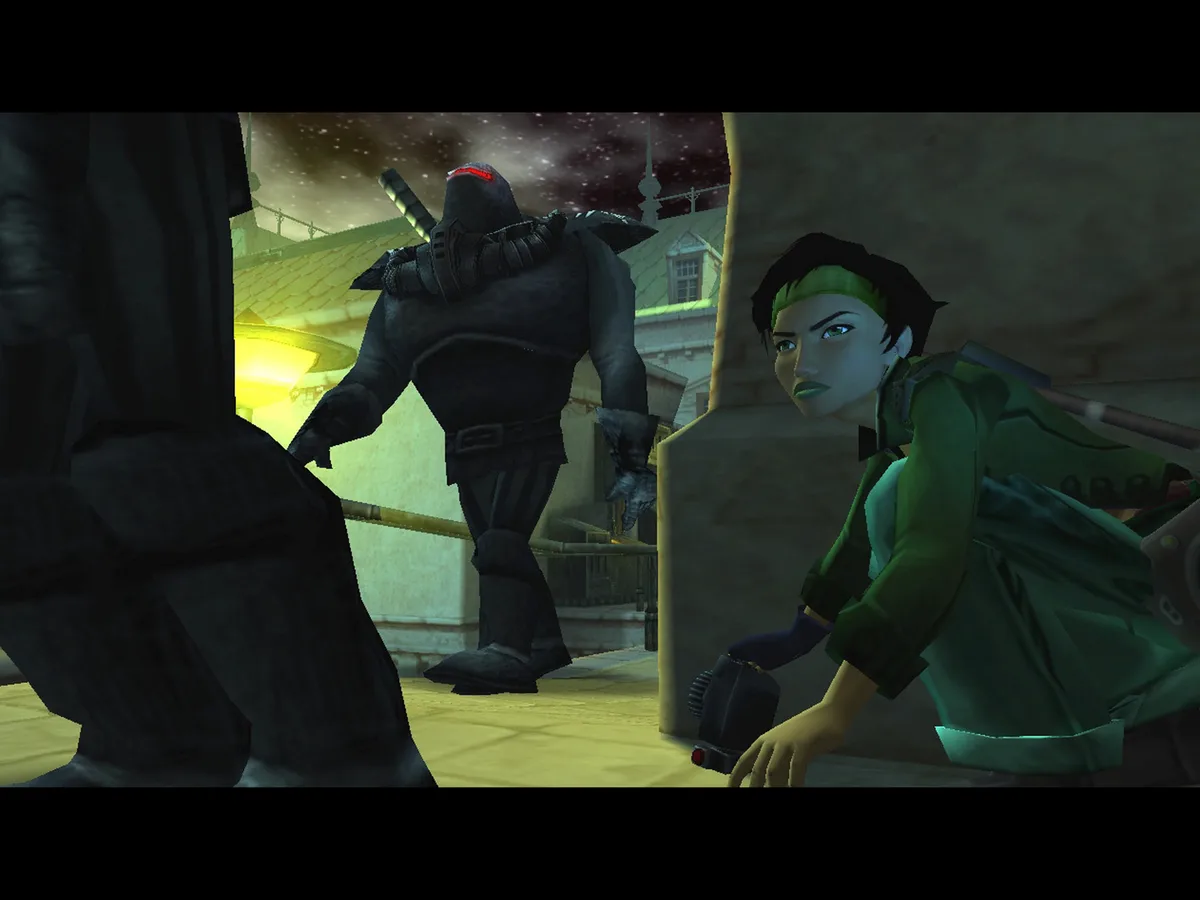
Pearls hold great value on Hillys and circulate as an unofficial currency, with some storekeepers refusing anything else as payment. Jade gathers as many as she can to buy the equipment her mission demands, and she carries a credit card that automatically stores every Materia unit she wins or finds; the card must be presented whenever she makes a purchase. The S.A.C. holds all the objects Jade has found. From the inventory menus she moves the cursor along a spiral with the mouse, confirms an entry with the left mouse button, and uses small arrows at either end to scroll through the collection.
Starkos resemble synthetic bread rolls and each restores one heart of energy. K-Bups are high-energy food for Hillyans, and consuming one restores all of Jade's energy. Either item can be handed to a companion: with the directional keys Jade selects the food, approaches the companion, and gives it by pressing the Q key, which transfers the item from her inventory straight into the companion's. AP-1s work differently, acting as physiological accelerators that raise physical resistance; each one Jade or a companion possesses adds one heart to the life gauge.
Saving at Mdisk Readers and the Objectives Menu
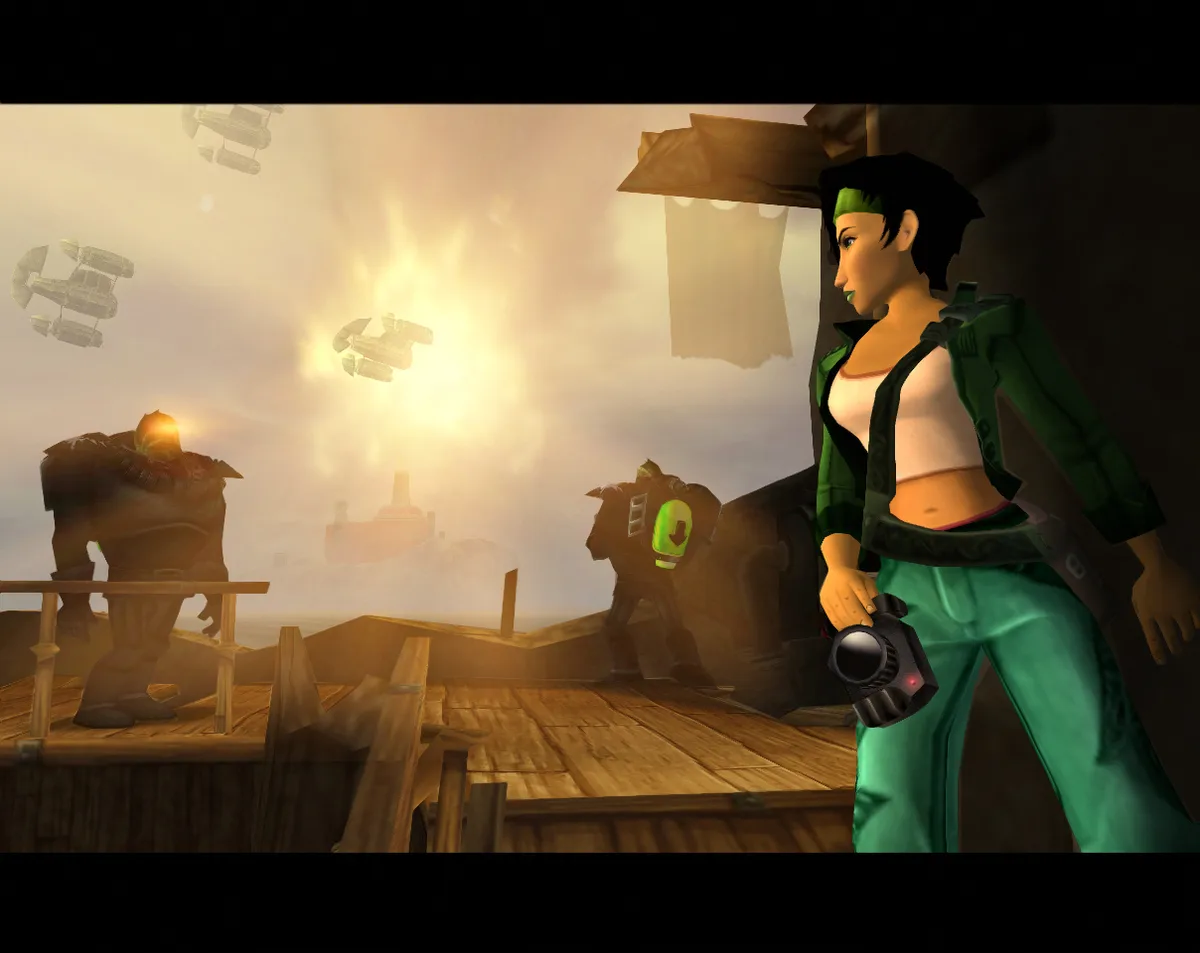
Saving happens at terminals scattered across the planet Hillys, which double as Mdisk readers. Jade carries a set of Mdisks, and the green one is reserved for saved games. To save, position Jade in front of a reader and press the Q key or the left mouse button. The Mdisk list then scrolls with the W and S keys; highlight the saved-game disk and confirm with the left mouse button to write the save, so the reader and the disk selection work together as one sequence.
The Tab key opens a combined menu holding the objectives list, e-mails, card and detectors, giving Jane's mission information a single access point during play. The Q key uses whichever object is currently selected, and the roll, dive or dodge action sits on the right mouse button, while the left mouse button validates menu entries and performs contextual actions. The Escape key pauses or opens the game menu, letting the player leave play for the desktop, with a reminder to save first if that progress should be kept.
Vehicles: Driving, Interior View and PODS Repair
Vehicles follow Jade's own control scheme: she remains the one at the controls, and the WASD keys indicate the direction of choice while the Space bar accelerates. Various accessories appear over the course of the adventure to enhance vehicle abilities, so handling is not fixed from the outset. Small drones called PODS support this side of play by repairing damaged vehicles, letting a vessel return to use after taking damage rather than staying out of action. Interior View also serves navigation: pressing the E key shifts into that mode and lets the player use the compass to find the way around the planet Hillys more easily.
Docking and combat in the hovercraft use the left mouse button. To draw alongside a quay, press it once; to shoot, press it as well. After installing the neutralizing cannon, the player can hit a larger number of targets by locking on: move toward the target and keep the left mouse button held for a few moments until the sights appear, then release. To clear an obstacle or reach steep paths, the right mouse button jumps, so steering, acceleration, docking, firing and jumping form the documented hovercraft sequence.
Sources & further reading.
- Beyond Good and Evil™ — official game profile Retrieved Oct 19, 2026
- Beyond Good and Evil™ — official game profile — publisher-supplied gameplay manual Retrieved Oct 19, 2026
First published .