 THE GAME ARCHIVE
A Shooter Built Around Movement and Roles
BRINK asks players to do two things at once: move across complicated ground without stopping, and keep picking work that actually helps the squad. The SMART button handles the first by automating obstacle traversal, and the Objective Wheel handles the second by generating mission goals on the fly. Around those two systems sit four classes, a supply economy and a set of capture points that can change what the whole team has available mid-mission.
That makes BRINK less about mastering a single character build for an entire mission and more about reading the battle. The Objective Wheel tells you what needs doing, the classes tell you how you can contribute, and the Command Posts decide where you can change your mind. The rest of this feature walks through those systems in the order a new player meets them.
SMART Movement: One Held Input for Climbing, Jumping and Sliding
SMART, short for Smooth Movement Across Random Terrain, is held rather than tapped. The player keeps the SMART key pressed and runs toward a destination, and the system routes the character over or under obstacles, climbing ledges and performing whatever jumps and slides the path demands. Releasing the key ends the assistance immediately, so a player can break off mid-traverse.
Firing remains possible during any SMART move, though accuracy drops while doing it. That creates a real trade-off: a player can pair a climb or a slide with suppressive fire, but pays for it in precision. Instead of treating a wall or a drop as a pause, SMART lets movement and shooting overlap at a cost.
The surrounding bindings reinforce the same loop. Movement uses the forward, back, left and right keys; sprint shares the SMART binding; crouch doubles as a slide; and jump doubles as a vault. Because those functions overlap, one held input can chain sprinting, sliding and vaulting into a single continuous crossing rather than a string of separate presses. The Objective Wheel sits on its own separate key, so navigation and goal selection never compete for the same input.
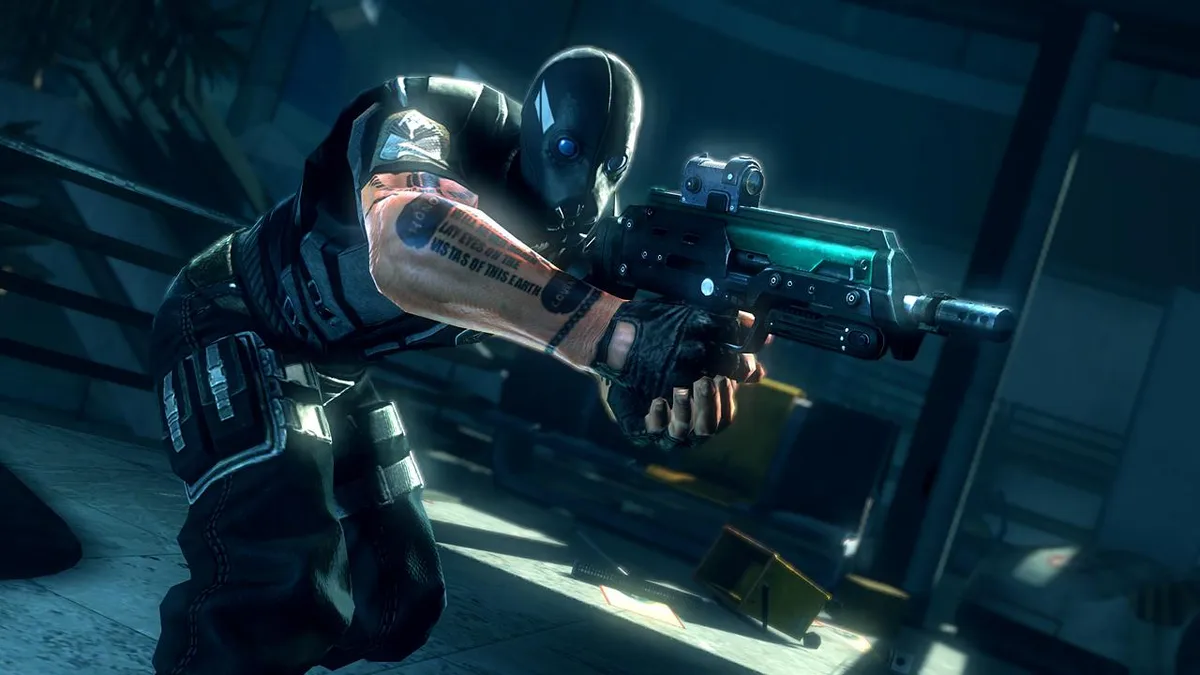
The Objective Wheel: Choose a Goal, Announce It, Earn More XP
All gameplay in BRINK revolves around objectives. The wheel builds a live list of goals from your role, your location, your squad-mates and the state of the battle, and orders them by priority. Primary objectives sit at the top: only one is active at a time, and completing it is required for the team to win. Secondary objectives are optional tasks that give the team an edge, covering activities such as destruction, repair, escort and hacking.
Selecting an objective off the wheel does two things at once. Your character immediately announces the intent to every teammate, which can generate new objectives for them, and the assignment tags that goal so completing it pays bonus XP. The manual recommends using the wheel even when you already know where to go, because both the communication and the XP bonus are tied to assigning the goal rather than merely finishing it.
Objectives are also the main route to leveling. Earning XP from objectives, helping teammates and attacking the enemy pushes you toward a Level Up, which is what unlocks new abilities. A squad that ignores the wheel therefore loses twice: it forfeits the bonus XP attached to assigned goals, and it gives up the fastest path to new ranks.
Four Classes and the Command Posts That Let You Swap Between Them
Four classes define mission roles: Soldier, Medic, Engineer and Operative. The Soldier specializes in destruction, planting Heavy Explosive Charges to complete Destruction Objectives, and carries a Molotov cocktail alongside the standard Frag Grenade, giving the class twice as much grenade power as any other class. You are always part of an eight-man squad, and every member is capable of completing any objective, though you may have to change class first.
Because anyone can take on any objective after switching, the manual treats a good balance of class usage as vital to success and asks players to watch squad-mates and either assist them or take the lead so others can assist in turn. Class choice becomes a reading of what the team lacks in that moment rather than a permanent identity.
Switching is not locked in for a match. During a mission you can change class at any time at a Command Post. These posts start neutral, with one or more scattered across the battlefield, and either team can capture them. A captured post lets your team refill ammunition, equip available weapons and change class. The manual's advice follows directly: don't hesitate to switch roles if it helps the overall mission.
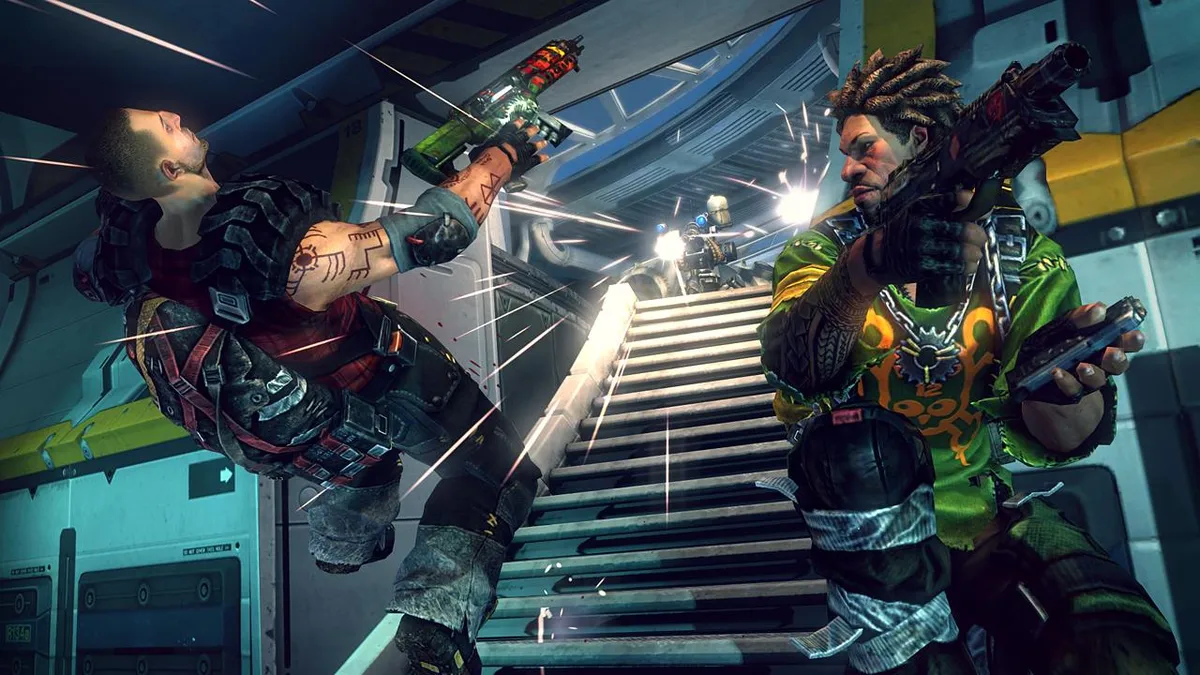
Supply, Cooldowns and Buying Abilities Between Missions
Supply is the resource spent to activate Abilities, shown on the HUD as the Supply Meter. When it runs too low, some Abilities cannot be used; the meter refills slowly over time, and there are ways to raise the maximum. Separately, some Abilities carry a cooldown, meaning they can be used only once in a given period. Frag Grenades are the documented example, and the remaining cooldown time appears on that Ability's HUD icon.
Those two limits shape when an Ability is actually available. A heavy-supply Ability is a budget decision across a fight, while a cooldown Ability is a timing decision within it, so a player who ignores the meter can find a purchase useless exactly when it is needed.
Abilities are bought between missions. Leveling up grants a credit to spend on a new Ability, and Abilities are divided into ranks, so you can only buy those in your current rank level. If you regret a purchase, you can sell all your Abilities back and start again, but the game applies an XP penalty for it. Cosmetic unlocks earned through leveling are available to all of your characters, not just the one that achieved the unlock, so progress is never stranded on a character you later set aside.
Command Post Bonuses, Incapacitation and Reinforcement Waves
Capturing a Command Post pays the whole team one of two bonuses: every member either gets a longer Life Meter or a longer Supply Meter. The bonus holds until the enemy captures the post or the mission advances to a new section of the map. That makes a post more than a spawn point. Holding one converts a piece of ground into a resupply and role-switching hub, and losing one takes the bonus away from everyone at once.
Taking enough damage does not kill the character outright. It leaves the player incapacitated and still alive, able to be revived by a friendly Medic; being revived also earns the revived player an XP bonus. An incapacitated player can either wait for a Medic or opt to join the next Reinforcement Wave. Waves launch at regular intervals, and anyone who chose to join reappears at the beginning of the level, ready to continue.
Melee matters here too. A melee strike knocks enemies to the ground, finishes off downed enemies so they cannot get up, and forces them to join the next Reinforcement Wave. A downed opponent is therefore not out of the fight until someone confirms it, and a player advancing past a body leaves a live decision for the other team.
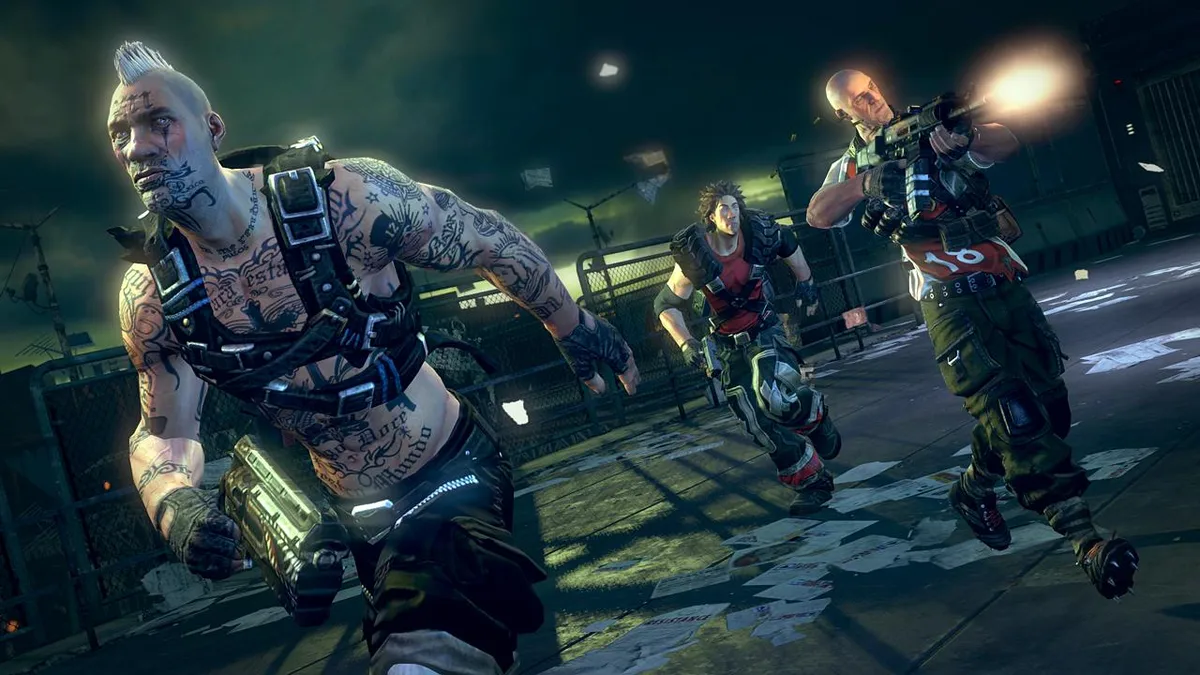
Campaign, Freeplay and Where Matches Take Place
The Campaign entry lists every story mission and highlights the current one, and missions can be played in any order. The same storyline can run offline in a traditional single-player style or online as either a co-op game or a full competitive match. Online play supports up to eight players cooperatively, counting friends or AI characters on the opposing faction, and up to sixteen players in competitive matches.
Freeplay repeats the online or offline choice and who may join, then asks for Match Settings. Standard reproduces Campaign play exactly, and Advanced alters the rules, for example by enabling friendly fire.
Challenges sit alongside these matches with fixed tasks. One is an objective mode where the team fights to complete a sequence of objectives while the rest support and draw fire. Another is a parkour race through a 3D maze as a Light body type, hitting checkpoints in any order. A third is a tower defense in which an Engineer stops waves of enemies from capturing a Command Post, and a fourth is an escort task. Because new Abilities arrive as you level, the manual suggests revisiting Challenges to beat your earlier scores with a stronger character.
Starting Guidance From the Documented Rules
Three habits follow from the systems above. First, assign an objective off the wheel before you move, even if you already know the route, because the announcement and the bonus XP both depend on the assignment. Second, use Command Posts deliberately: they are the only documented place to change class mid-mission, and they are where you resupply and pick up available weapons, so they are worth capturing and worth protecting.
Third, watch the Supply Meter before a fight rather than during one, since a depleted meter can lock out some Abilities while you wait for it to refill slowly. And when a teammate goes down, remember that waiting for a Medic rather than joining a Reinforcement Wave keeps that player in the fight at the cost of a wait, while being revived carries an XP bonus for the revived player.
Scroll sideways to see the full table →
| System | Documented behavior |
|---|---|
| SMART | Held key, auto-traversal, interruptible by release, firing allowed at reduced accuracy |
| Objective Wheel | Own key, live prioritized goals, assignment grants bonus XP and team communication |
| Classes | Soldier, Medic, Engineer, Operative; switchable at Command Posts |
| Supply | Resource for Abilities, slow refill, can raise maximum |
| Cooldowns | Limited uses per period, timer on HUD icon |
| Incapacitation | Medic revival for XP, or Reinforcement Wave restart at level start |
| Command Post bonus | Longer Life Meter or Supply Meter for the whole team until lost or the map section advances |
Sources & further reading.
- BRINK — official game profile Retrieved Oct 21, 2026
- BRINK — official game profile — publisher-supplied gameplay manual Retrieved Oct 21, 2026
First published .