 THE GAME ARCHIVE
Cursors Run the Show: Mouse Control and Context-Sensitive Pointers
Alternativa runs on mouse input, with the escape key as the lone exception: it opens the game menu or closes an active dialog. Within a scene, the cursor itself signals what is possible. Over walkable spots the interactive cursor appears, and a single click sends the current character to that point. A double click speeds the trip, making the character run. The same pointer logic carries into scene changes: when a hotspot is marked as a move-to-another-scene target, clicking it moves the character out, and double-clicking makes that transition faster.
Two other cursor states handle everything else. The passive cursor means the game cannot be controlled at that moment, such as during a dialog; clicking the left mouse button skips the dialog and returns control. The active cursor appears over a selected object in the scene, and a left click performs an action on it. If the object permits more than one action, an action menu opens so the player picks the desired entry; one listed action is examining the object closely, which displays it across the whole scene. The escape key also closes such active dialogs.
Examine, Take, Talk: The Object Action Menu
When an active cursor rests on a scene object, a left click runs the selected action. If the object supports only one action, that action happens immediately; if several are possible, the object action menu opens and the player chooses an entry, after which the character performs it. The menu lists examine, take or use, and talk. Examine shows the object on its own over the whole scene so it can be studied, take or use has the character pick up or employ the object, and talk starts a dialog with another character in the scene.
The same action menu belongs to the game's broader object handling: examine supplies a detailed look, take or use adds or applies items, and talk begins conversations. Dialogue is interactive, offering choices that steer how the story progresses, so selecting the talk action starts a branched exchange rather than a fixed line of speech. Because the menu appears only when more than one action is available, a simple object still resolves with a single click, while a character or multifunction object calls for the menu and an explicit pick from the three listed entries.
Inventory, Item Combining and Richard's PDA
The inventory holds collected items, documents, and Richard's PDA, and it appears when the cursor moves to the upper part of the scene. Items can be combined with one another or used directly in the scene. A left click selects an item for use or combination, while a right click puts it back. Double-clicking an inventory item examines it, displays it in the PDA, or performs another action assigned to that item. Only the main character, Richard Boček, carries the PDA.
Right-clicking the PDA icon in the inventory opens the device, which Richard uses to obtain information or solve difficult tasks. Its main menu contains his notes, a knowledge base, a TVD disc, and a music player. While the PDA is open, the inventory stays active, so another inventory item can be examined by right-clicking it, and the PDA icon itself can be right-clicked to return to the main menu. Combining the PDA with the TVD disc stores and launches the disc automatically.
Two Difficulty Levels and the Save After Death Rule
Alternativa offers two difficulty levels, chosen when starting a new game through the New Chance option in the main menu. The low setting provides help features: pressing the TAB key selects all interactive objects in the current scene by marking them with a bulb icon, and PDA help is also accessible during play. The high setting removes both of these aids, so the player must locate interactive objects and consult the PDA without the assistance view. The difficulty selection therefore changes how much guidance is available while exploring scenes and using Richard's PDA.
Progress is saved through the game's in-game save menu, and the Continue entry loads the most recent saved game. The high difficulty level restricts loading a game after the player dies, limiting how far a failed attempt can be undone. This save-after-death rule pairs with the same mode's removal of interactive-object hints and PDA help, so a high-difficulty run removes guidance and narrows recovery after death. The Continue and Load Chance options remain part of the main menu, with Load Chance opening the load game dialog.
Four Playable Characters Across 120-Plus Backgrounds
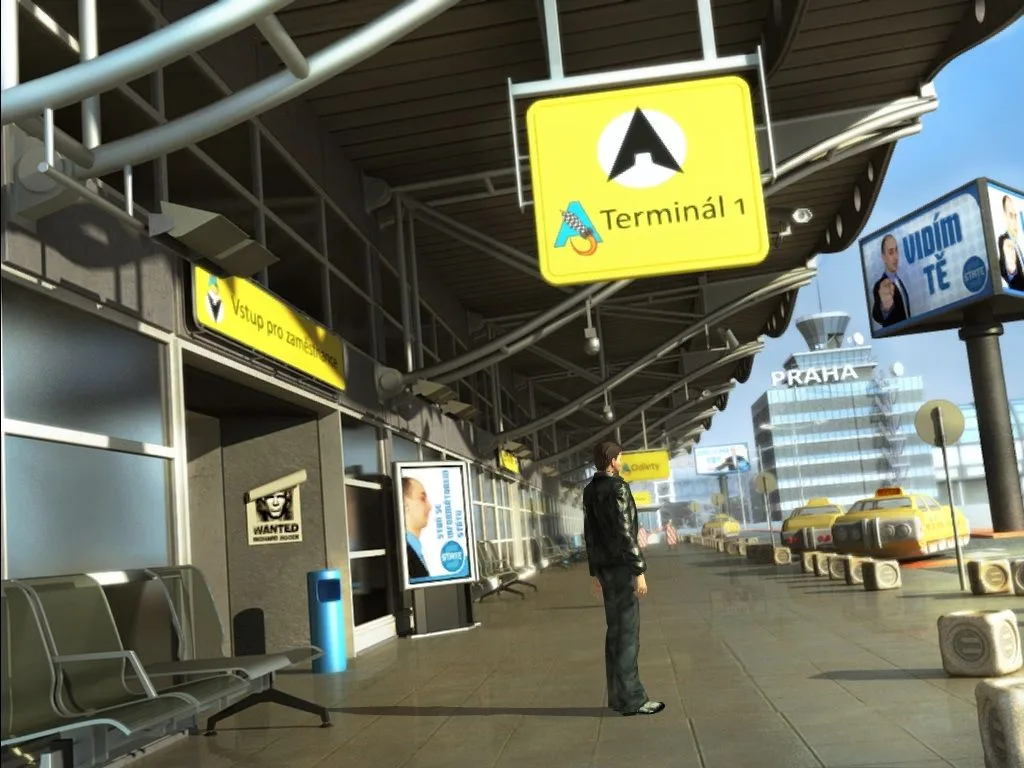
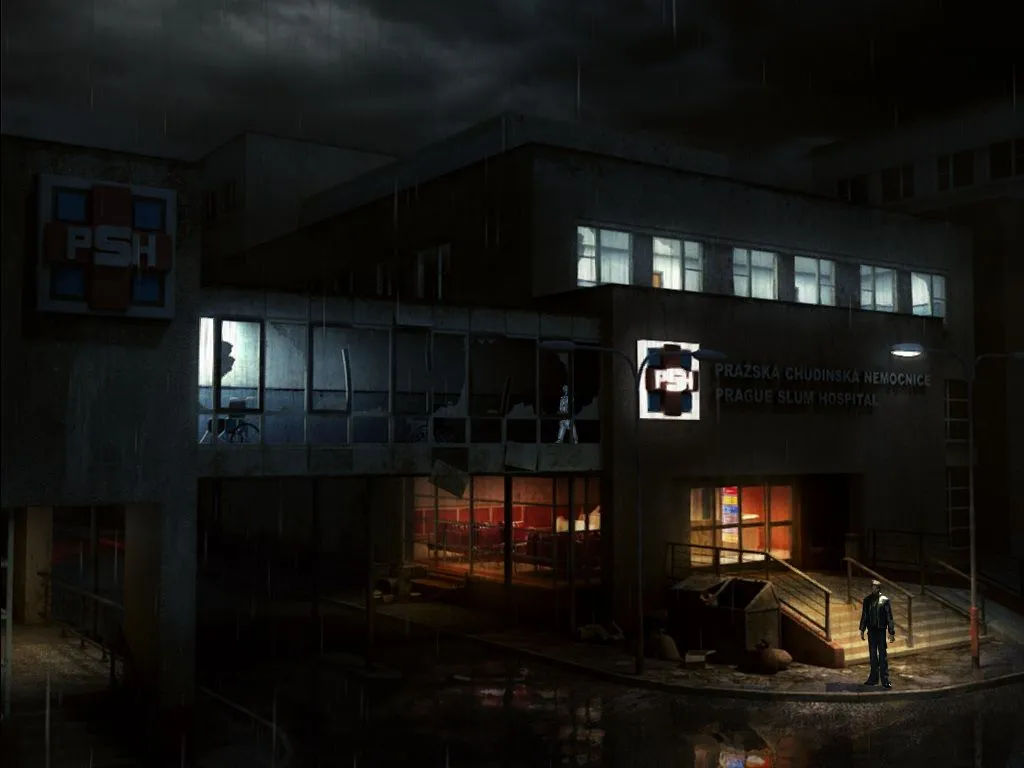
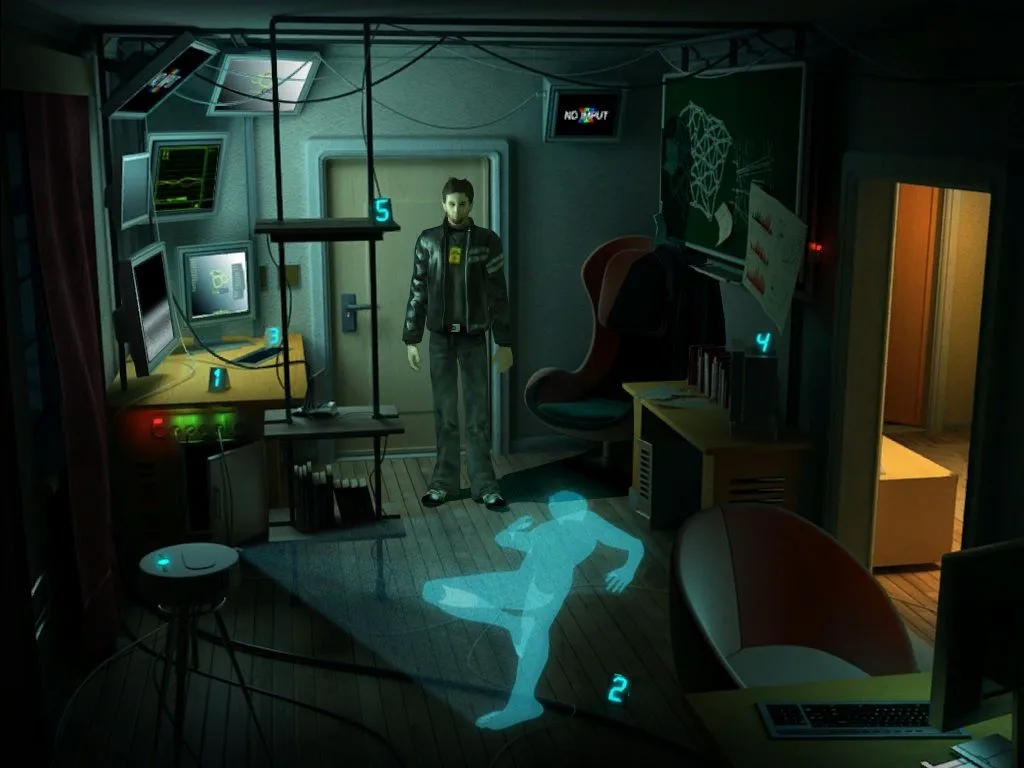
Alternativa's story is played through up to four different characters, and the game lets players switch among them as the narrative moves forward. Each scene the active character enters is one of more than 120 backgrounds modeled in detail, so the cast moves through a large set of hand-built locations rather than a handful of repeated rooms. Rendered video sequences carry parts of the storytelling between playable stretches, giving the sci-fi plot scripted cinematic passages alongside the interactive scenes.
The character changes and scene variety sit alongside the core point-and-click handling: a left click acts on the selected object, with a menu appearing when several actions are possible, and the view detail entry shows an examined object across the whole scene. Because scenes can be flagged as move-to-another-scene targets, clicking such a spot moves the active character out, and a double click makes that transition faster. With four playable characters and over 120 detailed backgrounds, those scene transitions connect a wide span of locations to the cast.
Sources & further reading.
- Alternativa — official game profile Retrieved Oct 19, 2026
- Alternativa — official game profile — publisher-supplied gameplay manual Retrieved Oct 19, 2026
First published .