 THE GAME ARCHIVE
Brothers in Arms: Road to Hill 30 is a first-person action game from Gearbox Software, published by Ubisoft, in which the player controls Sergeant Matt Baker and commands a squad of 101st Airborne paratroopers during the Normandy invasion. The distinctive play comes from coordinating two elements, the assault team and the fire team, so that one can pin an enemy unit behind cover while the other moves. The publisher handbook documents a control scheme built around the mouse and a handful of keys, a suppression system that visually reports whether enemy soldiers are keeping their heads down, and a campaign that saves progress at checkpoints. The sections below cover the documented rules and the decisions they create.
Movement and Small-Arms Controls
Baker moves on the standard first-person setup: W and S drive him forward and backward, while A and D strafe him left and right. The mouse handles turning and aiming, so walking and looking can be combined fluidly by using the mouse and movement keys together. Pressing the jump key, mapped to the Space Bar by default, makes him jump. Crouching is a toggle assigned to C or Ctrl: one press drops him down and he stays crouched until the key is pressed again. While crouched he moves more slowly, but he can take cover behind various objects and presents a smaller target to the enemy.
Weapon handling is kept to a few direct inputs. The left mouse button fires the current weapon, G throws a grenade, and Q performs a melee attack in which Baker strikes an enemy with the butt of his weapon at close range. Tabbing or rolling the mouse wheel switches weapons. F is the Use key, used to pick up a weapon, and Baker can only carry two weapons at a time. Together these actions cover the routine exchange around a firefight: aim and shoot at distance, switch weapons when the situation changes, swing to melee when an enemy closes, and lob a grenade when the situation calls for it.
Suppression, Cover Fire, and the Flanking Window
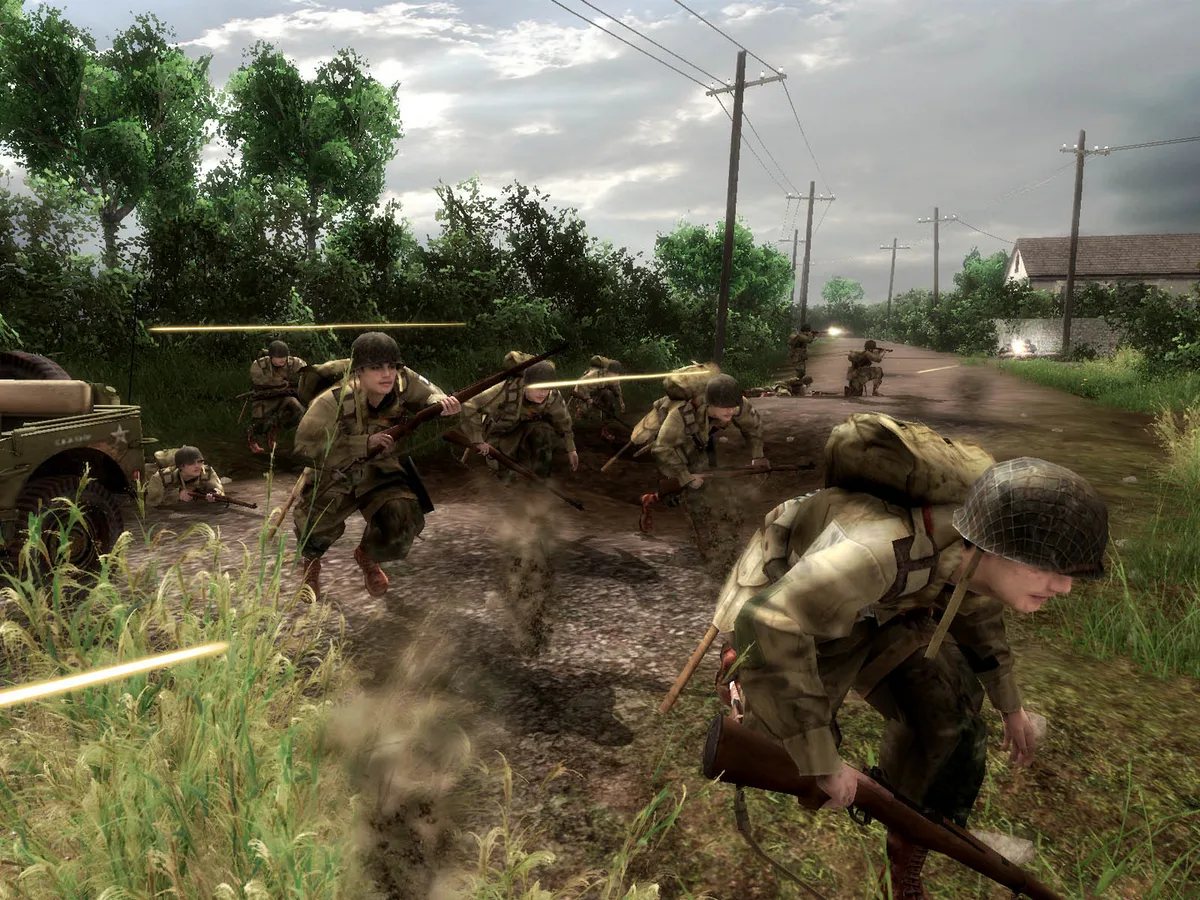
When Baker and his squad engage an enemy team, a suppression indicator appears above the center of that unit. It starts red, and as fire is directed at the enemy it fades toward gray. Once the indicator turns fully gray, the unit is suppressed: the soldiers keep their heads down behind cover and fire only occasionally. Squad members open or return fire automatically when fired upon, cover each other, and seek the best cover for themselves and their teammates while moving. Covering fire must be maintained, because a suppressed unit whose attackers stop shooting will recover.
The fully gray indicator marks the flanking window: with the enemy pinned behind cover, that is usually the best time to move around and attack their position. The enemy only breaks this behavior if an opponent gets very close. Without continuing covering fire, the indicator darkens from gray back toward red; when it is red again the unit is unsuppressed, stands up, and resumes firing at an increased rate. The tactical view, bound to the V key, pauses combat and shows the mission layout from above, giving time to study the ground before committing to the flank. Suppression indicators can be switched off in the Options menu.
Commanding Fire and Assault Teams
Squad command is split between two teams that can be selected directly. Pressing 1 selects the assault team and pressing 2 selects the fire team, so Baker can issue orders to one element while the other holds position. The Shift key switches the currently selected team, letting him jump between the two without reissuing a selection. Holding the right mouse button opens the command interface for a team or a tank, which is how Baker directs those units rather than simply moving with them. Fall in and fall out are separate orders: Z brings a unit into formation with Baker, while X releases it so it can operate independently.
The team structure mirrors the suppression fight: one element can keep an enemy unit pinned while the other maneuvers. A suppression indicator appears above the center of an engaged enemy unit, starting red and fading toward gray as fire is directed at it. Gray means the soldiers stay behind cover and fire only occasionally, which opens the flanking window. The state is not permanent, though, because a suppressed unit recovers when the covering fire stops, and it only breaks cover behavior if an opponent gets very close. Sustained fire from the fire team therefore has to hold the indicator gray while the assault team moves.
Weapons, Ammunition, and Grenades in the Field
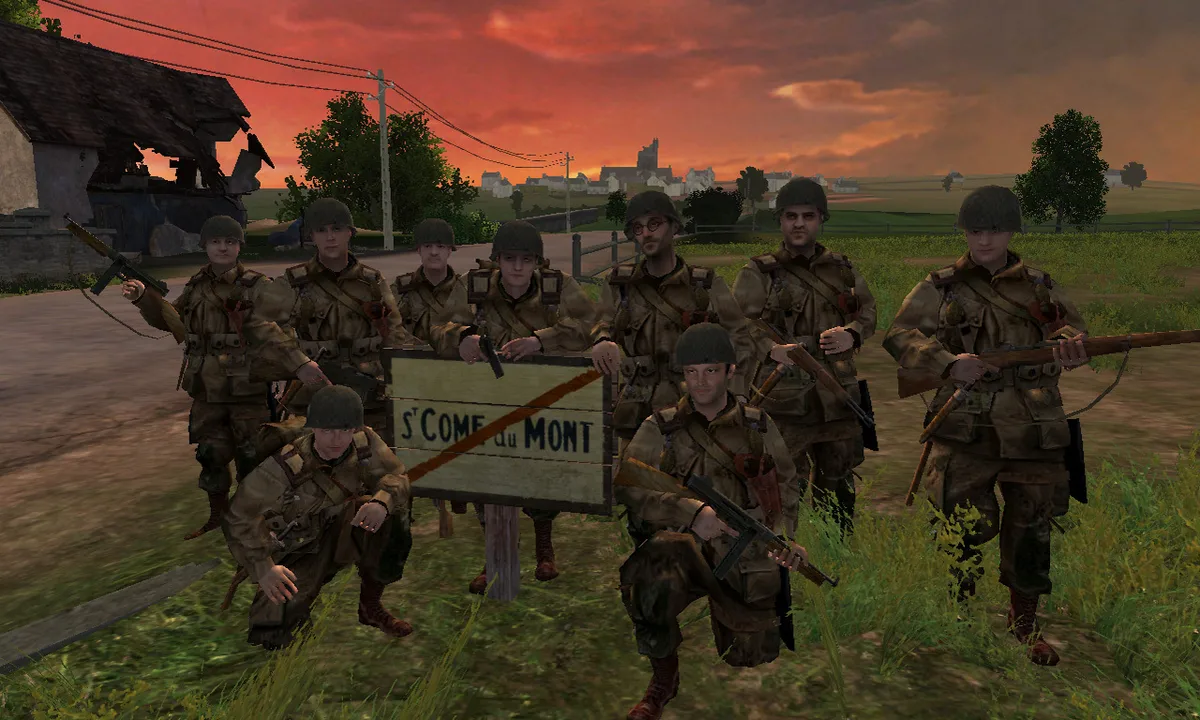
Baker's loadout spans several named Allied weapons, among them the M1919A4 Browning light machine gun, the M1A1 submachine gun, the M1918 BAR and the M9A1 Bazooka. The M1919A4 is a tripod-mounted light machine gun with an air-cooled barrel that chambers rounds through a recoil system; fully automatic, it fires 400 to 550 .30 caliber rounds per minute out to 1,500 feet or more. Each weapon Baker carries draws on a specific ammunition type, though some weapons share the same ammo type.
He can hold only two weapons at a time. Walking over a weapon and pressing the Use key swaps it for the one currently in hand, while ammunition and grenades are collected simply by walking over them. The grenade in the field is the Mark II A1 fragmentation type, a metal-bodied explosive that breaks into fragments, with a killing radius of 15 to 30 feet. Because it is normally thrown less than 100 feet and the delay after the pin is pulled is about four seconds, the thrower has to duck behind cover right away. Each mission therefore turns on managing two weapon slots and a separate grenade supply, with pickups on the ground replenishing both as the fight goes on.
Campaign Structure: Checkpoints, Difficulty, and Extras
The single-player campaign follows Sergeant Matt Baker and his fellow paratroopers of the 101st Airborne Division as they jump into German-occupied France near the Utah Beach invasion area and secure key objectives in Normandy. Progress through a chapter is saved automatically to the hard drive at various checkpoints, so a lost firefight does not necessarily mean restarting the whole mission. From the main menu, the Chapters option loads a previously completed chapter or continues the previous campaign from the last saved checkpoint.
A new game begins with a choice of Easy, Normal, Difficult, or Authentic difficulty. Authentic sets the difficulty very high, removes save checkpoints, and turns suppression indicators off by default to simulate battlefield conditions as authentically as possible. It is initially locked: the entire single-player campaign must be completed on Difficult before Authentic becomes available. Completing each chapter awards a medal based on the selected difficulty, and each medal earned on each successively higher difficulty unlocks a new item in the Extras menu, which displays bonus material unlocked from the game.
LAN and Online Multiplayer Matches
Multiplayer in Brothers in Arms: Road to Hill 30 is reached through the Multiplayer menu, where two paths are offered: LAN Play and Play It On ubi.com. LAN matches support two to four players. From the LAN Play list a host can join an existing match or use Create Match, pick the mission and the player count, then click Begin Match to move into the mission briefing. Each participant chooses a team and clicks Ready; when all players are ready, they appear white in the briefing, and the host launches the match with the Launch button.
Online play runs through ubi.com and begins by signing in with an existing account name and password, or by creating a new account from the New Profile and Account Management options. A firewall on the host machine can interfere with connecting to ubi.com, so the listed ports must be opened: TCP 40000 to 43000, with UDP 44000, 45000 and 45001 passing inbound and outbound. Once connected, missions give each side its own objective to accomplish before the mission timer runs out, and the on-screen display tracks that countdown.
Starting Guidance from the Documented Rules
The documented rules suggest a simple opening habit: before moving, select the fire team with 2 and the assault team with 1, then keep one element shooting so the enemy indicator fades to gray before the other advances. Because a suppressed unit recovers as soon as covering fire stops, the advancing element should move during the gray window rather than after it. If the advance stalls, the tactical view on V pauses the fight and shows the mission layout from above, which is the documented way to check angles and cover before committing. On difficulty, the main documented consequence is that Authentic removes checkpoints and hides suppression indicators, so learning the indicator behavior on a lower setting is the supported preparation for that mode.
Scroll sideways to see the full table →
| Element | Documented detail |
|---|---|
| Movement | W/S forward and backward; A/D strafe; Space Bar jump; C or Ctrl toggles crouch, which slows movement but provides cover and a smaller target |
| Weapon actions | Left mouse fires; G throws grenade; Q melee; Tab or mouse wheel switches weapon; F is the Use key for picking up weapons |
| Squad commands | 1 selects assault team; 2 selects fire team; Shift switches selected team; Z fall in; X fall out; hold right mouse button to command a team or tank |
| Suppression | Indicator starts red and fades to gray under fire; gray means the enemy stays behind cover and fires only occasionally; recovery to red happens when covering fire stops |
| Progression | Easy, Normal, Difficult and Authentic difficulties; checkpoints save automatically; Authentic is unlocked after completing the campaign on Difficult and removes checkpoints and suppression indicators |
| Multiplayer | LAN play supports two to four players; online play runs through ubi.com and lists firewall ports TCP 40000–43000 and UDP 44000, 45000 and 45001 |
Sources & further reading.
- Brothers in Arms: Road to Hill 30™ — official game profile Retrieved Oct 20, 2026
- Brothers in Arms: Road to Hill 30™ — official game profile — publisher-supplied gameplay manual Retrieved Oct 20, 2026
First published .