 THE GAME ARCHIVE
Island Networks: Mining, Production, Defense and the Stockpile
Across the archipelago's more than thirty islands, spread through six climatic zones, you roam the seas to establish a network of island bases serving defense, mining and manufacturing. Mining islands harvest materials, Production islands turn those materials into units and items, and Defense islands act as strategic fortresses. Every island linked directly to a Defense island gains a defense boost, so placement matters as much as capture. One island serves as the Stockpile, where all produced units, items and equipment are stored; its full coloration marks it on the map.
The Island Network Info screen reports the materials available, the current production rate and material income, and how many islands are connected to your stockpile, sorted by type. Items built on Production islands move automatically to the Stockpile, keeping a steady resource supply for the campaign. On the island setup screen you can change an island's type or designate it as the Stockpile, replacing an existing one. Zooming the map fully out opens the Strategic Map, which lists every discovered island with its type and ownership: red for enemy, green for neutral, blue for friendly.
Objective: Conquer the Dead Zone Archipelago
The campaign centers on the Gaea Mission, an operation against the APA to take control of Taurus. Lt Myrik commands an armed vehicle carrier, and the primary task is to seize the Dead Zone, an archipelago on the moon's surface that sits clear of satellite reception. In this region the APA has already spent time establishing a presence, so the player works against an entrenched opponent rather than empty territory. Establishing island bases across the seas is the method for hunting down the enemy and eventually conquering the archipelago.
Intertwined with the territorial fight is resource control. Mining islands extract resources, Defense islands hold defensive positions, and Production islands build items, which then move automatically to the Stockpile. The Island Network Info screen shows available materials, current production rate, material income, and the number of connected islands sorted by type. Because units and upgrades depend on this supply chain, holding resource-generating islands keeps production capacity and unit availability intact while the carrier presses the campaign toward defeating the APA and securing Taurus's fresh-water oceans.
Blueprint Production, Supplies and Unit Loadouts
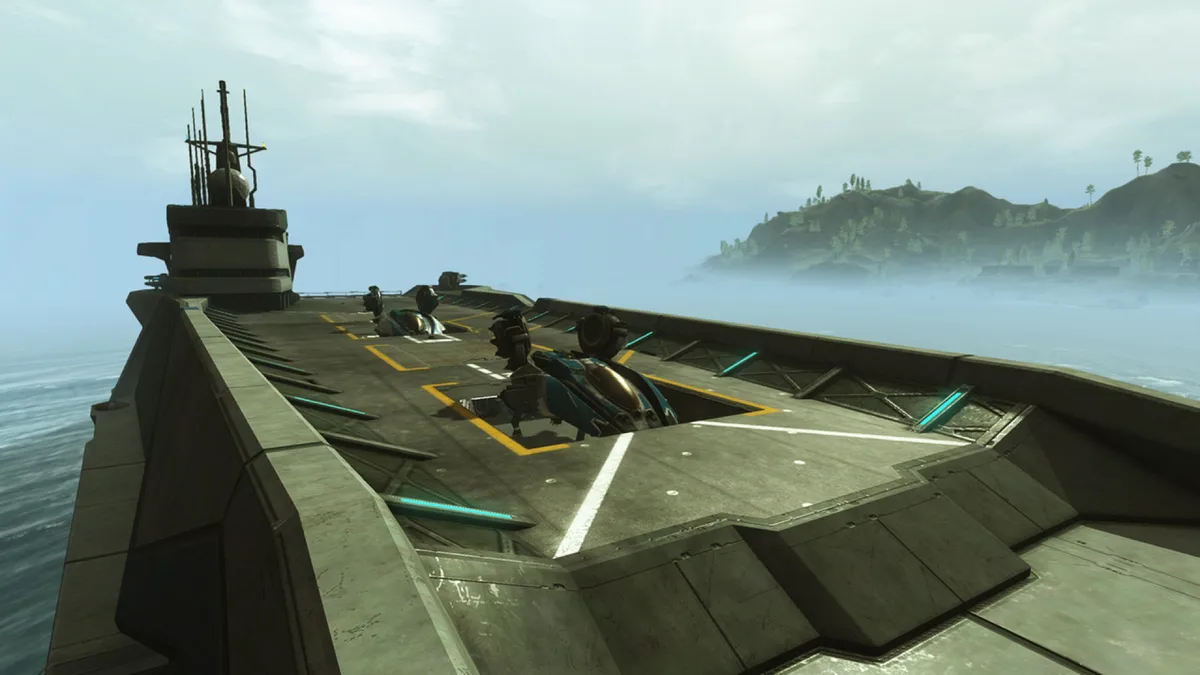
Production begins on the Carrier's Production screen, opened by choosing Production in the Carrier's Context Menu. The Blueprint List scrolls through every item you hold blueprints for and can therefore build, ranging from weapons to Carrier fuel. Tabs at the left filter the list first by unit type, then by item kind — weapon, armor or enhancement. Each entry states how many materials its production consumes and how many minutes it takes in Standard Taurus Time. The Production Queue then lists the items currently in production, so priority and resource cost can be tracked as Manta aircraft and Walrus ground vehicles are built and upgraded with weapons and armor.
Supplies are handled on the Supplies screen, reached through Supplies in the Carrier's Context Menu. One scrolling list shows the items stored at the Stockpile Island, with tabs for sorting, while the Barque Info panel lists what the Supply Barque — a submarine ferrying goods between the Carrier and the Stockpile — currently carries, including weight capacity limits. Transfer time between Stockpile and Carrier is given in Standard Taurus Time as days, hours and minutes. For loadouts, select a unit in the Command Bar and choose Equip; only items mountable on that unit appear, filtered by tabs. Units docked inside the Carrier are automatically rearmed, repaired and refueled.
Picture-in-Picture Command: Maps, Waypoints and the Radial Menu
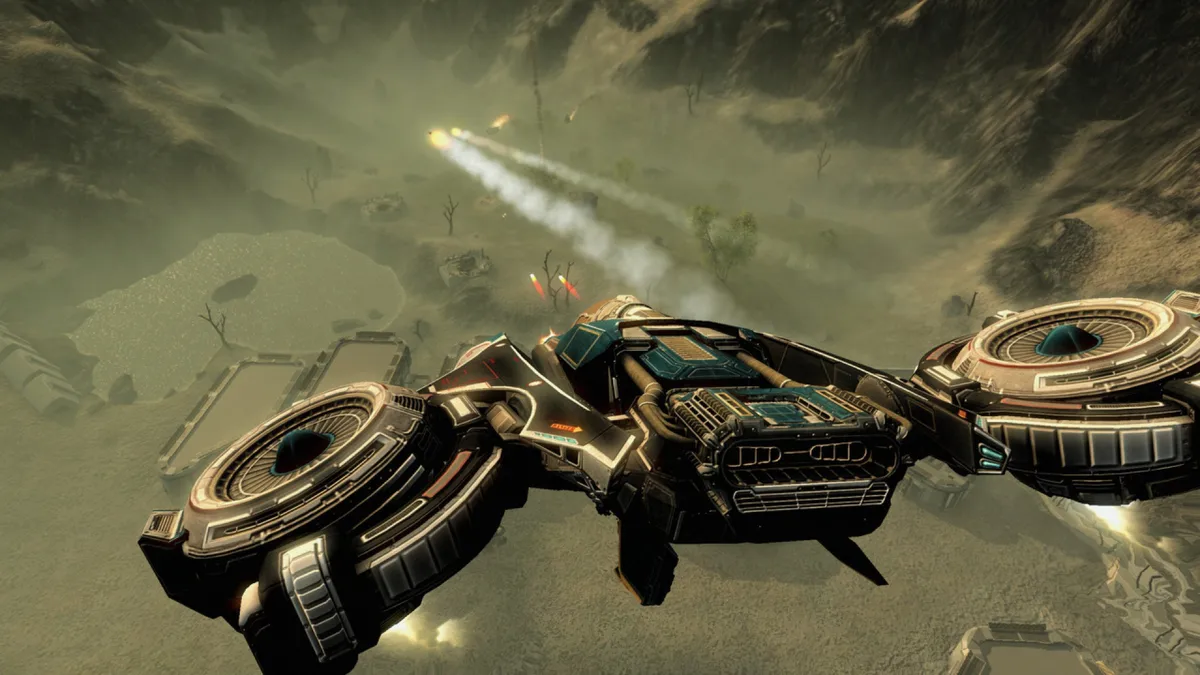
A Picture-in-Picture window lets you shift seamlessly between the strategic map and direct control of any unit, moving from combat vehicles back to the strategic map without leaving the view. The Tactical map itself is accessed by opening the map and zooming almost all the way in; it displays the island's geography, individual bases and defenses, enemy units, waypoints, unit paths and structures, and you can issue orders from it to units aboard your Carrier. Meanwhile, each unit type carries its own HUD layout, including separate arrangements for the Carrier, Character, Manta and Walrus.
Unit paths appear as lines joined by dots showing the route a unit intends to follow, and you set them by placing one or more waypoints on the map. For orders, hold the Radial Menu key and move the mouse in the direction of the desired action; the menu is context sensitive, so an enemy under the cursor puts Attack at the top, while nothing under the cursor puts Move at the top and sends selected units to that location. One radial command, Suspend/Exec, suspends or executes an active plan.
Fuel, Repair Priorities and Timewarp Sailing
Carrier fuel is a special universal compound spent both on movement and on repairing the carrier's zones, so the tanks need regular replenishment to keep the vessel active. The Repair Zone Info screen shows the status of the fuel tanks at the top while describing whichever zone is currently highlighted. On the Detailed Status screen, each zone appears as a card displaying its repair priority and, on the right side, the number of fuel cells the repair will consume. Priority determines the fuel level at which that zone is repaired, and it can be set separately for every card.
The Island Info screen is opened by hovering over an island with the map cursor and selecting it; from there you can order the onboard navigation computer to sail to that island automatically. Doing so also starts Timewarp, an onboard module that accelerates time, while fuel continues to be consumed. A Fuel Range readout on the same screen shows how far the carrier can sail on its current fuel capacity, so a voyage can be judged against the tanks before the navigation computer takes over.
Sources & further reading.
- Carrier Command: Gaea Mission — official game profile Retrieved Oct 18, 2026
- Carrier Command: Gaea Mission — official game profile — publisher-supplied gameplay manual Retrieved Oct 18, 2026
First published .