 THE GAME ARCHIVE
Signing On and Hauling Paid Loads
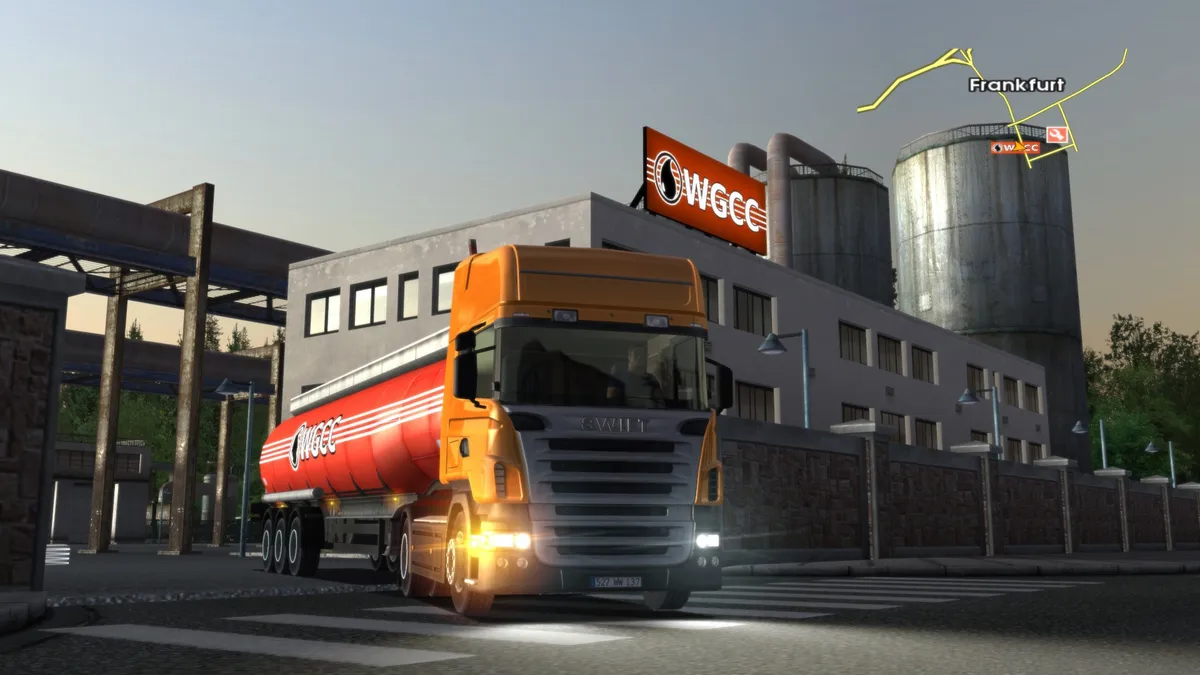
A delivery in Euro Truck Simulator begins when you locate a loading depot bearing the Job Offer indicator, drive your truck onto the marker, and stop. Doing so opens a negotiation screen where you pick a cargo and a destination city. The listed prices are fixed, so there is no haggling, but they vary according to three factors: the distance to the destination, the sensitivity or danger of the cargo, and the destination's supply level. A lower supply at the destination depot means higher demand and therefore more money on offer for that run.
Once you accept, you are committed to hauling the trailer in question, and you still need to attach it, which is done by reversing the back of your truck under the trailer's front until a message offers the attach action. Trailers may appear as cylinders or containers rather than a standard box. Choosing a camera view helps here, with the top-down view being the easiest and the in-cabin view using only the wing mirrors the most realistic. Fragile cargo takes damage more easily on impact, and any damage is deducted from your pay. Abandoning the job before delivery costs €8000 in compensation.
ADR Permits and the Cost of Dangerous Freight
Dangerous freight pays better, but the job offer screen gates it behind ADR certificates. Each cargo carries an icon showing its ADR class, and there is a separate certificate for every class. Without the matching certificate, you obtain one by clicking the restricted goods and confirming the dialogue that appears. Purchasing a certificate is expensive, which is the trade-off for accessing higher-paying loads. Your current certificates are listed on the Economy notebook page and also appear in the lower left corner of the map on the job offer screen. Cargo with no ADR icon is not dangerous and can be hauled at any time.
Fragile cargo is a separate property from ADR class and carries no relation to it, so a load can be fragile without any dangerous-goods icon. Fragile goods tend to take more damage on impact, and any damage sustained is deducted from your pay on delivery. The offer screen shows a supply indicator for each job, reflecting current demand for that cargo at the destination. A less-supplied destination depot means higher demand and more money offered for the run, so the payout combines distance, cargo sensitivity, and that supply level.
Fuel, Breakdowns, and the Expensive SOS Call
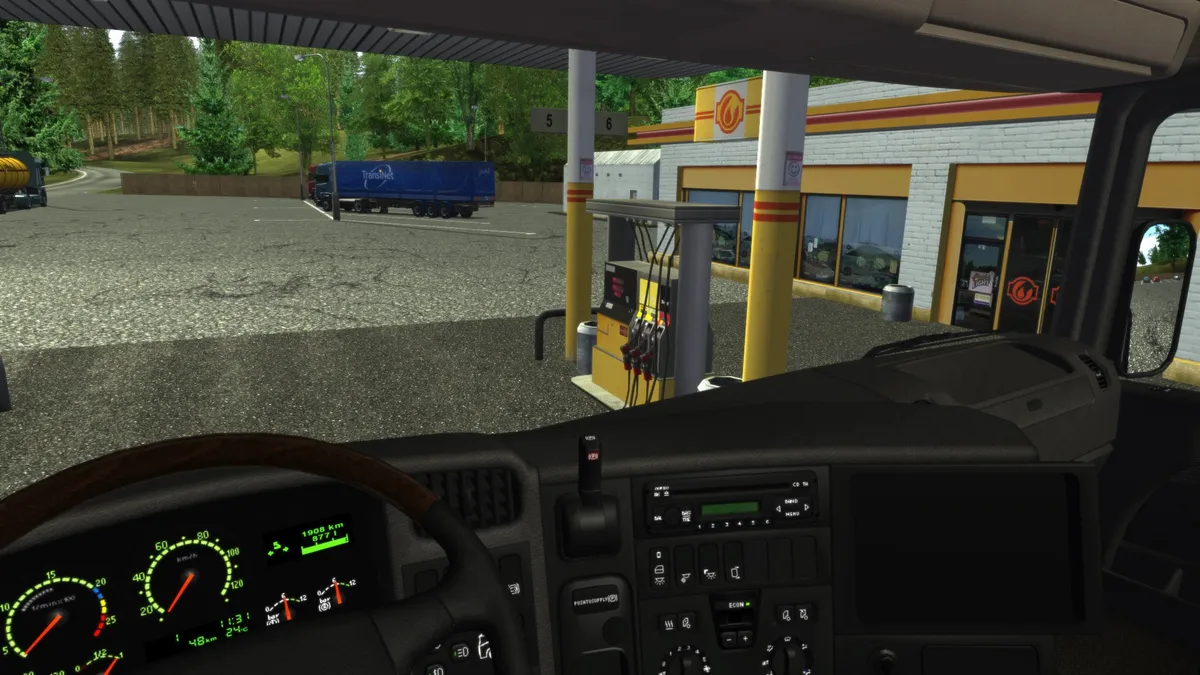
Fuel management is a continuous concern on long hauls. You watch the truck's fuel gauge, and when the reading drops too low you pull into a petrol station to refill at the pump. Stations are numerous, but the manual warns that careless planning can leave you stranded with an empty tank far from anywhere. The instrument cluster supports this with a low fuel warning light among its working gauges, alongside flashing indicators and a temperature reading, all rendered on detailed truck models with realistic driving physics.
Crashes damage the truck and may also damage the cargo; you can do nothing about the cargo, but the truck can be repaired for a fee at a Service marker. Skip repairs on a badly damaged rig and performance suffers: the truck becomes slower and harder to handle. When fuel runs out, damage leaves the truck barely mobile, or it overturns or gets stuck where you cannot free it, the notebook holds the SOS emergency service, dialed as 112. That call is expensive and delivers only basic first aid, just enough to get moving again so you can reach a proper service station, so the manual advises weighing whether you truly need it first.
Fatigue, Traffic Law, and Fines That Stack
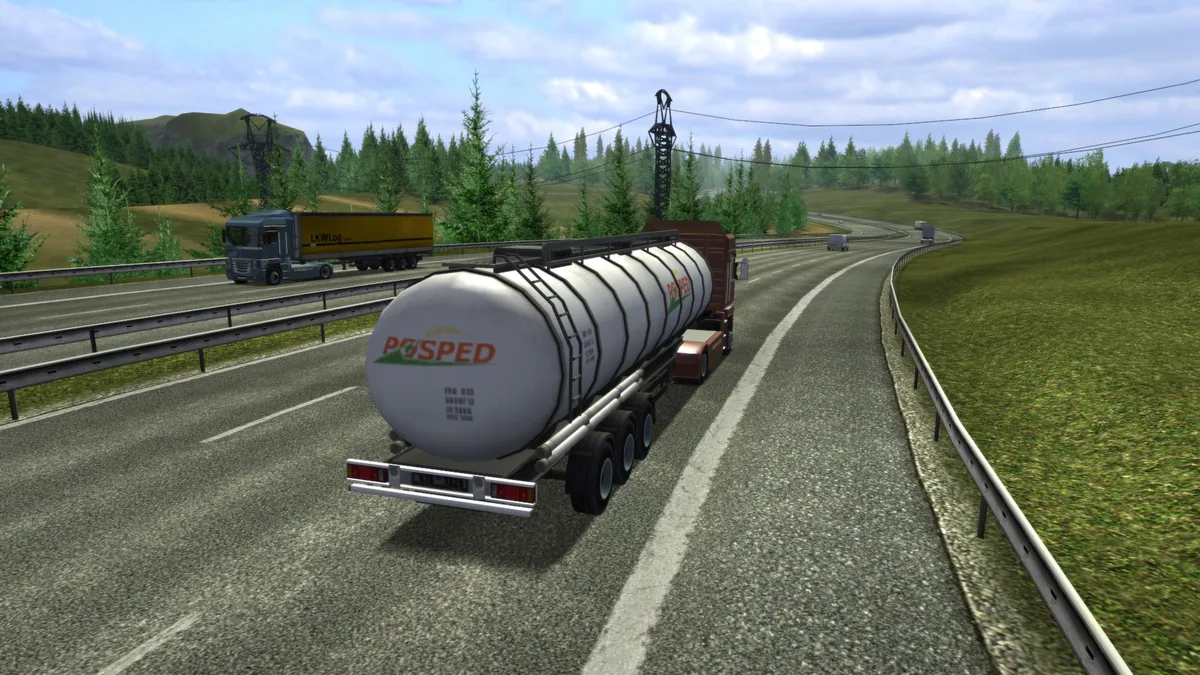
Traffic law in Euro Truck Simulator is spelled out as a short list of rules the police enforce. You must avoid hitting moving or parked vehicles, stop at red lights, drive in the correct direction, keep your headlights on at night like other vehicles, and observe speed limits. Where a country does not state otherwise, the limit is 50 km/h in cities and 90 km/h on motorways. Crashes with other vehicles are reported immediately, while other offences are only discovered when a police camera spots you.
When you break one of those rules, an on-screen message announces the fine. Fines stack up rather than being settled on the spot, and they are paid automatically when you complete the next job. Fatigue is tied to the same penalty system: enabling the fatigue simulation in the gameplay options means you must rest after every 12 hours of game-time driving, and the rules state you may drive no more than 12 hours in a row without rest. Check the sleep meter periodically, since you are warned in advance to find a resting place; ignoring the warnings brings dozing-off effects and possible fines.
Garage Upgrades and Buying Access to New Countries
The Service garage is where a truck can be upgraded on several levels. Paying for an engine upgrade raises the power output, while a separate engine tune reduces fuel consumption. Handling improvements are also on the menu, and the cabin color can be changed for appearance. These purchases modify the same rig you drive on deliveries, so the improvements apply to the engine, fuel use, handling, or cabin finish you already own rather than a replacement vehicle.
Country access is handled through the notebook's economy map. Green countries are fully accessible and can be roamed freely, while red countries are locked but can be brought into the business by clicking the red country, viewing the expansion cost button that appears, and pressing it if you have enough money. Grey countries remain completely out of reach until you have access to at least one of their neighbors. The same notebook tracks your business status and career progress.
Career Ranks, Feats, and Keyboard Controls
Career advancement runs through five named levels—Novice, Experienced, Professional, Veteran, and Master—each broken into five stars that serve as the criteria for rising to the next level. This career track measures degrees of achievement only; reaching the top rank does not end the game, and the manual notes the progression does not affect other parts of the game, just as unlocking every country or buying the best truck class is simply a way to gauge progress.
The Statistics page lists feats, award medals collected as you accomplish certain achievements. The list starts empty and grows over time, with newly awarded feats shown after a sleep pause or after delivering a cargo. Each feat has four levels, from bronze through silver and gold to platinum. For driving, the default keyboard layout maps throttle to W, brake and reverse to S, steering to A and D, and engine start or stop to E, and all of these keys can be reassigned through the Options keyboard menu.
Sources & further reading.
- Euro Truck Simulator — official game profileRetrieved Oct 28, 2026
- Euro Truck Simulator — official game profile — publisher-supplied gameplay manualRetrieved Oct 28, 2026
First published .