 THE GAME ARCHIVE
Two-Phase Simultaneous Combat: Orders and Actions
Combat in Flotilla runs on simultaneous turns divided into two phases: an Orders phase and an Action phase. During the Orders phase you direct your fleet ships, and a typical order specifies where a ship should go, what angle it should face, and whom it should attack. The enemy fleet is issuing its own orders at the same time, so neither side sees the other's plan before it unfolds. Once you are satisfied with your commands, the Action phase begins and the orders are executed.
The Orders Menu offers three choices once a ship is selected. Attack Move sends the ship forward while firing, making it a standard maneuver that suits many situations. Flank Move trades all firing for a dramatic boost to engine speed, letting a ship reach an advantageous position quickly. Focus Fire raises the firing rate of the ship's weapon systems but slows engine speed to a crawl, and it works best when the enemy is within range and line-of-sight is clear. These orders combine into the goal of defeating enemy fleets through tactical ship management.
Three Ship Orders: Attack Move, Flank Move, and Focus Fire
Selecting a ship opens the Orders Menu, which presents three distinct commands. Attack Move is the balanced standard maneuver: the ship advances while continuing to fire, keeping pressure on the enemy as it repositions. Flank Move instead gives the ship's engines a dramatic speed boost, but the vessel cannot fire at all while executing it, so the order is a pure repositioning tool for reaching an advantageous position quickly. Focus Fire raises the firing rate of the ship's weapon systems, but engine speed drops to a crawl, making it a near-stationary stance.
The three orders trade speed against firepower in different ways, and each is suited to a particular moment. Attack Move keeps movement and shooting together, so it fits many situations. Flank Move sacrifices all firing to close distance or shift position at high speed. Focus Fire works best when the enemy is already within range and line-of-sight is clear, since the ship barely moves but fires faster. Choosing among them is the core tactical decision of the Orders phase for each ship in the fleet.
Orienting the Hull: Yaw, Pitch, Roll, and Armor Weak Spots
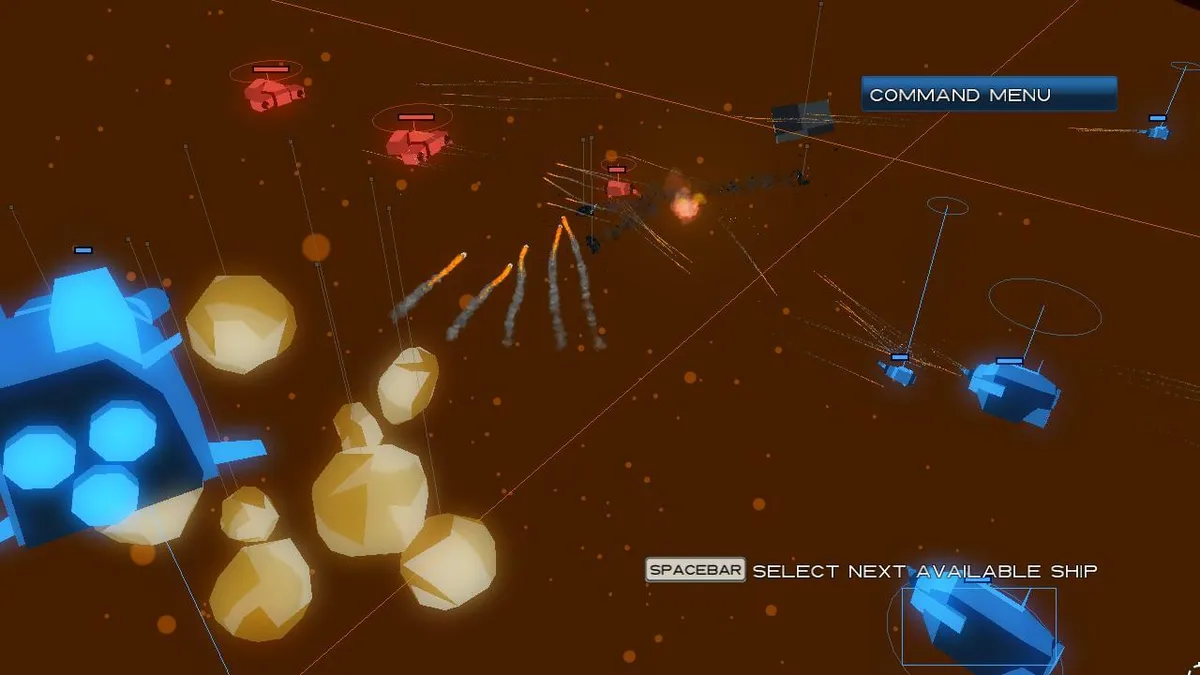
During the Orientation step, a ship's facing can be set precisely through Manual Mode. Activating the Manual Mode button, or pressing the F key, lets a captain give the vessel any arbitrary yaw, pitch, and roll. Yaw rotates the ship left or right, pitch rotates it up or down, and roll turns it on its roll axis; each is adjusted by holding the left mouse button and moving the mouse. This exact control exists so that captains can shape turret firing arc coverage and which armor section faces the enemy.
Armor placement gives that orientation real weight. Most parts of a ship are covered in heavy armor that can deflect incoming fire, but the bottom and rear sections are vulnerable. Turning the hull therefore decides whether an attacker's shots meet plating or a weak spot, and the same yaw, pitch, and roll adjustments used to open firing arcs also expose or shield those sections. All of this plays out within full 3D movement, where watching your angles and flanking the enemy from all directions is part of combat.
Adventure Progression: Random Universes, Upgrades, Events, and Veterancy
Adventure mode is the exploration-focused half of the game: you travel the galaxy and build a customized fleet of ships, and the universe is randomized after each playthrough so no two Adventures match. Starting one means selecting Adventure from the main menu, clicking your name in the Adventure menu to generate a new universe, and launching the run from there. That same menu also offers a Hardcore adventure, which extends the journey and adds noticeably more of something the excerpt leaves unnamed. Along the route you meet a range of characters, disasters, and opportunities.
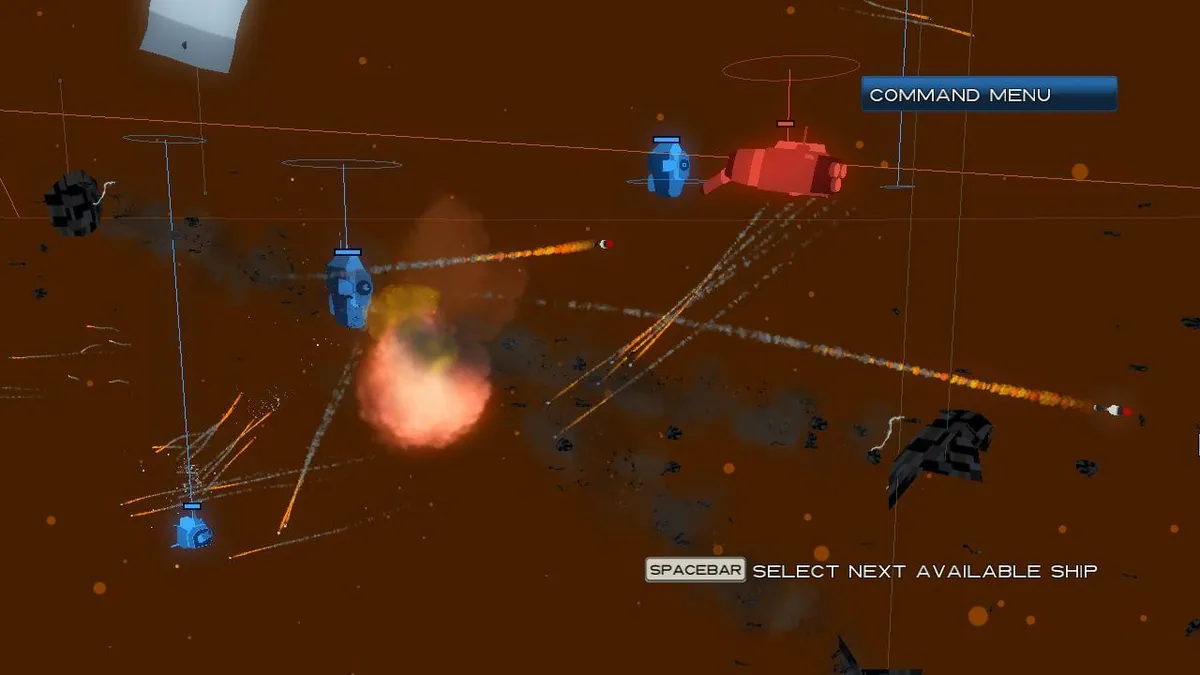
Many encounters open an Event window showing a portrait and the event's name, and you often choose how to handle the situation by left-clicking a choice; those decisions steer the course of the Adventure. Loot gathered through encounters goes into fleet upgrades: opening Fleet Setup via the button in the upper-right corner or the F key reveals the menu, and clicking a grey square labeled Empty Slot brings up a popup of available upgrades, with a click installing one. In combat, ships earn veterancy by engaging enemies and gaining experience, marked by small stars above the ship name; higher levels raise damage output and other effectiveness in battle.
Adventure Alone or Split-Screen, and Skirmish Combat
Adventure mode can be played by two people together through split-screen controls, letting a pair share the same run rather than commanding separate fleets. The mode itself remains the exploration-focused half of the game, where you travel the galaxy, build a customized fleet, and meet characters, disasters, and opportunities along the route. Cooperation therefore sits alongside the same random universe generation and upgrade gathering described for solo play, with both players working through the encounters and fleet building that define the Adventure.
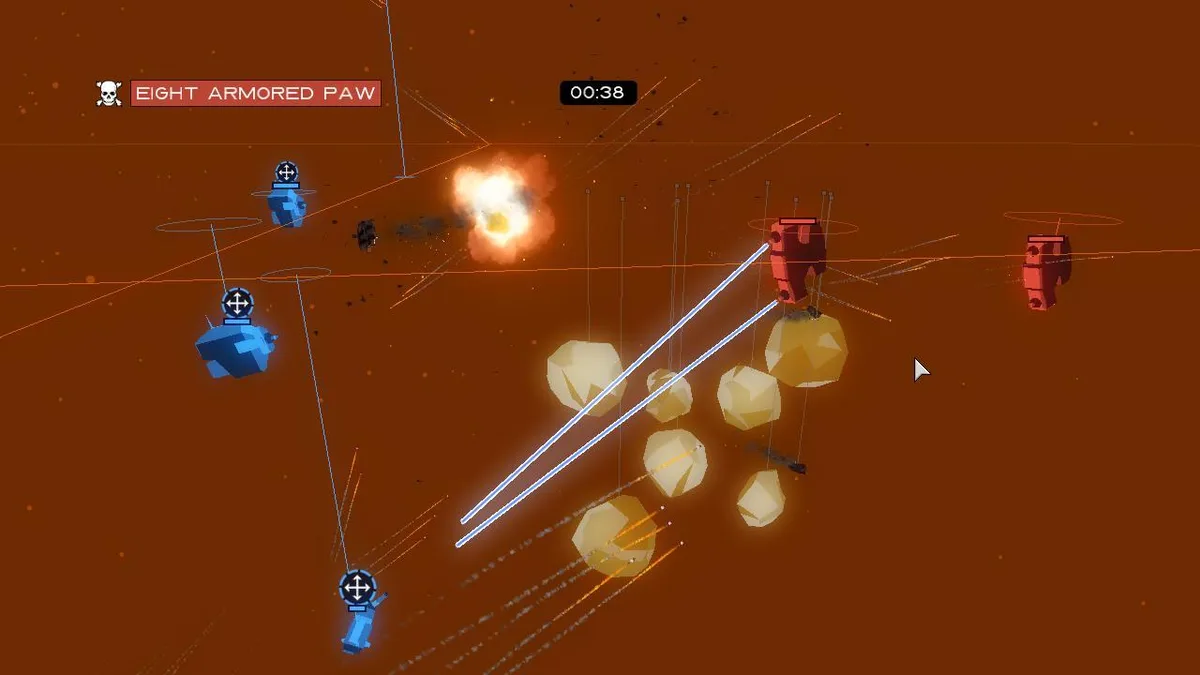
Skirmish mode skips the exploration structure and drops you straight into combat. You set up custom fleets and then battle either computer-controlled enemies or another human player, so the mode supports fighting with or against the computer or a second player. Because fleets are configured before the battle begins, Skirmish is the place to test a chosen composition in direct combat rather than building it through encounters. The same simultaneous orders and action resolution govern these battles, but the surrounding Adventure progression is absent.
Mouse and Keyboard Handling for Fleet Command
Fleet command in Flotilla rests on a small set of mouse actions and shortcut keys. Left-clicking selects a ship, and ships are chosen in sequence with the spacebar; when no ships remain available, that same key opens the Command Menu. The letter F toggles Manual Mode and also opens the Fleet Menu and Command Menu, and during the yaw, pitch, and roll steps the R key resets a ship's orientation to its default. Map work stays on the mouse: moving the cursor to the screen edges pans the map, and right-clicking moves it directly.
Camera movement is handled by the W, A, S, and D keys, with the Shift key raising camera speed for faster repositioning, and the Tab key serves for the scoreboard and Captain's Log. Order selection is also bound to number keys: 1 picks Attack Move, 2 picks Flank Move, 3 picks Focus Fire, and 4 cancels an order. Exploration uses the same left-click, so clicking a planet visits it; more visitable planets unlock as exploration continues.
Sources & further reading.
- Flotilla — official game profile Retrieved Oct 20, 2026
- Flotilla — official game profile — publisher-supplied gameplay manual Retrieved Oct 20, 2026
First published .