 THE GAME ARCHIVE
Unfastening Zymbots with the Right Tools
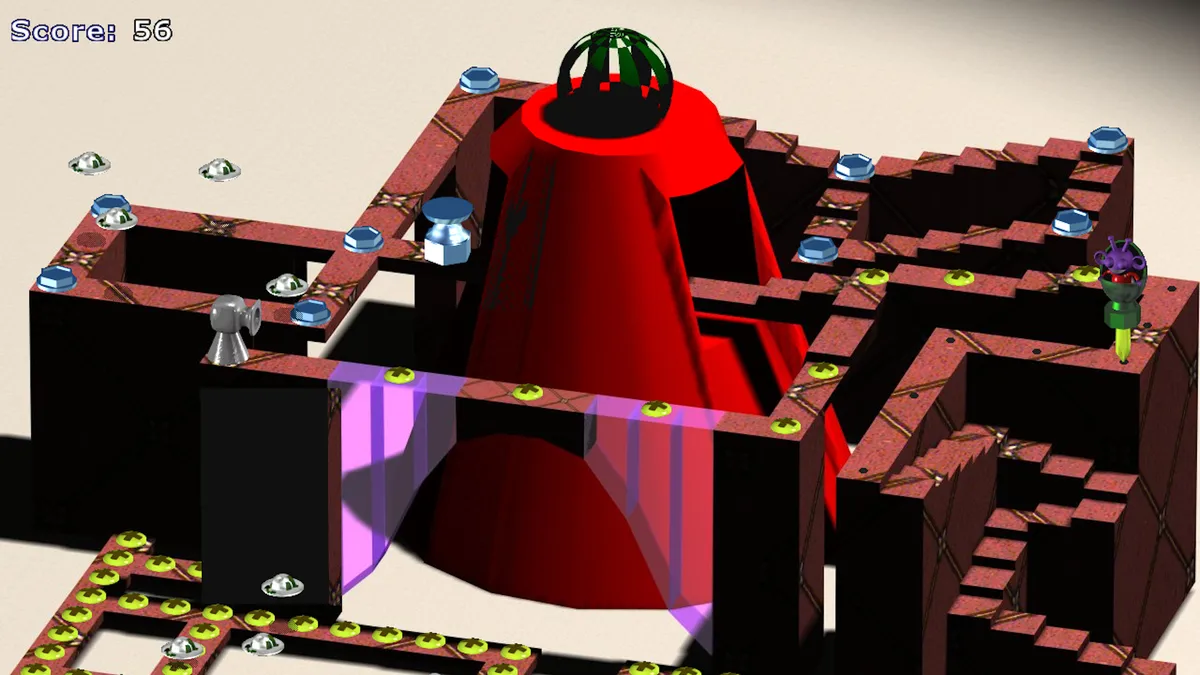
Gubble’s levels are called zymbots: structures fastened to the ground of the planet Rennigar. As Gubble D. Gleep, you move around them with the arrow keys and remove their fasteners with the appropriate tools. On most of the game’s 150 levels, clearing away all the screws, nails, bolts and other attachments is the requirement for escaping to the next level. The task combines real-time movement with tool matching while enemies must also be avoided. Removing a fastener is therefore not simply a matter of reaching it; the job calls for the tool suited to that particular attachment.
The tool assignments give that matching rule concrete form: use the saw for pegs, the socket for hex nuts and the screwdriver for screws. The sander has a different purpose, stripping the zymbot’s surface to expose screws underneath. Those covered screws connect two operations: first reveal the attachments with the sander, then use the screwdriver to remove them. Access can also depend on the level’s barriers. Gates of Doom block passage until you activate the Big Red Button to lower them. Between concealed screws and closed gates, the work includes exposing fasteners and opening passage, not just removing visible attachments.
Flying Past Enemies and Turning Tools into Shields
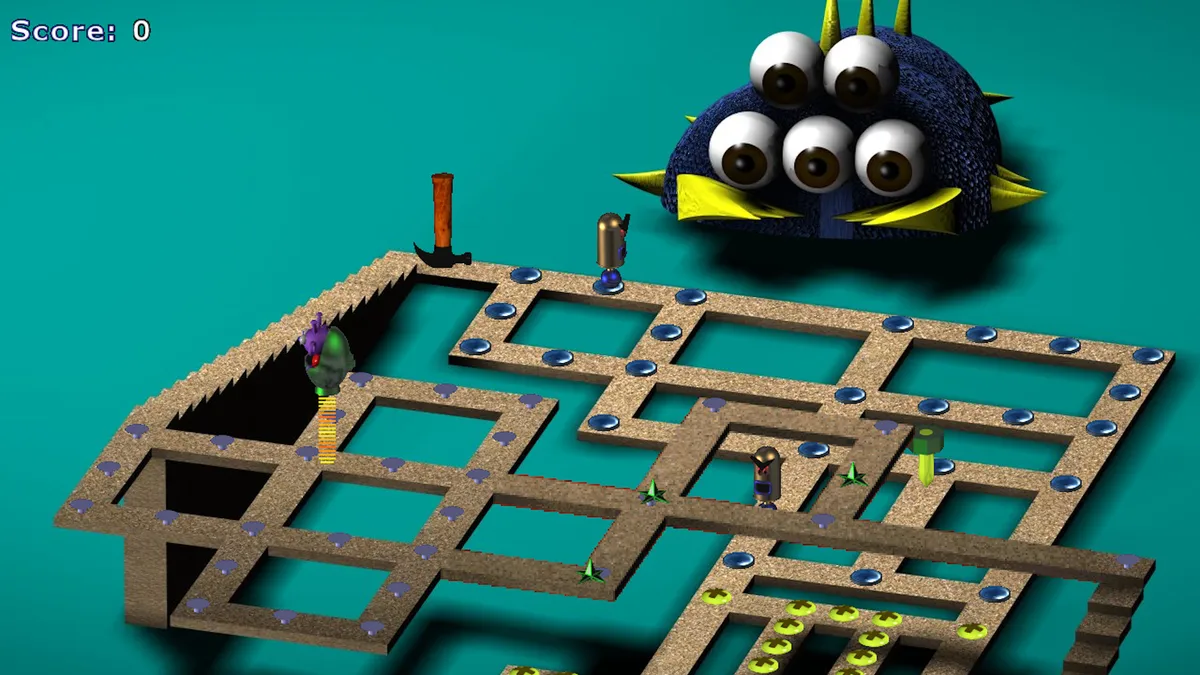
The Space Bar handles two different actions: press it to drop a tool, or hold it down to fly. Tools also have a defensive use when enemies approach. Place one between Gubble and an enemy, and the enemy will usually bounce off it and turn around; the same technique is particularly useful against incoming cannonballs. Cannons fire whenever you cross their field of vision, though they need time to reload. Their firing rule and the tool’s shielding role work together: crossing their sightline draws fire, while an intervening tool offers protection against the shot.
Other hazards behave differently: Frooze bounce off objects, including Gubble, while Gears are enemies to keep away from. Powerups provide several distinct forms of help alongside tool shielding. Health restores part of your health, Speed increases movement speed when you step onto it, and Freeze freezes every enemy on the level while leaving Gubble unaffected inside his rocket. Save Disks combine recovery with saving progress, restoring health completely rather than partially. Their supply is limited, so they are not an unlimited substitute for avoiding contact or putting a tool in an approaching enemy’s way.
Ten Cities, Best Scores and Optional Special Zymbots
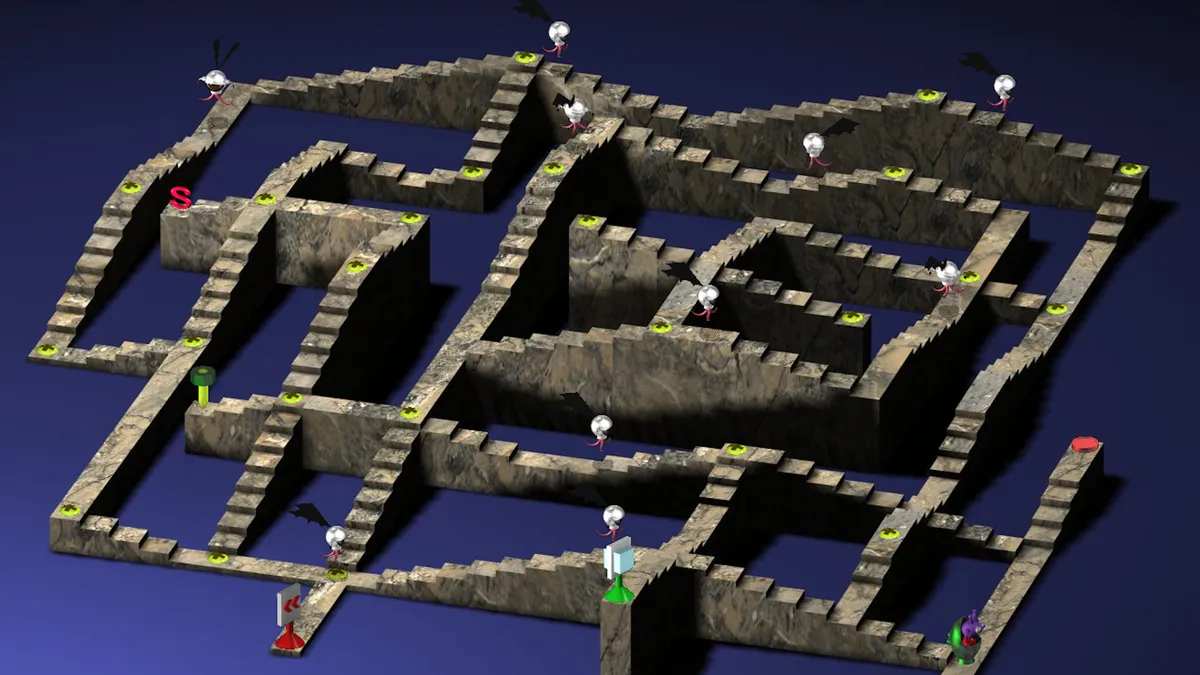
Gubble spreads its 150 zymbots across ten cities, with scoring tracked both by individual zymbot and through the combined Gubble Score. Finishing a regular zymbot earns a score, while completing it quickly adds a time bonus: faster finishes receive a larger bonus. The combined total uses your best score for each zymbot, rather than adding every completed attempt together. A better result therefore contributes through that zymbot’s best score. On the City Map, look in the lower-left area of the screen to see the Gubble Score alongside your progress through the cities.
The City Map also provides a separate completion signal for special and bonus zymbots. A check mark beside the score means that every special zymbot and every bonus zymbot in that city has been finished; the score alone does not supply that confirmation. Finding hidden bonus zymbots requires a specific action: move into playfield areas concealed behind walls and press the Space Bar. That gives exploration a different task from improving a timed finish. When checking a city’s completion, look for the mark as well as the total, and search behind walls for hidden bonus entrances.
Finding Magic Rings and Earning Bonus Coins
Magic Rings provide entry to bonus zymbots: step onto a ring and press the Space Bar to be teleported inside. Some rings are hidden, so not every entrance is immediately visible. Once inside, the objective is to collect as many tools as possible before the timer expires. The tools are the targets of this timed challenge, rather than simply equipment for removing fasteners. A sufficiently good performance earns a golden bonus coin worth 500 points. The reward depends on how well you do in the bonus zymbot, not merely on reaching its entrance.
To check your bonus discoveries afterward, return to the launching pad for a zymbot you have completed; completed zymbots have blue pads. Look at the upper-left corner of the sneak preview screen. Magic Rings appear there if you found a bonus zymbot associated with that location, while a golden coin appears if you collected the coin in that bonus zymbot. These indicators record two different accomplishments: discovering the bonus area and securing its coin reward. A ring indicator alone therefore does not confirm that you earned the 500-point prize.
Sources & further reading.
- Gubble — official game profileRetrieved Nov 9, 2026
- Gubble — official game profile — publisher-supplied gameplay manualRetrieved Nov 9, 2026
First published .