 THE GAME ARCHIVE
Finding Hidden Objects and Following Recharging Hints
Hidden-object searching in Hide and Secret: The Lost World has no timer, so inspecting a scene is not a race against a countdown. When an item remains to be found, clicking the HINT button marks it with a circle of white stars, giving a visible location rather than a written clue. Hints are unlimited, but the button must recharge before another use. The distinction is between quantity and timing: you do not exhaust a fixed supply of help, although repeated requests still require waiting for the button to become ready again.
The same HINT button also provides guidance beyond locating objects. When there are no items to find, clicking it displays written instructions for solving the current objectives instead of surrounding an object with stars. Its response therefore depends on whether an item search is pending: visual identification serves the search, while text addresses the current task when there is nothing to locate. A separate information signal sits in the lower-left corner, where the Journal icon glitters whenever it has new information. That glitter announces a Journal update, rather than marking a hidden object's position.
Collecting Handy Items for Tasks That Come Later
Each hidden-object scene contains one object that has a use elsewhere in the game: a Handy Item. These objects connect searching with later tasks, rather than serving only as things to locate within the current scene. Hidden-object scenes are not the only source, either. Completing a mini-game may award a Handy Item, and some characters provide one after you finish a task for them. Click a character to talk to them; the item reward, where offered, follows completion of their task. Collecting these useful objects therefore involves both finding objects and completing activities or requests.
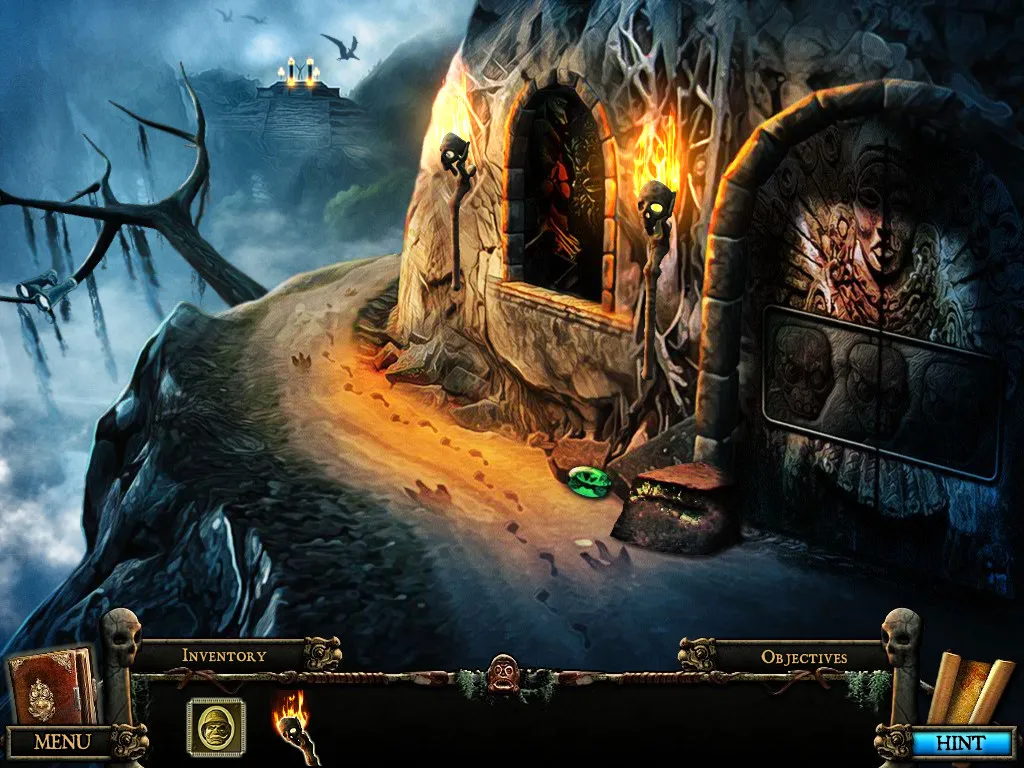
Collected Handy Items go into the backpack in the lower-right corner. Use the arrows on its left and right to scroll through the stored objects, including those obtained from searches, mini-games and character tasks. Acquisition and use do not necessarily happen close together: a Handy Item may remain unusable until long after you collect it. The backpack thus holds objects for later purposes as well as anything relevant sooner. An item arriving as a reward does not mean its matching task is immediately at hand; the documented delay separates obtaining a useful object from having an opportunity to use it.
Return Visits, Map Travel and Newly Opened Exits
Once you obtain the Map, its icon appears in the lower-right corner, allowing travel between any two locations you have already visited. That restriction separates returning to a known place from discovering somewhere new: the Map connects visited locations, rather than opening destinations you have not reached. Return journeys are part of the game's structure, since every location must be revisited several times. The Map handles travel between those familiar places, while the exits within a scene determine which other scenes can be reached from there as further passages become available.
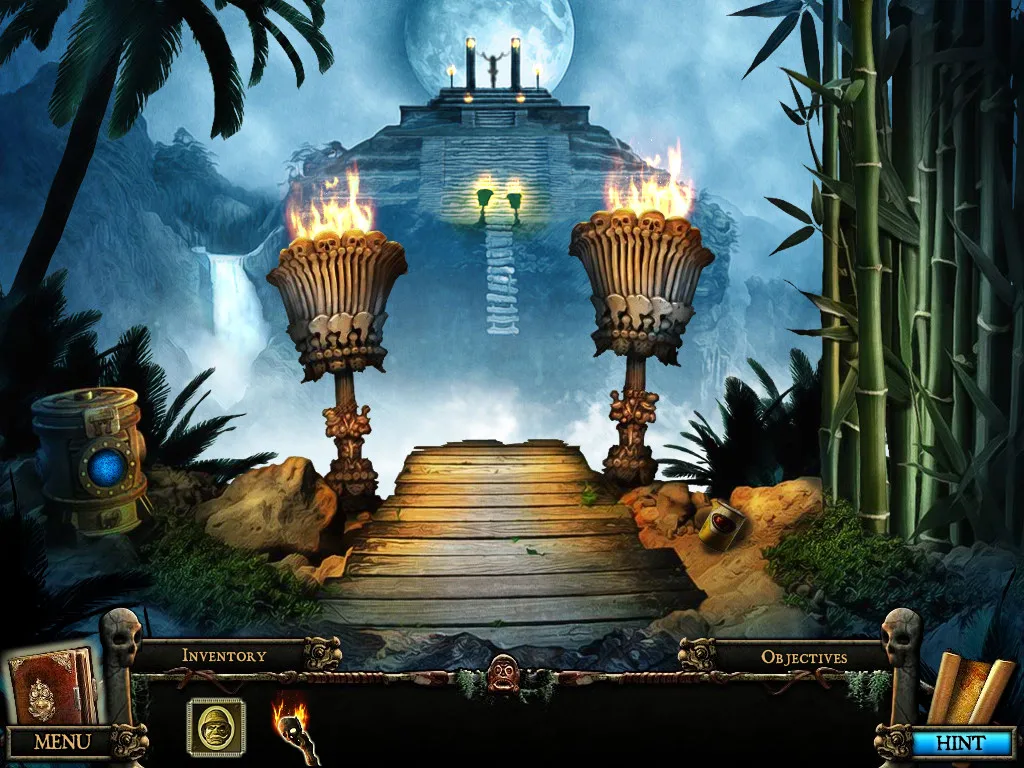
To locate those exits, move the cursor slowly around the scene and look for one to four yellow arrows. They can point up, down, left or right; an upward exit may sit off to one side, associated with a building or path rather than the centre of the view. Some exits remain locked until other things have been done elsewhere in the game. On each return visit, scan the scene again for newly opened arrows instead of relying on the exits you found before. The Down Exit has a separate documented use, too: it leaves a zoomed scene or mini-game.
Sparkling Activities, Puzzle Pieces and the SKIP Button
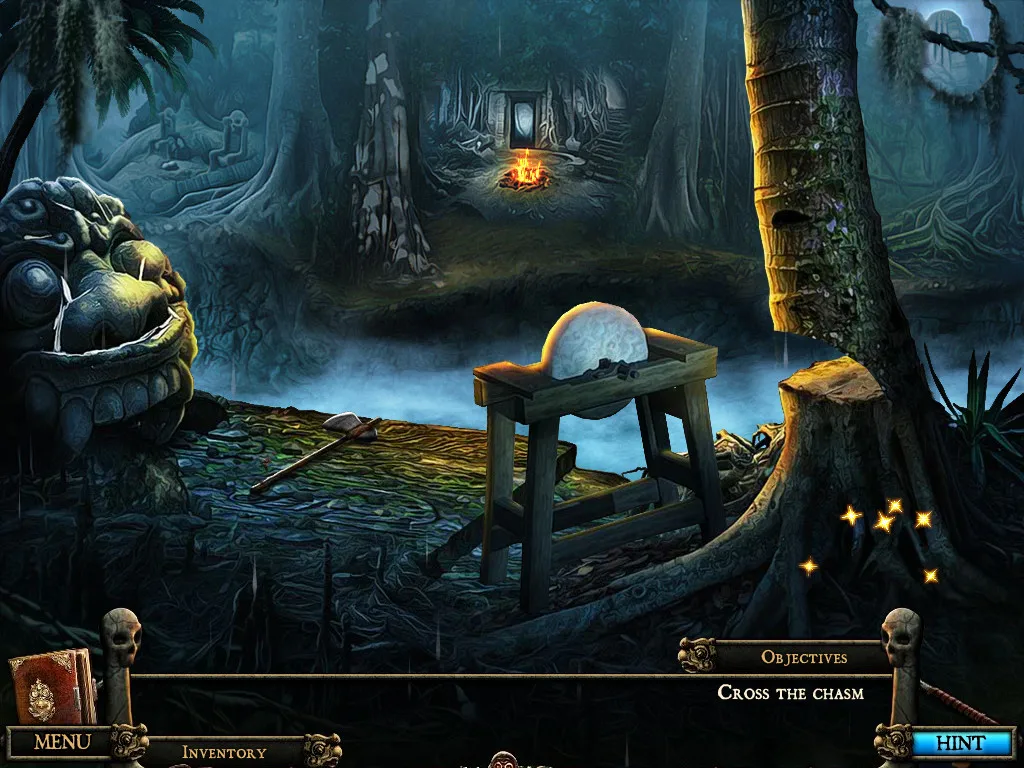
Sparkles mark an available activity in Hide and Secret: The Lost World: either a hidden-object scene or a mini-game. The signal covers both kinds of activity, rather than identifying only puzzles. Within a mini-game, the SKIP button offers a way to bypass it, but only once the button has recharged. To use that option, wait for it to become ready and then click SKIP; the recharge requirement means the button is not an immediately available bypass whenever you want to move past a puzzle.
Piece placement behaves differently in the two named puzzle types. In a jigsaw mini-game, putting a piece in its correct position makes it lock into place, providing confirmation through the piece's fixed position. Rows-and-columns mini-games do not use that same rule: a correctly positioned piece does not lock. Keep that distinction in mind when arranging pieces, because the absence of a lock does not establish that a placement is wrong in a rows-and-columns puzzle. The jigsaw's locking behaviour is therefore specific to that puzzle type, not a shared check for both.
Sources & further reading.
- Hide and Secret: The Lost World — official game profileRetrieved Nov 13, 2026
First published .