 THE GAME ARCHIVE
Infantry Movement and Stance Controls
Infantry movement in Homefront is handled through a standard keyboard-and-mouse layout. The W, A, S, and D keys move your soldier forward, backward, left, and right, while the mouse controls looking and aiming. Holding the Shift key enables a sprint, letting you cover ground faster than the default walking pace. A tap of the Spacebar makes the soldier jump, useful for clearing low obstacles or navigating uneven terrain.
Stance changes are mapped to two separate keys. Pressing and holding the Left Ctrl key drops the soldier into a crouch, while the Z key switches to a prone position. These stances alter your profile and movement speed, though the manual does not detail their effect on weapon accuracy or damage. Crouching and going prone are distinct actions, so you can choose the lower profile that fits the situation without cycling through a single stance button.
Infantry Combat, Weapons, and Grenades
Infantry gunplay in Homefront is built around the mouse, with primary fire on the left click and aim-down-sight on the right click. Each shot is fired directly rather than through a separate fire-mode toggle, and holding the right button changes the view to a sighted aim before you squeeze off rounds. Two mousewheel directions cycle your carried weapons, so a quick scroll up or down swaps the active gun; the R key then reloads the current weapon. A separate slot for special explosives is bound to the F key, and a frag grenade is thrown with G, keeping throwables distinct from your firearm controls.
The F key fires your special explosive, giving you a dedicated launcher-style option outside the frag grenade on G. Because weapon swap lives on the mousewheel, switching between your gun and other carried weapons does not require leaving the movement keys, and the R reload keeps the current firearm topped up between engagements. Aiming with the right click and firing with the left click form the core shooting loop, while the special explosive and frag grenade sit on separate keys for when a direct-fire weapon is not the right tool. In multiplayer, buying special weapons is mapped to the 4 and 5 keys.
Melee, Grenades, and Weapon Pickups
Melee and ordnance sit on their own dedicated keys rather than sharing the firearm controls. A melee attack is bound to V, giving you a close-quarters strike separate from the left-click primary fire used for shooting. The frag grenade is thrown with G, so a throwable explosive is only one key away from your gun hand without interfering with firing or aiming down the sight. These assignments keep the melee option and the frag grenade as distinct actions, each reachable without cycling through a weapon menu or leaving the movement keys.
Pickups and world interaction share a single contextual key: holding E lets you pick up a weapon, use an object, or enter and exit a vehicle. Because it is a hold rather than a tap, the action is deliberately separated from the quick press-and-release melee on V and grenade throw on G. This same E binding covers weapon pickups on foot and vehicle transitions, so a dropped gun on the ground and the door of a vehicle are both handled through the identical hold action rather than separate dedicated keys.
Ground Vehicle Driving and Turbo
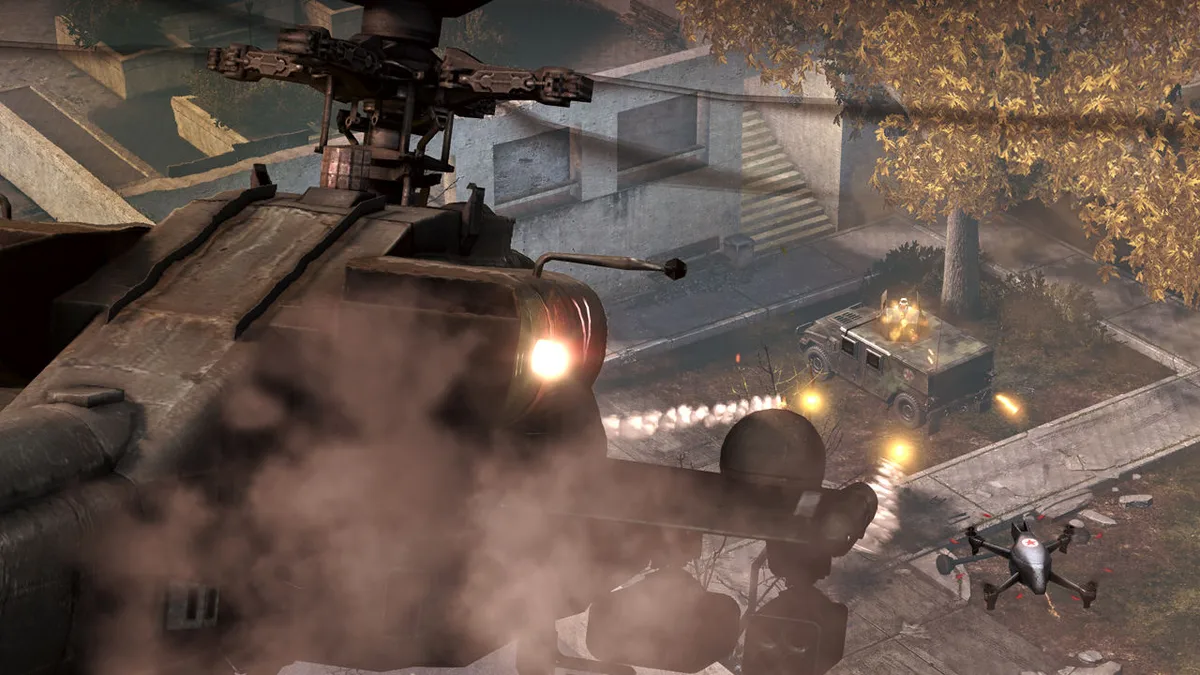
Ground vehicle driving in Homefront maps acceleration and reverse to the W and S keys, with steering handled by A and D. The mouse controls the camera view, while the Shift key engages a turbo boost for extra speed. To enter or exit a vehicle, hold the E key, the same contextual action used for weapon pickups and world interaction on foot. Once inside, the left mouse button fires the primary weapon, and the right click or V key zooms the weapon sight. The F key activates countermeasures, and the C key cycles through available camera views.
The turbo boost on Shift works alongside the standard W and S acceleration and reverse, giving you a burst of speed when held. Steering remains on A and D, so you can boost while turning without lifting a finger from the movement keys. The E key handles both entering and exiting a vehicle as a hold action, keeping you from accidentally dismounting during combat. Inside the vehicle, primary fire stays on the left mouse button, zoom is available on right click or V, countermeasures sit on F, and C cycles camera perspectives. Selecting a vehicle seat is assigned to the bracket-style keys indicated in the manual.
Aircraft Flight and Parachute
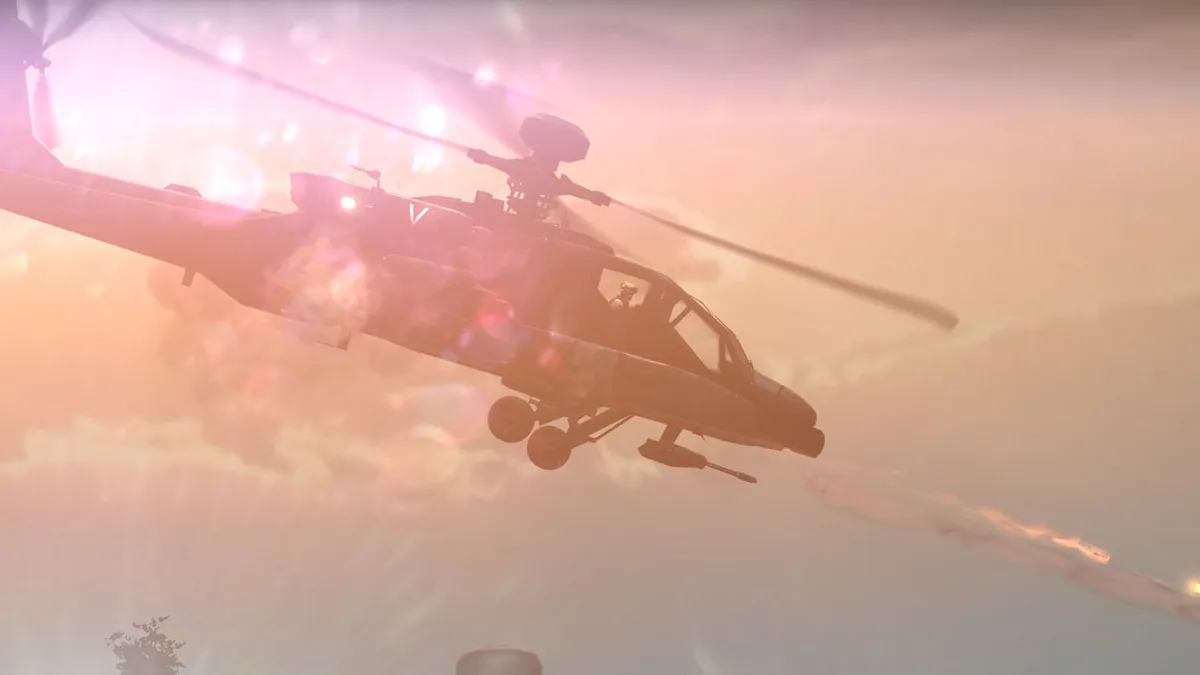
Aircraft controls in Homefront split flight into separate axis keys rather than a single throttle-and-stick model. The W and S keys handle ascending and descending, while A and D yaw the aircraft left and right. Holding Shift engages a turbo boost that runs alongside those altitude and yaw inputs, so a pilot can climb or turn while the boost is active. The mouse remains the look and aim device, and the same weapon controls from the ground apply here: left click fires the primary weapon and right click zooms the weapon sight.
Other aircraft actions reuse keys familiar from infantry and vehicle play. Holding E enters or exits the vehicle, F activates countermeasures, and the bracket-style keys select a vehicle seat. Parachuting is bound to the Spacebar, the same key that makes a soldier jump on foot, so leaving an aircraft is a discrete keypress rather than a menu action. The manual lists these aircraft assignments together with the flight controls, separating horizontal yaw, vertical ascent and descent, and the boost modifier into distinct key groups that can be held in combination during flight.
Multiplayer Modes: Ground Control, Team Deathmatch, and Battle Commander
Ground Control is a team objective mode built around holding a line of capture points. Each side competes to control those objectives, and a team earns score for as long as it holds them. When one team reaches the score limit, that team wins the round, and the objectives then relocate to a new area of the map. Winning two rounds wins the game. Team Deathmatch simplifies the goal: hunt down and destroy the enemy by any means. Victory goes to the first team to reach the points limit before time expires, or to the highest-scoring team when time runs out.
Battle Commander is a constantly changing mode played alongside either Ground Control or Team Deathmatch. An AI-controlled Commander is assigned to each team and sets up special missions while placing bounties on players during a match. Kill streaks earn ability boosts, and hunting down an opponent who is on a streak of their own earns Battle Points. Those points can be spent on in-game weapons such as drones and airstrikes using the 4 and 5 keys, or saved to purchase a vehicle at the spawn screen.
Sources & further reading.
- Homefront — official game profile Retrieved Oct 20, 2026
- Homefront — official game profile — publisher-supplied gameplay manual Retrieved Oct 20, 2026
First published .