 THE GAME ARCHIVE
Riddles and Guardians: Opening the Ruins
Progress in the La-Mulana Ruins runs through riddle solving, and the manual treats that work as the backbone of the whole expedition. Rather than stating the mystery outright, the game leaves its central questions unexplained, so the player often will not know at first what to do. Each riddle resolved in front of the explorer counts as one step toward the goal, and solving almost all of them is required to uncover the mystery of the ruins. The ruins themselves are divided into several areas called fields, and getting through the current field is one route forward.
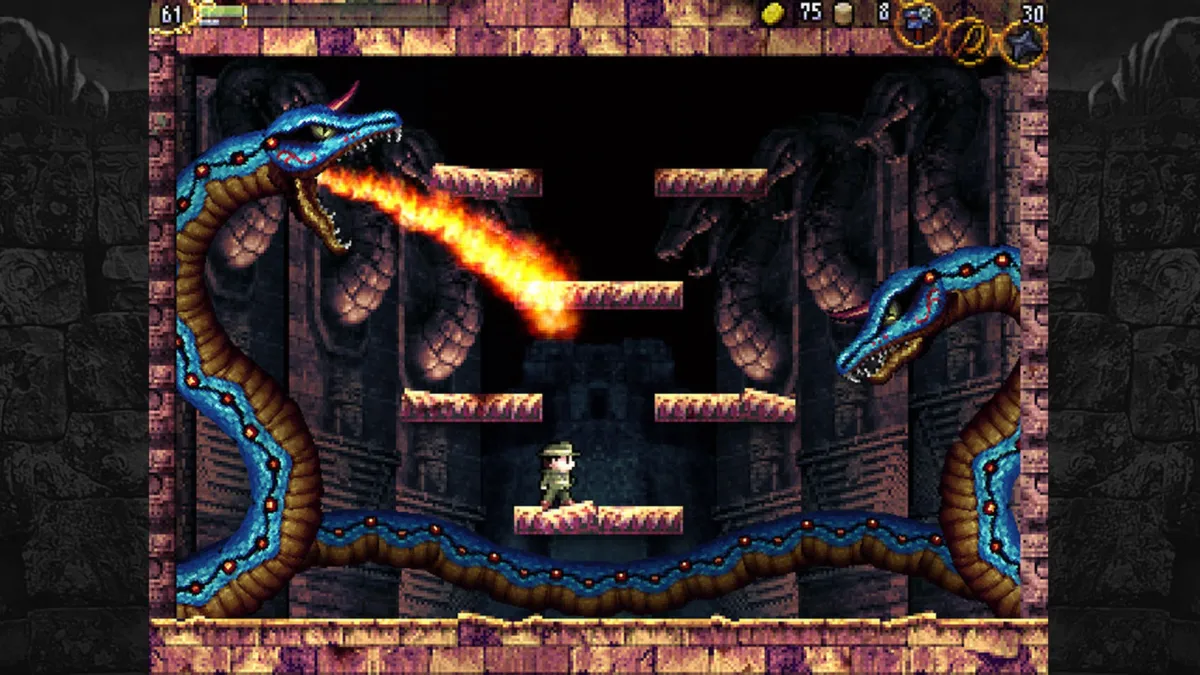
Guardians are boss enemies that sleep somewhere within the ruins, and defeating one can open the way to important areas. Because those passages depend on the Guardians, clearing them is a separate task from reading the riddles of each field. Hidden throughout the ruins are mysterious items that either strengthen the professor's abilities or are needed to solve riddles; gathering them widens the scope of activities available. The documented loop therefore ties three actions together: solve the field's riddles, collect the hidden items, and defeat the sleeping Guardians to reach what lies beyond.
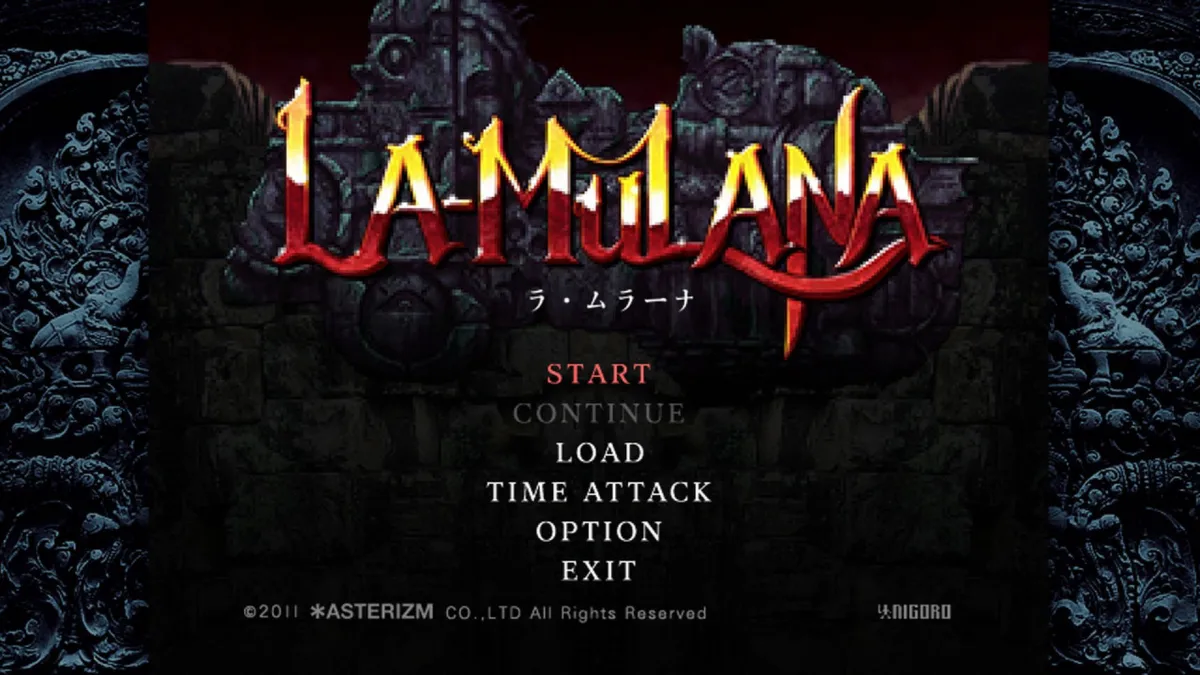
Loot, Soul Stones, and Weight-Fed Gimmicks
Defeating enemies in the ruins yields more than one kind of resource, and the manual lists three separately: soul stones, coins, and weights. Green soul stones dropped by defeated enemies raise the soul meter; once that meter is filled, the life meter is restored. Coins come from three documented sources, defeating enemies, breaking jars, and opening treasure boxes. Weights follow the same three pickup methods, and the store adds a fourth way to obtain them. Each resource is tracked as its own counter rather than folded into a single currency.
Weights serve a distinct function from the other drops: the number of weights is essential to operate the gimmicks of the ruins. Players therefore accumulate them through combat, jar breaking, and treasure boxes, or buy them at the store when those sources run short. This ties the ruins' mechanisms to the same enemy-and-container loop that supplies soul stones and coins, so a player working through a field is stockpiling the resource that lets its gimmicks function while also topping up life through soul stones.
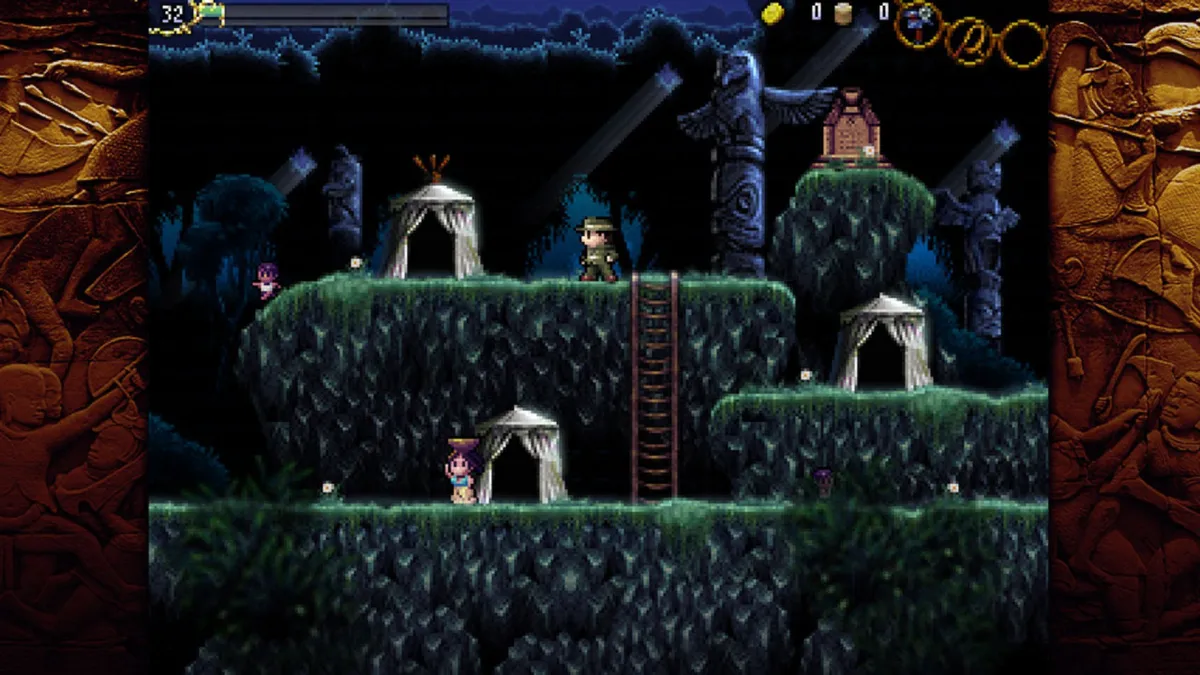
Tools of the Trade: Hand Scanner, Glyph Reader, and Yagoo Map Reader
The expedition begins in the Surface area, where the immediate goal is to collect coins and weights to buy three tools: the Hand Scanner, the Glyph Reader, and the Yagoo Map Reader. If coins run short there, the player can also gather them inside the ruins. Once equipped, usable items such as the Hand Scanner are selected and used through the item menu during exploration, giving the explorer a direct way to aid riddle solving and navigation. The Hand Scanner specifically scans information from various things and returns details about murals in addition to messages from tablets and bodies.
The Yagoo Map Reader handles navigation across the ruins' fields. Each field is composed of 20 screens, and every side of a screen adjoins the next screen horizontally and vertically; the overall shape is complicated but can be arranged as a rectangle of four by five squares. Fields are further partitioned into units called rooms or views, each carrying a name that may appear in hint messages. With the map and the Yagoo Map Reader, the explorer can learn those room names and read the field's structure; usable items like the scanner are swapped through the item menu before use.
Mobile Super X Software Combos and the Hands-On Toolkit
Software installed on the Mobile Super X laptop ranges from useful to seemingly useless, but the manual insists none of it is meaningless; only a single program is described as having no effect. The documented twist is that launching two programs at the same time can produce abilities beyond what either shows alone, and the manual frames finding these pairs as the route past difficult stages. The player is left to experiment with combinations rather than being handed a fixed list.
Equipped gear is rearranged at the item menu, where the main weapon and sub weapon slots can each be changed before the explorer presses on. Jumping follows fixed behavior: a vertical jump rises straight up from a standstill and allows left and right drift during the fall, while a diagonal jump is launched from a moving start, with its height set by how long the jump button is held and its distance by moving distance. Saving happens at the Holy Grail Tablet, either automatically on touching a deciphered tablet as a quick-save or manually by pressing down in front of it; the quick-save file is deleted on quitting, the regular file persists, and the Holy Grail item is required.
Sources & further reading.
- La-Mulana — official game profileRetrieved Oct 28, 2026
- La-Mulana — official game profile — publisher-supplied gameplay manualRetrieved Oct 28, 2026
First published .