 THE GAME ARCHIVE
Missions Unlock Maps; Skirmish Offers Custom Matches
Mobile Forces divides its single-player play into Missions and Skirmish. Missions ties access to further maps to completion: finish each mission to unlock more maps. That map progression sits alongside a separate escalation within each map, where AI opponents rise through seven skill levels. Advancing therefore involves both completing missions to open additional maps and facing the increasing bot difficulty documented within a map, rather than treating every encounter there as a fixed-strength opposition.
Skirmish provides the custom-match side of single-player, contrasting with the mission-completion structure used to unlock maps. For a custom match, select Skirmish; for progression through mission unlocks, use Missions. Both belong to a first-person shooter built around fighting an opposing AI team, while play against friends over a local network supplies a separate multiplayer context. The distinction between the two single-player modes is their format: mission-based progression on one side, custom matches on the other.
Deathmatch, Red-versus-Blue Teams and Captain Hunts
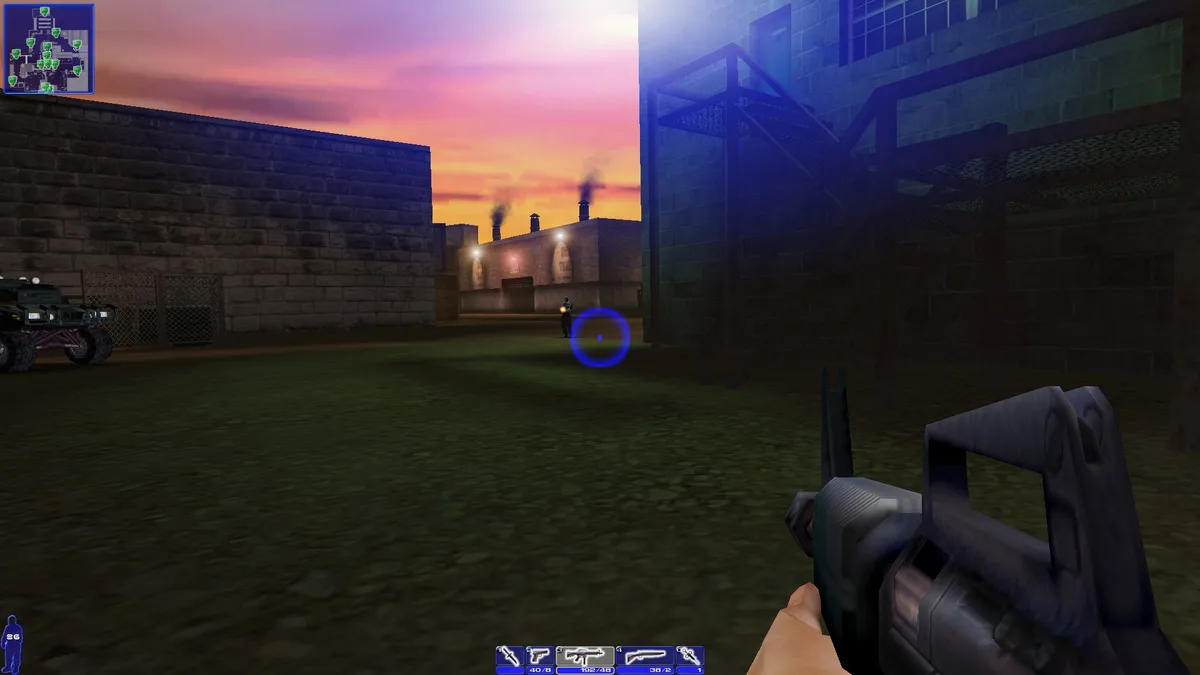
Deathmatch sets the objective at the level of individual opponents: eliminate the other players on the map. Team Deathmatch retains that elimination-based format but divides the combatants into Red and Blue teams. The distinction is who belongs on the opposing side: Deathmatch pits players against the rest of the field, while Team Deathmatch groups them into two sides and makes the rival team the target.
Captains keeps the team structure but gives each side a captain and ties victory to kills of that particular opponent. Hunt the enemy captain while your own captain is the corresponding target for the other team. The winning side is the one that kills the opposing captain more times, so the objective is a repeated captain hunt rather than simply eliminating everyone on the map. Captain kills, not general eliminations, define the stated winning comparison.
Steal Flags, Defend Beacons and Raid Enemy Bases
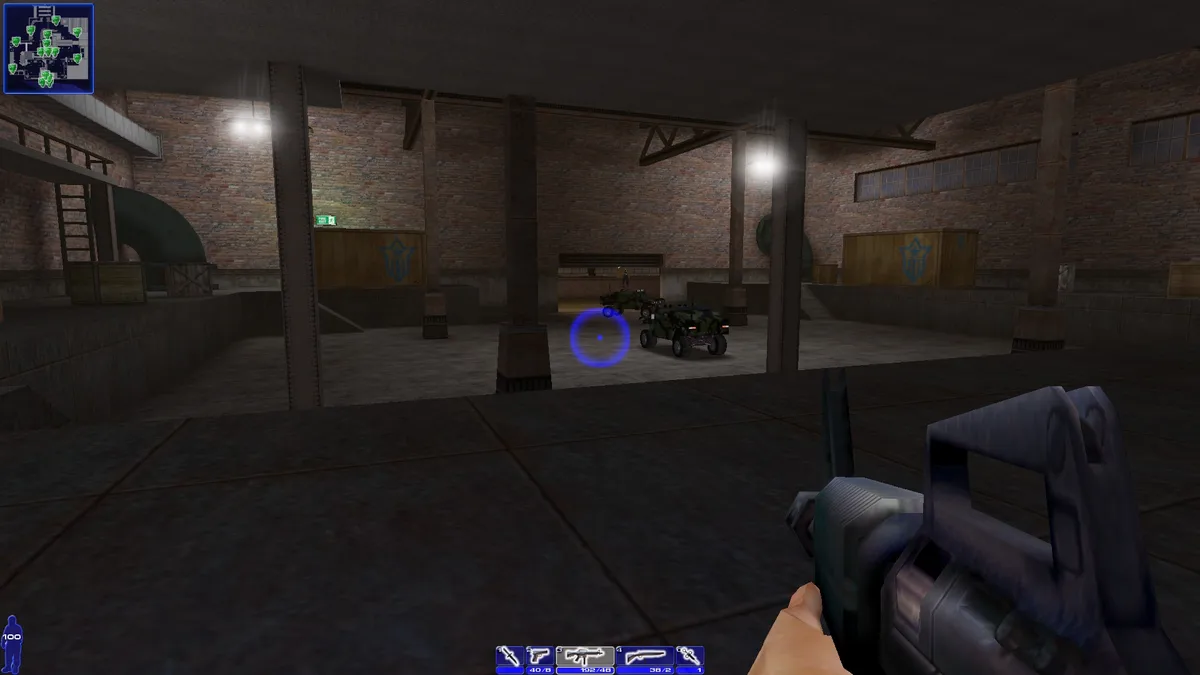
Capture the Flag gives both teams the same task: steal the opposing side’s flag while the enemy pursues yours. The default controls assign Throw Flag to G, providing a specific action for handling the objective; that binding can be changed through Controls in the Options menu. Holdout instead assigns different jobs to the two sides. One team defends a beacon on the map, while its opponents must take that beacon before the allotted time expires. Rather than sending both teams after each other’s flags, Holdout puts the attack and defence around one objective and gives the attackers a deadline.
Detonation starts with both sides competing for a keycard placed centrally on the map. Acquiring it is only the first step: the card must then reach a console inside the opposing team’s base, where it activates an explosive device to score. The objective therefore links a shared pickup location to a destination in enemy territory. Safe Cracker also requires entering the enemy base, but replaces the keycard-and-console sequence with opening a safe and retrieving its loot. After the match, the teams switch bases, exchanging the locations they have just attacked and occupied rather than keeping the same base assignments.
Trailer: Drive Explosive-Laden Units into the Enemy Base
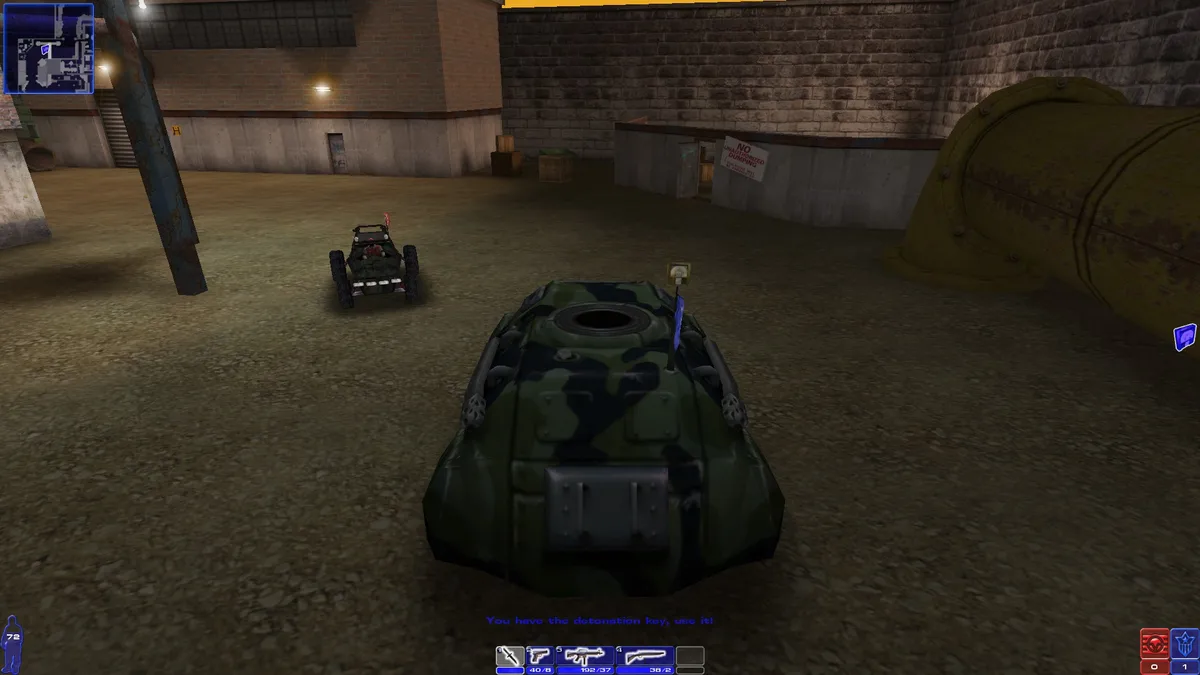
Trailer makes driving the scoring task: teams earn points by taking explosive-laden units into the opposing base. Vehicles are therefore part of the objective itself, not merely transport to a fight. The default E binding handles entering and exiting a vehicle, while W accelerates and S brakes. These controls connect getting aboard with moving the explosive-laden unit toward its destination. The scoring requirement is the delivery into enemy territory; the mode’s stated objective centres on where the unit is driven, rather than on eliminating an opponent.
The driving bindings share keys with movement on foot. W serves as Move Forward or Accelerate, S as Move Backward or Brake, and Space as Jump or Handbrake. For Trailer’s vehicle objective, that gives braking and handbraking separate default inputs: S handles the brake, while Space operates the handbrake. These are configurable bindings rather than fixed requirements. Open Options and select Controls to change them, including the shared movement keys, so the documented defaults provide a starting layout for driving the explosive-laden units into the enemy base.
Sources & further reading.
- Mobile Forces — official game profileRetrieved Nov 7, 2026
- Mobile Forces — official game profile — publisher-supplied gameplay manualRetrieved Nov 7, 2026
First published .