 THE GAME ARCHIVE
Three Ways to Walk a Shattered Empire
Before setting out across the shattered empire, End of Ages asks you to pick how you will walk it. Classic Mouse-Click keeps everything on one mouse button: click where you want to go, and click or drag objects to interact. Classic Plus holds the view on center with the cursor and lets you click to travel when the cursor is solid; right-clicking releases the screen from the mouse so you can reach the menu or the Slate. Free-Move Advanced mode instead uses the WSAD keys to move, the mouse to look, the left mouse button to move forward, and Shift to run.
Switching schemes never requires leaving play: hotkeys 1, 2, and 3 map to Classic Mouse-Click, Classic Plus, and Free-Move Advanced respectively, and the same three options sit in the Options menu under the Control tab. Free-Move Advanced accommodates different play styles through custom inputs: left-click a box, then press the key you want. A mouse sensitivity slider adjusts the mouse response in the other modes as well, sliding left for a slower response and right for a quicker one. With modes this interchangeable, moving through the game's 3D landscapes stays adjustable rather than fixed.
Reading the Cursor: Clicks, Turns and Mouse-Look
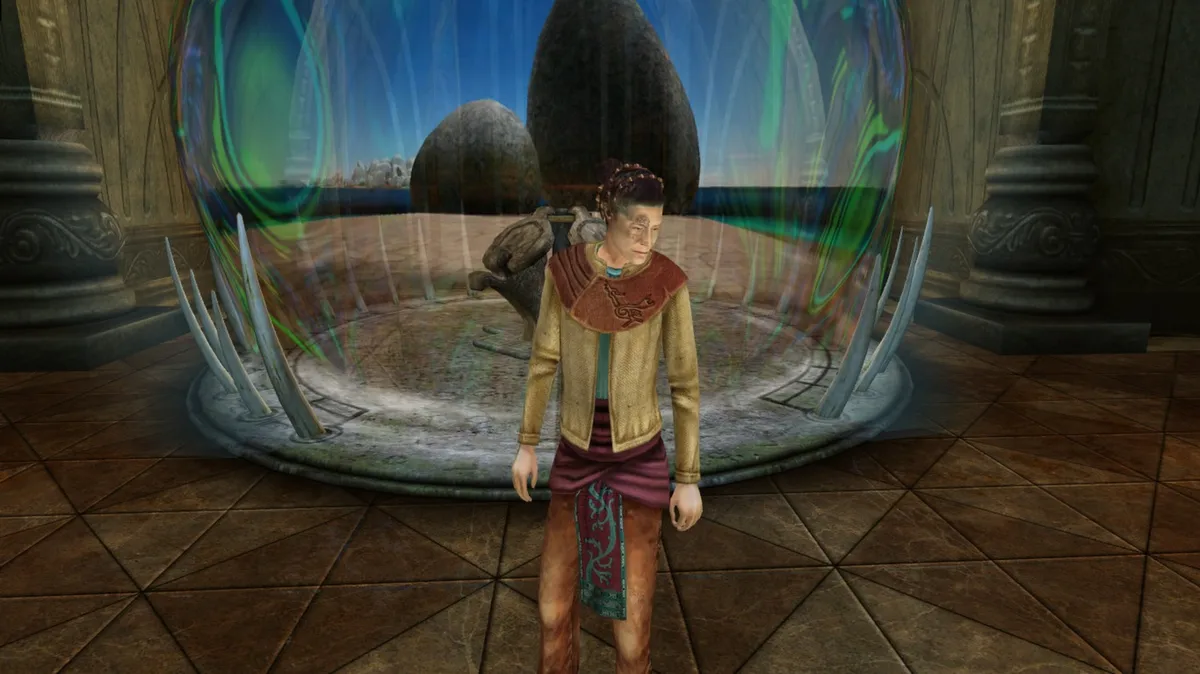
In Classic Mouse-Click mode the whole interface runs on a single button: click where you want to walk, and click or drag objects to interact with them. The cursor itself carries the instructions. A cursor pointing forward means a click moves you ahead, while the center of the screen also generally walks you forward. Send the cursor to the far left or right edge and it becomes the Turn cursor, so a click pivots you in place to that side. Clicking just left or right of center often carries you toward a side location or moves you forward and turns at the same time.
Classic mode explorers can also switch on mouse-look, which centers the view on the cursor; with a right mouse button, click and drag to look freely in any direction, and on a Macintosh without one, hold the Control key while clicking and dragging. The middle-mouse button backs you up when there is a place to return to. In Classic Plus, the view stays on center with the cursor, and a solid cursor means a click travels. Right-clicking unlocks the screen from the mouse so you can reach the menu or the Slate.
Carrying the Slate: Ladders, Pedestals and Symbols
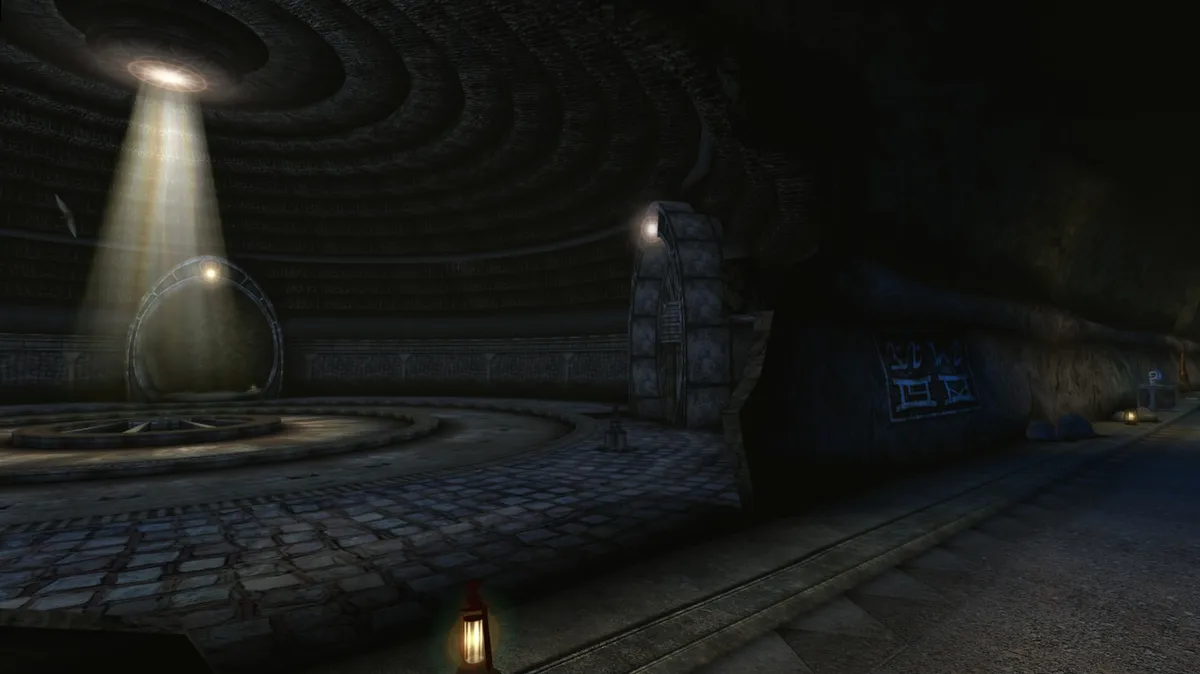
The Slate is a companion object that occasionally becomes a burden. While holding it, you cannot climb ladders, and certain items or devices cannot be used until your hands are free. To set it down, click anywhere on its beveled outer edge; it drops to the ground, and you pick it up again simply by walking back over it. The Slate can also be placed on the various pedestals found along the way, which is how it serves as a tool for communicating with creatures using elementary symbols drawn from the game world.
These restrictions push you to plan around the Slate rather than keep it in hand at all times. A ladder ahead means dropping the object first, then retrieving it after the climb; a device needed for some other task requires the same pause. Pedestals offer an alternative resting place, letting you leave the Slate behind while you explore and return for it later. With the symbols and pedestals working together, the Slate turns communication into a physical act: carry it, set it down, place it, and speak.
Snapshots and Journals: How Progress Is Recorded
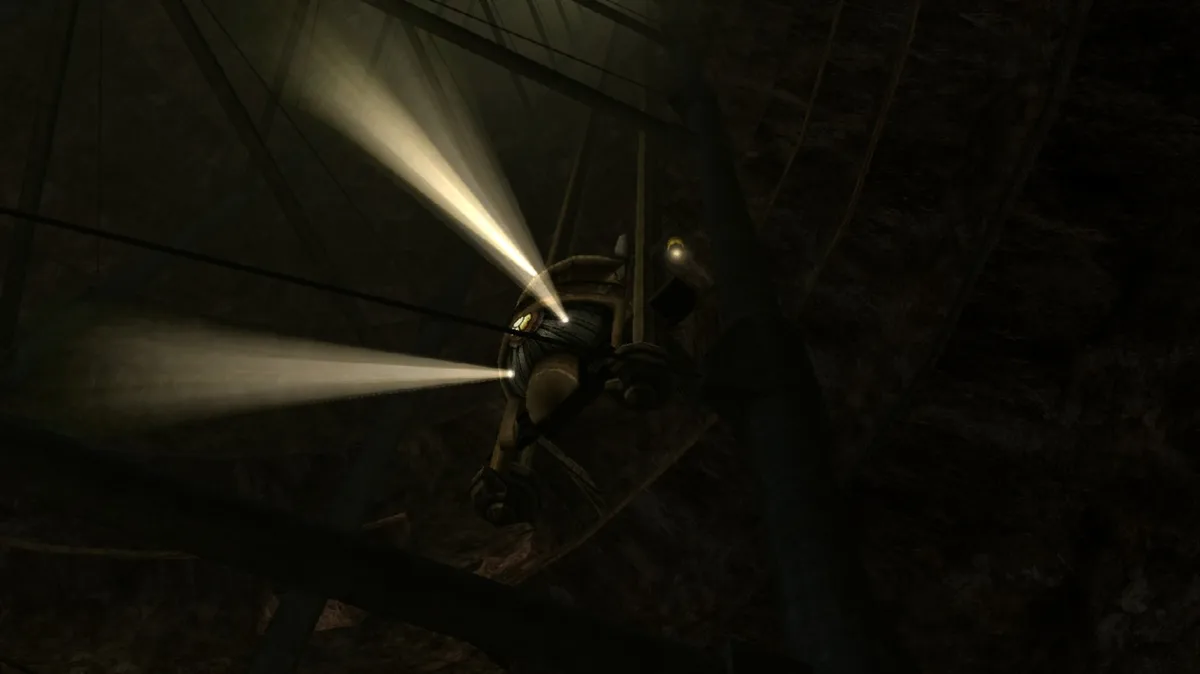
Progress in End of Ages is recorded through journals rather than a manual save routine. Quitting the game saves everything automatically, and starting again returns you exactly where you left off. A specific save, however, is made with the camera: find your Player Journal, and the snapshots you take are stored inside it. Restoring one of those snapshots immediately resets the world to the way it was when the picture was taken, so a photograph doubles as a bookmark. The same journal also accepts notes about clues and puzzles you discover along the way.
Alongside the Player Journal, the game keeps two other records for a single explorer working through the story alone. Yeesha Journals collect story entries as you find them, building a running account of the narrative, while Encounter Journals let you review character interactions and the clues that came out of them. Together these journals separate three kinds of information: the snapshots and notes that mark your own position, the story entries that track the plot, and the encounter records that preserve what characters said and what those conversations revealed.
Sources & further reading.
- Myst V: End of Ages — official game profileRetrieved Oct 26, 2026
- Myst V: End of Ages — official game profile — publisher-supplied gameplay manualRetrieved Oct 26, 2026
First published .