 THE GAME ARCHIVE
From Training Course to the North African Campaign
Sands of Fire offers three ways into its tank battles, separating combat practice from an individual engagement and the larger campaign. Training Course puts you straight into combat to learn the controls before entering the campaign; its shortcut is Alt+T. Single Battle Area, reached with Alt+B, instead lets you select one battle area from the campaign and play through that engagement. For the broader conflict, Alt+E opens Entire Campaign. There, you fight General Rommel and German forces with either US or British squadrons, taking the Allied side rather than choosing between the opposing armies.
The North African setting stretches across up to 48 recreated World War II tank battles, with locations including Tobruk, El Alamein, Kasserine Pass, Tunis and Bizerte. Single Battle Area makes a campaign battle area selectable on its own, while Entire Campaign provides the mode for facing Rommel's forces as a US or British squadron. Alongside those mode shortcuts, the game provides Save Game through Alt+S and Load Game through Alt+L. These are in-game actions: saving and loading sit alongside the shortcuts for entering training, selecting a battle area and opening the campaign.
Tank Gunnery: Pan, Fire, Eject and Reload
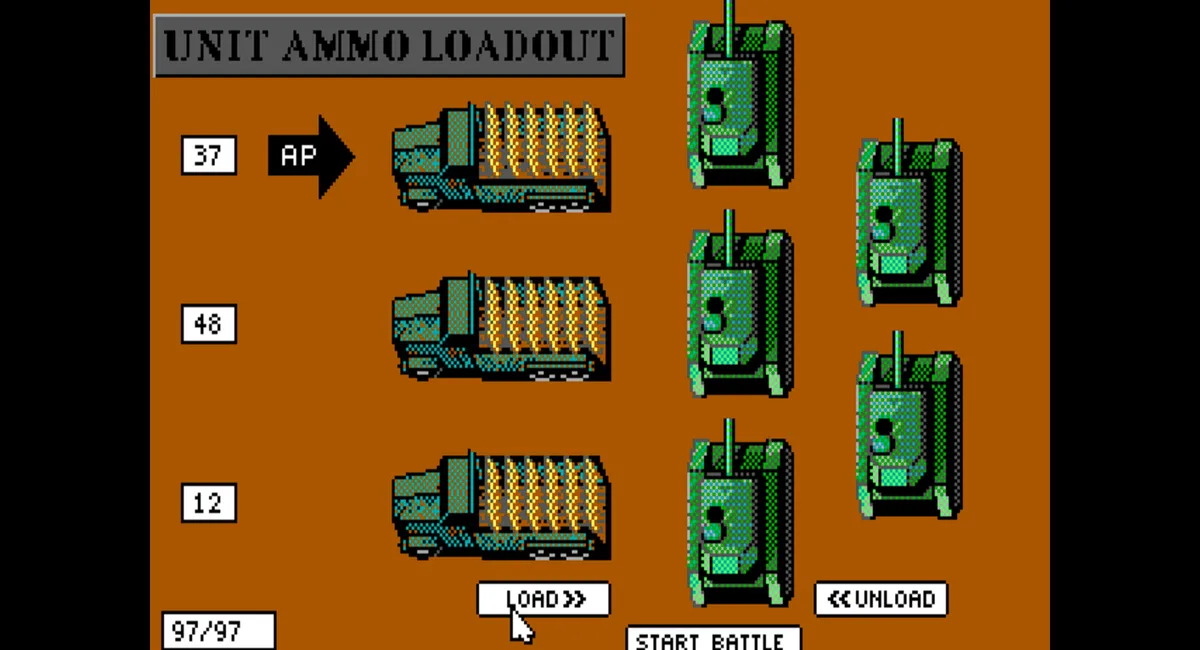
Tank gunnery in Sands of Fire separates horizontal aiming, vertical adjustment and magnification. Pan and fast pan move the reticle left or right, while vertical turret pan moves it up or down. The SIGHT toggle zooms in, giving magnification its own control rather than combining it with reticle movement. To fire the main gun, click the red FIRE trigger beneath the gun. The firing controls distinguish the two weapons by both colour and position: the machine gun uses a separate black FIRE trigger on the right.
After firing, click the EJECT lever on the right to eject the spent shell, then reload by clicking the desired round on the left. Ejection and ammunition selection are separate actions, with controls on opposite sides of the gunnery interface. Reloading also specifies which round to load: you choose the ammunition itself rather than simply pressing a generic reload control. Once a round is loaded, its ammunition type appears as an abbreviation on the gun, providing a readout to check alongside the rounds available for selection on the left.
Driver Controls, Battlefield Maps and Mission Orders
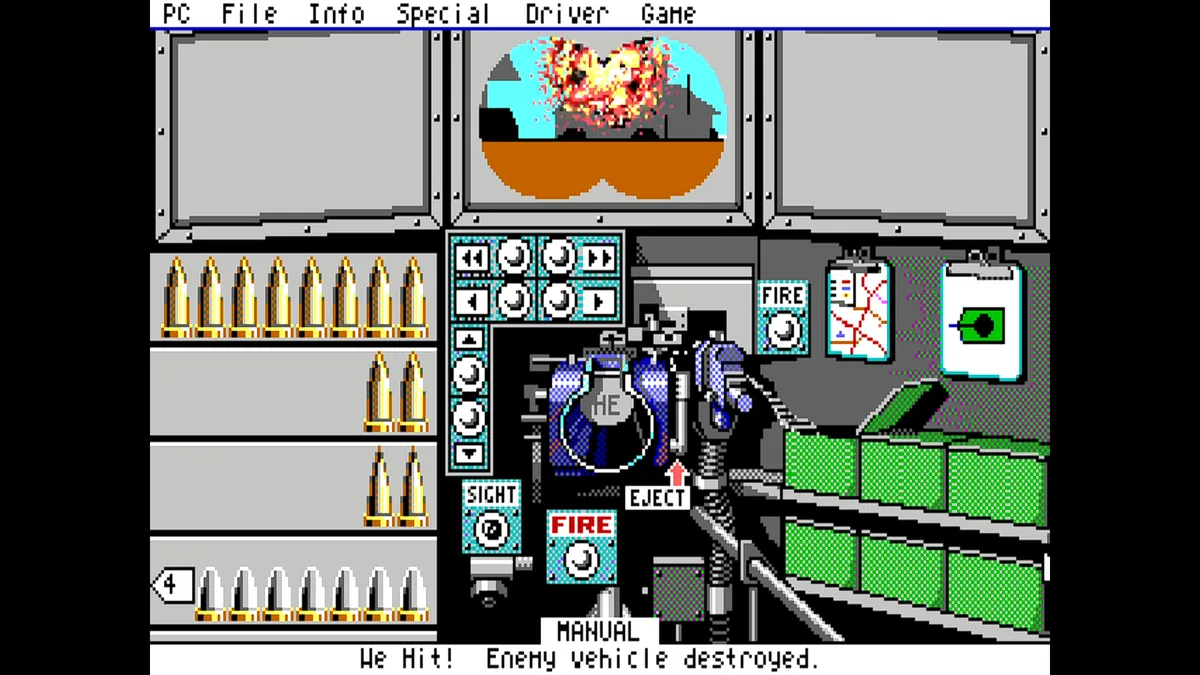
Driver view puts the tank's navigation under manual control while displaying temperature, oil pressure and fuel level. Movement and vehicle-status information therefore share a view: you can steer the tank and check those three readings there. For a battlefield overview, switch to Map view, which displays known enemy positions and the locations of obstacles. These views serve distinct purposes, with Driver handling navigation and instrument readings, while Map lays out the documented enemy locations and obstructions across the battlefield.
The Current Orders screen establishes the mission's primary objective and provides a preview of the path and the number of enemies you will encounter. Read it to connect the assignment with the ground ahead before turning to navigation. Orders remain accessible during gameplay through the Orders tab, so the objective is not confined to its initial presentation. Alongside that mission briefing, Map view supplies known enemy positions and battlefield obstacles, separating the statement of your task from the battlefield's spatial information.
Directing Allies and Rearranging Squadron Formations
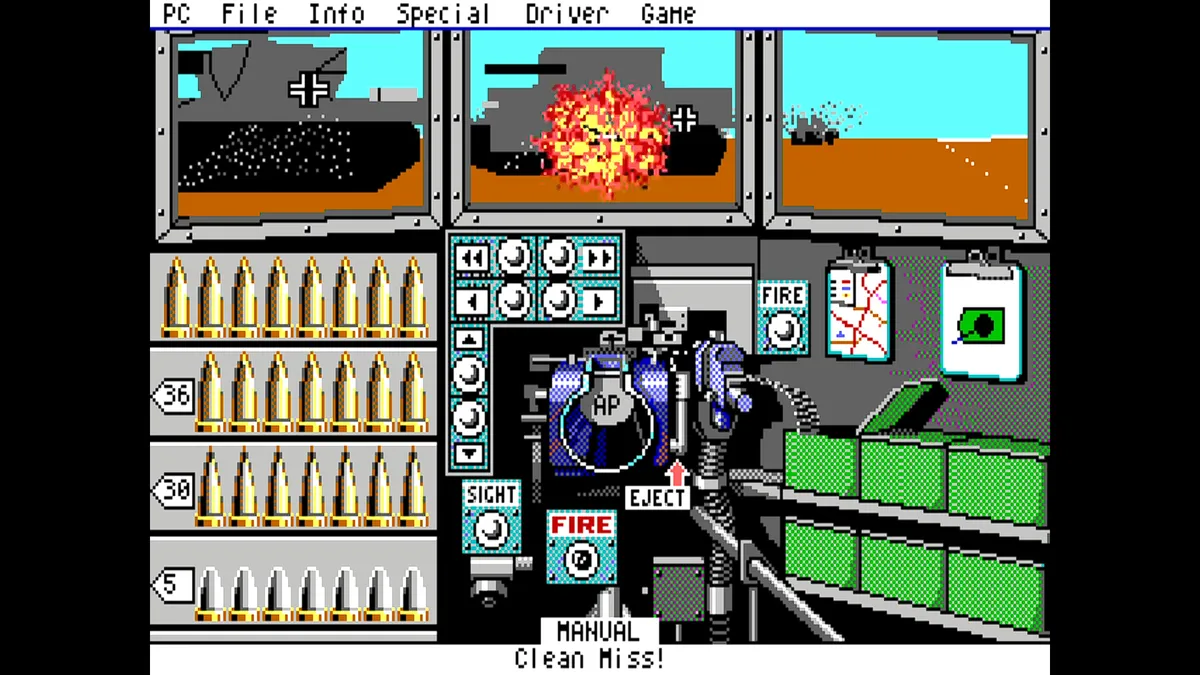
Command in Sands of Fire extends to directing allies during battle, not just operating your own tank. Choosing tank formations is another part of that squadron-level role: you can give attention to the arrangement of your force as well as directing allied units. The two documented responsibilities put both allies and squadron formation under the player's direction during the fighting.
To rearrange the formation of the player's squadron in Sands of Fire, open the Special tab, then select the option labelled Formations from that tab's menu.
Sources & further reading.
- Sands of Fire — official game profileRetrieved Nov 18, 2026
- Sands of Fire — official game profile — publisher-supplied gameplay manualRetrieved Nov 18, 2026
First published .