 THE GAME ARCHIVE
Planning the Expedition: Ports, Ships, Crew and Costs
In the Full Game, expedition planning starts with a choice of departure location, such as Tampico or Miami, followed by buying or renting a ship. The See Next Ship option generates another vessel at random from four classes; the Moyu is the smallest class and the starting option identified by the manual. Outfitting also involves staffing: each piece of equipment needs extra personnel to operate it, and its weight must be considered. Fill the open crew positions, noting that some personnel can handle two roles. Equipment therefore brings staffing requirements alongside the purchase itself, rather than being a standalone addition.
The Misc. menu handles the expected duration and distance of the expedition, with the map serving as the basis for those estimates. Selecting a target is a separate entry: enter its number under Wreck ID, using the wreck list in Appendix C of the manual. Early finances constrain this plan. Equipment is initially unaffordable, so the opening expeditions depend on diver-only searches rather than purchased search equipment. Planned time and distance must both remain very low to make the trip affordable. The initial preparation thus combines a numbered wreck target with modest travel estimates and a crew arranged to cover the available positions.
Finding Wrecks: Piloting, Exploration and Diver Surveys
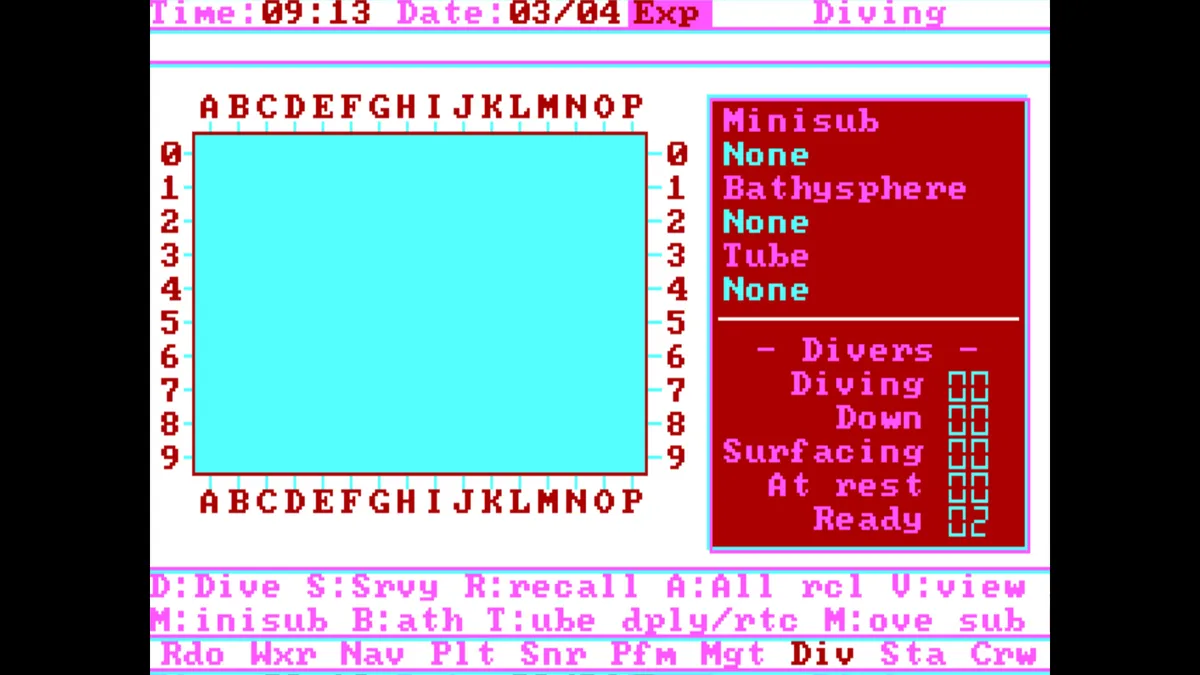
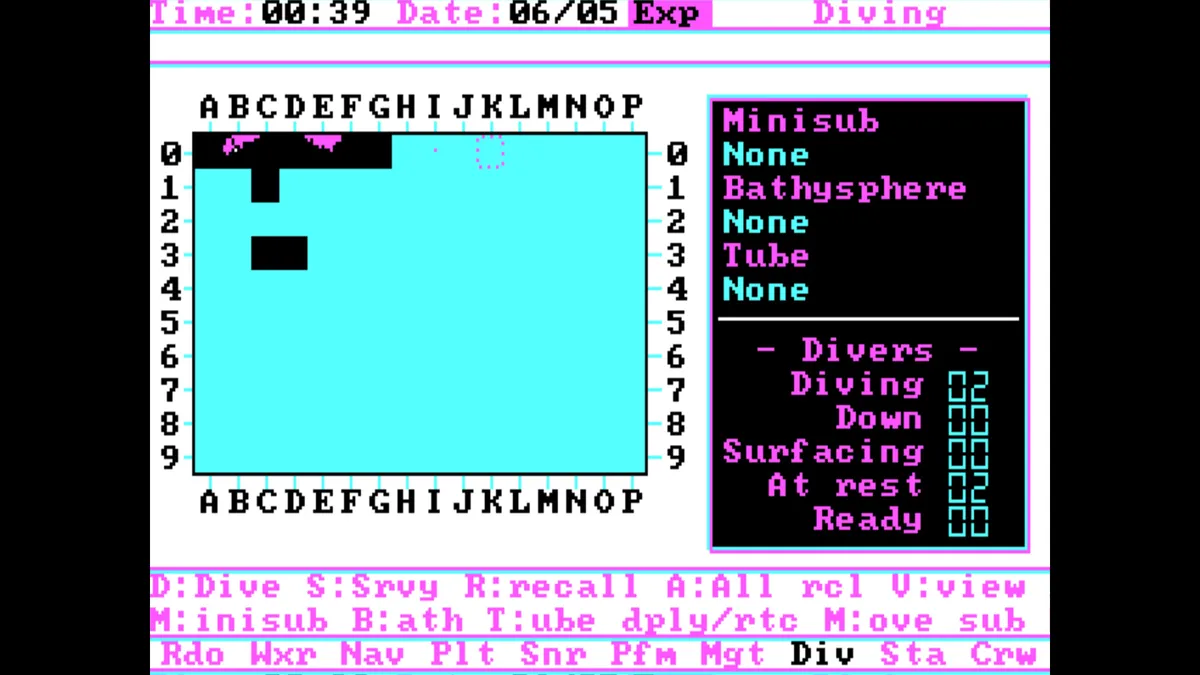
Use the Piloting view to move the ship through the searchable area, then press E near a site to enter Exploration mode. Positioning can require small adjustments: the ship may need to sit directly at the site's center or slightly away from it, so trying a few different pixels is part of locating the entry point. For the underwater search, open the Diving menu, which presents a closer map covering 130 by 130 quadrants. Highlight a square and press S to order a Survey, sending divers in pairs to examine that selected part of the map.
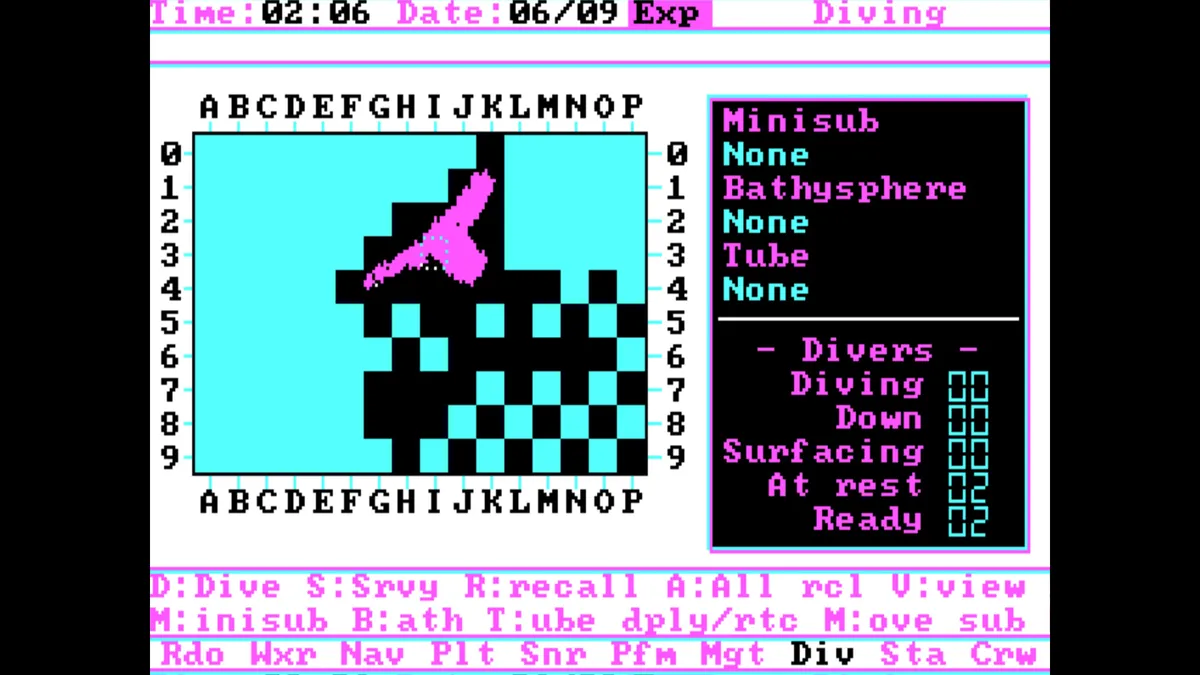
Survey results arrive after time has passed, rather than appearing when the order is issued. The highlighted square fills black if nothing was found, or pink if the divers uncovered wreck evidence. Diving can take considerable real time; Alt+W toggles accelerated in-game time on, and pressing it again switches acceleration off. Keep Navigation mode separate from this ongoing survey work: returning to it after surveying has begun erases mapping progress. If a return is necessary, first record the map locations and quadrants so that you can relocate the search area rather than relying on the filled survey squares to remain.
Recovering Salvage and Returning to Harbor
Once a wreck has been found and mapped, press D to have the divers Dive for items. Successful finds are announced at the top of the screen and increase your reputation points; open the Supply/Damage Control (Sta) screen to see that total. Recovery calls for repeated checks rather than a single visit to each wreck square. Check every square containing wreckage several times to establish whether there is anything to salvage. The working sequence therefore moves from mapping the wreck to diving at its squares, watching for find announcements and checking those locations again.
After surveying and checking the whole wreckage, return through the Navigation (Nav) menu and select Navigation mode with N. Sail back toward the harbor from which the expedition departed. Docking then requires a separate radio command: once the ship is within the harbor’s range, open the Radio (Rdo) menu and press T to call a tugboat. The return procedure thus has two distinct parts: navigate to the vicinity of the departure harbor, then use the radio to request the tug that docks the ship.
Earning Grants and Reaching the Titanic—or Starting There
Grants connect salvage work to the next expedition’s funding. In Full Game, the starting budget is small and reputation begins at zero, so the campaign opens with recoveries from small wrecks. At zero or low reputation, choosing the charity option can secure money only from the Coalition of Starving Researchers. Successful recoveries build the reputation needed to obtain grants from other groups; companies and institutes become more likely to provide funding as that standing improves. Those grants help finance expeditions to more remote wrecks, linking the record of recovered items to the money available for further searches.
The Full Game’s endpoint requires more than earning enough reputation to pursue the Titanic. After reaching that standing, you must find the wreck and successfully salvage a set of safes from it to complete the campaign. Titanic Only offers a different starting position: it supplies a very large amount of money and the wreck’s location from the outset. You can therefore plan the expedition, pay for it and depart when ready, without first building a reputation through smaller wrecks. The mode provides the funds and destination, rather than asking you to earn your way toward the Titanic.
Sources & further reading.
- Search for the Titanic — official game profileRetrieved Nov 18, 2026
- Search for the Titanic — official game profile — publisher-supplied gameplay manualRetrieved Nov 18, 2026
First published .