 THE GAME ARCHIVE
Arms and Ammunition: Selecting, Locking On and Firing
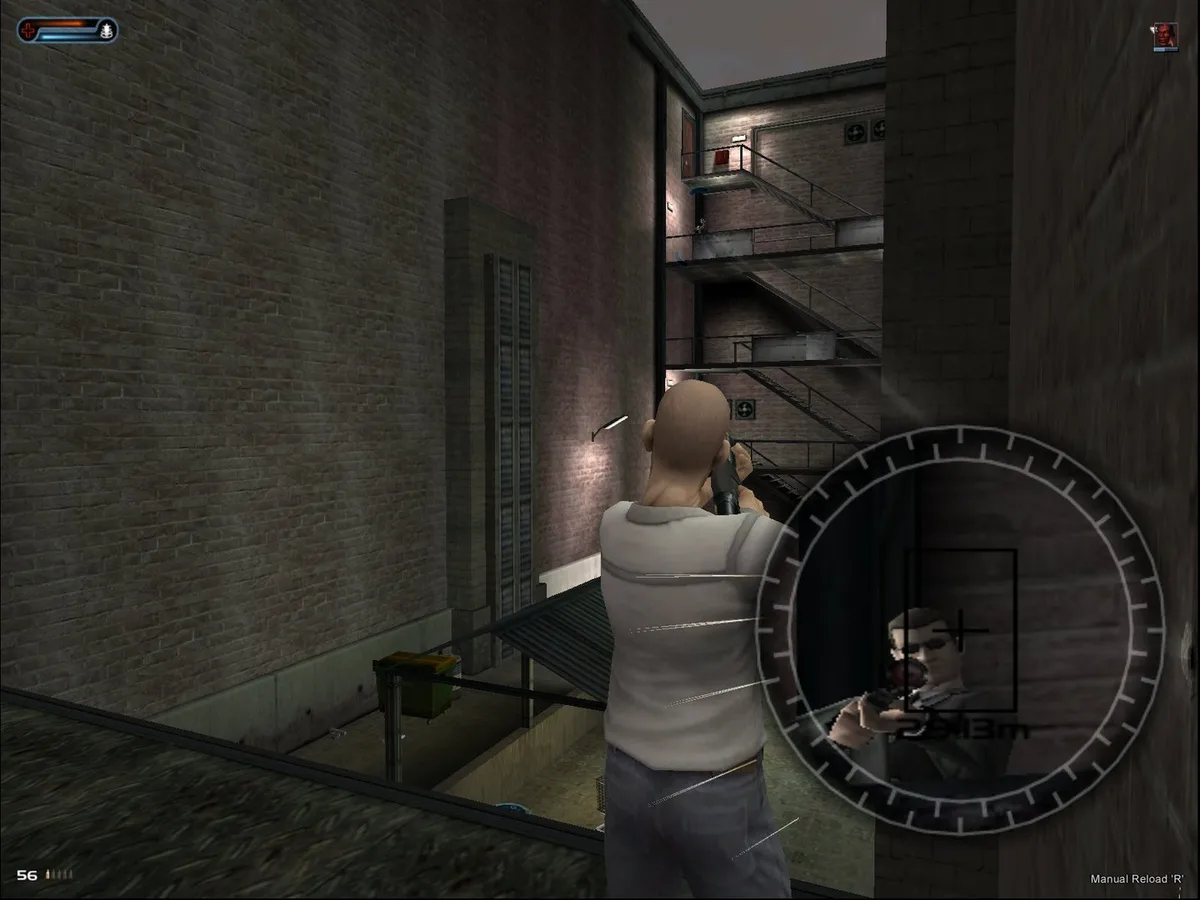
Weapon selection in Second Sight runs through the inventory: cycle choices with the mouse wheel or jump directly to a slot with the number keys six through zero. Firing follows a two-step pattern. A right-click locks onto a target while the mouse is used to aim, and a left-click then fires the weapon or releases the selected psi power at that locked-on target. Reloading is handled separately with the R key, which the manual specifies for reloading while locked onto a target. Cycling between weapons and psi powers uses a dedicated switch key rather than the inventory wheel.
These actions sit inside a movement scheme split by camera view. In the third-person view, forward and back movement map to the W and S keys, while left and right map to A and D. The same A and D keys instead lean left and right once the player is in the first-person view, so the meaning of those two keys changes with the camera. The manual documents a key for switching between first- and third-person views and another for toggling the third-person follow camera against a free camera. Locking on, aiming, firing and reloading are therefore layered over a control set whose mapping depends on which view is active.
The Seven Psychic Abilities in the Manual
The manual names seven psychic abilities for John Vattic: Telekinesis, Healing, Charm, Psi Attack, Psi Blast, Projection and Possession. Selection is split from weapon handling. Weapons are reached through the inventory wheel or the upper number keys, while learned psi powers are chosen with a third wheel direction or the number keys one through five. A separate switch key moves between weapons and psi powers, so the two families stay on distinct control paths rather than sharing one slot list.
Psi Attack and Psi Blast share a lock-on step but diverge afterward. For both, the right mouse button locks onto a target. Psi Attack then resolves with a left click, while Psi Blast asks the player to hold the left button to form the blast and release it to throw. Each blast consumes psychic energy, and the manual notes that greater experience may make the blast more intimidating. Telekinesis also begins with a lock, then uses the held left button and mouse movement to shift the chosen object.
Healing, Charm and Projection: Maintaining Body and Mind
Health and psi power are the two resources shown at the top of the screen, and they pull in different directions. Vattic's health drops as he is hurt in combat, and running out kills him; it comes back through the Healing psi power, a first aid kit, or a friendly medic. Healing asks the player to select the power and then hold the left mouse button until Vattic's restoration finishes, and during that concentration he is vulnerable to attack. Psi power is spent whenever an ability is engaged, so each use draws down the same pool.
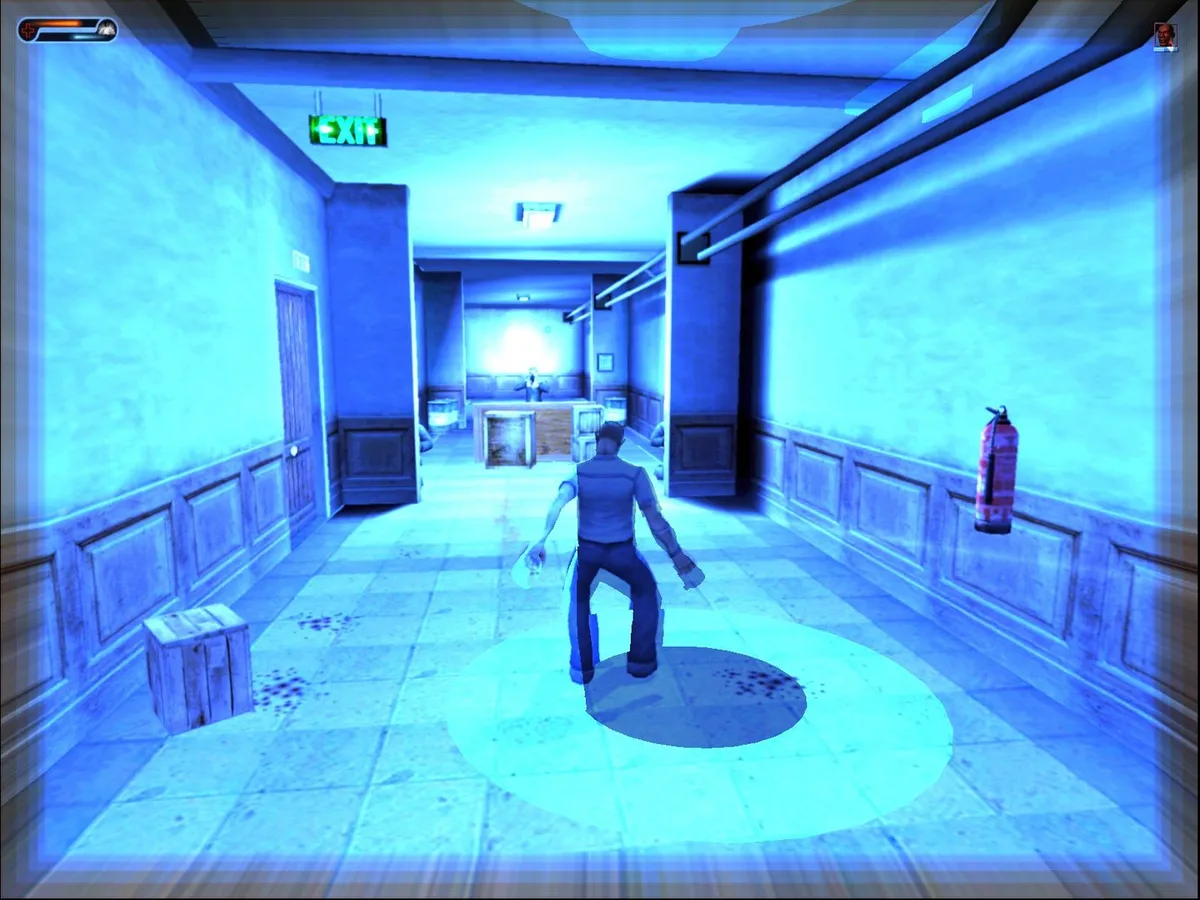
Charm and Projection each hold the left mouse button, but for different ends. Selecting Charm and holding the button turns Vattic invisible until he releases it or his psi power drains away; with Charm selected he can also lock onto a target mind and click to coerce that person, though physical contact with another person is a separate matter, and attempting to charm enemies can temporarily wipe out his psychic energy. Projection forces his mind out of his body as an astral self that moves and interacts like the physical body and is invulnerable to detection or harm, while the unoccupied body is left vulnerable.
Shadows, Cover and the Two Camera Views
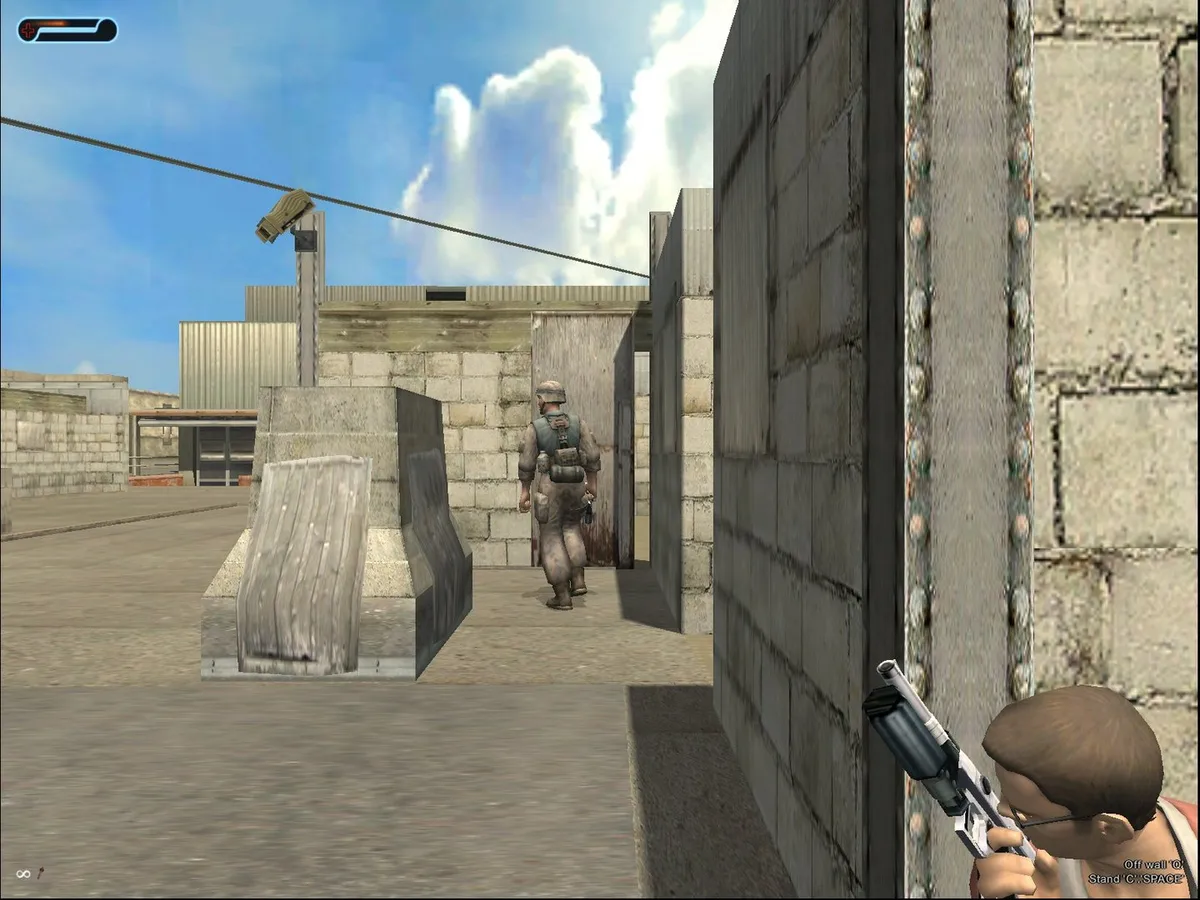
Shadows become a tool once John Vattic stands beside a wall or another tall object. Facing that surface and pressing the E key turns his back to it, and the manual notes he may become less visible to enemies or even slip beneath the view cone of security cameras while hugging walls and melding with shadow. Once backed against the wall, the A and D keys shift into sidling left and right. At a corner, the player stops and presses A or D to peek around the edge, letting Vattic look past the obstruction before moving into the open.
Crouching adds a second layer of cover: pressing C lowers Vattic to a crouch, and pressing C again stands him back up. While crouched he moves more slowly but can use low cover such as fences and packing cases to hide from enemy sight and fire, and he can still sidle, peek and fire behind that low cover, even leaping up to fire a round over the obstacle before dropping back down. The camera keys reshape these same inputs. Pressing the view-switch key moves between third and first person; in first person the mouse looks around, and A and D lean around corners instead of sidling.
Profiles, Level Unlocks and Picking Up Where You Left Off
Progress in Second Sight is tied to a named profile. On a first play, the player selects New Game and enters a name, and the profile stores all game progress, control options and level unlocks together; graphics settings sit outside the profile because they apply to the game universally. On later plays, choosing that profile resumes at the beginning of the last level unlocked with it, and the Select Level menu starts with only the first level available on that first play.
That split matters because the same profile carries both unlock history and the control configuration, so a change to a key binding or a view preference persists alongside the level list. Starting from Select Level therefore draws on two stored records at once: which levels the profile has unlocked, and how its controls are set. The Steam product record for this Windows release lists Free Radical Design as developer and THQ Nordic as publisher, and its store date is 2021, which is the Steam product date rather than the original game release.
Sources & further reading.
- Second Sight — official game profile Retrieved Oct 19, 2026
- Second Sight — official game profile — publisher-supplied gameplay manual Retrieved Oct 19, 2026
First published .