 THE GAME ARCHIVE
Six Buttons and the Basics: Blocking, Dashing and Getting Stunned
The PC version of Street Fighter IV uses six-button controls, with punch and kick buttons driving normal moves and the inputs for special commands. Defense begins by pushing the keyboard cursor away from the opponent, and that block divides into a high standing block and a low crouching block. Each blocks only specific attacks rather than everything, so covering every incoming strike means swapping between the two quickly. Blocking is unavailable in the air, which changes how a jump must be timed against an opponent's attack.
Movement and close-range grappling add two more rules to the six-button scheme. Pressing the cursor forward twice quickly produces a forward dash, and pressing it backward twice performs a backward dash, letting a player close the gap or fall back. Up close, pressing light punch and light kick together throws the opponent, and left or right on the cursor changes the throw's direction. Pressing those same two buttons as an opponent begins a throw produces a throw escape, though it cannot counter aerial throws or command throws.
Special Moves, Cancels and Character-Specific Commands
Special moves come from set directional and attack-button combinations, and some of them can cut a normal move short. When the special-move command is entered during certain normal moves, the normal move is canceled and the character goes directly into the special. Chaining cancels this way is one route to damaging combinations. Even a blocked special move still deals a small amount of damage, so a special that is guarded against is not a complete loss. The manual notes that all of its listed controls assume the character faces right, and that left and right inputs reverse when facing left.
The special-move roster is character-specific. Ryu has the Tatsumaki Senpukyaku and Chun-Li has the Hyakuretsukyaku, so the command set a player learns changes with the chosen fighter. Counter hits give the system a second layer: interrupting an opponent's attack with one of your own makes that opponent take longer to recover from the damage, and this longer recovery is what opens combinations that would otherwise not connect. The reversal window matters too, since a reversal performed with a beat-down attack gains Armor Break properties that nullify Hyper Armor.
Focus Attacks, Super Combos and EX Special Moves
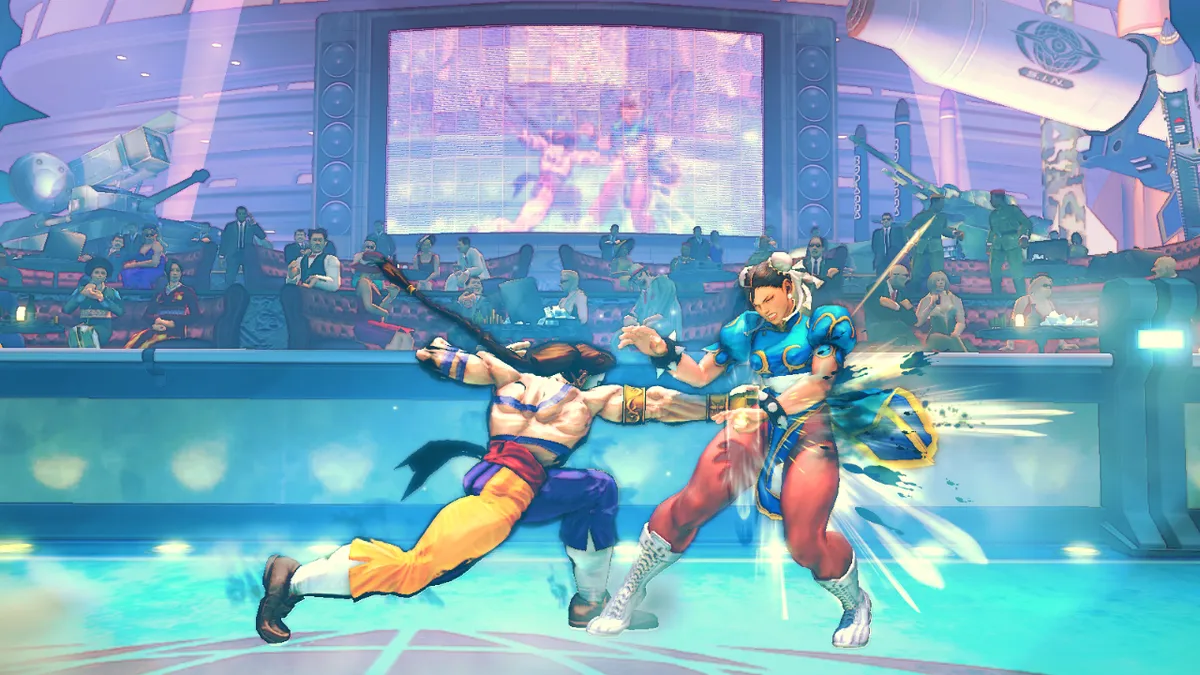
A Focus Attack begins by holding Medium Punch and Medium Kick together to charge it. Holding the buttons until the attack releases automatically produces a full-strength version; letting go while charging performs a weaker one. During the charge the character absorbs one incoming enemy attack. While still charged, a forward or backward dash can cancel the Focus Attack quickly. Because the armor covers only one hit, the move trades a single absorbed strike for the charged counter rather than serving as an unlimited shield.
Landing hits or performing special moves fills the Super Combo Gauge, which is split into four segments. When it is completely full, a special command triggers a Super Combo and drains the whole gauge. Inputting that command during a normal or special move cancels the current move directly into the Super Combo, a Super Cancel; chaining a normal into a special and then into a Super Combo produces large damage. Pressing two or more of the required punch or kick buttons while entering a special-move command instead performs an EX Special Move, a powered-up version that consumes one gauge segment.
Arcade Runs, Training and the Challenge Roster
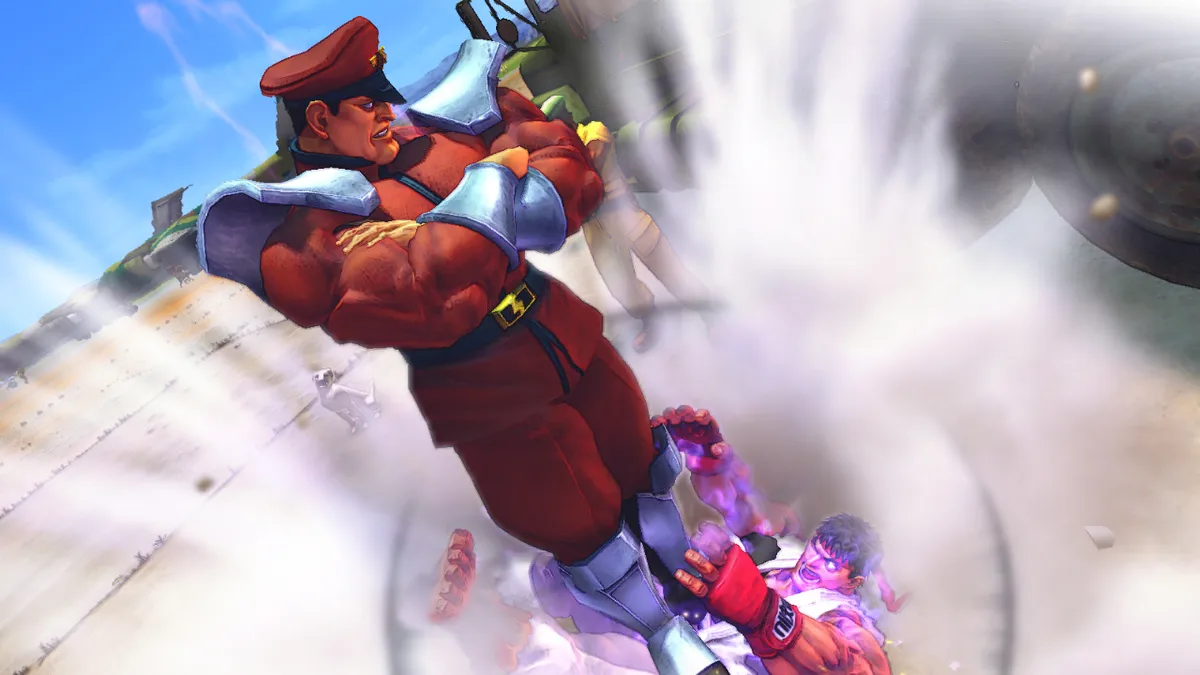
Arcade Mode sets the basic run: a single chosen character fights through a series of CPU opponents spanning eight difficulty levels, from easiest to hardest, and a defeat along the way does not end the session because the player can continue. A second controller, or the keyboard plus one controller, lets another player join as a challenger by pressing the START button on the second controller; that challenge only works when the request settings are turned off.
Training Mode opens a practice space where the player adjusts their own or a partner's character settings and repeats moves, with the Start button calling up the pause menu and its Training Option screen for further changes. Challenge Mode splits into three activities, each offered at two difficulties: Time Attack clears every stage within a limit, with one-round matches that end on a loss or timeout and a Grade awarded by performance level, while Survival asks the player to defeat as many CPU characters as possible using a limited vitality pool. The third activity, Trial, has players practice character combos.
Versus Play, Online Battles and the Look of the PC Version
Versus Mode accommodates one or two players, so a match can pit a human against the CPU or two humans against each other. Handicaps can be adjusted according to skill, and the player-versus-player option becomes available only when a second controller is connected. Online battles run through Games for Windows – LIVE, which offers Ranked Match, Player Match and Championship as match types. Within those types, a player highlights Quick Match, Custom Match or Create Match and confirms with the A button. Ranked Match results are reflected on leaderboards, while Player Match results are not.
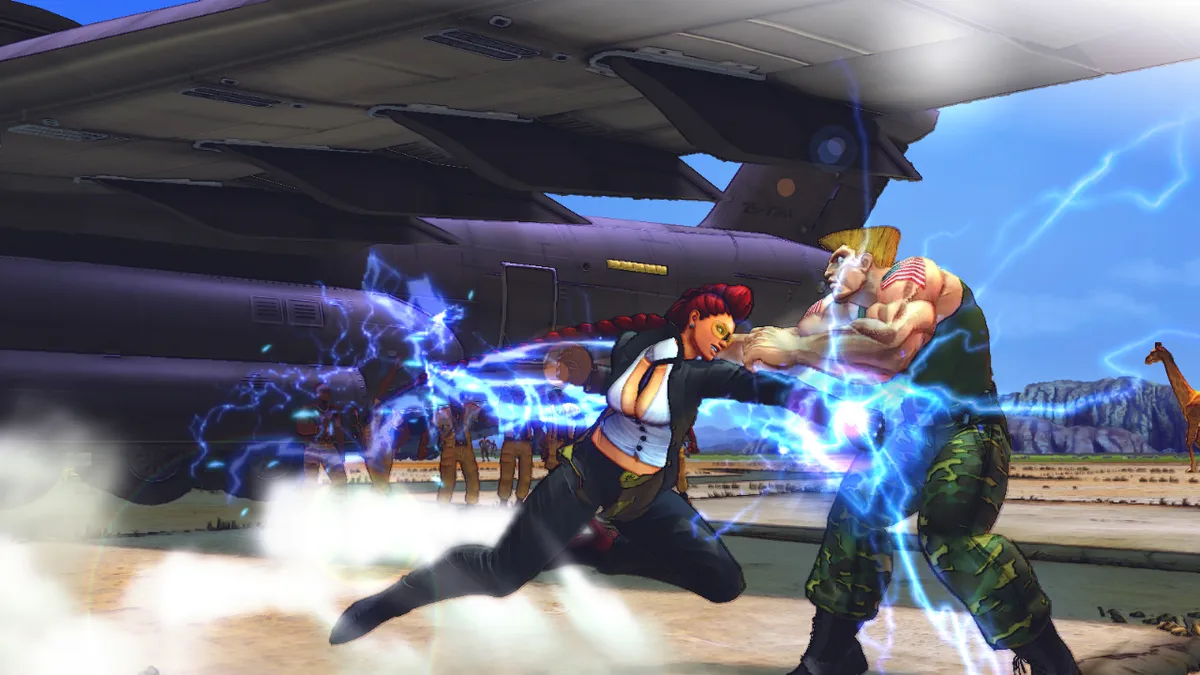
The PC version carries a visual option the console releases do not: three shaders based on the game's artistic trailers. Selecting Watercolor, Poster or the Sumi-E ink style changes how the gameplay looks. Beneath that styling, characters and environments are rendered in stylized 3D, while fighting stays on the classic 2D perspective, with added 3D camera flourishes during play. Classic fighters such as Ryu, Ken, Chun-Li and Guile return, joined by new characters including Crimson Viper, Abel, El Fuerte and Rufus.
Sources & further reading.
- Street Fighter® IV — official game profile Retrieved Oct 18, 2026
- Street Fighter® IV — official game profile — publisher-supplied gameplay manual Retrieved Oct 18, 2026
First published .