 THE GAME ARCHIVE
From Prison Escape to Anar: Exploring with the Party
The Final Battle begins with your character alone in a dark, rubble-strewn prison cell, separated from two captive companions. Escaping is the first objective; rescuing them and recovering six power crystals supplies the larger quest against Suzar. The opening part lets you explore the landscape and solve puzzles at your own pace, before committing to a one-way passage into the fortress of Anar. That passage is safe only at night. Once inside the fortress, the leisurely exploration gives way to a deadline: complete the quest, destroy Suzar and escape the castle before dawn and its collapse.
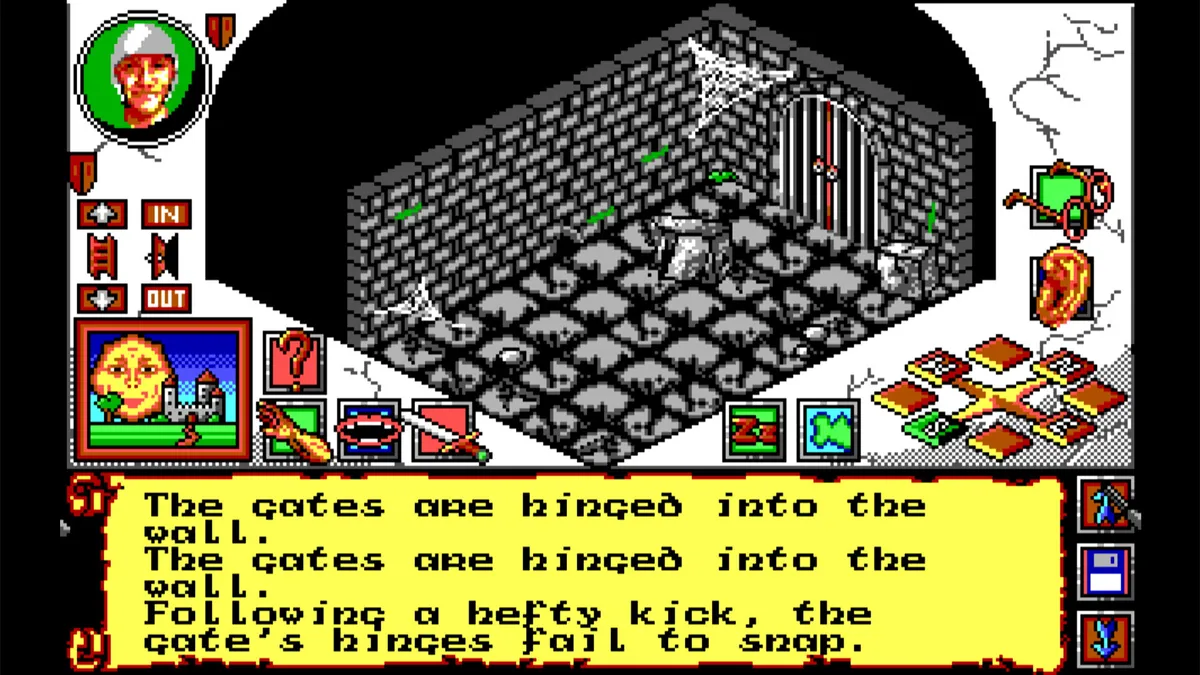
The Group icon toggles between moving the party together and moving its members individually. If a problem interrupts Goto, control returns to you; continuing with that function requires starting it again. The full-screen map displays only locations that party members have visited. When opened, it centres the main character’s current position under a cross. Selecting another party member’s shield shifts the map to that companion’s position.
Mouse-Controlled Puzzles: Inventories, Containers and Conversations
The Final Battle handles party actions through mouse-driven icons rather than typed commands. Left-clicking the main character icon opens that character’s inventory, where carried objects are automatically separated into food, weapons, keys and miscellaneous items. Select a category icon to inspect its contents. Containers add another place to look: right-click a pouch or chest of drawers, either in the location view or your inventory, to reveal what it holds. Moving an object back into the scene means dragging it from the inventory into the location window; opening a container and removing an item are therefore separate mouse actions.
For object combinations, select Operate, then click the first object and the second; tying a rope to a rock is the manual’s example. Objects in the scene and a character’s inventory can both be used this way. Doors and windows instead take a double-click directly, without Operate. A locked door brings up your key inventory if you carry keys, letting you select one to try. Conversation follows another sequence: display the intended speaker in the second character portrait, right-click that portrait to open their statistics, then select Greetings. A person with information to share may respond by starting a conversation.
Choosing the Character: Targeted Attacks, Slings and Spells
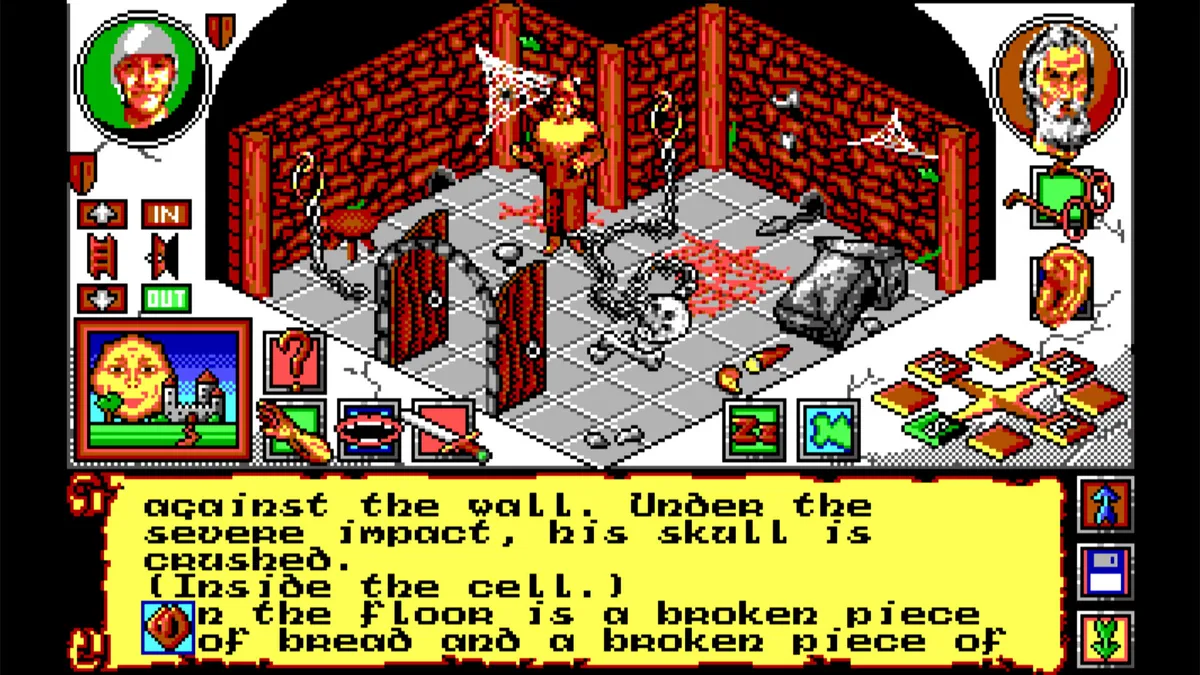
Choosing who acts matters as much as selecting an attack. A character’s statistics are considered when carrying out a task: Jack can have 80% strength yet still struggle to break down a door because the boy weighs relatively little. For a physical attack, select Attack and then a person or object to open the weapon inventory, which also offers punching and kicking. Objects can be selected in the scene or inventory when you want to break them. Selecting a human brings up a body diagram; click the part you most want to damage rather than simply choosing the opponent.
A sling requires both the weapon and suitable ammunition in the acting character’s inventory. With a stone available, selecting the sling loads it automatically; possession of the weapon alone is not enough. Magic users follow a different procedure: their Cast Spell icon replaces Attack. Left-click it to display the spell list, then select a spell to cast, with no target required. There is also a less conventional attack available through Consume. Select that icon and then a character or object to attempt a bite, using the command for something quite different from its usual role of consuming food and drink for health.
A World in Real Time: Weather, Energy and Seconds to React
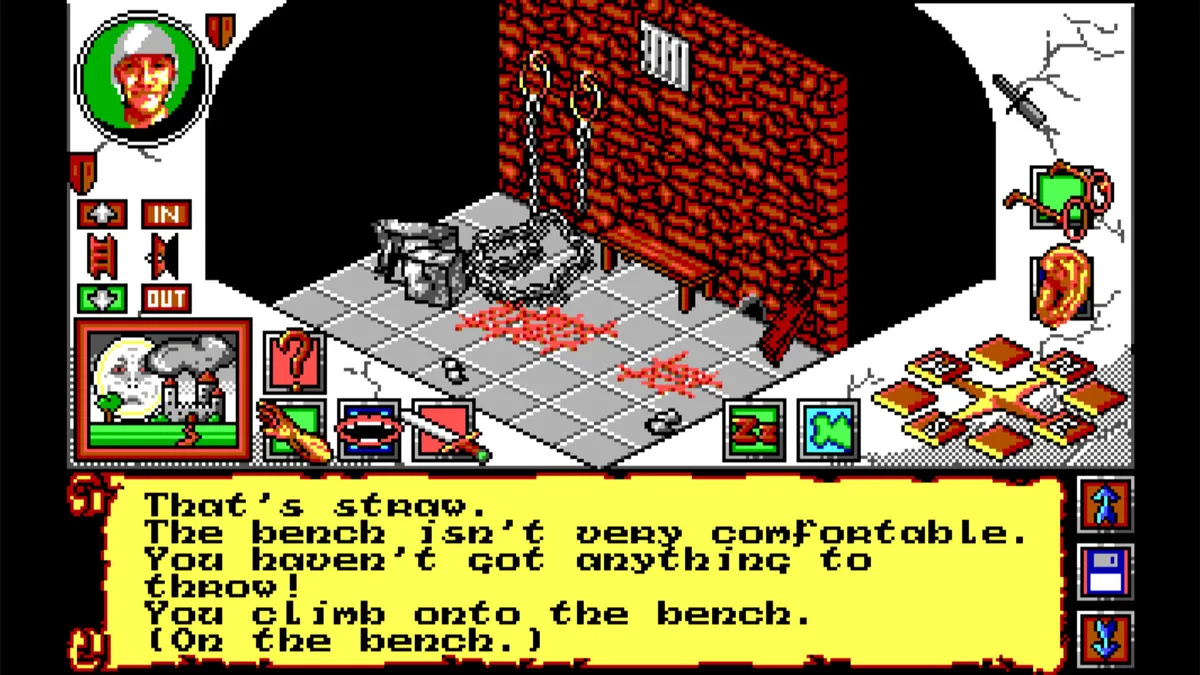
Weather in Anar changes, and rain can obstruct an action even after it has stopped: climbing a tree whose bark is still wet is almost impossible. The Weather Update window displays current conditions and the time of day; clicking its individual items gives a verbal description of the climate. Check those conditions before attempting a climb rather than treating the landscape as unchanging scenery. Waiting has its own command: one click on Wait rests the party for one move, letting you wait for a particular time. Meanwhile, the real-time system governs decay and duration: bodies deteriorate, candles burn out and fires die.
Travel also consumes time according to the weather, ground conditions and the travelling character’s strength. Walking three miles across wasteland takes about an hour; covering that distance along a winding forest path or uphill can take between ninety minutes and two hours. Running shortens the journey but doubles the energy expenditure, making speed a resource cost rather than a free alternative to walking. Other events leave far less time for deliberation than a journey does. A surprise enemy attack or a natural disaster such as a rockfall gives you only a limited number of seconds to react before the event occurs.
Sources & further reading.
- The Final Battle — official game profileRetrieved Nov 11, 2026
- The Final Battle — official game profile — publisher-supplied gameplay manualRetrieved Nov 12, 2026
First published .