 THE GAME ARCHIVE
Thirty Missions, Three Kinds of Objective
Tiny Troopers is built as a singleplayer campaign of 30 missions, and the objective set is deliberately varied rather than a single repeated task. The documented mission types include destroying enemy armored formations, rescuing hostages and eliminating enemy generals, a short list that the game presents as representative rather than exhaustive. Each mission therefore asks the squad to work toward a different target on the map: a cluster of vehicles to be knocked out, civilians to be reached and protected, or a single high-value commander to be tracked down and removed.
The three objective kinds pull the mission in different directions, and the enemy roster shapes how each is approached. Armored formations and generals are guarded by infantry, snipers, technicals and tanks, so reaching a target means pushing through or around those defenders. Hostage rescues instead put the emphasis on reaching a location and getting the people out. The campaign strings these varied assignments together across its 30 missions, so the squad moves from one kind of task to another while the same enemy mix stands between the troopers and the goal.
From Infantry to Tanks: The Enemy Roster
The documented enemy roster in Tiny Troopers runs from infantry up through snipers, technicals and tanks, a spread that escalates from individual riflemen to armored vehicles. Infantry form the baseline opposition the troopers meet on foot, while snipers add a longer-range threat that has to be located and dealt with. Technicals sit between the two, and tanks represent the heaviest armored threat named among the defenders. Because these enemy types are listed together as what the squad will face, each mission's defenders can mix light and heavy opposition rather than drawing from a single category.
The roster interacts directly with the mission objectives, which include destroying enemy armored formations, saving hostages and eliminating enemy generals. Armored formations tie naturally to the tank presence in the enemy mix, and generals are protected by the same infantry, snipers and technicals that appear throughout. Hostage missions shift the task toward reaching and extracting people, with those defenders still in the way. Across the 30 missions, the game pits the squad against this enemy lineup while the objective changes from knocking out armor to rescuing hostages to removing a commander.
Command Points: Equipment, Specialists and Support Drops
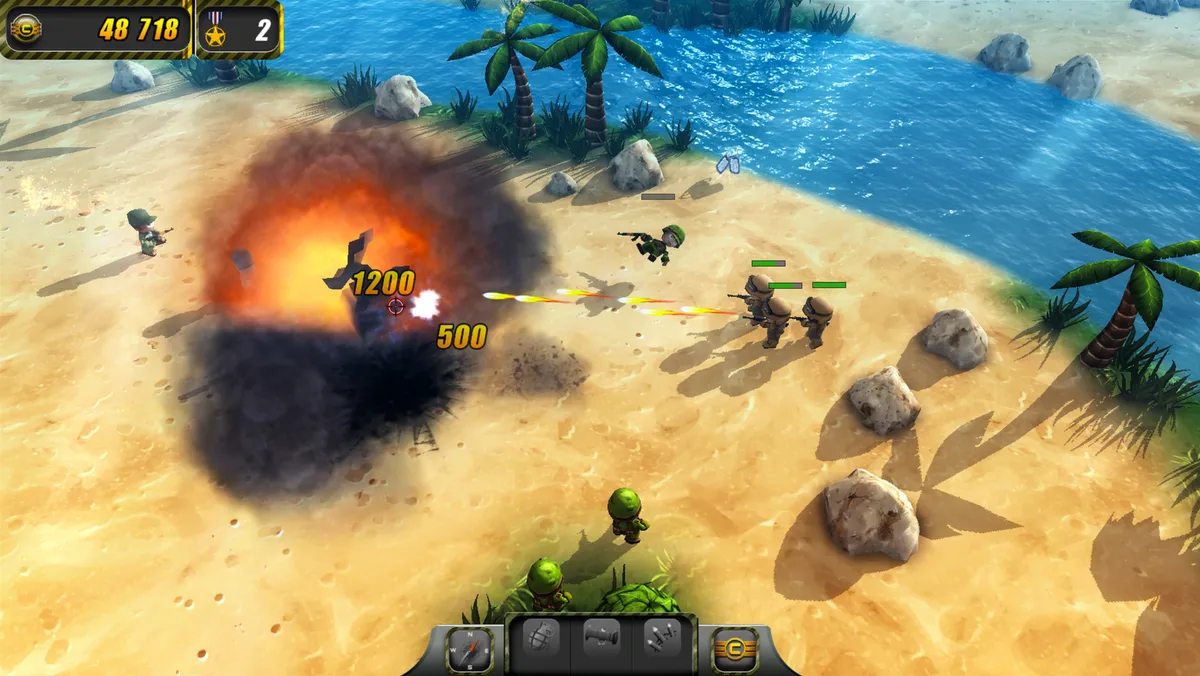
Survival in Tiny Troopers is managed through Command Points, a resource spent to give the troopers better equipment before and during the campaign's missions. Equipment is one of three documented uses for these points, alongside specialist reinforcements and in-mission support drops. The game frames this spending as a way to raise the squad's chances of survival, pairing better gear with the promotion system in which troopers who live from mission to mission grow tougher with each new rank. Command Points therefore function as the upgrade currency that sits between the recruit pool and the battlefield.
Beyond equipment, Command Points can reinforce the team with a specialist drawn from a named set: the machine gunner, the medic and the delta force operative. Each specialist is added to the squad rather than replacing a trooper, expanding what the team can bring to a mission. The third documented use is calling in support drops during missions, so the same resource covers both a pre-mission build-up and an in-mission option. These three spending paths are listed together as the survival toolkit, and the specialists recur in the game's feature summary as squad reinforcements.
Ranks, Reinforcements and the Survivors
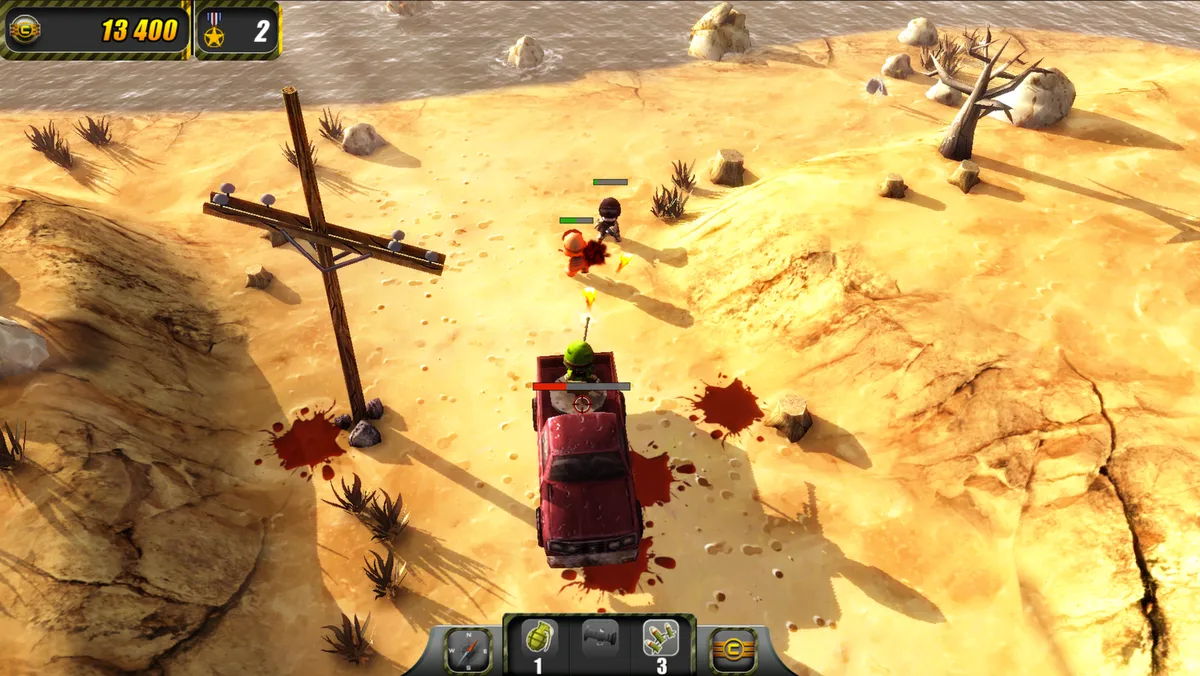
Squad survival in Tiny Troopers rests on two linked systems. Troopers who live through a mission are promoted, and each new rank makes them tougher, so experience carries forward from one assignment to the next. That gain is offset by a high casualty rate: the game supplies an endless stream of fresh recruits to step up and fill the ranks when troopers are lost. The result is a roster that can absorb losses while rewarding the soldiers who keep coming back, with each stripe earned adding durability for later missions in the 30-mission campaign.
Command Points are the resource that supports this survivor cycle, spent to improve the squad's chances of staying alive. One documented use is better equipment. Another is reinforcing the team with a specialist, drawn from the machine gunner, medic and delta force operative, who joins the squad rather than replacing a trooper. The third use is calling in support drops during missions. Together these paths let the same currency fund pre-mission preparation and an in-mission option, pairing upgraded gear and extra specialists with the promotion system that toughens troopers who survive.
Mouse and Keyboard: Moving, Firing and Switching Weapons
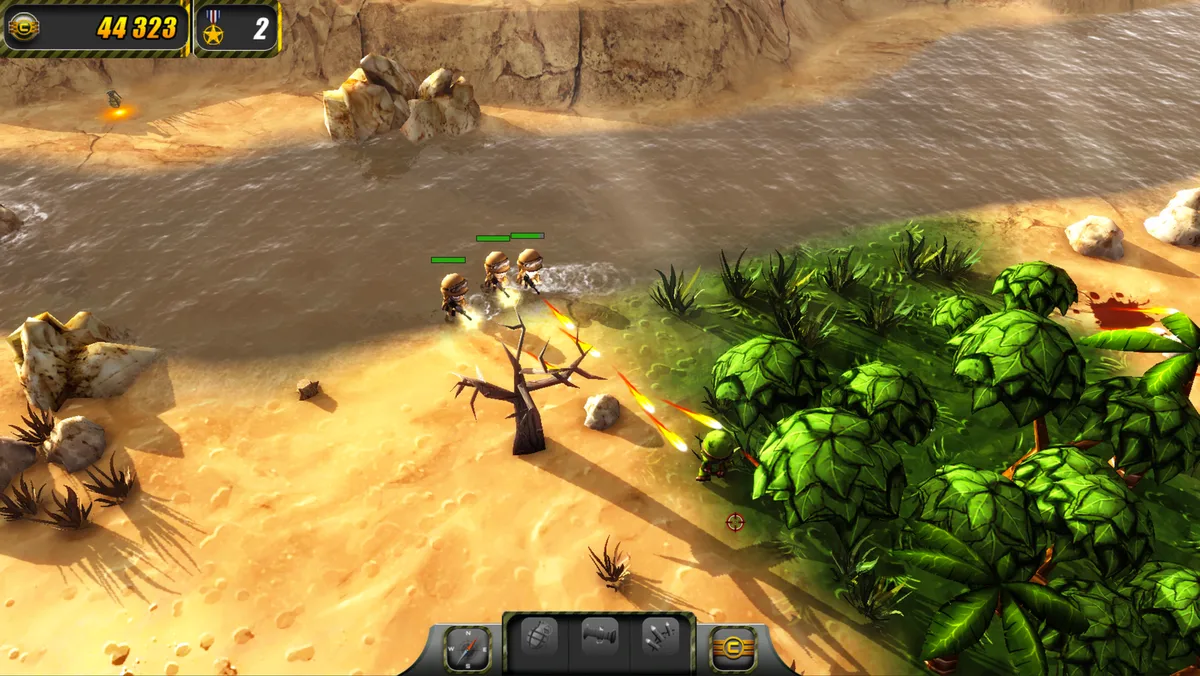
On mouse and keyboard, moving a trooper is assigned to the left mouse button, and the same pointer handles the squad's ordinary attack, which is bound to the right mouse button. Standard combat is therefore a two-button arrangement: one input for placement and travel, the other for firing. The manual lists both bindings as the basic combat controls, separate from anything involving the troopers' special arms. Special weapons sit on their own set of inputs. Holding the Ctrl key while pressing the right mouse button fires whichever special weapon is currently selected. Selection itself has two routes: the number keys 1, 2 and 3 choose a special weapon directly, while the mouse wheel or the space bar cycles through the available special weapons. Because firing the special weapon requires the Ctrl modifier, a normal right-click fires the standard weapon rather than the special one.
These bindings split the control scheme into two layers that a player moves between. Moving with the left button and firing the standard weapon with the right remain available at all times, while the special weapon layer depends on first picking a weapon with the number keys or by cycling with the wheel or space bar, then holding Ctrl and right-clicking to fire it. The number keys allow a direct choice among the special weapons, and the cycle inputs step through them in sequence rather than jumping to a specific slot. Keeping the special weapon behind the Ctrl modifier means a stray right-click does not spend it. The player can walk a trooper into position with the left button and fire the ordinary weapon with the right, reserving the combined Ctrl and right-click for the special weapon only when the currently selected one is wanted. The selection keys and the cycle keys both determine which special weapon that combined input will discharge.
The Interface Keys: Support Menu, Map and Pause
The manual's interface table assigns three separate keys beyond the combat bindings. Pressing H opens the support menu, which is the screen tied to calling in support drops during a mission, so that action lives apart from the movement and firing inputs rather than on a mouse button. Pressing M brings up the map, giving the squad a way to consult the mission layout without touching the left-button movement or right-button fire scheme. Both keys sit alongside the escape key, which opens the pause menu and suspends play.
These three keys divide the non-combat side of play into distinct actions. The support menu on H is the documented entry point for requesting a support drop mid-mission, a use of Command Points that the game lists alongside equipment and specialist reinforcements. The map on M and the pause menu on escape are separate from that spending path, so a player can check the layout or stop play without opening the support screen. The manual presents the whole set as a flat list of bindings, with the pause, support and map keys each on their own line.
Sources & further reading.
- Tiny Troopers — official game profileRetrieved Oct 27, 2026
- Tiny Troopers — official game profile — publisher-supplied gameplay manualRetrieved Oct 27, 2026
First published .