 THE GAME ARCHIVE
Tomb Raider: Anniversary, released in 2007 by Crystal Dynamics for Windows as an Action and Adventure game, is best understood through the small decisions its manual asks the player to make over and over. Lara moves under the camera rather than against it, fights by locking onto targets before firing, and crosses terrain with a growing vocabulary of ropes, grapples, columns and perches. The documented rules also show how the game handles mistakes: a failed landing costs balance until the E key restores it, empty breath turns into damage, and a loaded save returns Lara to the most recent checkpoint rather than the place the save was written. This feature works from the official Steam product page and publisher-supplied gameplay manual and cites only what those sources state.
Running, Crouching and the Safety Grab
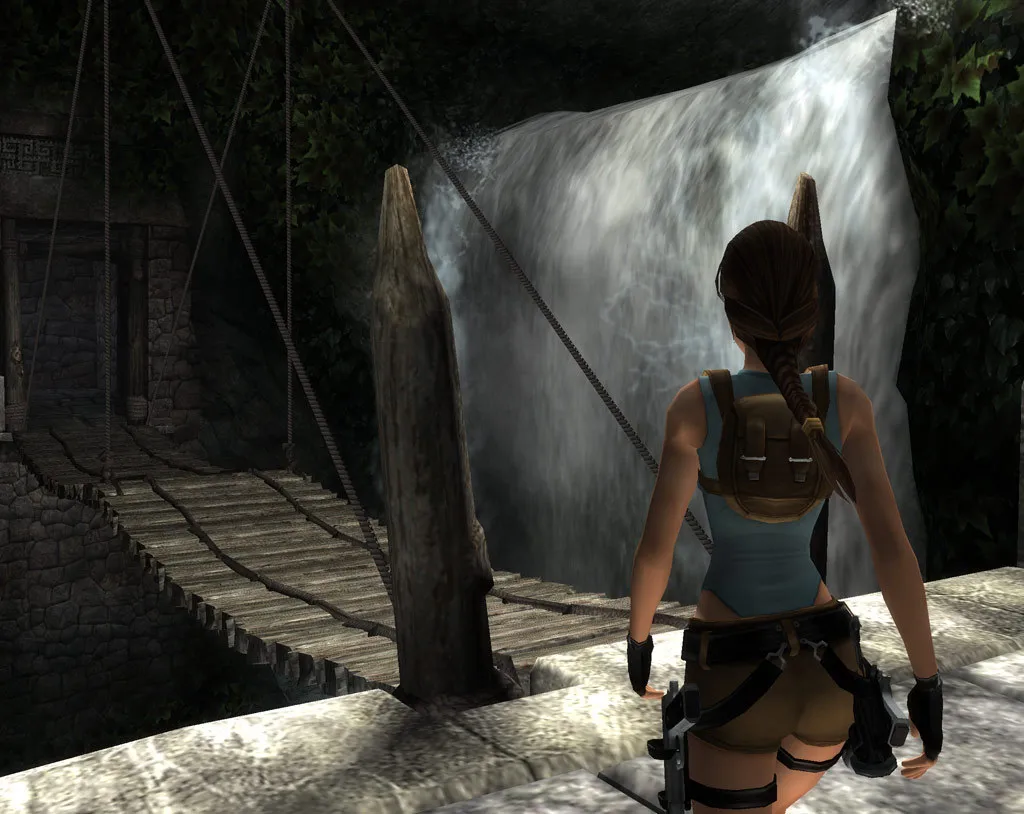
Movement is handled with the W, A, S and D keys or the cursor keys, while the mouse rotates the camera around Lara. Left Shift serves as crouch and roll, and the E key is the general action button: it interacts with objects or vehicles, picks up an item or weapon when Lara is standing over one, and carries the Safety Grab and Balance function that prevents her from falling off ledges or toppling off objects. The manual describes these as default controls and notes that four control setups can be chosen from the Options Menu, so the assignments can be rearranged. It also states that advanced movement techniques, covering the climbing, jumping, grabbing and shimmying set, only work when Lara's weapons are put away.
The practical consequence is that the E key has to do several jobs at once, and the player's decision is usually about context rather than about which button to press. Standing over a pickup turns E into a collection command; standing at the edge of a drop turns it into a stabilizing one. Because the same key handles interaction and balance recovery, a ledge encounter asks the player to read the situation before pressing it, and because advanced moves are locked out while weapons are drawn, a player who wants to climb or shimmy has to put the guns away first.
Lock-On Firefights and the Adrenaline Dodge
Combat starts by locking onto a target with the right mouse button; the lock applies to enemies and to shootable objects in the environment. Once locked on, the left mouse button fires, and a well-timed shot during an Adrenaline Dodge produces a headshot. The mouse can flick to change targets while locked on, and the mouse wheel or the plus and minus keys cycle through weapons. While locked on, cursor keys combined with Left Shift perform a multidirectional roll, and cursor keys combined with the spacebar produce a somersault in the chosen direction.
The Adrenaline Dodge answers a specific enemy behavior. Some enemies become enraged, charge Lara and launch a Rage Attack; when that happens the screen blurs to signal that Lara can dodge. Pressing Left Shift or the spacebar together with the cursor keys evades the attack, and a correct execution slows the action, giving Lara a chance to return fire and land a headshot. The Steam listing adds that enemies draw on a broader behavior set and that the cast ranges from predatory animals such as bats, wolves and bears to a T-Rex and Atlantean centaurs. In play, the lock-on stance and the dodge prompt together govern how a fight unfolds: the player holds a target, watches for the blur, evades in a direction, and then uses the slowed moment to punish the enemy.
Ropes, Grapple Rings and Wall Runs
Ropes cover gaps too wide for a normal jump. The player moves beneath the rope with the cursor keys, or takes a running start and presses the spacebar to jump onto it. Holding the E key while pressing the cursor keys climbs and descends the rope, while the 4 and 3 keys rotate Lara to change her swing direction. Pressing 1 and 2 builds momentum so she swings higher; the spacebar then jumps her to the next rope or platform, and Left Shift releases her from the rope.
Where a hanging or wall-mounted ring appears, the grapple device spans gaps too wide to jump. The player runs toward the ring, presses the spacebar to jump, then immediately presses Q to throw the hook. Holding E with the cursor keys climbs or descends the line, which works only while Lara is not swinging. To swing or wall-run, the player presses a cursor key toward the destination, then the spacebar to jump and release the grapple. Slender vertical columns can also be climbed: the player moves onto the base or runs up, jumps onto the column with the spacebar, rotates with 4 and 3, and climbs with 1 and 2. These traversal options turn each large gap into a question of which tool fits: a rope when one hangs within reach, a grapple ring when the gap is marked by an anchor, and a column when the route goes vertical.
Perches, Swimming and the Breath Meter
Lara can jump onto and perch atop very small platforms, usually the tops of slender columns. Once she has connected and steadied herself, the 4 and 3 keys rotate her in place; to leave, the player presses a cursor key toward the desired direction and then the spacebar to jump off. A bad landing on a perchable object costs her balance, and she begins to slide off; pressing E quickly restores her footing. That makes the perch a test of timing as much as aiming, because the recovery window is short.
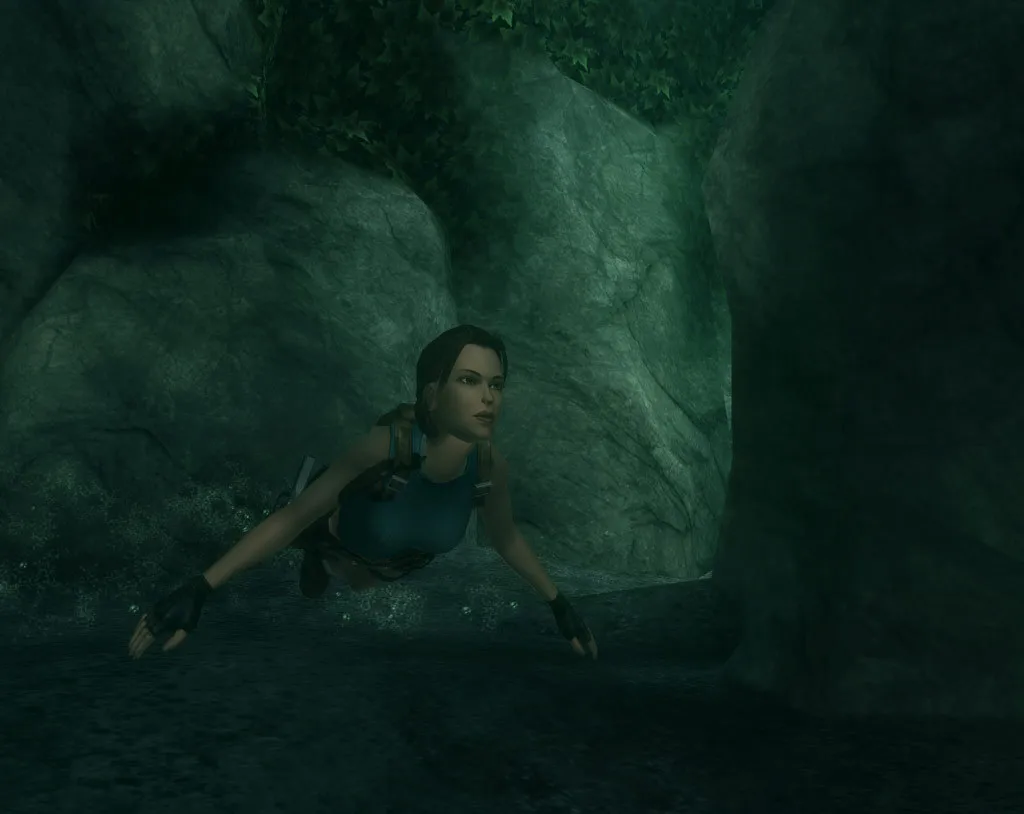
In water, W, A and D swim forward, left and right, the mouse rotates the camera, and Left Shift dives, with the key held to descend deeper. Repeatedly pressing E swims quickly, the spacebar surfaces, and holding it swims toward the surface. The HUD includes a Breath Meter showing the air remaining underwater; if it empties before Lara surfaces, she takes damage. The same display tracks her health, medipack counts, selected weapon and ammunition. The Breath Meter makes underwater sections a resource problem rather than a pure navigation one: the player can dive deeper or swim faster, but the meter is always counting down.
Medipacks, the Gear Ring and Dual Pistols
Lara's inventory opens with the Tab key and takes the form of two rotating rings, Gear and Items. The Gear Ring holds weapons, health and other useful equipment, while the Items Ring gathers Lara's journal and any collectible objects she discovers. To use or equip something, the player cycles around the active ring with the cursor keys and confirms with Enter; a cursor key can also bring up the Gear Ring if it is not already displayed.
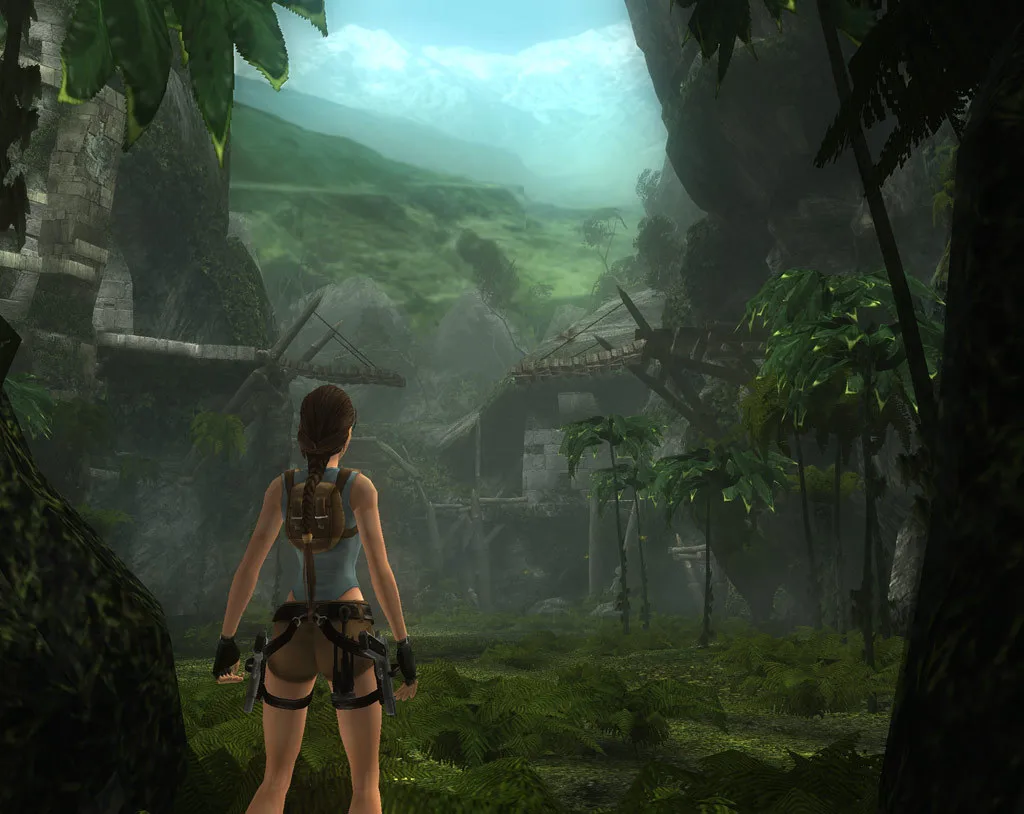
The Gear Ring carries two medipack sizes. The small medipack replenishes a quarter of Lara's health, while the large medipack restores all of it, so choosing between them depends on how much health is missing. Lara's trademark dual pistols also sit in this ring and use unlimited ammunition, making them a good all-around weapon; the shotgun is also documented as a heavy-damage option. Because the pistols never run dry, the ring's other weapons function as heavier alternatives rather than replacements. Health, medipack counts, the selected weapon and ammunition all appear on the heads-up display, which lets the player see whether a small pack is enough before opening the ring.
Checkpoints, Difficulty and Croft Manor Practice
Checkpoints anchor progress during a level. When Lara passes one, the word Checkpoint appears at the bottom of the screen, and an autosave records her progress at that moment; starting a new game overwrites that autosave. Manual saving is available at any time by pressing Esc to open the Pause Menu and choosing Save. A manual save can be made between checkpoints, but loading it always places Lara at the most recently passed checkpoint rather than the spot where the save was written. That rule changes how a player thinks about saving: a manual save is a bookmark for a run, not a way to preserve an exact position.
Starting a new game leads to an Options screen where difficulty is chosen from Easy, Medium or Hard, with Medium as the default. The choice is fixed for the adventure and cannot be changed mid-play, though a level that has been beaten can be replayed at any difficulty. After a profile and save exist, Start Game changes to Play Game, which resumes the latest save, loads saves, or replays completed levels; replaying makes the Save Rewards option available to store collected rewards without saving location within the level. Before the adventure, Play Croft Manor offers a less dangerous environment for learning Lara's controls.
Scroll sideways to see the full table →
| Action | Documented default |
|---|---|
| Movement | W/A/S/D or cursor keys; mouse rotates camera |
| Crouch/roll | Left Shift |
| Interact / pick up / Safety Grab | E |
| Lock on target | Right mouse button |
| Fire | Left mouse button |
| Cycle weapons | Mouse wheel or plus/minus keys |
| Grapple hook throw | Q |
| Inventory | Tab |
Sources & further reading.
- Tomb Raider: Anniversary — official game profile Retrieved Oct 19, 2026
- Tomb Raider: Anniversary — official game profile — publisher-supplied gameplay manual Retrieved Oct 19, 2026
First published .