 THE GAME ARCHIVE
Hand-to-Hand Combat: Circle, Strike, and Special Attacks
Hand-to-hand fighting in Urban Chaos is framed around circling a suspect rather than standing still. You use the left and right direction keys to move around an opponent, press up to advance and down to retreat, and the same directional keys let you reposition when several opponents are involved. The keyboard layout separates strikes: the punch key also fires a selected weapon, while the kick key doubles as the sliding tackle input. On a gamepad or joystick, the up direction pad or stick handles movement, with separate buttons assigned to punching and kicking.
Special attacks come out of the jump system. Pressing the jump key alongside one of the direction keys produces a jump in any of four directions, and the same jump key performs a jumping kick when used in combat. The kick key covers the sliding tackle, giving the close-quarters set three distinct options: a punch, a kick, and either a jumping kick or a sliding tackle. Movement stays tied to the direction keys throughout, so advancing, retreating and circling all share the same input scheme as the strikes.
Weapon Sets: Pistols, Shotguns, Rifles, Grenades, and Melee
Urban Chaos spreads its weapons across several categories rather than a single firearm. Pistols, shotguns, and M16 assault rifles each bring their own handling, while grenades, knives, and baseball bats cover thrown and close-range use. The manual separates these by how they function: aiming and firing for guns, throwing for the grenade, and melee attacks for the knife and bat. Each entry has its own character—the pistol described as a good all-round short-to-mid-range option with a high fire rate, the shotgun devastating up close but slow to reload, and the M16 a good all-round rifle with a solid fire rate, mid-range reach, and excellent accuracy.
The grenade is defined by a six-second fuse: once primed, the user must release it toward the target or be caught in the blast. The knife is a short-range weapon used in hand-to-hand combat, deadly in the hands of an experienced user. Switching between these tools runs through the inventory: stand over an item and press the action key to pick it up, then press the enter key to open the inventory where collected items and weapons are displayed. Pressing enter selects an item, and releasing it closes the inventory with that item now selected.
Enemy Tiers and Arrest Work: Jacket Colors, Restraints, and Searches
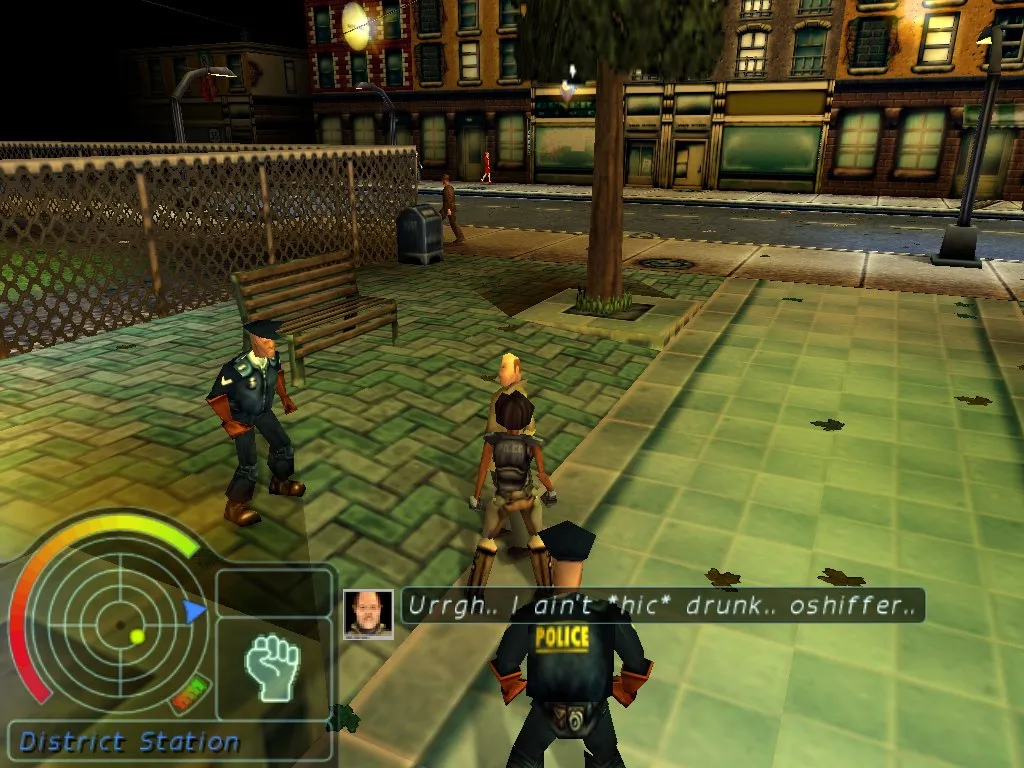
In Urban Chaos, an opponent's jacket color signals how tough the fight will be. Grey jackets mark the easy WILDCAT gang members found early in Union City. Green jackets mean better-trained adversaries who are more skilled in hand-to-hand combat and more accurate with firearms. Red jackets belong to the highest street-level WILDCAT members, described as deadly unarmed and lethal with weapons. These tiers change both combat strength and skill, so a red-jacket suspect demands more care than a grey one.
After a fight, stand over a fallen suspect and press the action key to handcuff them; you have only a few moments before they recover and either flee or resume fighting. A successful arrest on a criminal triggers a short message naming their crime and showing its effect on the crime rate. To frisk a body or anyone under arrest for weapons or concealed items, stand over the suspect and hold the action key, with a percentage indicator tracking search progress. Arrests lower the crime rate, while crimes raise it; if it reaches 100%, the mission fails and you must start over.
Crime-Rate Mission Rules: Citations, Dismissal, and Failure
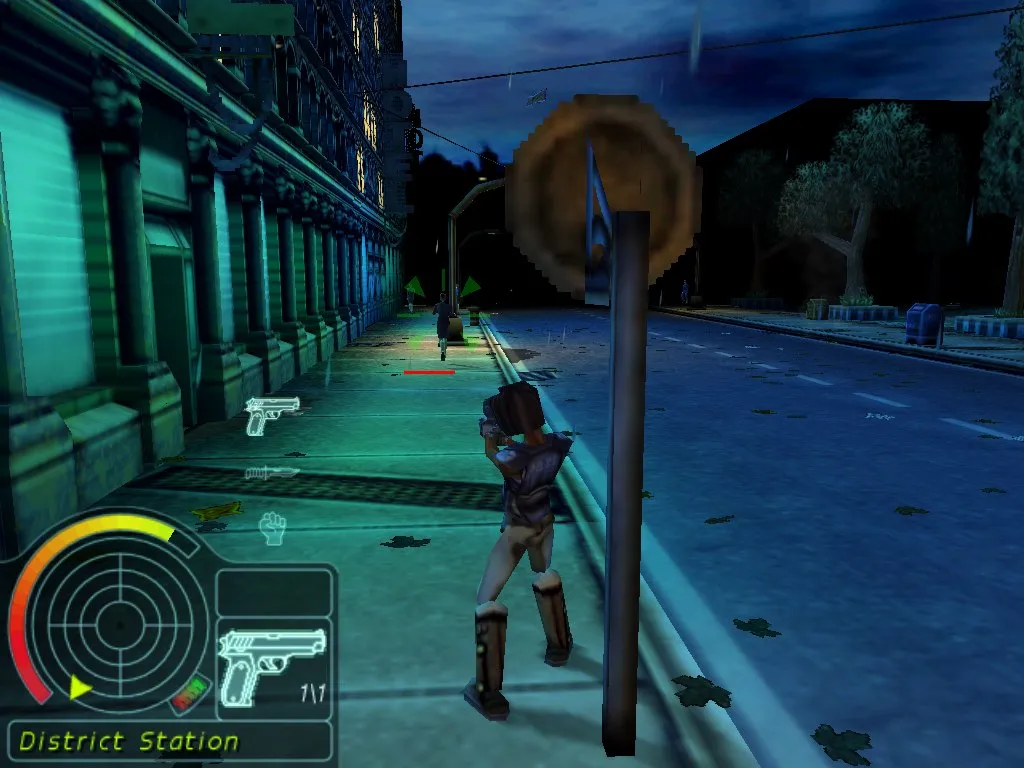
Civilian deaths carry their own penalty separate from the crime rate. Whether a death is deliberate or accidental, causing the death of an innocent civilian earns a citation for a disciplinary violation. If a police officer sees the killing, that officer will attempt to take you into custody. Five citations remove you from duty immediately and force the mission to restart from the beginning. The department treats the death of its own patrol officers more harshly still: killing a fellow police officer results in instant dismissal.
The crime rate gauge tracks lawlessness in the current district. Every crime committed there raises the percentage, and every criminal arrested lowers it, with the size of the rise or fall depending on the nature of the crime involved. If the figure reaches 100 percent, the mission fails and you must start again. Separate from that gauge, certain missions impose a time limit shown above the icon of the item you currently hold, counting down as the mission proceeds.
Traversal and Vehicles: Jumping, Crawling, Ladders, and Pursuit Mode
On foot, traversal is split across a few distinct inputs. Holding the action key while stationary drops you into a crouch; from there, pressing a direction key starts a crawl in that direction, letting you move low across the ground. Facing a wall or fence and pressing the up key scales the obstacle, while standing at the foot of a ladder and pressing up begins a climb, with up and down then controlling vertical movement. Jumping stays directional: pressing the jump key together with one of the direction keys produces a jump in any of four directions, and the same jump key also drives the jumping kick already covered in the combat section.
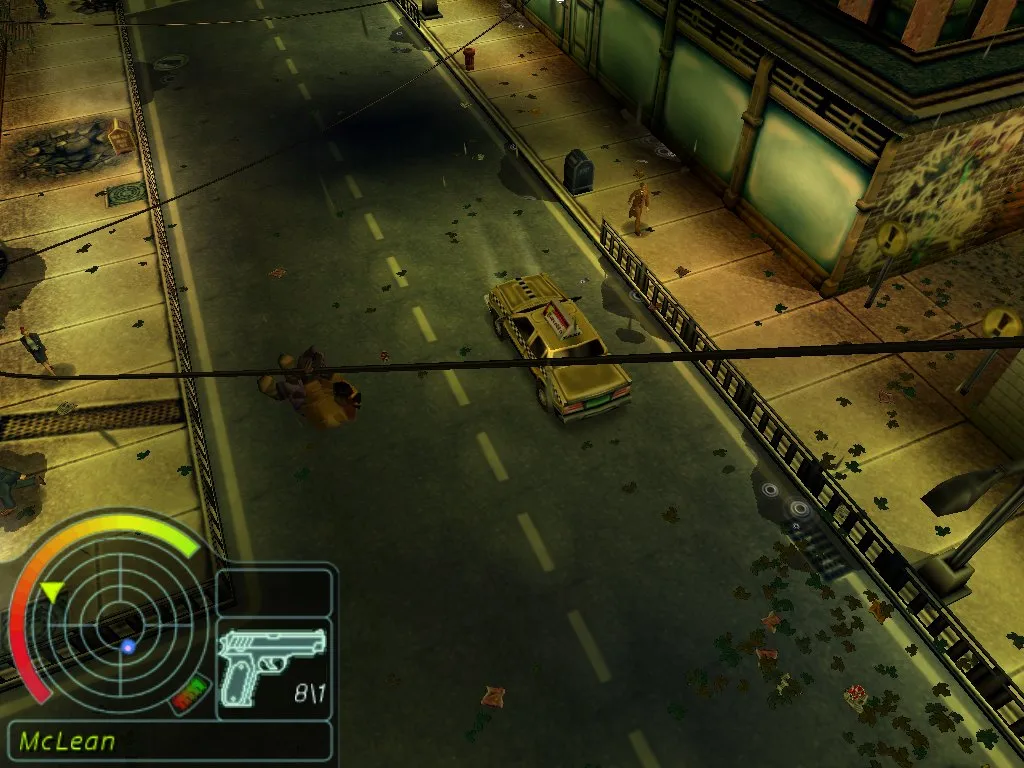
Getting into a car often means taking one. Parked vehicles are usually locked, though you may find or be given keys to certain vehicles; a key already in the inventory does not need selecting, since walking up to the door and pressing the action key is enough. The more direct method is to stand in front of a moving vehicle to block its path, then fire a single shot as a warning. The driver will usually exit and flee, leaving you free to climb in and drive off. Once inside, the up direction key goes forward, left and right steer, and down puts the car in reverse. Tapping the jump key switches into pursuit mode, and tapping it again returns to normal driving.
Sources & further reading.
- Urban Chaos — official game profileRetrieved Oct 28, 2026
- Urban Chaos — official game profile — publisher-supplied gameplay manualRetrieved Oct 28, 2026
First published .