 THE GAME ARCHIVE
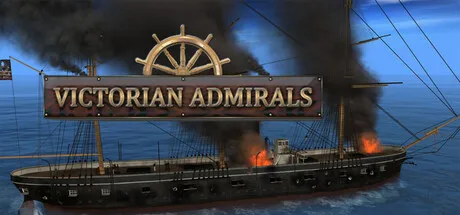
Leading the Column: Speed, Turns and Formation Limits
Victorian Admirals lets you arrange squadron groups and formations, but movement in battle follows a fixed chain: each group's ships follow the vessel at the head of its column. You control that first ship's movement rather than steering every vessel separately. Speed is constrained by the slowest ship in the column, so the leader's movement remains tied to the ships following it. The formation also has firm organizational limits once fighting begins: you cannot split an existing column or create a new one during battle. Squadron arrangement and battlefield steering are therefore distinct tasks.
Turning brings a separate constraint to leading that line. Sharp changes of direction can break formation or cause collisions, so the manual cautions against abrupt course changes during a turn. This warning concerns more than keeping the ships neatly aligned: after a collision, the player cannot control the ship. Because movement orders apply to the leading vessel while the others follow, a turn must be considered as a maneuver for the column, not just its head. Keeping direction changes measured respects both documented risks: losing the formation and colliding with another ship.
Inside the Buoys: Battle Objectives, Time Limits and Pace Controls
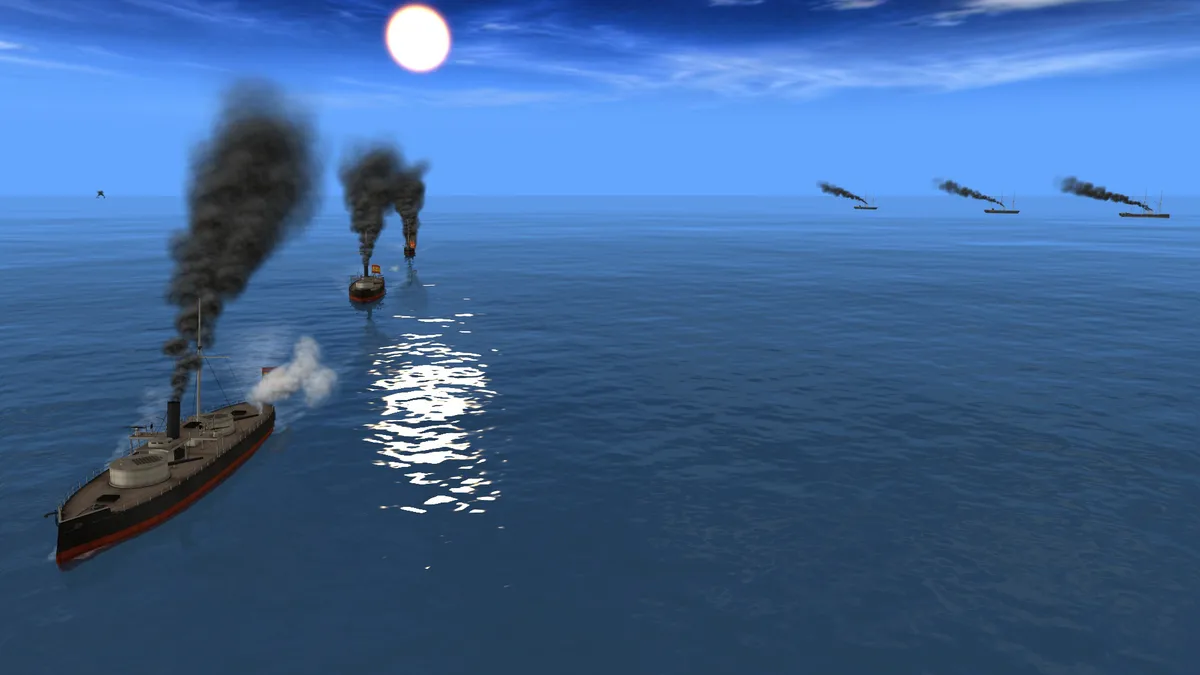
At the start of a battle, locate the red anchor buoys: they mark the area within which squadrons can fight. The objective inside that boundary is to destroy as many enemy ships as possible, with a time limit restricting how long the battle lasts. To check the remaining time, look beneath the compass in the upper-left corner of the screen. The buoys and timer give you two concrete limits to keep track of together: the space available for fighting and the time still available to pursue the destruction of enemy ships.
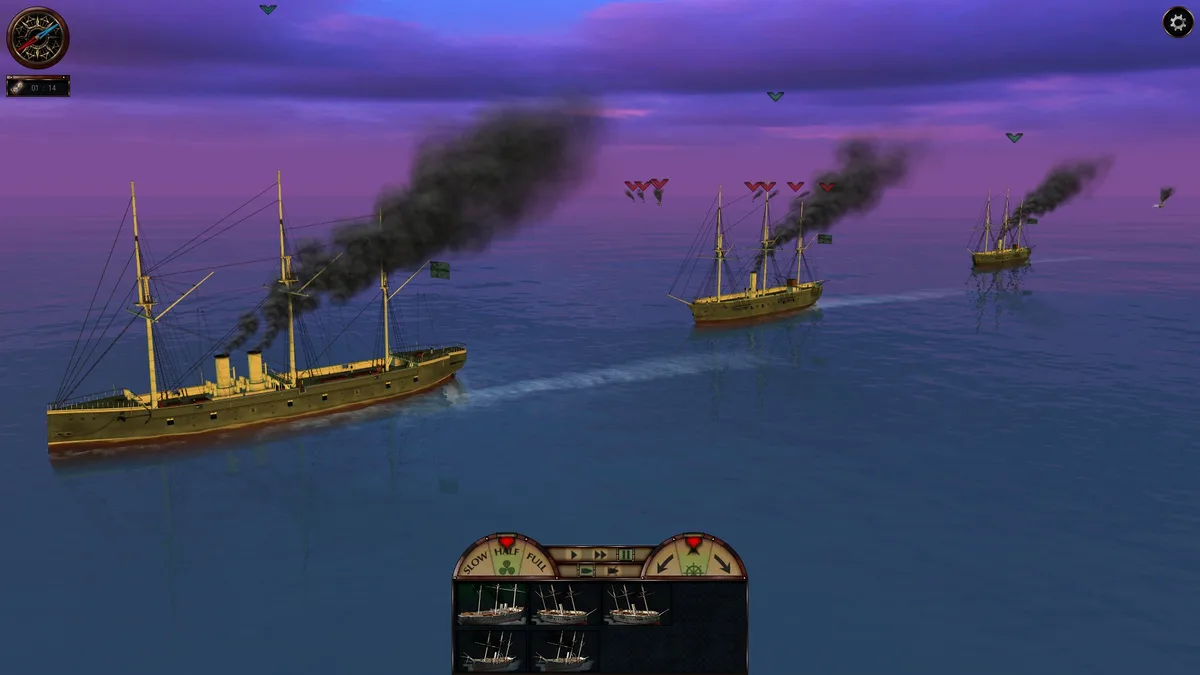
Fleet battles run in real time, but the game-time controls offer pause, normal real-time play and acceleration. Acceleration carries a specific restriction: it is available only at a safe distance. It is therefore not an unrestricted speed setting for use throughout combat. Keep that condition separate from the battle timer, which reports how much time remains rather than selecting the pace of play. Between the timer and the time-management controls, the interface provides both a readout of the battle’s remaining duration and a way to manage its pace, subject to the acceleration restriction.
Opening Fire: Automatic Targeting, Gun Controls and Artillery Trade-offs
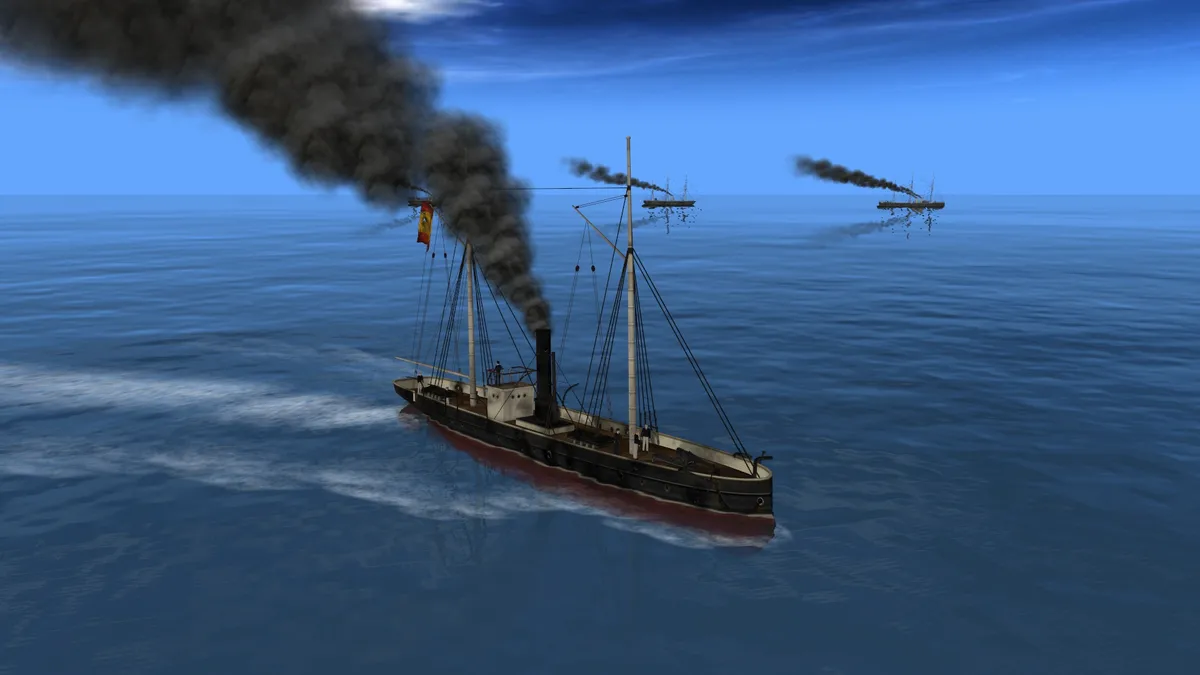
Opening fire does not require a separate targeting order for every ship. Each vessel automatically selects enemy targets as they enter the range of its armaments, with shooting beginning at a 25% hit-accuracy threshold. To control an individual ship’s firing yourself, first bring it within range, then click Begin Gun Fire. That command fires all available guns at the enemy target simultaneously; Stop Gun Fire halts the firing. These controls govern whether the ship shoots, while the automatic targeting rule handles target selection as enemies come within reach of its weapons.
The artillery table separates hitting power from firing speed and accuracy, rating each characteristic against a best value of 100%. Its 8-inch breech-loading rifle leads in damage and armor penetration, both at 100%, but has a 12% rate-of-fire rating. The 2-inch quick-firing gun reverses that balance: its firing-rate rating reaches 100%, while damage is 6% and penetration 13%. Accuracy has another leader, the 6-inch breech-loading rifle, at 100%, compared with the 8-inch gun’s 85%. Those accuracy ratings belong to the weapon comparison, distinct from the 25% hit-accuracy threshold that starts shooting.
Fire, Flooding and the Return to Harbor
Where a shell strikes matters: a hit above the waterline can start a fire, while one below it can cause flooding. Crews automatically attempt to extinguish flames and pump water out during combat. Those efforts become harder as the ship’s damage percentage rises, so accumulating damage also makes the crew’s damage-control work more difficult. Enemy gunfire and onboard fires increase that percentage, with enough damage eventually sinking the vessel. Damage also reduces movement, meaning a stricken ship suffers a loss of mobility alongside the growing difficulty of controlling its fires and flooding.
Severe damage can also end a ship’s participation without sinking it. A vessel badly damaged by gunfire, flooding or fire independently leaves the battle, heading for the anchor buoys before returning to harbor. This withdrawal is the ship’s own response to its condition, rather than a retreat order you issue. Once back, it can be used by either the player or the computer in the next battle. Harbor return also handles the aftermath of combat: all remaining ships come back when the battle ends, and the squadron’s damaged vessels undergo repairs there.
Sources & further reading.
- Victorian Admirals — official game profileRetrieved Nov 14, 2026
- Victorian Admirals — official game profile — publisher-supplied gameplay manualRetrieved Nov 14, 2026
First published .