 THE GAME ARCHIVE

Watching Hawke Manor: Window Icons, Room Searches and Automatic Recording
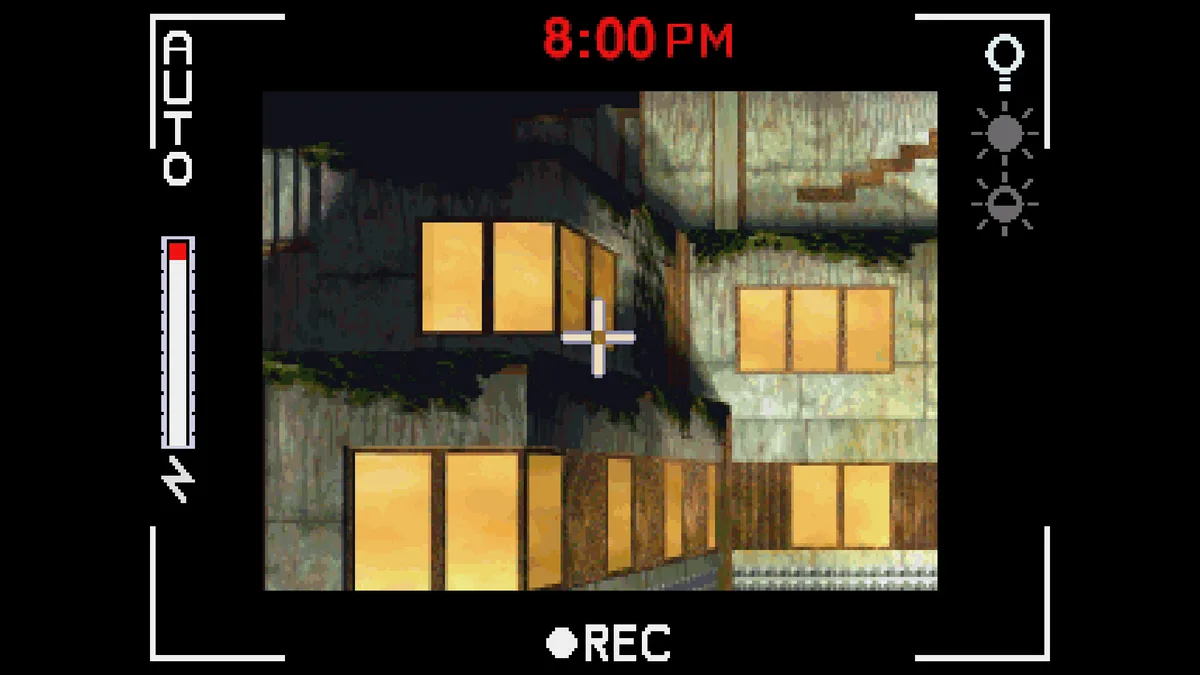
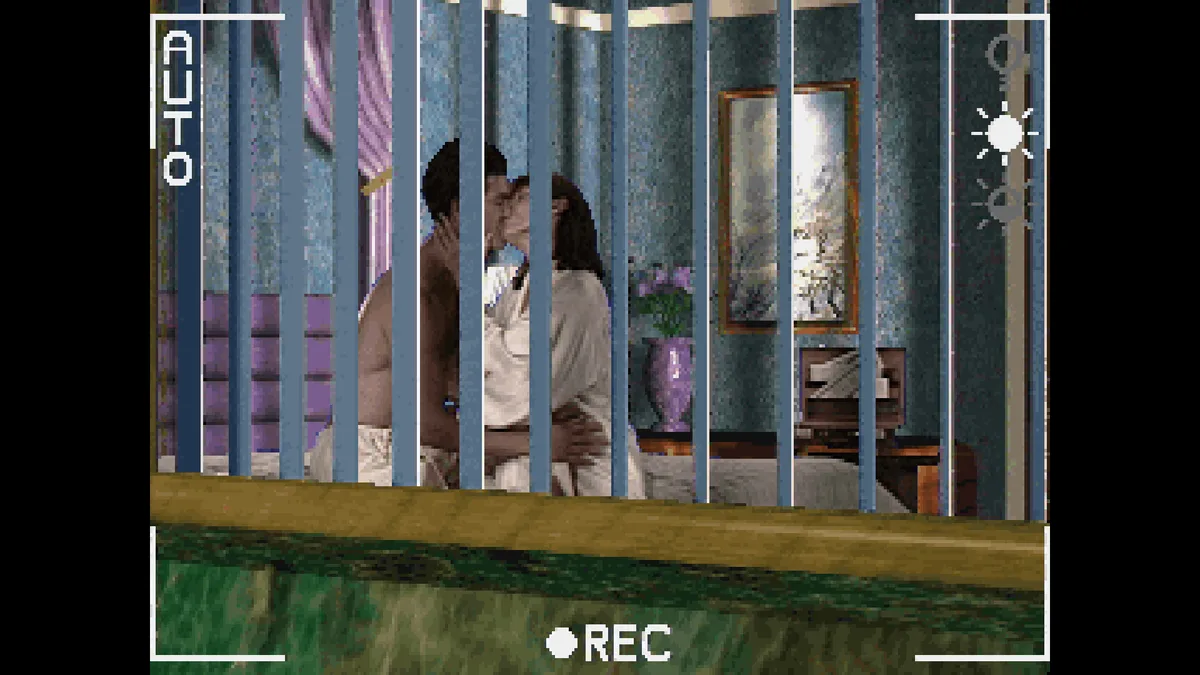
Watching Hawke Manor begins with the camera positioned in the building opposite, but selecting a window depends on more than its location. Move the crosshair across the manor’s windows and its changing symbol identifies the material currently inside: an eye for a video scene, an ear for audio, or a magnifying glass for evidence such as photographs, a diary or letters. A crosshair that stays white marks a window that is unavailable. As you view the manor, the camera automatically records the scenes and evidence you encounter, linking the window-by-window search to the task of gathering material against Reed Hawke.
Evidence windows lead into a closer room search. Left-click a window to enter, then move around the room until the small magnifying glass changes to green or red, signalling that evidence has been located. Left-clicking lets you examine that evidence; right-clicking puts it away. The same right mouse button also handles leaving, but its function depends on where you use it: click away from evidence to return to the manor’s exterior, then right-click outside the manor to return to your apartment. These steps distinguish locating an item, viewing it and withdrawing from the room, while the camera records encountered evidence automatically.
A Weekend Deadline: Simultaneous Scenes and a Changing Family Betrayal
The surveillance weekend ends at 10:30pm on Sunday, leaving a fixed deadline for observing clues and taking action. Minutes pass in real time while you watch the mansion and its window scenes. Check the time of day at the top of the camera screen, alongside the Battery Gauge on the viewfinder’s left edge. Despite its name, that gauge measures the interval before the next time change, flashing as the interval runs out. Meanwhile, scenes unfold in several rooms at once: watching a bedroom can mean missing events in the kitchen, so the clock does not govern a single sequence of scenes.
The family betrayal also changes between plays. One of the relatives gathered by Reed Hawke is selected at random to turn against him, rather than the same family member always occupying that role. The threatened disclosure concerns a dark family secret, and Hawke is prepared to murder to keep his relatives silent. This variable betrayal sits alongside the simultaneous room scenes: a playthrough covers both a particular betrayer and the events you happened to watch before the deadline. Multiple endings are documented, and seeing every plot twist and dirty deed requires more than one playthrough, not simply watching one room for longer.
Back at the Apartment: TV Gossip, Tape Review and Choosing Not to Intervene
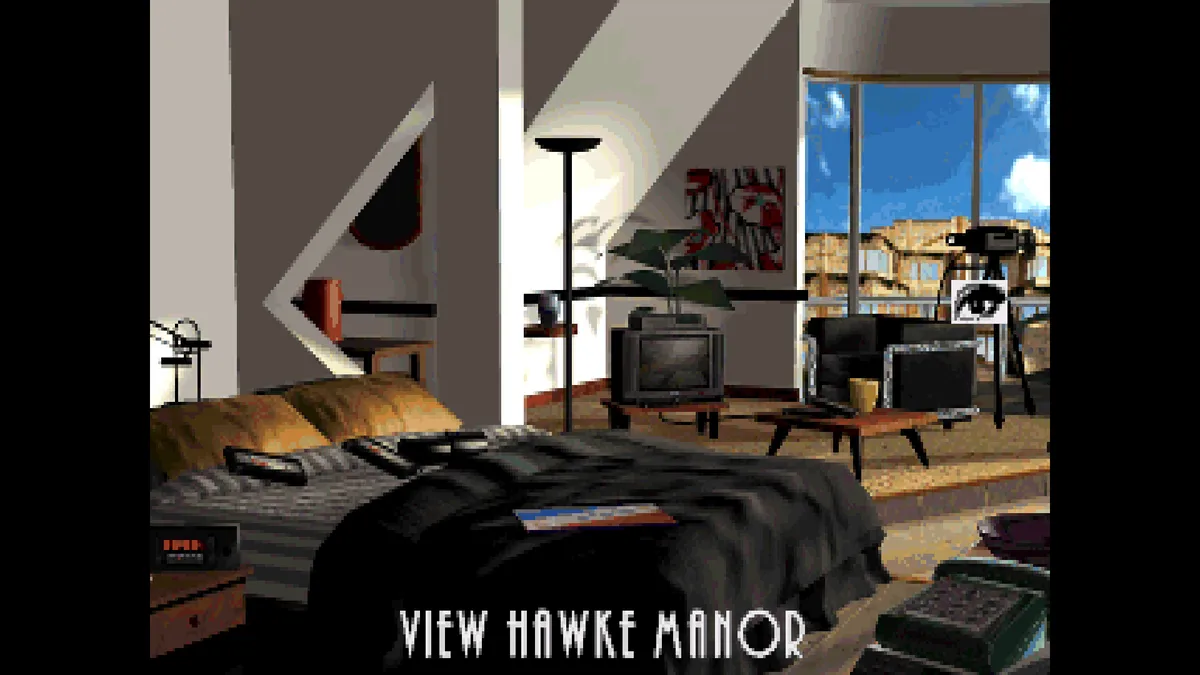
The apartment television serves two purposes in sequence. When you first enter, you can watch a newscaster deliver gossip about the Hawke family; afterward, the set becomes the way to review your recordings. Left-clicking the television opens a VCR screen containing video scenes, audio scenes and recorded evidence together in a list. The last entry is initially highlighted in green. Use the arrow buttons to browse, then left-click the item you want to select. Selecting a recording highlights it in green, while the separate Play button starts the chosen video, audio or evidence review.
Playback returns you to the VCR screen when the selected item finishes, so reviewing another recording means choosing it from the list and pressing Play again. Click Exit when you want to leave that screen and return to the apartment. Reviewing what you have collected is distinct from deciding to intervene: you can instead spend your time simply browsing Hawke Manor’s rooms without getting involved. That approach still lets you see and hear scenes and piece together some of the story, but it does not guarantee that the family’s secrets will emerge during a single viewing.
Acting on the Tape: Police Evidence or a Warning to the Right Character
To involve the police, left-click the apartment telephone. A detective comes to the door and asks for the tape, which the VCR then plays automatically. If your recordings include a scene exposing Hawke’s criminal intentions, the recorded portion appears; otherwise, no scene plays. The detective judges whether the material establishes guilt, responding with approval or scorn according to what you captured. You can make this call at any time, but an arrest requires concrete evidence: recording the scene implicating Hawke in a family member’s murder and showing it to police gets him arrested and ends his presidential campaign.
Sending a warning uses the express package on the bed instead of the telephone. Left-click it to display the four primary characters, then left-click a portrait to choose who receives your tape. Success requires both a recording sufficient to warn of impending danger and the correct recipient. Send the key scenes to the endangered family member, and that character can flee Hawke Manor, then give their evidence to the press, ending Hawke’s presidential bid. A recipient already bought off by Hawke produces a bad outcome instead. The package screen also has an Exit button for returning to the apartment.
Sources & further reading.
- Voyeur — official game profileRetrieved Nov 17, 2026
- Voyeur — official game profile — publisher-supplied gameplay manualRetrieved Nov 17, 2026
First published .