 THE GAME ARCHIVE
Alpha Protocol is a 2010 action role-playing game developed by Obsidian Entertainment, published by SEGA, and released on Windows. The official store description frames the campaign around agent Michael Thorton, cast out by his government and left as the only person with the information needed to stop an impending international catastrophe. What matters for a player sitting down at a keyboard is that the game is simultaneously a third-person shooter and a decision-driven RPG, and the Windows control scheme and on-screen readouts are built to let those two halves run at the same time.
The publisher-supplied manual lays out a full keyboard-and-mouse command set, plus a targeting reticule and health/endurance display, and the store description ties character growth to the player's decisions. Together those two sources explain how the game wants to be played: you move and shoot with one hand on WASD and the other on the mouse, you manage reloading and weapon swaps with the wheel, you open radial menus to reach skills and gadgets, and you read a persistent status panel to know when to push and when to break off. This feature walks through those systems in the order a player meets them.
Movement, Aiming, and the Two Mouse Buttons That Do the Shooting
Movement is on four keys: W moves forward, A moves left, S moves backward, and D moves right. Aim and looking are on the mouse. The left mouse button fires, and holding the right mouse button engages aim mode. That split is worth internalizing early, because it means the same hand that steers the view also chooses between a relaxed shot and a deliberate one; letting go of the right button returns you to ordinary aiming without any extra input.
The mouse does more than aim in combat. In menu screens it selects options, and the right mouse button accepts the highlighted choice. So the right button is overloaded in a consistent direction: hold it in play for aim mode, press it in menus to confirm. Once you know that, you stop hunting for an Enter key when navigating the game's screens.
Sprinting, Crouching, Cover, Melee, and Reloading
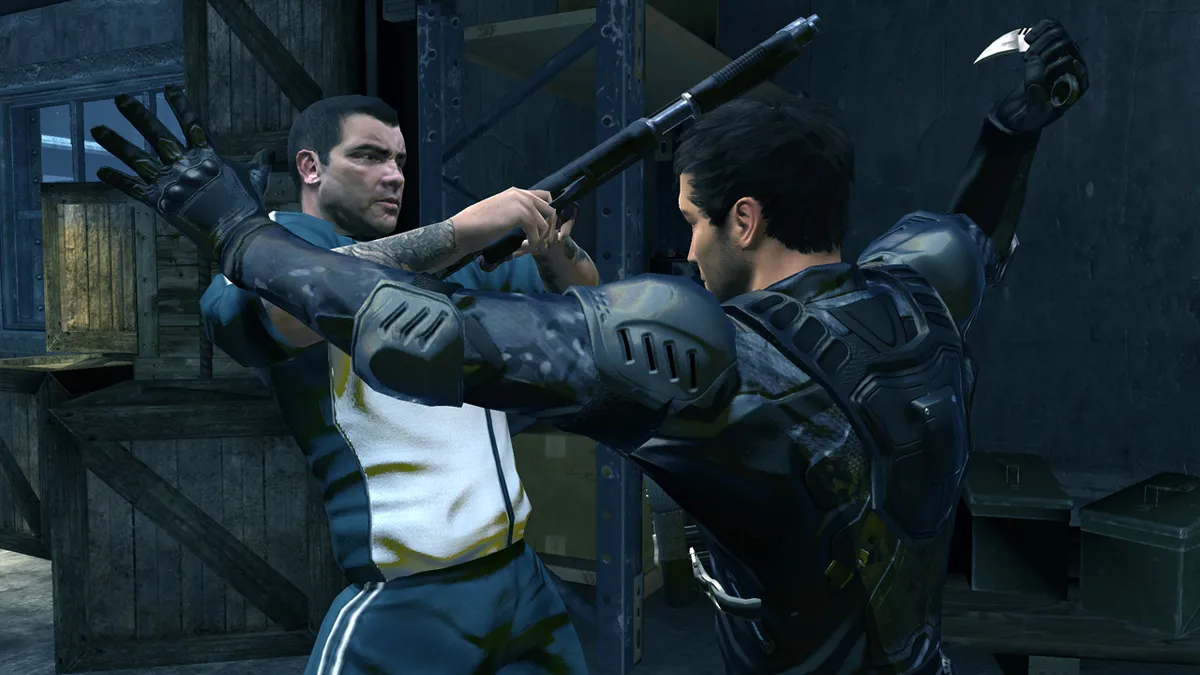
Around the basic movement set sit several situational keys. Shift is sprint. Control handles stealth and crouching. Space is a dual-purpose key: use cover, and interact with objects. E performs a melee attack, so close-quarters strikes get their own key rather than sharing the fire button. Each of these is a single dedicated input, which keeps the layout easy to learn even though the game juggles shooting, stealth, cover, and interaction in the same space.
Reloading is mapped to R or a click of the mousewheel. Having two bindings for one action is a small but real convenience: the keyboard hand can hit R while the mouse hand keeps its position, or the mouse hand can click the wheel while the left hand is busy. The mousewheel is not free during a fight either — its up and down directions handle weapon selection — so the click-to-reload binding is the wheel's third distinct job.
Skills, Gadgets, and the Three Radial Menus
The ability side of the control scheme is built around a quick-use key and three radial menus. Q uses the currently active skill — a single press with the ability already chosen. G activates or throws the current gadget. To change what those keys will do, you open a radial: Z for the Skill Radial, C for the Gadget Radial, and X for the Weapon Radial. The three radials sit on adjacent keys, so selecting a different skill, gadget, or weapon is a matter of opening the right wheel and picking.
Weapons have a second, faster route besides the X radial: the mousewheel's up and down directions perform weapon selection directly. That gives you a choice of tempo. Cycling with the wheel is a single motion during a firefight, while opening the Weapon Radial with X is the deliberate alternative. Together with wheel-click reload, the mousewheel covers the three most common weapon actions without your hand leaving the mouse.
The PDA, Its Four Screens, and the Camera Keys
Everything outside the action lives in the PDA, opened with Tab. From there, three letter keys jump to specific pages: P opens the Personal Dossier, M opens the Map and Mission Select screen, and I opens the Loadout page. This is a compact hub design — one key brings up the PDA, and a single additional press gets you to the dossier, the mission map, or your equipment. The manual lists each as its own command, so there is no ambiguity about which screen a given letter calls up.
The F key handles two camera functions: it centers the camera, and it zooms when a scope is available. The "if available" qualifier matters — the zoom portion only applies when the equipped weapon has a scope, while the recentering action is the baseline. Because aiming and looking are on the mouse, camera control on F gives the keyboard hand a way to snap the view back without disturbing the crosshair.
Health and Endurance: A Two-Layer Damage Buffer
The display in the lower right of the screen carries two resources. Health is the orange bar, also shown as a number beneath it, and it does not regenerate over time — only completing a level or using a Health Pack restores HP. Endurance is the row of gray squares in front of Health. When you are injured, damage is deducted from Endurance first, and only once Endurance is exhausted do further wounds reduce Health. Endurance, unlike Health, replenishes automatically over time as long as you are not taking damage.
Read together, those rules describe a clear combat rhythm. Endurance is the resource you spend to absorb a bad exchange and then rebuild by breaking contact and avoiding fire. Health is the resource you cannot get back inside a mission except through a Health Pack or by finishing the level. A player who watches the numeric Health readout and the gray Endurance squares can tell the difference between a recoverable scrape and a genuinely dangerous position, and act accordingly.
The Awareness Compass and Reading Enemy Alert States
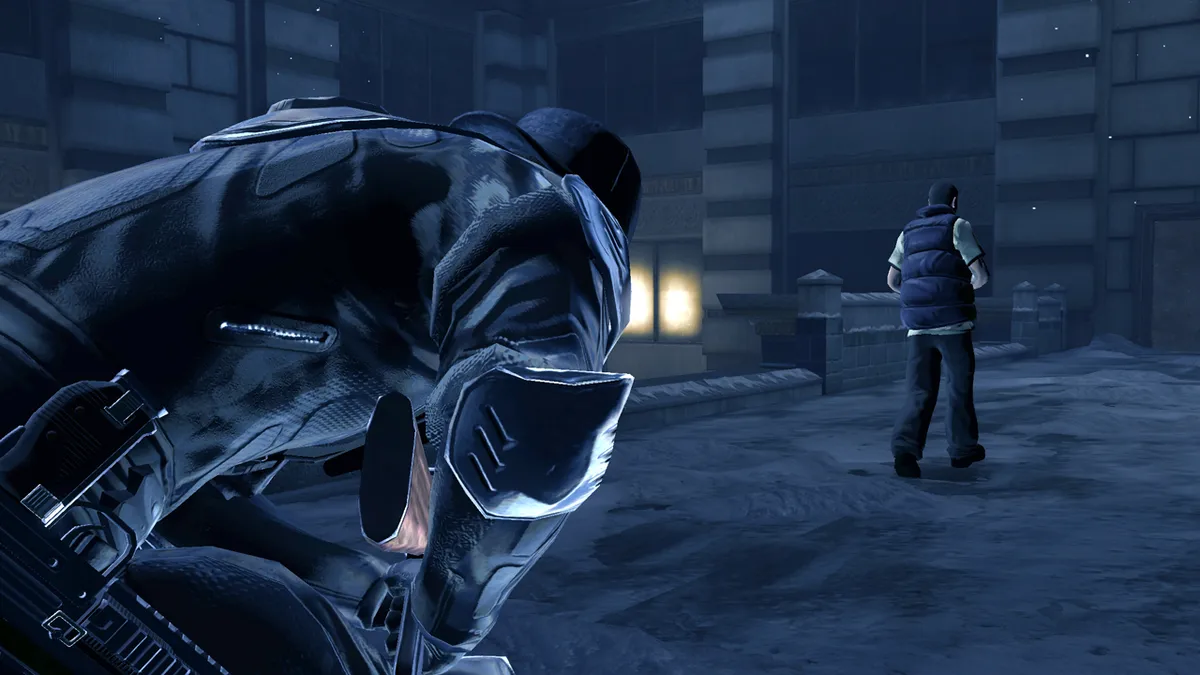
When the Awareness ability is active, a triangle marker appears above the heads of enemies within range. The marker tells you two things at once: the direction the enemy is facing and their alert status, color-coded blue for calm, yellow for cautious, and red for attacking. That combination is the game's stealth feedback loop. A blue triangle pointing away from your approach is an invitation; a yellow one means caution has set in; red means the fight is already on. Because the markers only appear while Awareness is running, the ability is the difference between reading a room and walking into it blind.
Decisions, Missions, and the Kind of Agent You Build
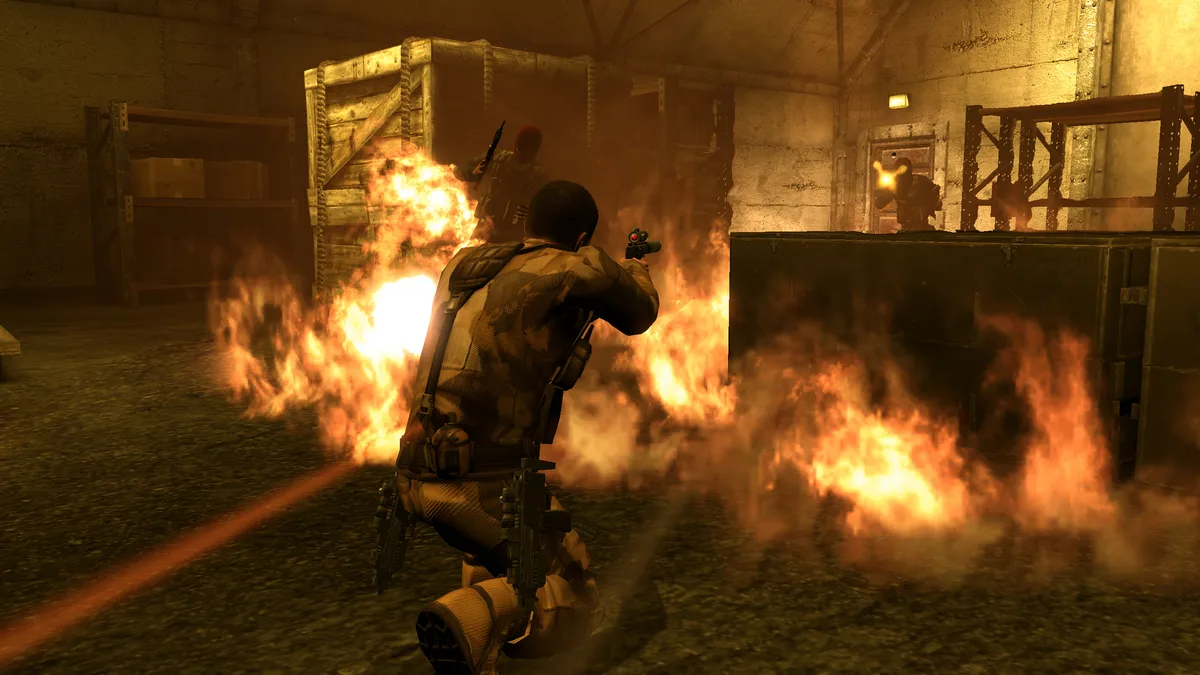
The store description spells out how choice works in the campaign: as players determine how to accomplish different objectives, the decisions made and actions taken in each mission ultimately transform the type of secret agent Michael Thorton will become, and every choice carries consequences for his future. That is the through-line connecting the control scheme to the RPG layer. The combat keys let you resolve a situation one way; the mission structure and the decision set determine who Thorton is on the other side of it.
Practical Notes for a First Session
- Hold the right mouse button to enter aim mode and release it to leave; the left button fires. Use R or the mousewheel click to reload, and the mousewheel's up/down motion to change weapons quickly. Press Tab to open the PDA, then P for the Personal Dossier, M for Map/Mission Select, or I for Loadout. Watch the gray Endurance squares in front of the orange Health bar: Endurance refills over time when you are not hit, but Health only returns through a Health Pack or level completion. Switch on Awareness to read enemy facing and alert color (blue calm, yellow cautious, red attacking) before committing to an approach.
Scroll sideways to see the full table →
| Action | Binding |
|---|---|
| Move forward / left / backward / right | W / A / S / D |
| Aim / look | Mouse |
| Fire | Left Mouse Button |
| Aim mode | Hold Right Mouse Button |
| Sprint | Shift |
| Stealth / crouch | Control |
| Use cover / interact with object | Space |
| Melee | E |
| Activate / throw current gadget | G |
| Use active skill | Q |
| Reload | R or Mousewheel Click |
| Weapon select | Mousewheel Up/Down |
| Skill Radial / Gadget Radial / Weapon Radial | Z / C / X |
| Center camera / zoom with scope (if available) | F |
| Open PDA | Tab |
| Open PDA Personal Dossier | P |
| Open PDA Map / Mission Select | M |
| Open PDA Loadout | I |
Sources & further reading.
- Alpha Protocol™ — official game profile Retrieved Oct 11, 2026
- Alpha Protocol™ — official game profile — publisher-supplied gameplay manual Retrieved Oct 18, 2026
First published .