 THE GAME ARCHIVE
Three Ways to Take a Turn
Fallout Tactics documents three combat modes: Continuous Turn-Based Mode, Individual Turn-Based Mode, and Squad Turn-Based Mode. The manual's tactical interface distinguishes Individual and Squad modes through the End Turn button: it ends the current character's turn in Individual mode and the whole squad's turn in Squad mode.
How much a character can do within a turn is governed by Action Points, whose number is set by the Agility statistic; the manual calls Agility the most important statistic for this reason. Action Points therefore tie character building to the turn structure, since a more agile fighter receives more actions to spend when their turn arrives. Overwatch can be chosen only at the start of a character's turn, letting the selected character fire a shot during someone else's turn to cover doorways and alley corners.
Sentry Thresholds and Overwatch Ambushes
Sentry Mode governs automatic fire through an adjustable hit-probability threshold. When a character on sentry duty spots an enemy, the rule is simple: the character will not shoot if the chance to hit is too small. Four threshold values are available — 95 percent for near-certain hits, 66 percent for good conditions, 33 percent for possible conditions, and 1 percent to fire regardless of the odds. The setting is changed by right-clicking any of the Sentry buttons, so the same character can be tuned to hold fire until conditions improve or to shoot at practically anything.
Overwatch is the other automated-fire option, and it is available only at the beginning of a character's turn. Clicking the Overwatch button places the selected character or characters into that mode, which lets them fire a shot during another character's turn without further input. The manual describes the purpose directly: covering doorways and alley corners with this reaction fire.
Critical Hits, Ammo and Armor
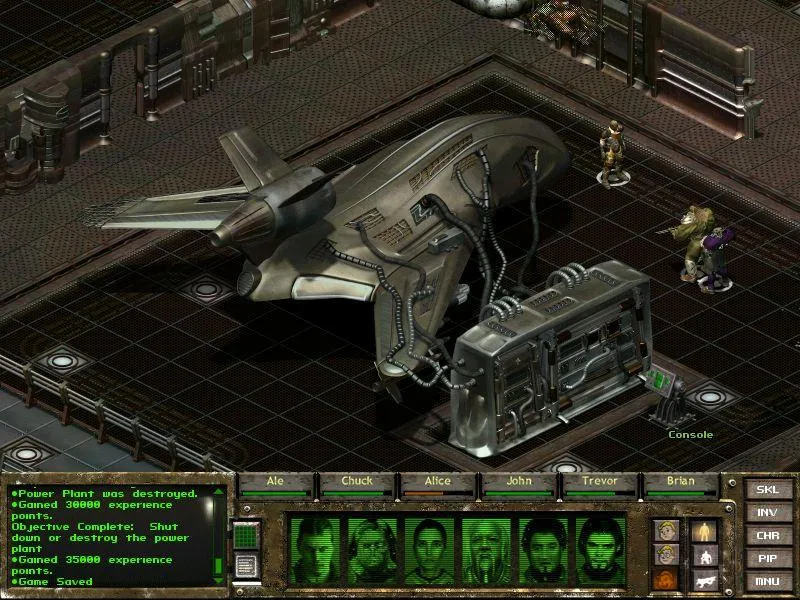
Critical hits in Fallout Tactics are governed by several inputs at once: the character's Critical Chance, the weapon being used, perks that modify the chance, and whether the attack is a targeted shot. Positioning also feeds into it, since sneaking characters and attackers striking from very close range against a prone target are more likely to land critical hits, and highly skilled characters produce them more often as well. A critical hit is not limited to extra damage; its effects can include crippling a limb, knocking the target down, rendering them unconscious, or a small chance of instant death.
Armor mitigates harm through two separate reductions: Damage Resistance lowers damage by a percentage, while Damage Threshold subtracts a set amount, and cover provides further reduction. Ammunition types interact with this defense differently. Armor Piercing ammo reduces the effect of armor but causes less damage than Hollow Point rounds when the target is unarmored. Damage Resistance itself is described as applying to physical damage and derives largely from the armor worn.
Leveling, Perks and Squad Roster
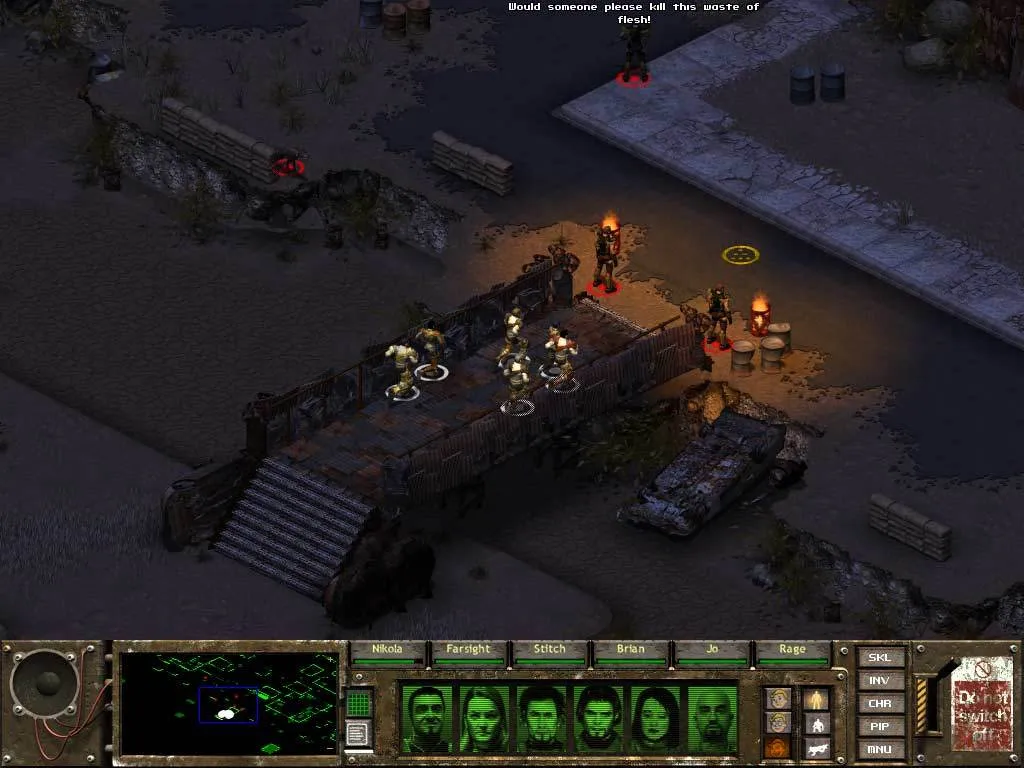
Experience points in Fallout Tactics come from completing missions, defeating opponents, and solving quests. Some active skills also grant experience when used successfully. Apart from skill experience, earned experience is shared equally across your entire squad. The character screen shows your total experience and the amount needed for the next level; when you have enough, an indicator appears above the interface bar. Clicking it opens the character screen. Each level grants more hit points, based on Endurance, and skill points, based on Intelligence.
Perks are special abilities gained through leveling, each with specific requirements. For example, Bonus Hand-to-Hand Attacks reduces the Action Point cost of unarmed strikes by one and requires Agility 6 and level 15. Bonus Hand-to-Hand Damage adds 15% damage per rank to unarmed and melee attacks, up to three ranks, requiring Strength 6, Agility 6, and level 3. Bonus Move grants 20% more movement per Action Point per rank, up to two ranks, with Agility 5 and level 6. Squad management involves recruiting characters; higher Charisma, Rank, and Reputation expand the pool of available recruits, and the Recruits screen lets you add or remove members from your squad.
Vehicles and the PIPBoy
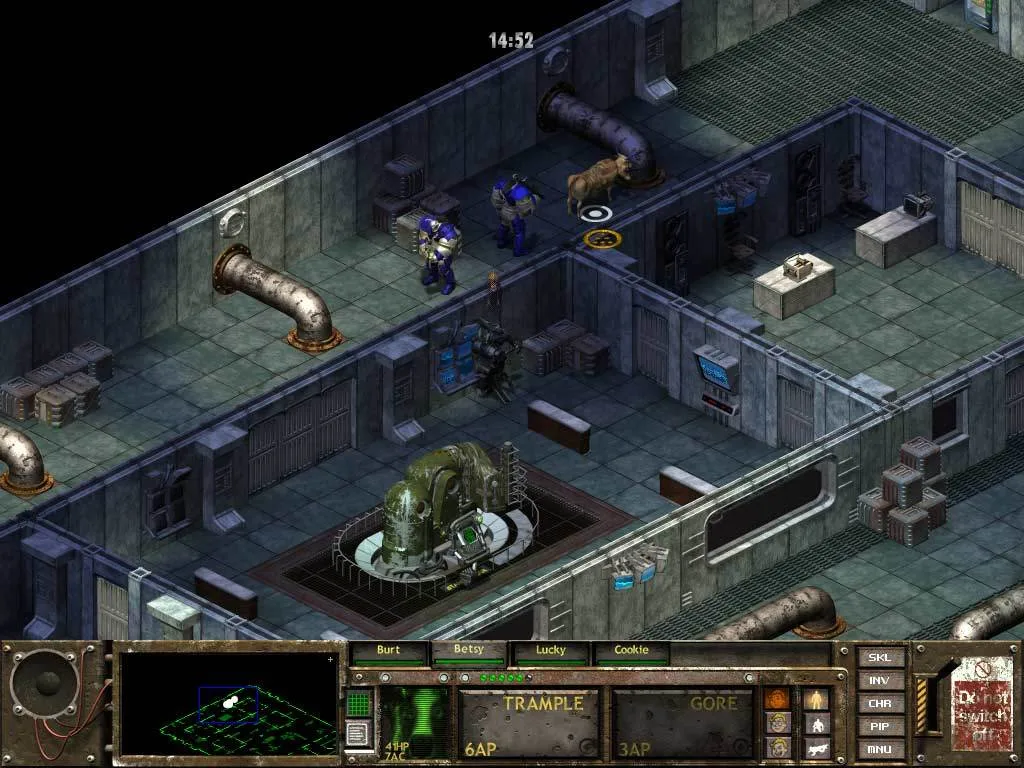
Vehicles are handled through their driver: left-click the vehicle to select it, or drag a selection box around it to gather every squad member aboard, and hold the cursor over the vehicle to see a list of occupants, with the driver listed first. The driver is selected to move the vehicle — left-click the ground ahead to move forward, or shift-left-click to travel at a higher speed, with the maximum limited by Piloting skill. Clicking the ground behind the vehicle reverses it, and high speed is unavailable in reverse. A character riding inside the vehicle opens its inventory through that character's INV control.
Vehicles take damage when shot, and repair requires a Tool Kit plus the Repair skill; a vehicle that absorbs too much damage becomes irreparable, and some models need specific items to be repaired. The gunner fires the vehicle's main gun by selecting that character and targeting in the usual manner. A destroyed vehicle can still be searched by left-clicking it. The PIPBoy, opened with the PIP button or the P key, records briefings and conversations, and Brotherhood Scribes load available intelligence for a mission, including a map of the known area, into it, with the current date and time shown at the top.
Sources & further reading.
- Fallout Tactics: Brotherhood of Steel — official game profile Retrieved Oct 10, 2026
- Fallout Tactics: Brotherhood of Steel — official game profile — publisher-supplied gameplay manual Retrieved Oct 18, 2026
First published .