 THE GAME ARCHIVE
Battlestations: Midway is built around a single idea: you are never locked into one vehicle. From a third-person perspective you can instantly switch to and control nearly every vehicle in the battle, whether that means flying a plane, steering a warship, or commanding a submarine. The roster spans more than sixty different warships, planes, and submarines, and your role shifts with the unit you take — pilot, gunner, submarine captain, or carrier fleet commander. All of that plays out across larg air, sea, and undersea battlefields.
The structure is just as broad. The game offers 11 large-scale campaigns and 12 bonus challenge missions, covering World War II Pacific actions from Pearl Harbor to Midway. The challenge missions are framed around ship, plane, and submarine control modes, so the bonus content doubles as a way to practice each weapon family on its own terms.
Switching Units and Ordering Formations
Unit management runs through formation and squadron controls. Press Q or E to cycle through the formations and squadrons under your command, and press F or C to cycle through the individual units inside the selected formation. This is the layer that keeps the battle legible when dozens of units are in play: you can think in groups, then drop into the specific hull or cockpit that needs your attention.
Attack orders follow a two-click pattern. Highlight the attacker on the map, left-click to select it, then right-click the enemy to assign the target. A formation leader's attack order carries to the rest of its formation, while ordering a unit inside a formation breaks it out to act alone. That leader-versus-subordinate distinction is the central tactical decision on this layer: keep a group intact and hit together, or peel off one unit for a job only it can do.
The Map Screen as Fleet Command Bridge
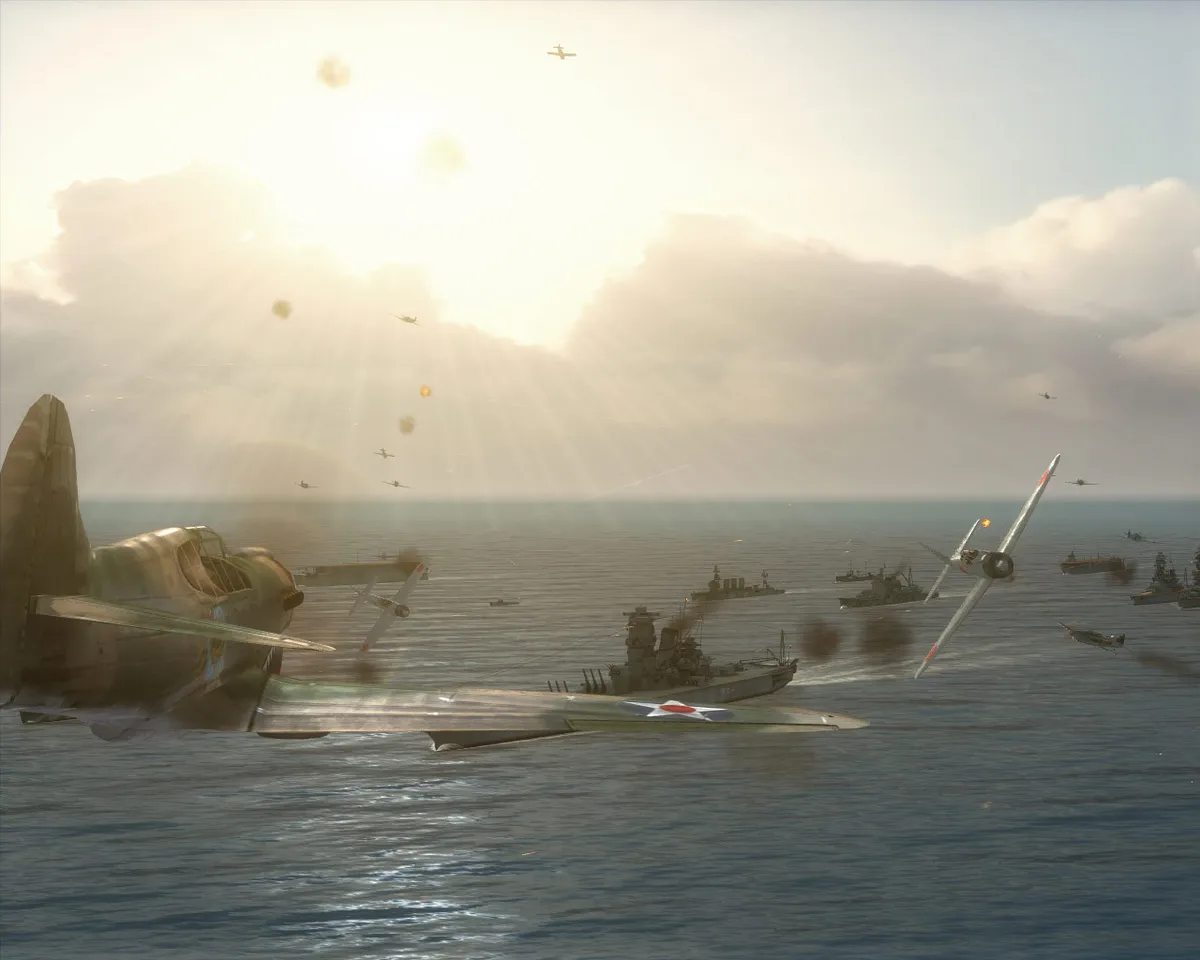
The map screen is the center of operations. Open or close it with Tab, move the cursor with the mouse, and zoom with the mouse wheel. Left-click selects a highlighted unit or squadron. Right-click a coordinate to send the selected unit there, or right-click repeatedly to chain waypoints into a plotted course. The view labels enemy units, your selected unit, and radar range, with green marking the sonar and visual detection area.
The top-left corner carries three streams of information at once. A Target window names the enemy being attacked, marked by a red arrow connecting attacker and target. Mission objectives sit there too, color-coded gray for active, green for completed, and red for failed. Unit health appears as a bar, and a gold border flags mission-critical units. In practice this means the same corner tells you what is being shot at, what still has to be done, and which of your own ships you cannot afford to lose.
Bombing Runs, Torpedo Spreads, and Squadron Orders
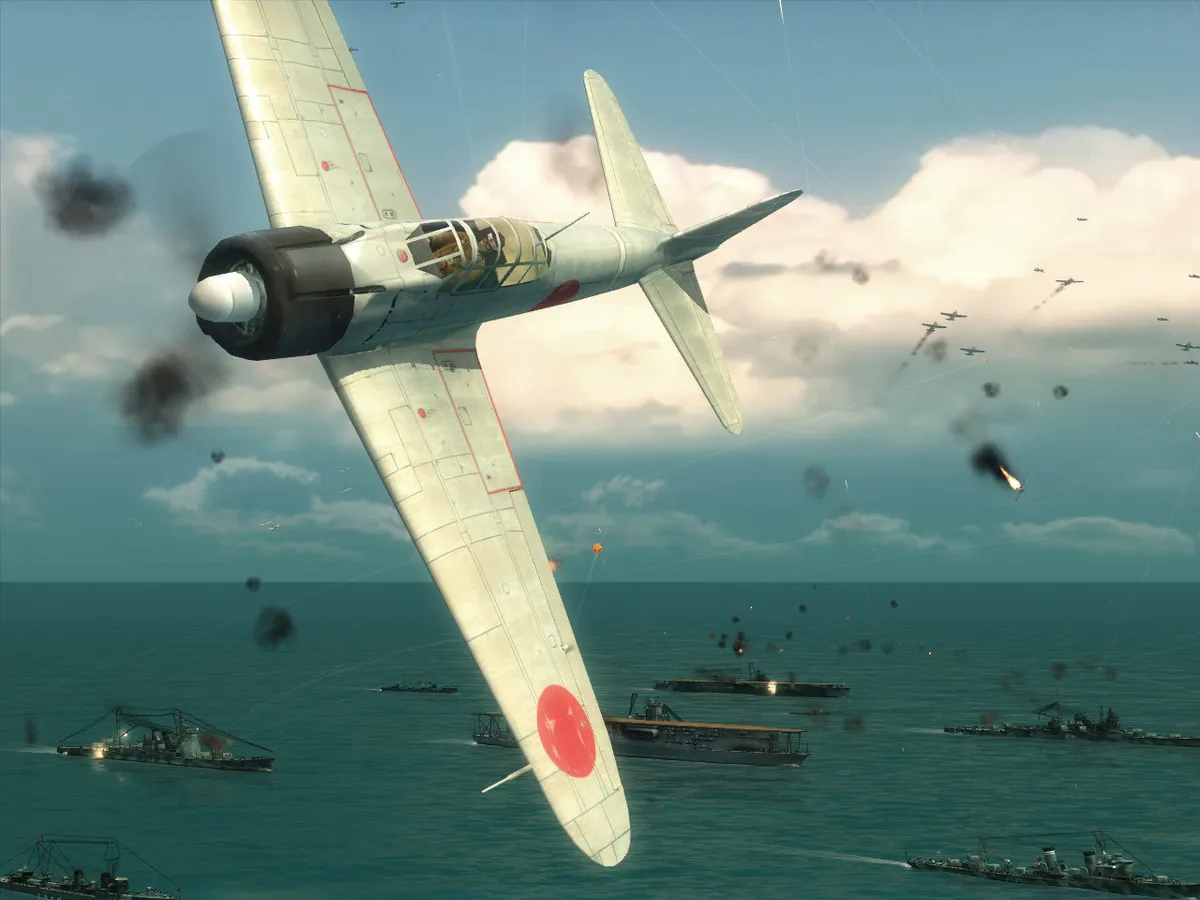
Bombing hinges on the Bomb Cam. Pull and hold Left Shift to bring up the crosshairs, which are calibrated to compensate for the aircraft's forward movement, then left-click to release bombs once the target sits under the reticle. Torpedo work is stricter. Torpedoes must be dropped just above the water, and once launched they cannot be aimed or guided, so long-range shots are hard to place. The documented counter is a spread — a group of torpedoes fired in an arc — which widens the chance of a hit across a ship's hull.
Squadron management runs through the Command Menu: hold Alt to open it, then use A, D, W, and S to pick standing orders, attack orders, regroup, or landing instructions for the other aircraft in your squadron. Fighters can be assigned as escorts or as Combat Air Patrol by selecting a squadron, highlighting a friendly unit on the map screen, and right-clicking; a green line then links squadron to unit as it moves to guard it. Damaged aircraft can be repaired automatically by ordering them to land on their carrier or airfield.
Submarine Depth, Weapons, and Sonar Avoidance
Submarines operate at four depths that trade visibility against vulnerability. On the surface, a sub is highly visible to other ships and exposed to enemy ordnance including torpedoes, but it can use its own torpedoes and any deck-mounted weaponry; Left Shift cycles through weapon systems there. At periscope depth, the sub is invisible to units without sonar, while destroyers, recon planes, and other sonar-equipped units can still locate it. A sonar ping warns that an enemy array has spotted the boat, and a raised periscope mast can be damaged if it contacts another unit, though the mast may be repaired in time. Depth charges are especially dangerous at this level.
Torpedoes are the standard submarine weapon and can be launched at periscope depth or while surfaced; aiming means steering the submarine to point at the target. Most subs also carry deck-mounted anti-aircraft guns, and some larger boats mount an artillery piece for armored targets, but deck weapons work only when the sub is surfaced. To slip past detection, open the map with Tab and check the enemy unit's sonar range, shown as a green circle, then use the periscope to line up torpedoes covertly. The Naval Academy mission Silent Hunting teaches submarine command and detection avoidance.
Damage Control, Repair Crews, and Difficulty Settings
When a warship comes under attack, its health bar shrinks, and the Repair screen lets you allocate crew to repair duties to keep the vessel in service. The damage display uses status icons for specific problems: a hull-breach icon lights when the hull is breached, with fewer arrows meaning a less serious breach; a flooding indicator shows how much water the ship has taken on; and separate icons light for fire, flight-deck damage, engine damage, and steering damage. Water duties matter when flooding is filling, so assigning more crew there responds to a growing breach rather than a single fire or engine fault.
Before each mission begins, you select a difficulty level: Rookie, Regular, or Veteran. Rookie is aimed at beginners, Regular for experienced players who want a ramped-up challenge, and Veteran only for the elite who want to push their skills. Routine ship handling uses A and D for the rudder and W and S to adjust speed, while left-click fires the selected weapon and holding Left Shift changes weapons on vessels other than aircraft.
Scroll sideways to see the full table →
| Item | Documented detail |
|---|---|
| Hero mechanic | Instant switching among planes, warships, and submarines from a third-person view |
| Vehicle roster | Over 60 warships, planes, and submarines |
| Content | 11 large-scale campaigns, 12 bonus challenge missions |
| Formation cycling | Q/E for formations and squadrons; F/C for units within a formation |
| Map screen | Tab to open; left-click select; right-click move, chain waypoints, or target an enemy |
| Objective colors | Gray active, green completed, red failed |
| Submarine depths | Four levels, each with distinct visibility and vulnerability |
| Difficulty | Rookie, Regular, Veteran, chosen before each mission |
Sources & further reading.
- Battlestations: Midway — official game profile Retrieved Oct 19, 2026
- Battlestations: Midway — official game profile — publisher-supplied gameplay manual Retrieved Oct 19, 2026
First published .