 THE GAME ARCHIVE
Two Campaigns, Training Grounds, and Skirmish
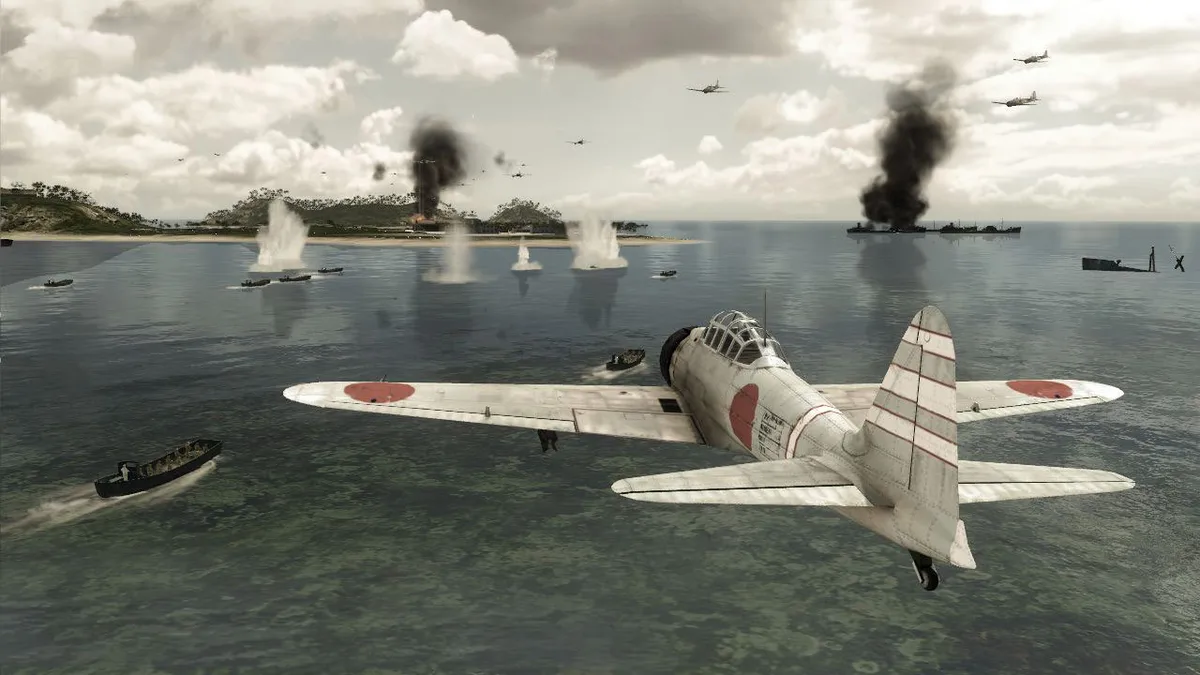
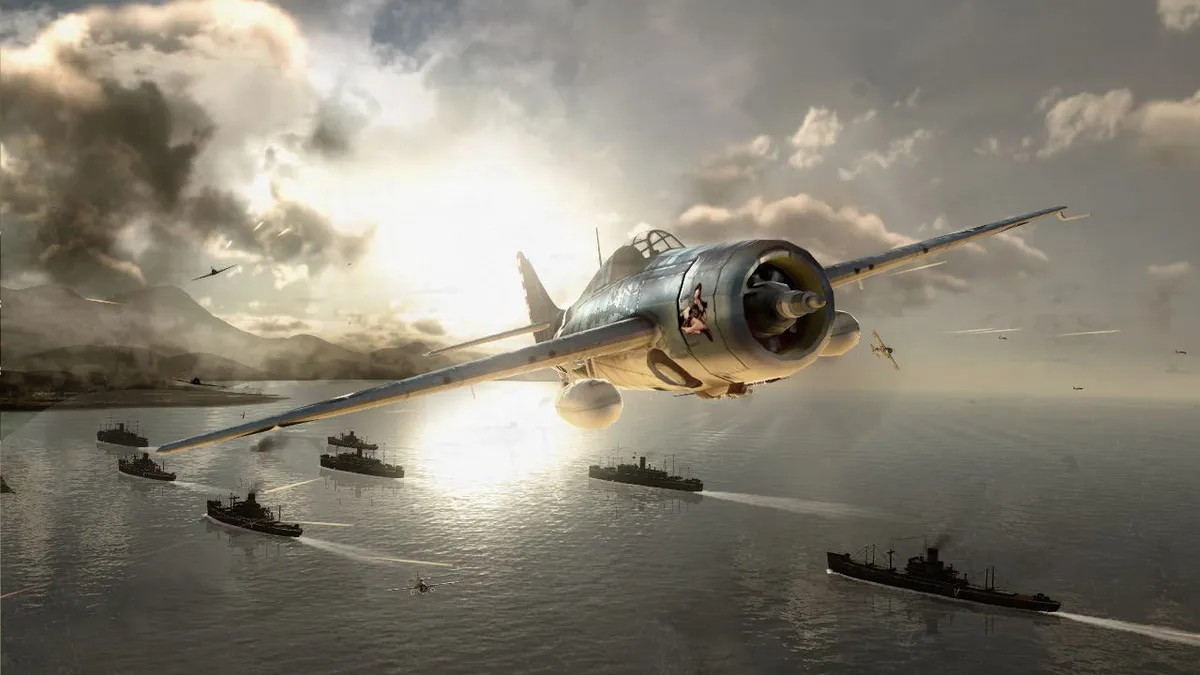
The single-player side splits into two distinct campaigns. The US campaign begins with the aftermath of Midway and runs through to the invasion of Okinawa, while the Japanese campaign opens at the start of the war with the attack on Pearl Harbor, seen from the Japanese perspective, then moves into real and fictional battle scenarios. Across these operations you command over 100 authentic and prototype air, sea, and undersea units such as fighters, bombers, kamikaze planes, cruisers, destroyers, aircraft carriers, and submarines.
Outside the campaigns, two further options handle practice and free play. Training Grounds provides a controlled environment where you can practice with all available units. Skirmish mode unlocks every map from the five multiplayer modes for solo play, and you can add AI opponents and AI allies to the match. Choosing your side and mode therefore decides whether you follow a scripted campaign, drill individual units in a safe setting, or assemble a custom battle against computer-controlled forces.
Five Multiplayer Modes and Live Match Hosting
Multiplayer spreads across five distinct modes: Escort, Siege, Competitive, Duel, and Island Capture. In Escort, each side is assigned key units to defend or destroy, and you command one specific pre-determined unit rather than a freely chosen fleet. The other four modes round out the lineup, with Island Capture and Siege returning as solo-accessible maps through Skirmish, where AI opponents and allies can be added. Because Skirmish opens all maps from these five modes, the same battlegrounds serve both organized online play and computer-controlled matches.
Hosting runs through Games for Windows Live: after logging in, you pick Multiplayer from the main menu, open the Live game menu, and choose either Ranked Match or Player Match. Selecting Create Match hosts the session, at which point you choose the multiplayer mode, adjust settings, and pick maps; pressing Start launches the session once players are ready. Players who are not hosting instead use the session browser, highlighting a server name and selecting Start to join, or search Custom Match by specified requirements.
Reading the Crosshairs, Markers, and Objectives
The crosshair reflects the currently selected weapon and its state, shifting shape between weapon systems. In its neutral form, it indicates that no weapon is available or that the active armament is disabled. When the crosshair passes over a friendly unit, its inner circle turns green, giving a quick read on allegiance before you fire. Striking a target with the active weapon turns the crosshair red, confirming the hit. These color changes let you track selection status and identify friend or foe without leaving the weapon view.
The radar and compass give an overview of nearby units relative to your own. Marks are color-coded: red for Japanese units, blue for US units, grey for neutral, gold for a primary objective, and sky blue for a secondary objective. The compass shows the direction you are looking rather than your unit's heading, while a central arrow tracks direction of travel and a pie section covers field of vision. On screen, units carry color-coded brackets and arrows showing position, distance, and allegiance; selecting a target converts its marker into an arrow of the same color, and an edge pointer indicates the direction of objective units and targets.
Weapon Systems, Damage Control, and AI Stances
Warship firepower is organized around distinct weapon systems: artillery, torpedoes, depth charges, machine guns, and specialized arms. Aiming uses the mouse and firing uses the primary mouse button, while the change-weapon key cycles through the available armament. Crosshairs differ by weapon type; the anti-aircraft and flak cannon reticle is dynamic, changing appearance when shots are on target, whereas the artillery crosshair serves the large-caliber main guns suited to attacking armored targets. Enemy attacks can disable weapons, and direct hits produce failures marked by a red circle around the corresponding failure icon. Damaged ships show a hull breach marker, an indicator when fire is present and slowly damaging the vessel, and a note that engine failure leaves the ship drifting; pressing the repair key opens the Repair Menu.
AI stances govern how ships, boats, and submarines act when you are not directly controlling them. In Defensive Stance, gunners may fire on enemy units only if no target has been selected by the player, and limited-ammunition weapons such as torpedoes are restricted to player-selected targets; the AI will not stray from the plotted course to engage. In Aggressive Stance, the ship may move where the AI judges best for engaging enemies, and gunners are authorized to use all necessary force, including limited-ammunition equipment, against any enemy in range. Suicide units are available only on the Japanese side, spanning planes and motor boats converted and loaded with explosives, plus the Kaiten human torpedo; kamikaze attacks by non-kamikaze planes, including all US planes, do no damage. The bottom-right unit window shows the selected unit's health, type, and current orders.
Fleet Formations, the Command Menu, and the Tactical Map
Fleet formations let you group ships that patrol together under a designated leader. With a ship selected, you move the crosshair onto the ship you want as formation leader and hold the secondary mouse button; the ship you currently control then joins that leader, and a formation icon appears to confirm the grouping. To switch between formation members, you press the R or F key, cycling control among the ships in the formation. A unit can leave a formation through the Leave icon, after which it acts on its own according to any orders you issue.
The Command Menu issues specific commands to the selected unit or squadron: hold the C button to open it, then use the W, S, A, and D keys to pick a command. The Tactical Map, reached with the T key, serves as your center of operations, where you command the entire fleet across a dynamic map while observing enemy unit information supplied by your own units. Because you must balance time between directly controlling a unit and ordering all units and squadrons, the map and command menu together handle fleet-wide direction.
Piloting Aircraft and Diving Submarines
Piloting an aircraft centers on the mouse and two letter keys. Moving the mouse left or right rolls the plane to bank it into a turn, while moving the mouse up or down pitches the nose to climb or dive. Throttle is set with the W and S keys, determining engine power and airspeed, and the A and D keys yaw the nose from side to side. The aircraft game screen displays throttle, air speed, altimeter, artificial horizon, boost indicator, and armament info so these inputs can be checked against the instruments.
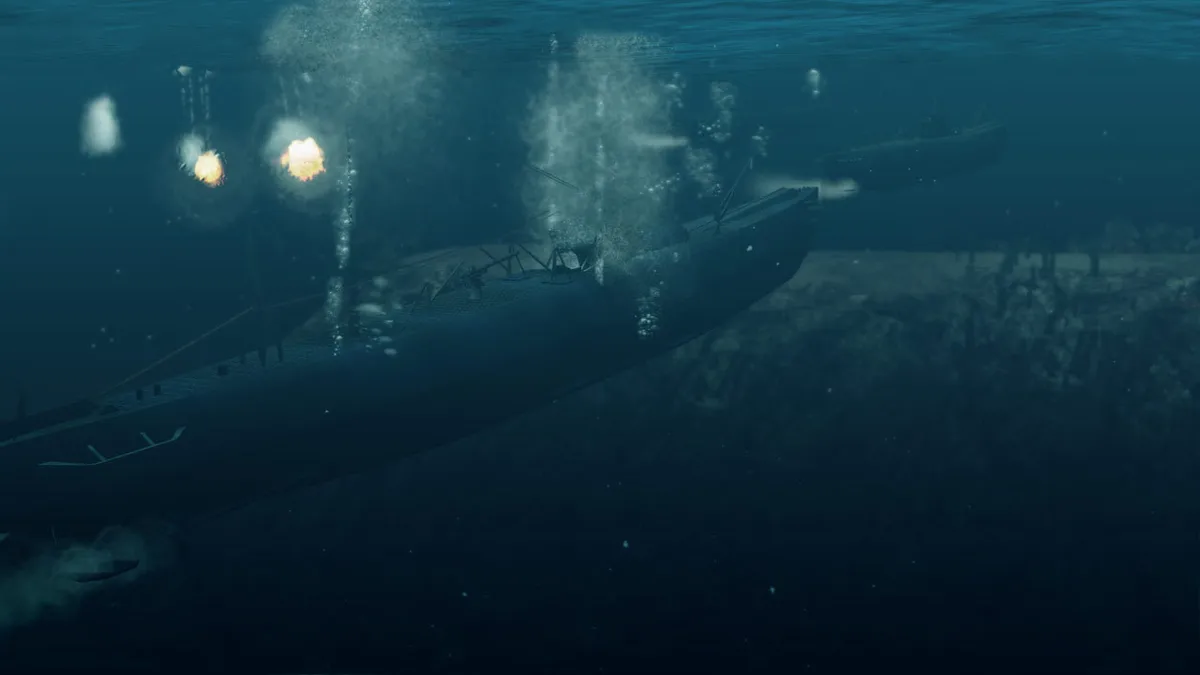
Submarines move in two planes, and above or below the surface the first set of movement controls matches surface craft. Diving and surfacing are handled with the F and R keys, letting the submarine operate at four depth levels, beginning at Level 1 on the surface. On the surface the sub is highly visible to other ships and vulnerable to enemy ordnance including torpedoes, but it travels faster there and can deploy torpedoes. A periscope provides covert surveillance of surface targets, and a depth level indicator tracks the current depth.
Sources & further reading.
- Battlestations Pacific — official game profile Retrieved Oct 18, 2026
- Battlestations Pacific — official game profile — publisher-supplied gameplay manual Retrieved Oct 18, 2026
First published .