 THE GAME ARCHIVE
What the Player Actually Manages
Crysis Warhead is a first-person action game, and its distinctiveness comes less from any single weapon than from the resource the player is constantly spending: Nanosuit energy. Four modes offer Speed, Strength, Armor and Cloak, and all of them draw on one regenerating pool, so every choice is a loan against a later need. Layered on top is a modular weapon system in which a rifle can carry up to five attachment slots, and a stealth-and-recon loop built on binocular tagging, alert-state outlines and a tactical radar. Vehicles extend the same logic into land, sea and air, where many mounted guns have unlimited ammunition but overheat instead of running dry.
Four Nanosuit Modes and the Shared Energy Pool
The Nanosuit switches its energy flow between four settings. Speed injects nanobots into the bloodstream and allows movement at up to twice normal speed, Strength augments physical abilities, Armor increases protection, and Cloak generates a shield that renders the wearer virtually invisible. Energy depletes but regenerates over time, and the rates of both vary with the chosen mode and the situation, which is why the modes cannot be treated as free abilities. To select a mode, press V or click and hold the mouse wheel to open the Nanosuit display and choose a setting by moving the mouse; pressing 4 offers a direct suit-mode toggle.
Cloak shows the trade-off most starkly. Its high power requirements mean it can only be sustained for a limited time, and the extra energy needed to keep an effective cloak while moving speeds the loss further. The manual's warning is blunt: firing a weapon in Cloak mode fully depletes suit energy and makes the player instantly visible. In practice Cloak is a positioning tool rather than a combat stance, and the first shot taken from concealment is effectively paid for with the entire energy meter.
One support function sits outside this budget: Night Vision, toggled with I, runs on an independent power source that drains quickly. A dedicated meter in the top-right of the HUD shows remaining usage time, so darkness can be lit without borrowing from the suit's modes.
Weapon Customization: Five Slots and What Each Attachment Costs
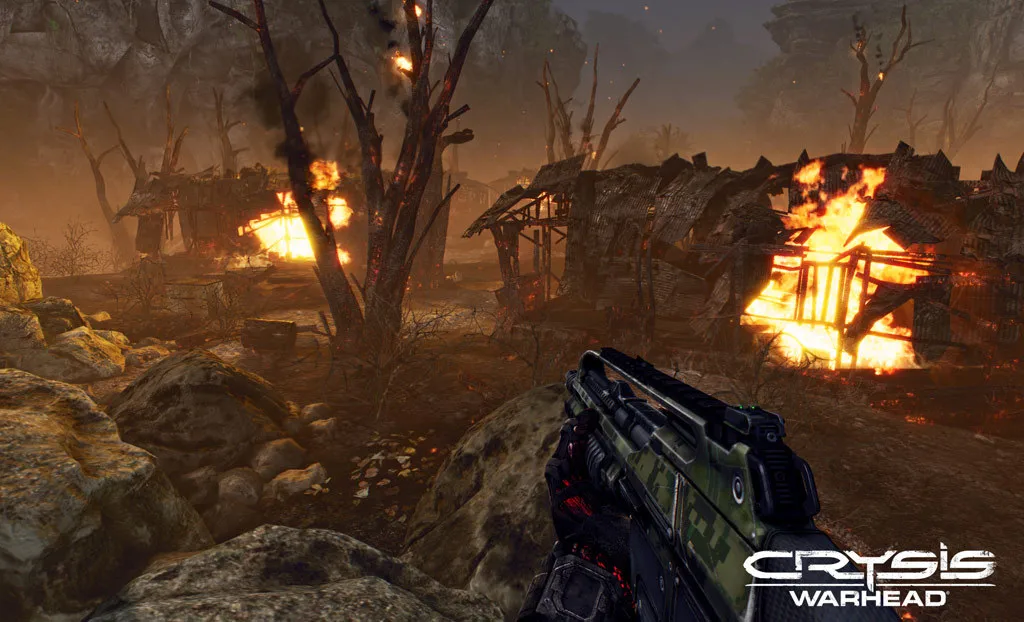
The customization menu opens with C or by selecting the weapon icon from the Nanosuit display, and C closes it again. Each rifle-type weapon offers up to five attachment slots; pressing the key matching a slot number cycles through that slot's options, and clicking an attachment name equips it. The documented options include a Reflex Sight suited to close- to mid-range targets, an Assault Scope with crosshair and limited zoom, a Sniper Scope with two zoom levels and a range meter, plus silencers, grenade launchers, tactical attachments and laser pointers. The degree of modification varies by weapon, and the SCAR rifle is held up as the highly customizable choice.
Attachments carry real costs. Rifle and pistol silencers suppress firing noise and flash, but greatly reduce shot power, and the manual advises they are better suited to close-range attacks for that reason; separate silencers exist for pistol- and rifle-type weapons. The pistol-only Laser/Light Module combines flashlight and laser pointer in one unit. Consumables round out the kit: fragmentation, smoke and flashbang grenades serve anti-personnel, cover and disorientation roles, and standard plastic explosive is equipped and then placed with a left click, with right click switching its setting.
Ammunition is scavenged rather than bought: rounds come from defeated enemies and their bases, and picking up a discarded weapon also collects the ammunition loaded in it. Because different weapons require different ammunition, the manual recommends conserving rounds and being ready to switch weapons, which makes a well-slotted rifle more than a preference.
Reconnaissance: Tagged Enemies, Alert Colors and the Strategic Map
The tactical radar highlights nearby objective points and units: objectives appear as green primary or yellow secondary dots, all personnel are marked by arrowheads showing the direction they face, friendlies are blue, and enemy soldiers appear red once tagged with the binoculars. Alert states are color-coded in the HUD outlines as well: a green outline marks an enemy unaware of the player, yellow shows an alert state raised to suspicious with troops investigating the area, and red indicates an enemy fully alert or engaged.
Tagging is the bridge between scouting and planning. Through the binoculars, centering the crosshair on a clearly visible unit fixes its position in real time on both the Strategic Map and the Tactical Radar; the outline shading flashes white to confirm the unit is tracked, and vehicles can be tagged the same way. The Strategic Map itself toggles with M, zooms with the mouse wheel and pans by holding the right mouse button. It pairs a relief map of local terrain with mission locations as green dots, the player as an orange arrowhead, friendlies as blue arrowheads and enemies as red arrowheads or vehicle icons. Pressing TAB toggles the Objectives display to review updated briefing and task information, so reconnaissance and mission review sit a keystroke apart.
Vehicle Cockpits: Seats, Views, Heat and Handling
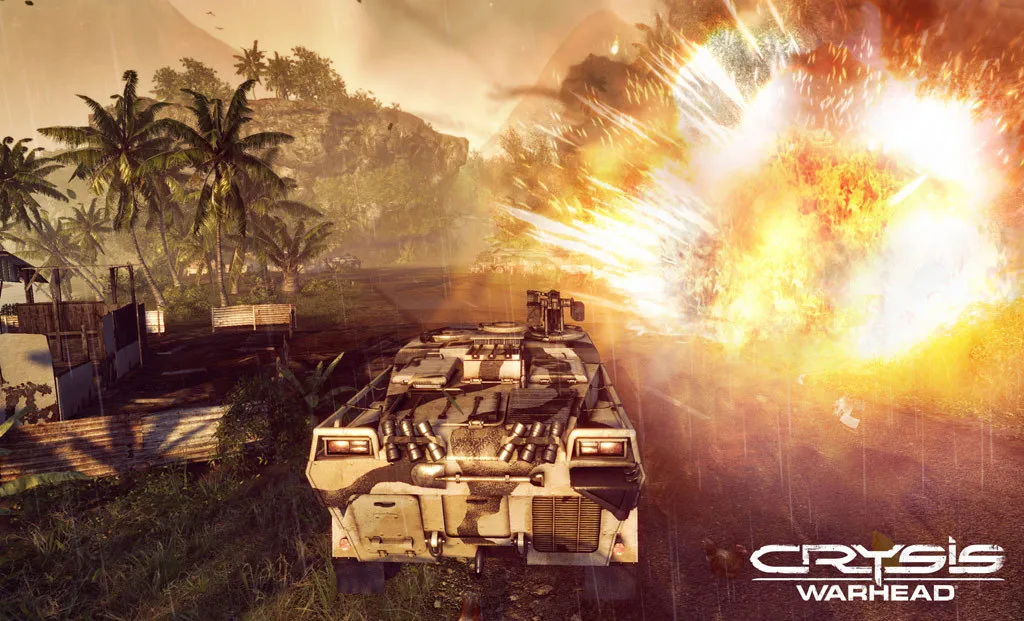
Manning a vehicle weapon means getting into position on the mount, aiming with the mouse and left-clicking for primary fire, with right click firing the secondary weapon where one exists. Many vehicle weapons carry unlimited ammunition but overheat with continuous use, and an affected weapon must cool down before firing resumes; the practical consequence is that accuracy matters more than conservation, and the heat gauge, not a shell count, sets the rhythm of engagement. The Light Tactical Vehicle, for example, fires its mounted machine gun with a left click. Shared keys govern every vehicle's seats and camera: 1 switches to the driver seat, 2 to the gunner seat, 3 toggles passenger seats, F1 toggles third-person view, and the mouse wheel zooms in and out.
Driving splits into two patterns. Land and sea vehicles accelerate with W, decelerate with S, turn with A and D, brake with the spacebar and boost with the left Shift key. Helicopters instead use W and S to power the engine up and down, A and D to roll left and right, the mouse to turn and pitch, and left Shift for the afterburner, so the same hands fly rather than steer.
The two new vehicles serve opposite roles. The KPA Hovercraft traverses both land and water but has no onboard weaponry, making it quick transport rather than a fighting platform. The ASV Armored Scout Vehicle carries armor thick enough to repel shrapnel and other moderate attacks, so it can move troops onto the battlefield with protection along the way.
Difficulty, Profiles and Saving
The campaign begins with a choice among four difficulty settings - Easy, Normal, Hard and Delta - each with a short description below it, so the differences can be read before committing. A User Profile stores game data separately from the campaign: select PROFILE, choose NEW PROFILE, enter a user name and click SAVE PROFILE. Progress then belongs to that named profile rather than to an anonymous slot.
Progress autosaves when a checkpoint is reached. Two manual methods exist beyond that: F5 performs a Quick Save, and only one Quick Save file is allowed, so using it again overwrites the previous one. Alternatively, Escape opens the pause menu, where LOAD/SAVE leads to SAVE GAME, a choice of save slot and an optional name before confirming. Loading mirrors this: F8 performs a quick load, F9 loads the last saved game, and dying mid-mission automatically loads the most recent save file.
Crysis Wars: Three Match Types and Their Rules
Crysis Wars is a separate multiplayer game installed from its own disc, distinct from the Crysis Warhead campaign. It offers three match types: Instant Action, a deathmatch-style free-for-all; Team Instant Action, which sets friends against friends in team play; and the more strategic Power Struggle. Selecting Quick Game provides the quickest entry by automatically matching the player to an Instant Action server, and the matching behavior can be adjusted under Quick Game Options in the main or pause menu.
Playing online requires a unique Account Login, which creates a GameSpy account. Internet games also prompt for the code printed on the back of the manual, while LAN games do not. Some equipment is multiplayer-only, including the TAC Launcher, which fires a miniature nuclear warhead for localized destruction.
Power Struggle is a team mode: the player signs up as a US or KPA recruit and joins the side's battle to annihilate the enemy headquarters. Destroying the enemy HQ ensures victory, and by the manual's account you can additionally set a Kill Limit or a Time Limit as alternate win conditions, so the mode can end by elimination, by a kill threshold or by the clock. Multiplayer-only support gear answers to the same team logic: the Repair Torch fixes damaged vehicles but must be used from outside the vehicle, and the Portable Radar displays the location of all enemy units within a limited radius on the Tactical Radar for a short time, for the whole team to view.
Scroll sideways to see the full table →
| System | Documented Rule |
|---|---|
| Nanosuit modes | Speed, Strength, Armor, Cloak; one shared energy pool with mode-dependent drain and regeneration |
| Cloak | Limited duration, faster drain while moving; firing a weapon fully depletes energy and reveals the player |
| Weapon customization | C opens/closes; up to five slots per rifle; slot-number key cycles options; click to equip |
| Silencers | Suppress noise and flash but greatly reduce shot power, especially at long range |
| Enemy tagging | Binoculars fix unit positions in real time on Strategic Map and Tactical Radar |
| Alert outlines | Green = unaware, yellow = suspicious, red = fully alert or engaged |
| Vehicle weapons | Unlimited ammo on many mounts; sustained fire overheats and forces cooldown |
| Saving | Autosave at checkpoints; F5 Quick Save (single file); F8 quick load; F9 last save |
Sources & further reading.
- Crysis Warhead® — official game profile Retrieved Oct 18, 2026
- Crysis Warhead® — official game profile — publisher-supplied gameplay manual Retrieved Oct 18, 2026
First published .