 THE GAME ARCHIVE
World Select: Six Disney Worlds and the Gold Economy
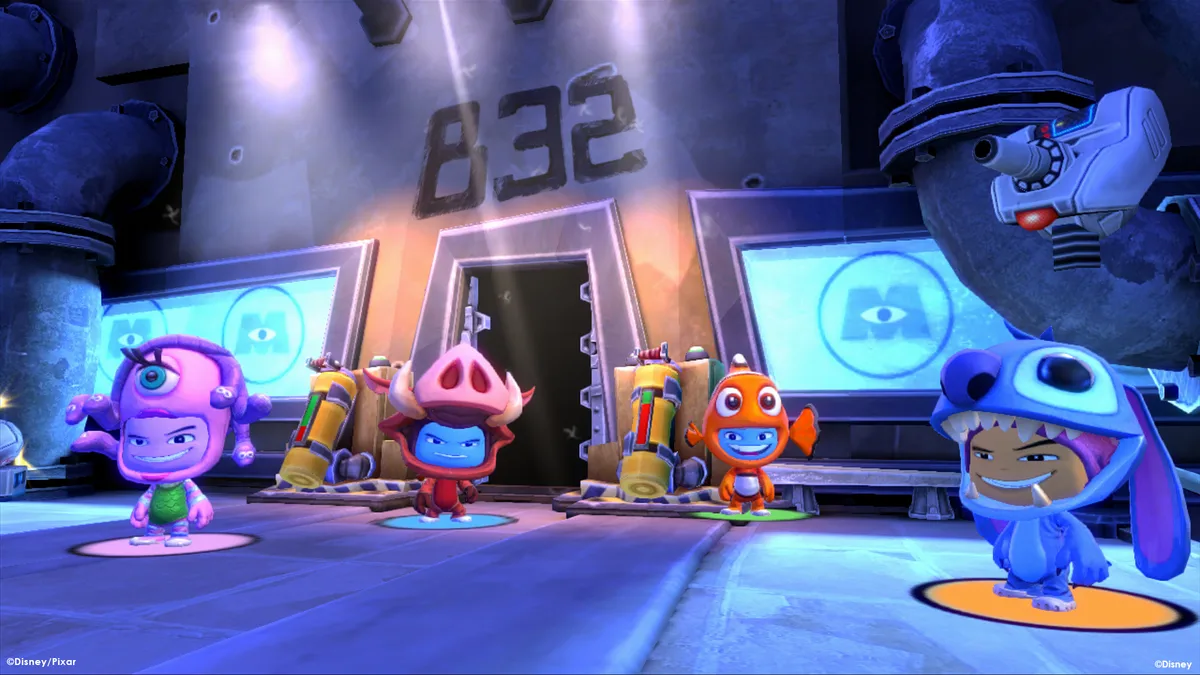
World Select sits on the main menu and opens the game's six Disney settings: Monsters Inc., Pirates of the Caribbean, Tim Burton's Alice in Wonderland, Aladdin, Wall•E, and The Lion King. Choosing a world drops you into its levels, where gold, stars, power-ups, and collectibles are scattered through the stages. Defeating the bad guys and clearing levels in a world earns gold, so a world doubles as both a playground to explore and a source of currency for what comes next. The manual presents this as a single loop of entering worlds, playing through their levels, and gathering what they hide.
Gold ties the worlds together because the manual gives it two jobs: buying costumes from the Costume Shop and gaining entry into new worlds. Every coin picked up while playing a stage therefore feeds two separate gates, one on the shopping side and one on the world-selection side. Stars sit alongside gold in the same collectible list but have a different use, upgrading tools so they land more powerful hits. The rules stay simple: playing levels yields gold, gold opens worlds and outfits, and stars strengthen the gear those outfits carry.
Costume Shop: Buying Outfits and Upgrading Their Tools
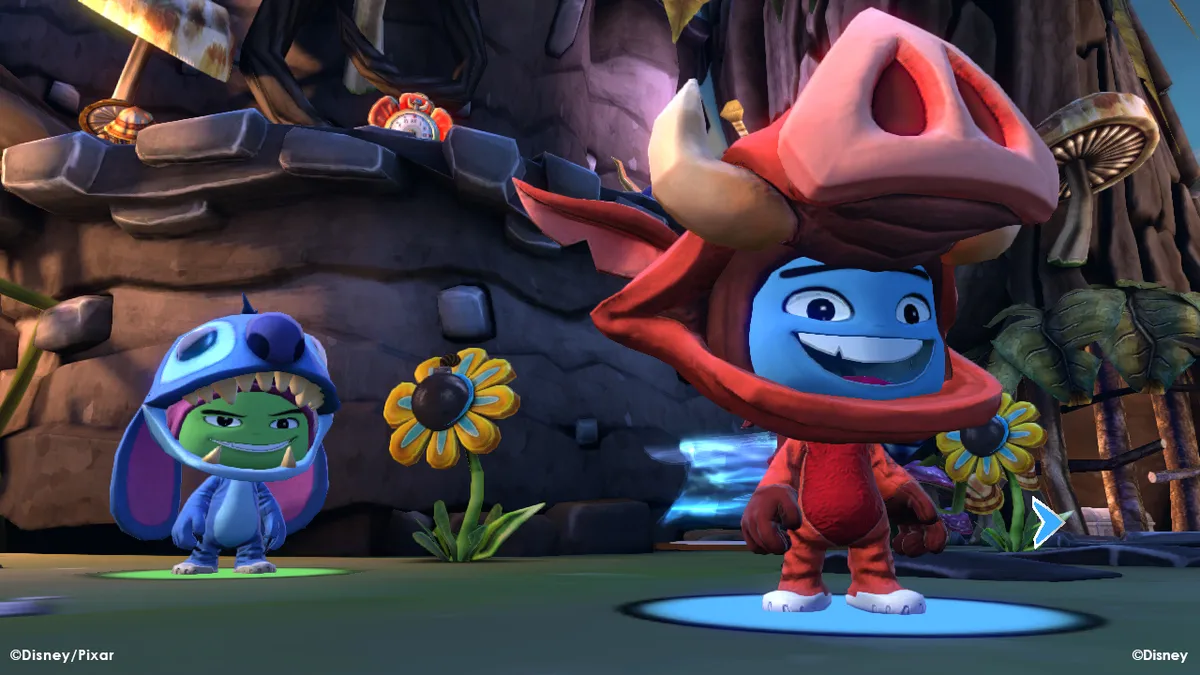
Costumes unlock as you play through the game's worlds, but unlocking one is only the first step. Once a costume is available, you need enough gold saved to purchase it in the Costume Shop. This makes the shop a spending destination rather than a starting inventory: gold gathered during stages is carried to the shop, where it converts into outfits tied to the game's worlds. Each costume comes with its own special tool, so the purchase adds both a look and a distinct piece of gear.
Every costume's special tool can be upgraded by collecting stars, which are hidden in treasure chests placed throughout the worlds. The effect is a more powerful hit when the tool is used, so stars feed the combat side of a costume rather than the shop side. Two currencies therefore split the work: gold in the Costume Shop unlocks and buys outfits, while stars pulled from hidden chests strengthen the tools those outfits carry. Exploring stages for chests is how the upgrade path advances.
Keyboard Combat: Jump, Grab, and the Special Attacks
On the keyboard, avatar movement uses the arrow keys, while jump sits on the space bar. The C key handles attack, fire, and throw, and the V key handles grab, pick up, and interact. These three action keys form the base of combat: space bar to leave the ground, C to strike or launch something, and V to take hold of an object or enemy. Because the same C key covers attacking, firing, and throwing, what the key does depends on the costume's tool and the situation at hand.
The manual lists four special attacks built from combinations of the space bar, C, and V keys: the double-jump ground slam, the uppercut, the uppercut slam, and the counter-attack. For the double-jump ground slam, you tap the space bar twice and then hit C to leap up and crash down, which the manual describes as effective when enemies surround you or when you need to demolish hazards. The uppercut works by holding C for a second and releasing it to perform a thrusting uppercut and jump. It advises testing new multiple-key combinations once these moves are learned.
Challenges, Collectibles, and Replayable Level Playlists
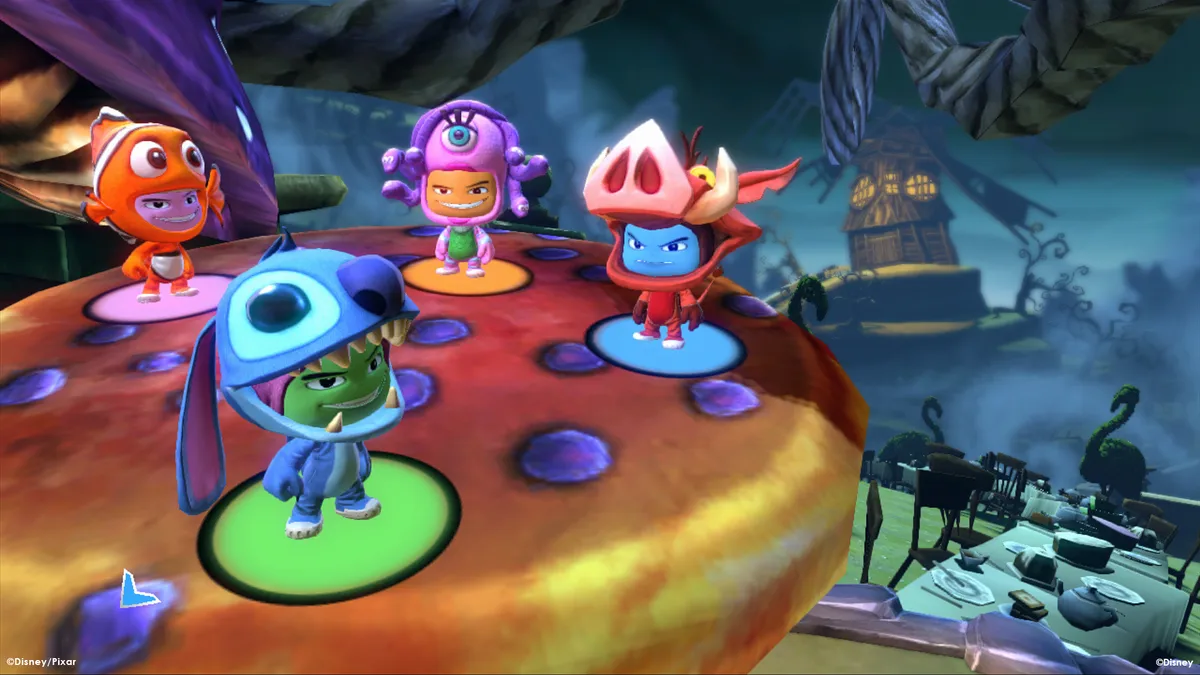
Levels carry optional challenges triggered at a Challenge console, and the manual warns to approach that console before leaving a stage so no challenge is missed. Accepting one starts a timed task; finishing it within the allotted time raises the final score and produces badges. Those badges count toward that final score too, and they also open up unlockable rewards. Alongside challenges, each stage holds collectibles: gold for the shop and world entry, stars for tool upgrades, and bonus items specific to a given world.
A Playlists menu lets you replay favorite levels drawn from worlds already unlocked during play. A mixed set can be assembled, such as the third level of the Alice world's Wonderland Woods followed by the second level of the Aladdin world's Agrabah Palace. You can also choose to create random playlists, which chain levels into a fast run across the worlds. Progress saves automatically after a level is completed and whenever the on-screen save icon appears, so leave the computer on while saving is in progress.
Sources & further reading.
- Disney Universe — official game profileRetrieved Nov 1, 2026
- Disney Universe — official game profile — publisher-supplied gameplay manualRetrieved Nov 1, 2026
First published .