 THE GAME ARCHIVE
The Focus Field: Aiming, Cycling Foci, and Distance Rules
The focus field is activated by clicking the right mouse button, then aiming with the mouse at the objects or characters you want to interact with. Keeping it active can surface several available foci at once, and you scroll among them with the Q and E keys or the mouse wheel. It also serves as a quick scan of the surrounding area for available interactions, letting you check distant objects for information without walking to them.
Distance changes what a focus offers: some objects and characters present different actions depending on whether you interact from afar or up close, so a target can be reachable remotely yet behave differently at close range. The camera normally defaults to fixed behind, automatically returning to a position behind the character's back, though the options menu can switch it to normal, where it no longer readjusts itself. Moving the mouse adjusts camera orientation; to do this while the focus field is active, click and hold the right mouse button while moving the mouse.
Mouse and Keyboard Movement, Plus Camera Modes
Movement can be handled with the keyboard using WASD, and a separate option lets the mouse take over. Switching the mouse mode setting from camera to movement changes the mouse into the character's steering control, where the direction of the push sets the heading and the distance of the push determines whether the character walks or runs. Once movement begins, the character keeps going until the direction or speed is changed again; moving the mouse opposite the current direction or tapping the left mouse button stops the character.
Camera orientation is adjusted by moving the mouse. The default camera mode is fixed behind, which tries to keep its position behind the character's back; the options menu can change this to normal, where the camera never attempts to readjust on its own. To adjust the camera while the focus field is active, click and hold the right mouse button while moving the mouse.
Inventory: Combining Items, Cycling, and Conversation Choices
Collected items go into an inventory that opens with the TAB key or a click of the mouse wheel. Once it is open, the A and D keys or the mouse wheel cycle through the stored items, and W or a left-click starts an interaction with whichever item is highlighted. The available interactions vary by item; one of the documented options is using or giving the item, which becomes possible when a character or object is highlighted. Pressing S or clicking the mouse wheel again closes the inventory.
Some inventory items can be combined to form useful new items. The process begins with the D key or a click on the combine action, then you scroll through the inventory and press W or the left mouse button to select a second item to combine with the first. Conversations follow a separate mouse-driven rule: when a choice appears, you highlight your preferred response with the mouse and press the left mouse button to select it, and the bottom of the screen shows a preview of that response while it is highlighted.
Melee Combat: Light, Heavy, Block, and Dodge
Light attacks are performed with the left mouse button or the L key, and opponents can block them. Heavy attacks use the right mouse button or the K key; they cannot be blocked, but they are slow and can be dodged. Pressing W, A, S, or D together with either mouse button performs different attacks. The two attack types thus trade speed and blockability: a light strike is quicker but can be stopped, while a heavy strike bypasses blocking at the cost of giving the opponent time to dodge.
Defense uses the SPACE key. To block, press and hold SPACE before the incoming attack lands. To dodge, press and hold SPACE while moving the character in the direction you want to dodge toward. Because blocking must be started before the blow connects and heavy attacks ignore blocks, dodging is the response that works against a heavy strike; light attacks, by contrast, can be answered with a held block. The direction chosen during the dodge determines where the character moves to avoid the attack.
Three Heroes Across Three Worlds
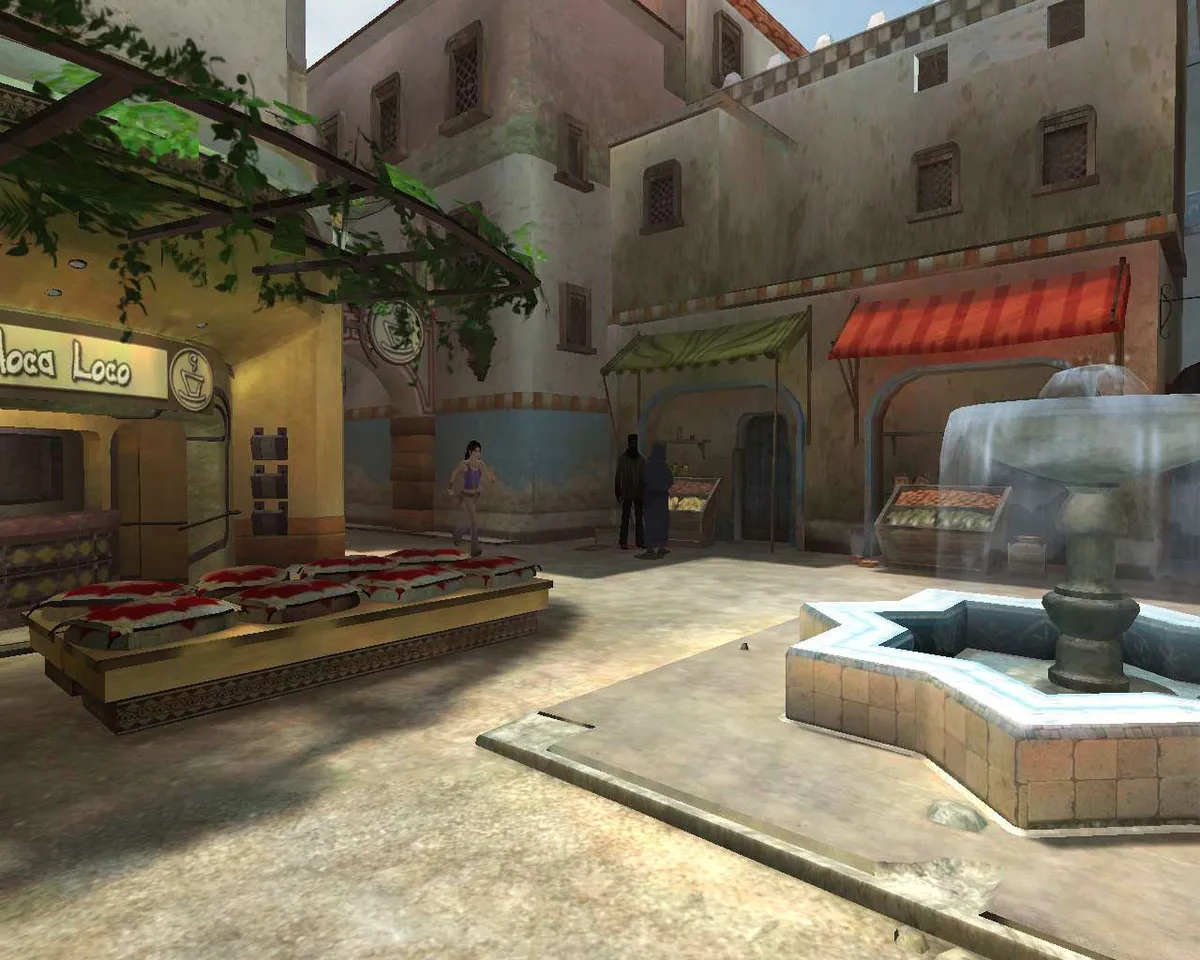
Dreamfall's story is told from three separate perspectives, with three distinct playable characters whose unique abilities and worldviews keep the gameplay shifting as you move between them. The narrative follows their destinies as they blend together in a finale, so the campaign alternates between heroes rather than committing to a single protagonist. Each character's separate viewpoint shapes what you see and do, and the differences between them are the reason the game's situations keep changing.
Those three perspectives play out across three worlds, and travel between them runs through multiple chapters and detailed locations. One setting is a futuristic version of our earth, a second is a magical fantasy realm, and the third is the mysterious Winter, whose mysteries you work to unravel. The chapter structure strings the locations together, so each world supplies its own scenery and situations while the three heroes' storylines carry across the journey.
Saving Progress and Tracking the Journal
Progress can be saved manually from within the game by pressing Escape and choosing the save option, then selecting a slot to write to. Picking a slot already in use overwrites whatever was stored there. A load option is available the same way, either from the main menu or by pressing Escape during play, and loading discards any unsaved progress in the current game. Alongside manual slots, an autosave function writes your progress automatically as you move through the story, so the slot screen and the automatic saves operate as two separate paths for keeping a game.
The mobile, which becomes a journal in Arcadia, records the important information you need and logs every conversation with other characters; it also doubles as Zoë's diary. Pressing M opens it, and it can receive e-mails from other characters. A mobile icon at the top of the screen signals an unread message. The mobile and journal menu presents four options, one of which is the diary, where the characters' entries are shown and updated automatically.
Sources & further reading.
- Dreamfall: The Longest Journey — official game profile Retrieved Oct 20, 2026
- Dreamfall: The Longest Journey — official game profile — publisher-supplied gameplay manual Retrieved Oct 20, 2026
First published .