 THE GAME ARCHIVE
Bullet Time: Slowing the Clock, Keeping the Aim
Bullet Time is a toggleable mode that slows the action around Max while leaving his weapon aim in real time, so the player can line up shots against sluggish opponents rather than snap-aiming at normal speed. It is a limited resource that drains continuously while active, tracked by an hourglass indicator in the lower-left corner of the screen. Pressing the Bullet Time key again switches the mode off, letting the clock resume. Taking out enemies replenishes the meter and also deepens the effect, shown through yellow-shaded hourglass indicators.
An optional Bullet Time Combo key, unassigned by default, can fold both abilities onto one button: press it while standing still to toggle Bullet Time, or press it while moving to Shootdodge in the direction of travel. Separately, cinematic shots punctuate combat when the camera swings to highlight the action, such as enemies flying backward in slow motion, and a bullet cam sometimes follows sniper rifle fire to give a clearer view for aiming. Either kind of cinematic can be cut short with the Use key or the spacebar.
Shootdodging: Diving Without Spending the Meter
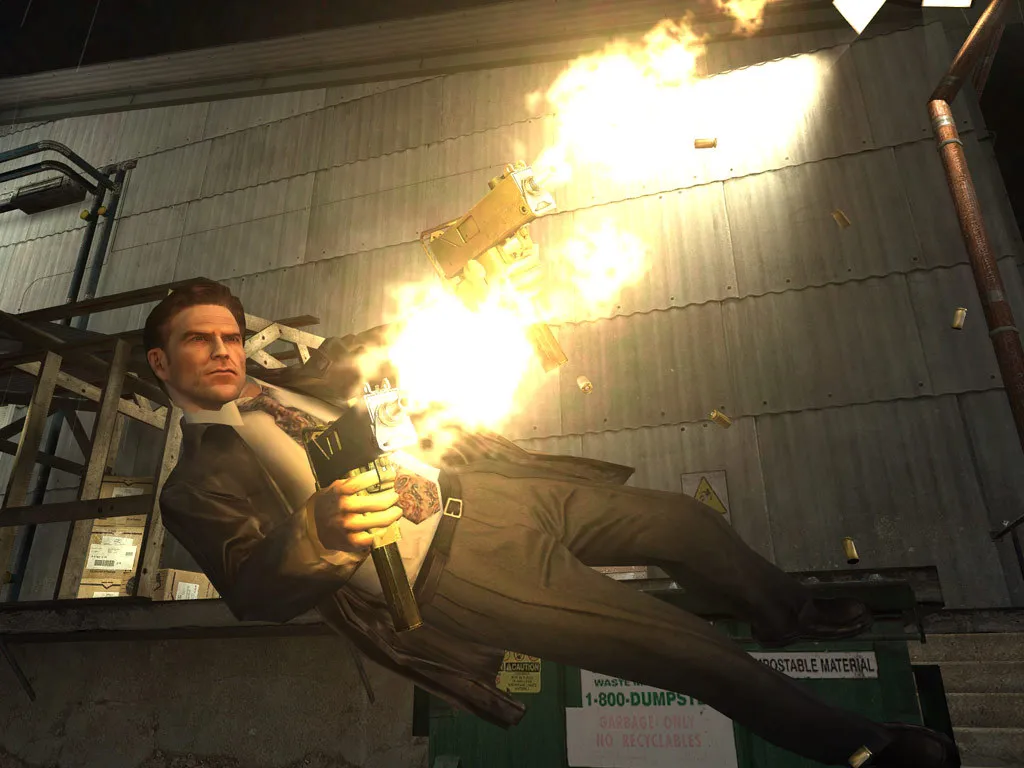
Shootdodge is a separate dive move from the Bullet Time toggle. To perform one, press a directional key — left, right, forward or backward — together with the Shootdodge key, and Max launches into a slow-motion dive in that direction. The surrounding action slows while he dives, but his aim remains in real time, letting the player line up shots during the descent. The dive draws nothing from the Bullet Time meter, so it delivers slow-motion movement without spending the hourglass resource.
After a Shootdodge, Max can keep firing while prone by holding the Shoot button, provided his clip still holds ammo. Players who want one button for both abilities can assign the optional Bullet Time Combo key, unassigned by default: pressed while standing still it toggles Bullet Time, and pressed while moving it triggers a Shootdodge in the direction of travel. Pressing the Bullet Time toggle key even while moving places Max into Bullet Time instead of a dive, keeping the two actions distinct.
Guns, Reloads and Close-Quarters Fallbacks
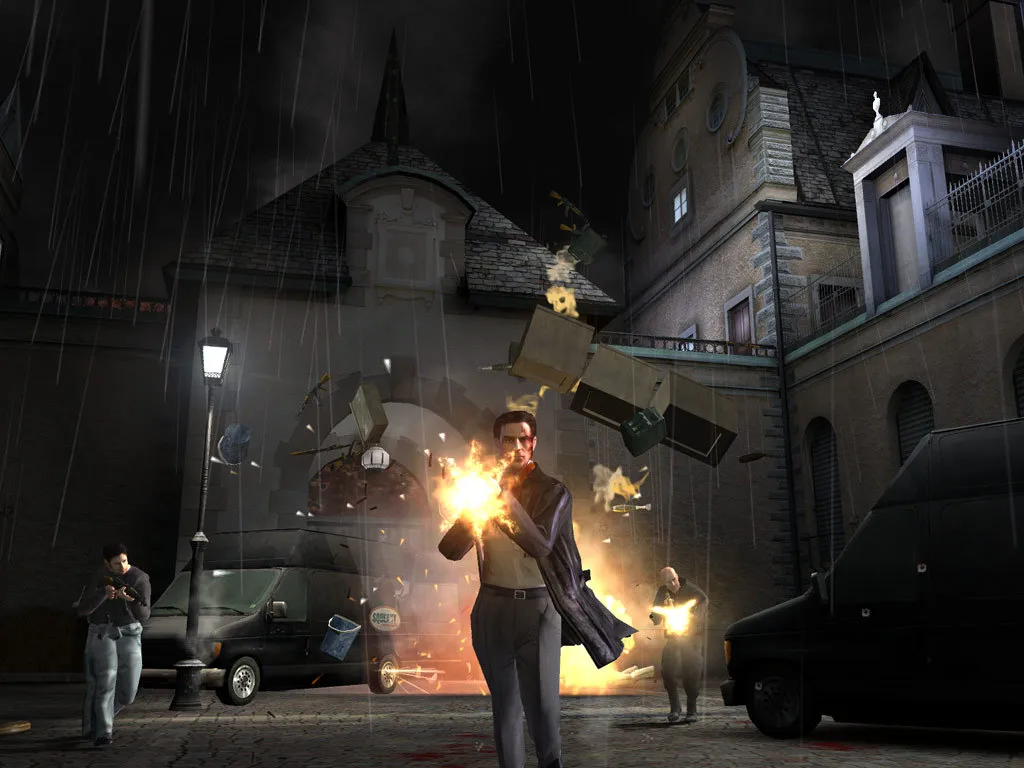
Max carries a compact arsenal, including dual 9mm pistols, a sawed-off shotgun, an MP5 submachine gun and a Dragunov sniper rifle. Primary attack is the left mouse button, while the F key or the right mouse button handles the secondary attack. The dual pistols are treated as rapid-firing handguns that hold 16 rounds in the clip and are described as devastating at close range but inaccurate over longer distances, while the Dragunov uses its scope for precision shots.
Empty weapons reload automatically, and pressing the R key performs a manual reload at any time. When a gun runs dry, every weapon can still be swung in close combat as a melee fallback, so running out of rounds does not leave Max unarmed. The Auto Weapon Change option can automatically switch him to a more powerful weapon, and aim assistance is enabled by default, with the option to disable it as skill grows. Mouse sensitivity and vertical aiming can also be adjusted to preference.
Reading a Room: Cover, Explosives and Hidden Supplies
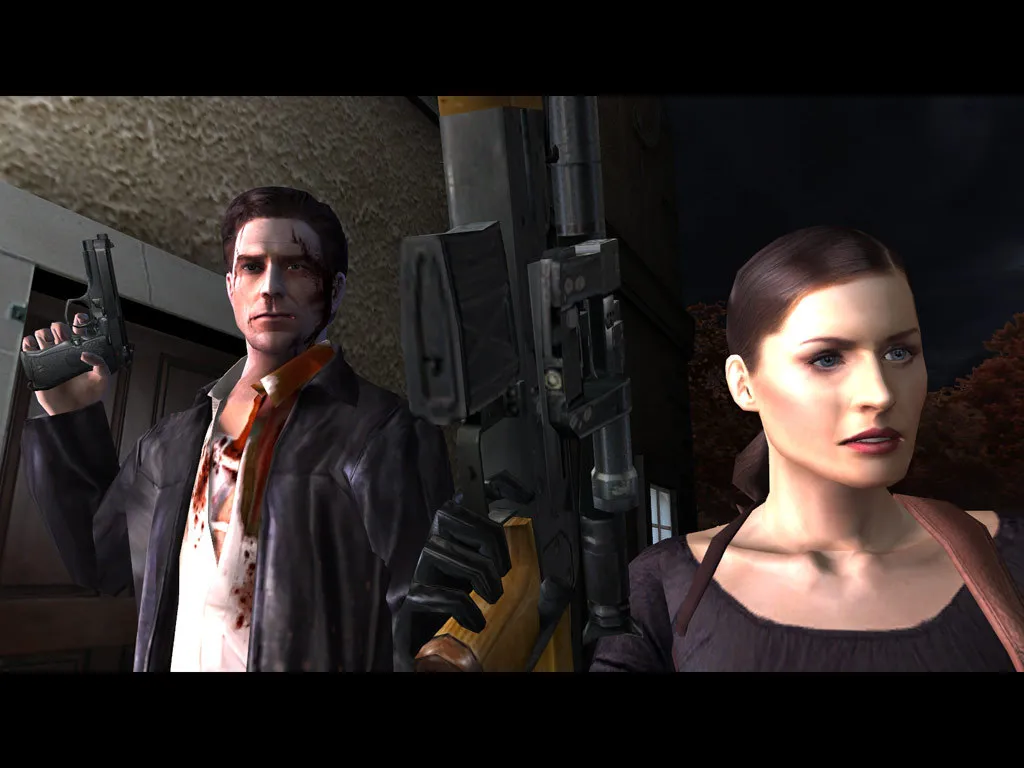
In the New York City noir setting, the Use key handles most environmental contact: Max turns faucets, opens cabinets, answers phones and pushes elevator door buttons when the player presses it near a usable object. Searching areas reveals what he finds interesting, and the manual recommends thorough exploration because painkillers and weapons are hidden throughout levels in unexpected places. Explosive objects turn that search into a tactic: shooting one explosive barrel or ammo crate takes out multiple enemies at once, so a single round can clear a cluster rather than requiring a shot per opponent.
Cover and crouching combine with reloads in a specific way: pressing C lowers Max during a gunfight, presenting a smaller target and making him less likely to be hit, while crouching behind obstacles buys the second or two needed to reload before diving back into the action. Crouching also steadies the sniper rifle, tying the stance to precision shots. The manual’s other gunfight advice is to keep moving rather than stay stationary, with Bullet Time reserved for precise aiming; talking to characters may also yield information, weapons or painkillers.
Enemy Behavior and the Detective Difficulty
Detective mode is built around a self-adjusting system that watches how Max's progress plays out. When the player runs into difficulty, the game changes the behavior and reactions of enemies in the player's favor; when the action comes easily, the enemies rise to meet the challenge. Because the adjustment tracks performance during play rather than offering a menu slider, the same encounter can produce noticeably different enemy responses depending on how the preceding fights have gone for Max.
Hard Boiled, unlocked after completing the story once, strips out that self-adjusting safety net. It plays like Detective difficulty with the skill system's help removed: enemies are always set to their toughest level, so their behavior and reactions stay fixed instead of softening or sharpening with the player's performance. On both modes, some opponents wear torso armor and expose vulnerable areas that vary from enemy to enemy, so where shots land matters alongside how quickly the foes respond.
Saving the Case: Ten Slots, Quick Saves and Checkpoints
Max Payne 2 keeps progress in ten save-game slots, each chosen from the Save Game menu. Saving works only during a running play session; after returning to the Main Menu, you open Save Game, highlight one of the ten slots, and press Enter or click the left mouse button to record the current situation. The F5 quick save writes the game without opening menus, and the game auto-saves between levels. Saved games are stored in the My Documents folder. The manual suggests saving frequently, and having ten slots lets you keep separate positions for different encounters.
The default keyboard layout uses W, S, A and D for movement, C for crouch, Space for jump, E for interaction, and F for secondary attacks. These bindings are customizable: the Controls menu reconfigures movement and combat keys as well as mouse sensitivity. The same menu also holds a crosshair selector, which allows turning the crosshair off. Auto aiming is enabled by default so Max aims more accurately, and the manual advises disabling it as skill rises. Auto Weapon Change can be turned on so Max automatically switches to a more powerful weapon. Save slots sit alongside these settings for checkpoint management.
Sources & further reading.
- Max Payne 2: The Fall of Max Payne — official game profile Retrieved Oct 20, 2026
- Max Payne 2: The Fall of Max Payne — official game profile — publisher-supplied gameplay manual Retrieved Oct 20, 2026
First published .