 THE GAME ARCHIVE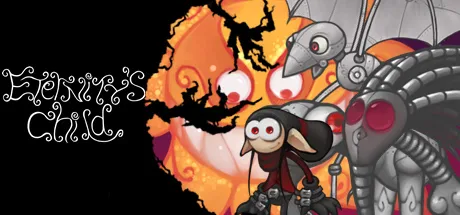
A Hand-Drawn Platformer With Unusual Rules
Eternity's Child is billed on its official store page as a quirky, hand-drawn, next-generation 2D platformer based on a fairy tale by Luc Bernard. The listing pairs "beautiful 2D graphics" with what it calls one of the most unique art directions done in a video game, and the store record lists Luc Bernard and SilverSphereStudios as developers, Silver Sphere Studios as publisher, and the genres Adventure and Indie. What the publisher-supplied manual reveals, though, is that the game's identity rests as much on its control scheme as on its art: two mouse buttons host three distinct firing styles, and whether the character is standing still or moving changes how high a jump carries. This feature walks through the documented systems, the gem-and-checkpoint loop that gates each stage, and the command set behind the Steam version's beta level editor.
Three Ways to Fire on Two Buttons
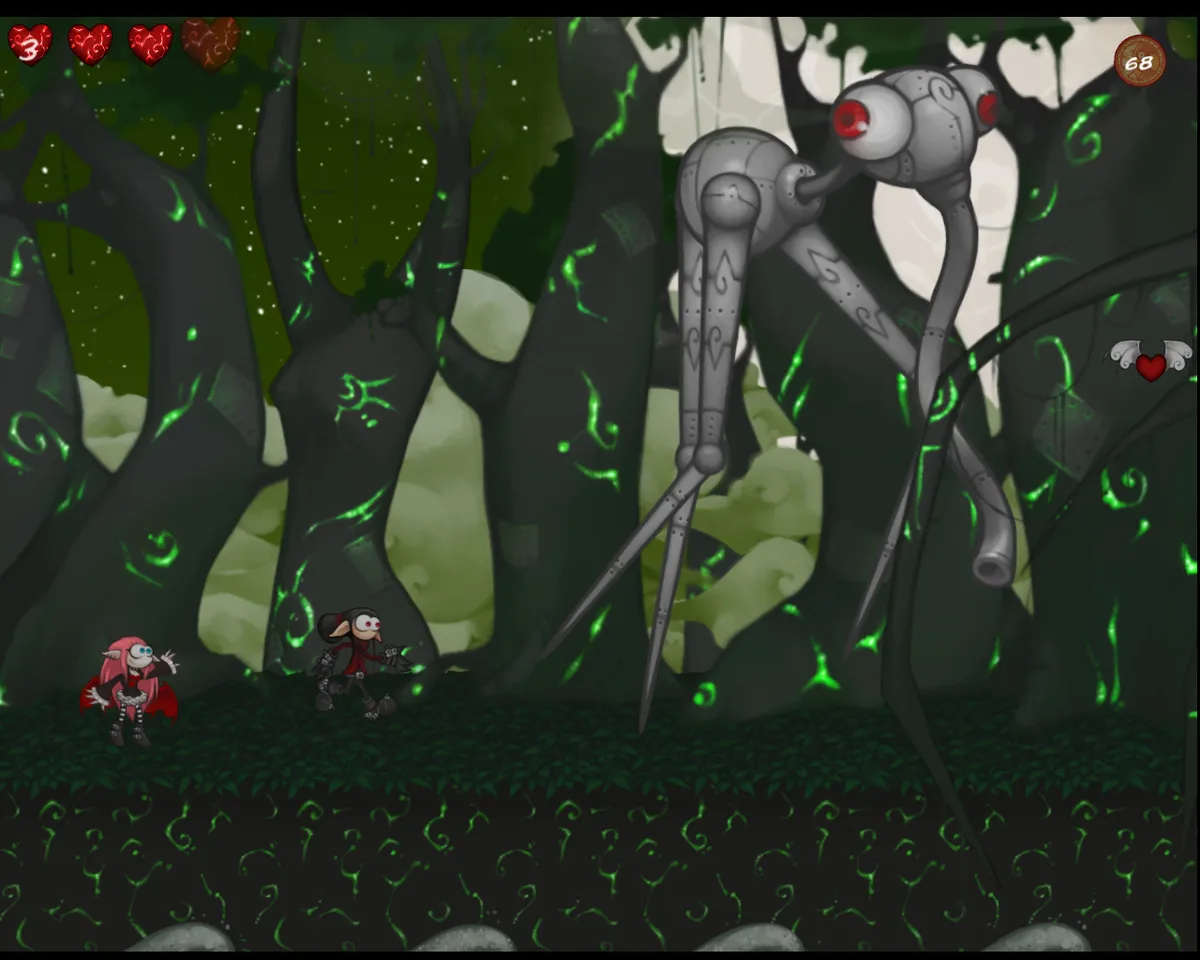
The manual opens its control section by stating plainly that there are three different ways to fire. Pressing mouse 1 produces a constant rapid fire, a sustained stream of shots for as long as the button is held. Pressing mouse 2 instead begins charging a large orb of energy. That orb is released when mouse 2 is released, and once it is in flight the cursor can bounce and manoeuvre it, so a single heavy projectile can be steered after it leaves the character rather than simply fired and forgotten.
The third method reuses the first button, but only after a charge. Pressing mouse 1 while charged makes many small orbs scatter forwards like shotgun fire. The primary button therefore carries two jobs depending on state: it streams rapid shots when uncharged, and it sprays a forward spread once the secondary button has built up energy. This structure gives players a clear three-part vocabulary — sustained fire, a guided heavy orb, and a shotgun-style burst — without moving the hand off the mouse. Timing matters, because the scatter is available only out of the charge state, so a player weighing when to spend a held charge is making the kind of small tactical decision the control scheme is built around.
The Standing-Still Jump
Movement carries its own documented quirk: jumping when standing still makes the character jump higher. The manual draws the distinction sharply, setting a stationary jump apart from one launched while the character is in motion, so the height of a jump depends on the character's movement state at the moment it begins. To reach a high ledge, the practical instruction is simply to stop the character and then jump from rest. The rule also means that momentum is not automatically an advantage in this game; a running approach changes what a jump can clear, and players who need maximum lift have to trade forward motion for height.
Read together with the firing scheme, the jump rule shows a game that leans on small state-based decisions. Both systems hinge on the character's current condition rather than on extra buttons: firing changes meaning once charged, and jumping changes height once the character stops moving. Players who internalise both rules can route a stage around pauses — stop, jump for the extra lift, then charge or fire with the mouse depending on what waits ahead.
Gems Gate the Exit, Checkpoints Hold the Level
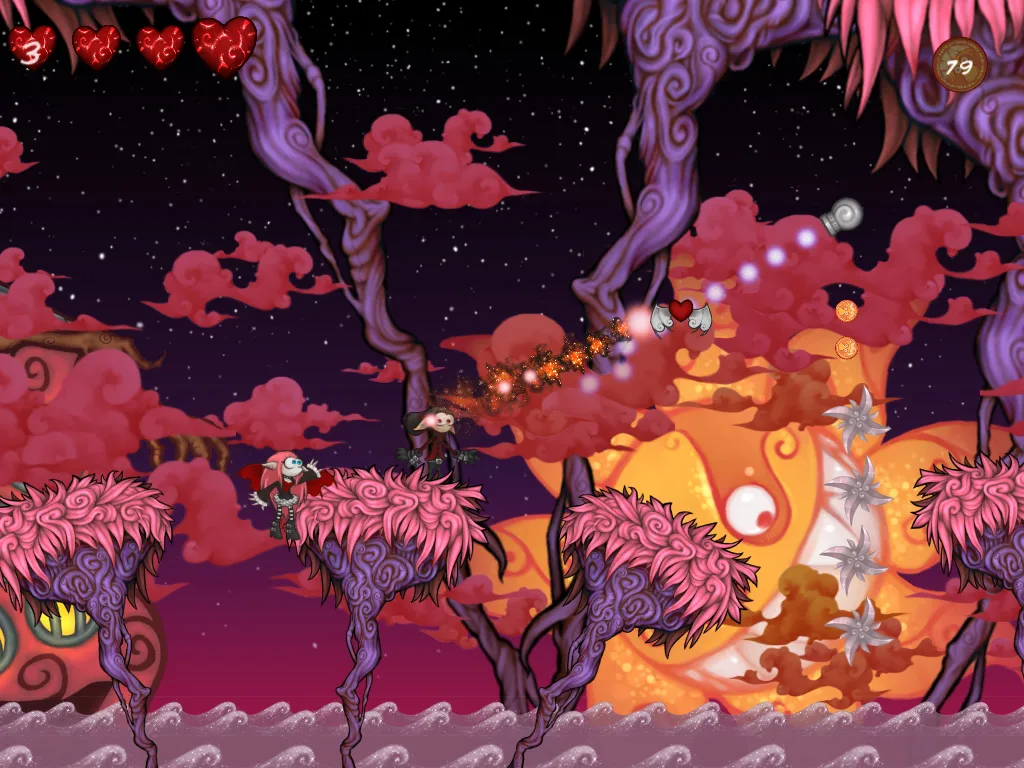
Each level has a stated goal. At the beginning of a level Rose tells the player how many gems must be collected, and collecting the gems is what makes it possible to leave the level via the large face pole. The exit is therefore gated by a tally rather than merely by reaching a doorway. The manual describes two kinds of face poles in the same breath: the large face pole that serves as the exit once the gem requirement is met, and the smaller and more common face poles that are checkpoints saving progress for that level.
The checkpoint record is explicitly temporary. Leaving the level deletes the progress saved at those smaller poles. That makes the checkpoint a per-stage safety net rather than a permanent bookmark: a player who falls or slips mid-level returns to the last small face pole reached, but crossing the exit wipes the saved state entirely. The loop the manual describes is compact — hear Rose's gem count, gather the gems while tagging smaller poles along the way, then finish through the large face pole, after which that level's saved progress is gone.
Inside the Level Editor Command Set
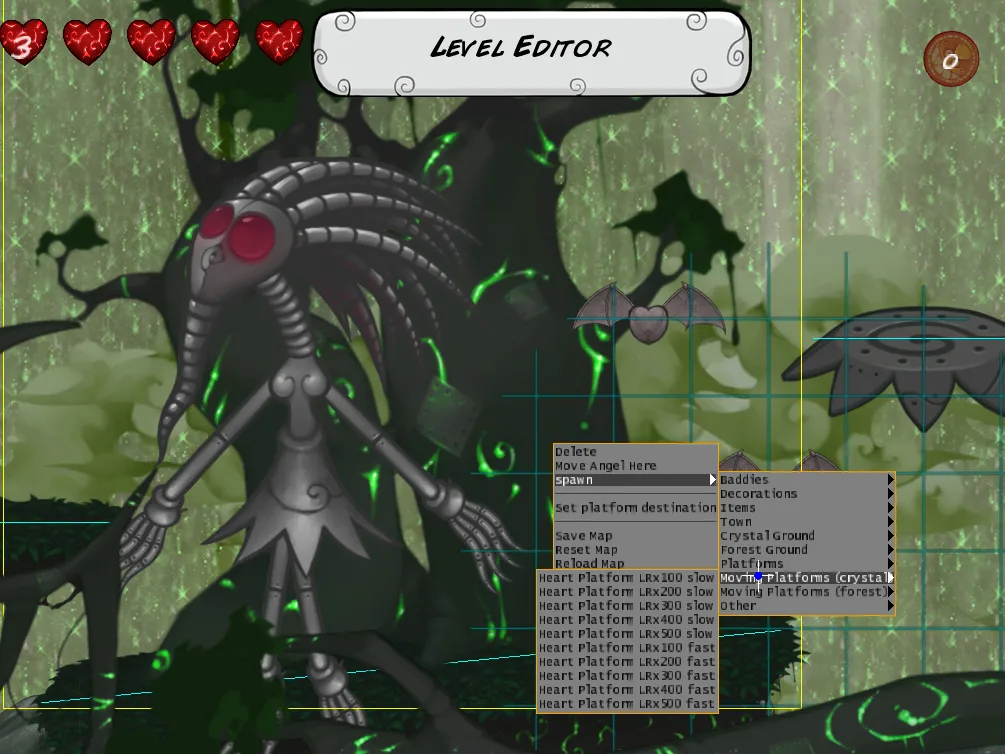
The manual documents a built-in level editor in its own command list. Pressing M accesses the level editor mode. Within it, the two mouse buttons split selection from creation: left click selects an object, and right click spawns a new object. Transformations are handled with modifier keys and the mouse — holding Ctrl while moving the mouse moves the object, and holding Alt while moving the mouse rotates it. The plus key makes objects bigger, and the minus key makes them smaller.
Two page keys govern depth ordering so that objects can overlap correctly: Page Up moves the chosen object to the back, and Page Down moves it to the front. The Delete key removes the object currently chosen. Taken together, the set is small but complete enough for layout work: pick or place with the mouse, reposition and rotate with Ctrl and Alt, resize with the plus and minus keys, and settle draw order with the page keys. The manual does not describe saving, loading, or sharing levels, so the documented instruction set should be read as covering object placement only.
What the Steam Version Adds
The store description distinguishes the Steam release from the base game. It states that the game arrives on Steam with exclusive Steam Only levels and HD Resolution, and its feature list repeats that framing: exclusive levels and HD resolution for the Steam version, an exclusive BETA level editor for the Steam version, and exclusive Steam Achievements. The editor whose commands the manual lists is therefore part of the Steam package specifically, not a feature the listing attributes to every edition. The catalog record places the game in 2008 on Windows.
Scroll sideways to see the full table →
| Input | Documented effect |
|---|---|
| Mouse 1 | Constant rapid fire |
| Mouse 2 (hold, then release) | Charges and releases a large energy orb; the orb can be bounced and manoeuvred by the cursor |
| Mouse 1 while charged | Many small orbs scatter forwards like shotgun fire |
| Jump while standing still | Jumps higher |
| M | Access the level editor mode |
| Left click / right click (editor) | Select object / spawn object |
| Ctrl + mouse / Alt + mouse (editor) | Move object / rotate object |
| Plus / minus (editor) | Make objects bigger / smaller |
| Page Up / Page Down (editor) | Move object to the back / to the front |
| Delete (editor) | Delete the chosen object |
Scroll sideways to see the full table →
| Item | Supported detail |
|---|---|
| Release year | 2008 |
| Platform | Windows |
| Developers | Luc Bernard, SilverSphereStudios |
| Publisher | Silver Sphere Studios |
| Genres | Adventure, Indie |
| Steam-version additions | Exclusive Steam Only levels, HD resolution, exclusive BETA level editor, exclusive Steam Achievements |
Sources & further reading.
- Eternity's Child — official game profile Retrieved Oct 20, 2026
- Eternity's Child — official game profile — publisher-supplied gameplay manual Retrieved Oct 20, 2026
First published .