 THE GAME ARCHIVE
Building Ship Columns and Controlling Their Movement
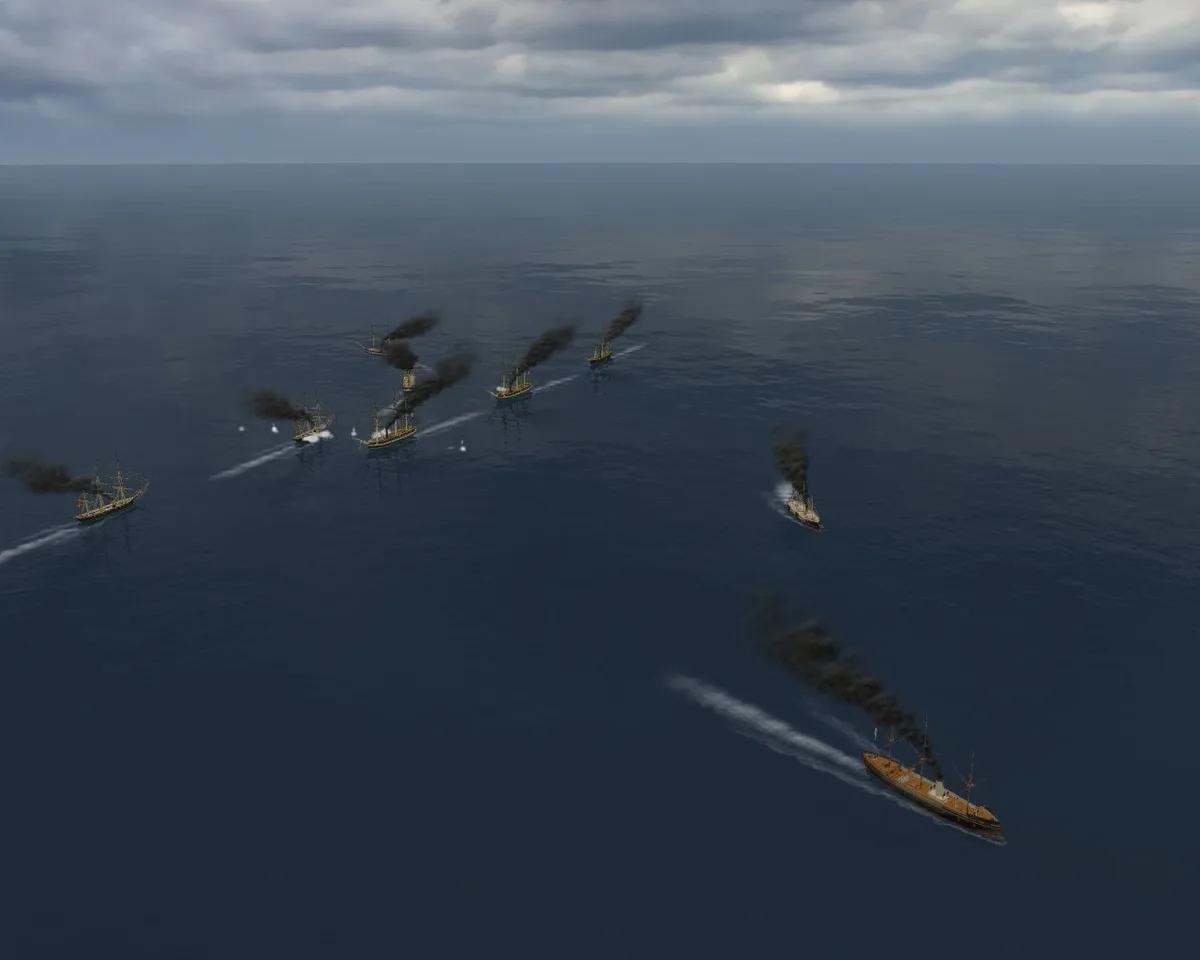
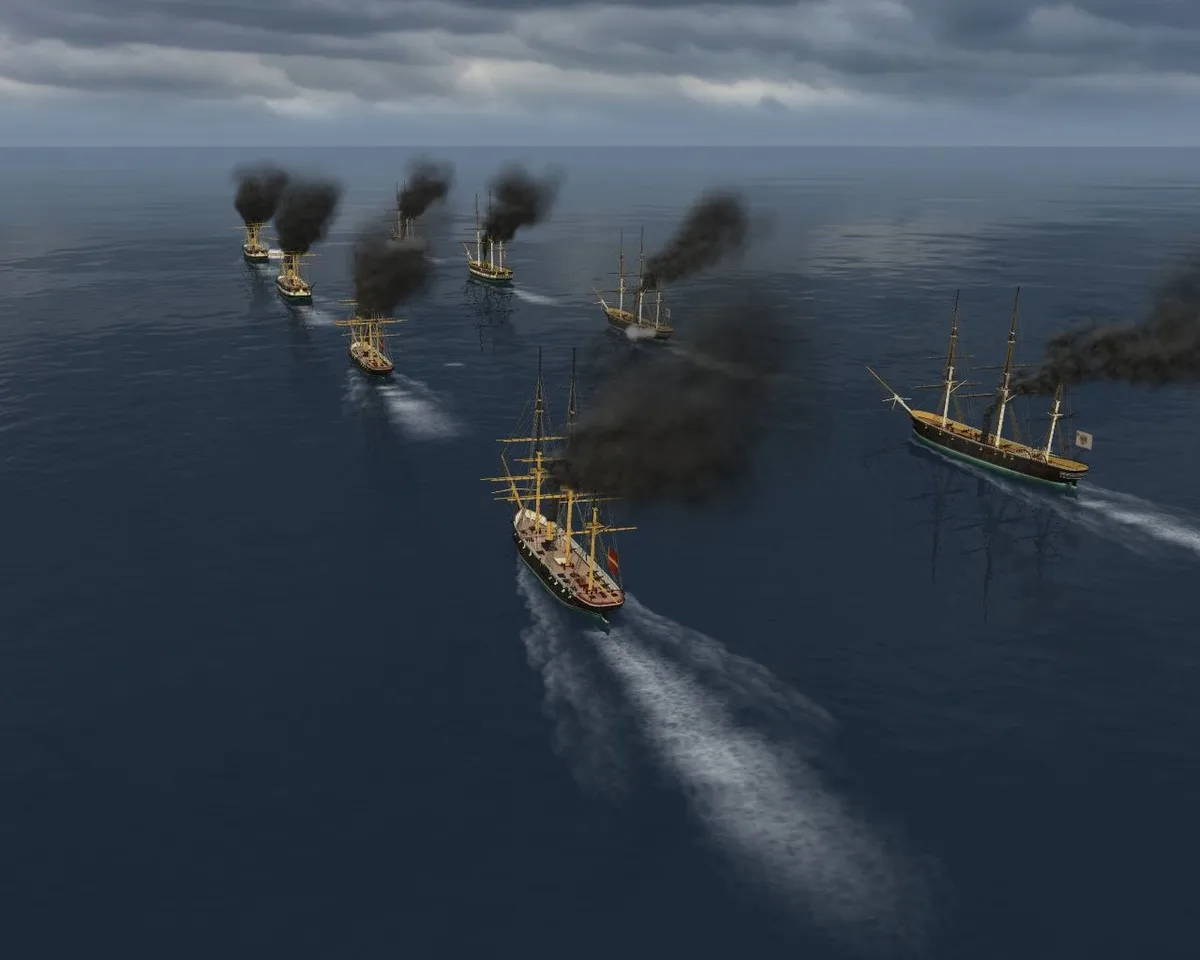
Fleet organization begins before battle: you can divide your ships among three groups, with no more than fifteen vessels in each, and leave some ships in harbor. Each group operates as a column whose ships follow the leader, and that column cannot be split during combat. Its slowest vessel sets the movement limit, so grouping ships by type keeps faster wooden vessels separate from ironclads and monitors. The Danish roster includes gunboats, corvettes, frigates, monitors and turret ships; its listed maximum speeds range from nine to ten knots, making speed differences relevant even within that navy’s selection.
Once battle begins, select a column through its Roman numeral on the left side of the screen, or select an individual ship through its icon. Movement has two separate controls: a speed selector and a turning slider positioned above it. The speed dial distinguishes forward movement with white numbers on the right and astern movement with red numbers on the left. You can select anything from a stop to maximum speed, with intermediate numbers representing percentages of the ship’s maximum. These settings operate within the formation rules: selecting a ship does not allow you to detach it from its established column.
Gunnery, Battle Boundaries and the Victory Tally
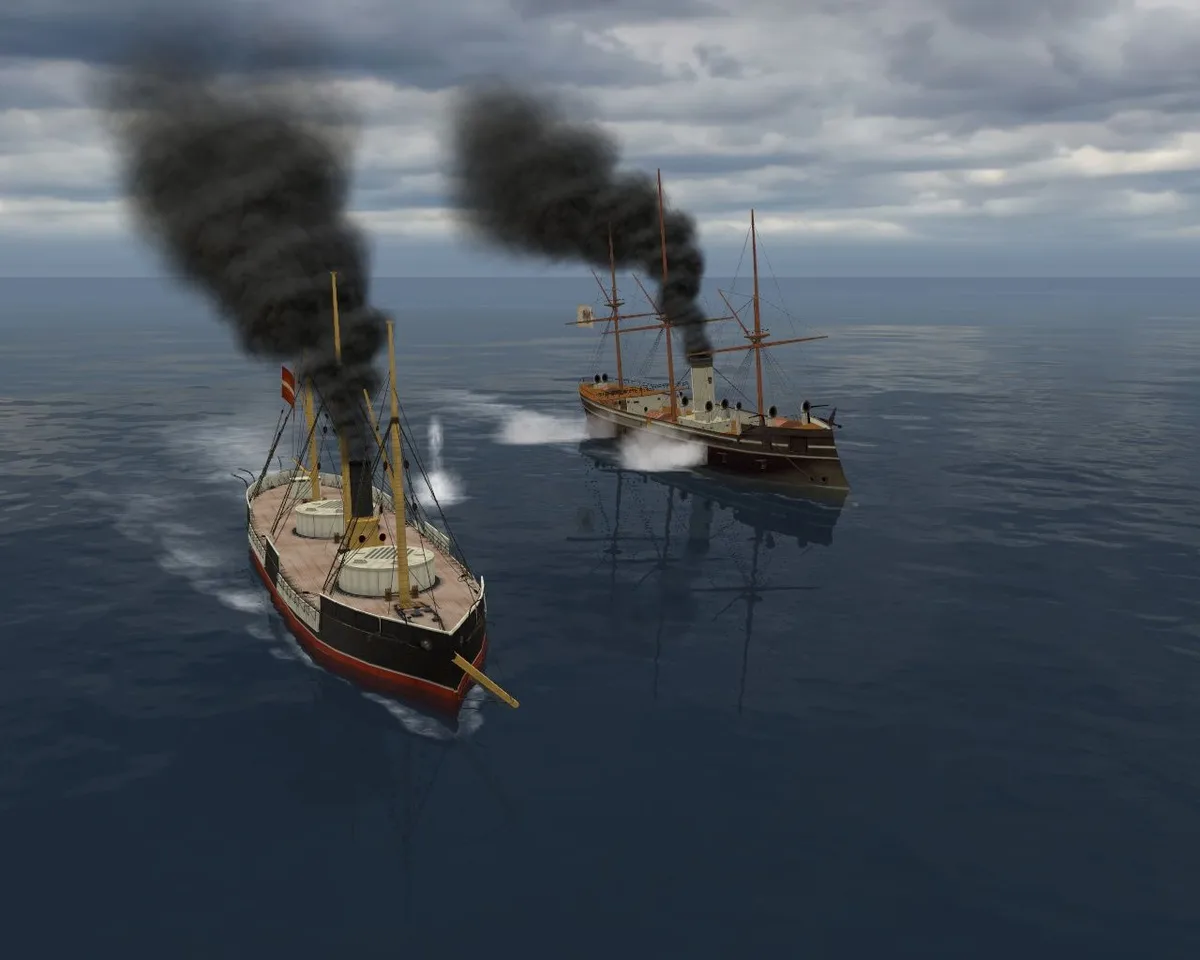
Gunnery begins with range: each ship automatically selects enemy targets as they come within reach of its armament. To initiate fire yourself, bring the ship into range and use Begin Gun Fire; the ship fires all available guns at the enemy target simultaneously. Stop Gun Fire provides the separate command to cease shooting. These firing commands sit alongside three time controls: Z selects real-time mode, X accelerates time, and C pauses the game. Automatic target selection therefore does not remove your ability to start or stop an individual ship’s firing, while the time controls govern the pace of battle.
Red anchor buoys mark the limits of the battle area, and squadrons can fight only inside that boundary. There is also a time limit: the timer beneath the compass in the upper-left corner shows how much battle time remains. When battle ends, all remaining ships return to harbor. The objective within those spatial and temporal limits is to destroy as many enemy ships as possible. After the final battle, the game totals the battle results and counts ships destroyed on both sides. Full victory is represented by a 100 percent success indicator, making the final tally broader than a single engagement.
Fire, Flooding and the Crews That Survive
Shell hits threaten a ship differently depending on where they strike. A hit above the waterline can start a fire, while one below it can cause flooding. Crews automatically fight fires and pump out water during battle; these tasks do not require a separate player command. Enemy fire and onboard fires increase the ship’s damage percentage, and enough damage will eventually sink it. Rising damage also makes firefighting and flood repairs harder while reducing movement. The same vessel can therefore suffer both reduced mobility and less effective damage control as its condition worsens under fire.
Harbor repairs address damage left by combat, with their cost depending on how badly the ship has been hurt. An underwater hole is more than a lingering defect: a ship with one cannot participate in the next battle. Repairing that vessel is therefore necessary before it can fight again. Crews also develop between engagements. After a battle, each ship’s crew gains experience across a system with three experience levels that improve ship parameters. A silver star appears on the ship’s data screen as its experience level rises, providing a visible record of that crew’s development alongside the vessel’s repair needs.
Harbor Purchases, Permanent Sales and Battle Income
In harbor, buy the initial ships for your squadron from the list at the top of the screen. A black background behind a ship’s icon identifies a vessel available for immediate purchase; other ships become available as the game progresses, so the opening selection is not the complete purchasing roster. The squadron finance panel separates available money on the left from the money you will receive after the next battle on the right. Destroying enemy ships earns additional money during combat, linking battle results to the funds available for subsequent harbor spending.
Selling a ship in harbor is permanent: the vessel cannot be bought again afterward. The sale also returns less money than the original purchase cost, so buying and then selling a vessel does not simply reverse the transaction. Damage reduces its sale value further compared with an undamaged ship. Those rules distinguish selling an existing vessel from purchasing another as the available roster expands: a newly accessible ship may be bought, but a previously sold ship remains unavailable for repurchase. Battle income provides additional funds without requiring the permanent sale of a vessel.
Sources & further reading.
- Ironclads: Schleswig War 1864 — official game profileRetrieved Nov 10, 2026
- Ironclads: Schleswig War 1864 — official game profile — publisher-supplied gameplay manualRetrieved Nov 10, 2026
First published .