 THE GAME ARCHIVE
L.A. Noire asks you to read people as carefully as you read crime scenes, and the publisher-supplied PC manual shows how that idea is wired into the controls. The game splits the detective's work into two halves. On foot, mouse and keyboard handle movement, investigation, and violence. In an interrogation, a three-key decision—truth, doubt, or an accusation of lying—tests whether a suspect's answer survives contact with the evidence in your notebook. This feature walks through the documented bindings, the interrogation rules, the notebook, intuition points, and the XP-based rank progression that ties the halves together.
A Detective's Toolkit: Movement and Camera
On foot, the manual separates basic movement from the actions layered on top. W moves forward, S backward, A left, and D right, and the same page assigns Left Shift to running with Caps Lock as a run toggle—so you can either hold to sprint or switch the run state on and off. That base layout matters because everything else competes for the same hands. The camera changes with V, and Enter/Exit (E) governs getting into and out of vehicles, including a hold to hand driving to a partner. Keeping movement on the classic four-key cross leaves the mouse free for the interaction work that defines the game.
The city you walk through is postwar Los Angeles, and the publisher describes the crimes as inspired by real cases from 1947 Los Angeles, framed as a corrupt and violent period. The manual's on-foot block is where the detective's physical investigation happens—moving between a car, a crime scene, or a suspect—while the general block handles the connective tissue of travel. The manual notes that every key can be customized, so the layout is a documented default rather than a fixed scheme.
The Same Click That Picks Up a Clue Also Throws a Punch
L.A. Noire's on-foot block binds the left mouse button to interaction and attack at once. That single input is the design's core efficiency: the same click that examines evidence also drives a punch when the situation turns violent. The right mouse button handles the combat-side actions named on the manual page—leave clue, aim, and raise fist—so raising your fists and aiming is a distinct preparatory step before swinging. Because the manual states every key can be customized, players who prefer a clearer separation between investigate and fight can remap the inputs.
Defense uses a held input: Spacebar covers talk, dodge, and block while held. The manual also assigns reload to R, grapple and pick up found weapon to Q, drop found weapon to G, and enter/exit cover to Left Control. Read together, those bindings describe the shape of a close-quarters fight: raise fists and aim with the right mouse button, swing with left click, keep Spacebar held to block or dodge incoming blows, use Q to grapple or grab a dropped weapon, R to reload, and Left Control to slip in and out of cover between exchanges. Note that the same Spacebar hold also handles talking on foot, so the input's meaning depends on context.
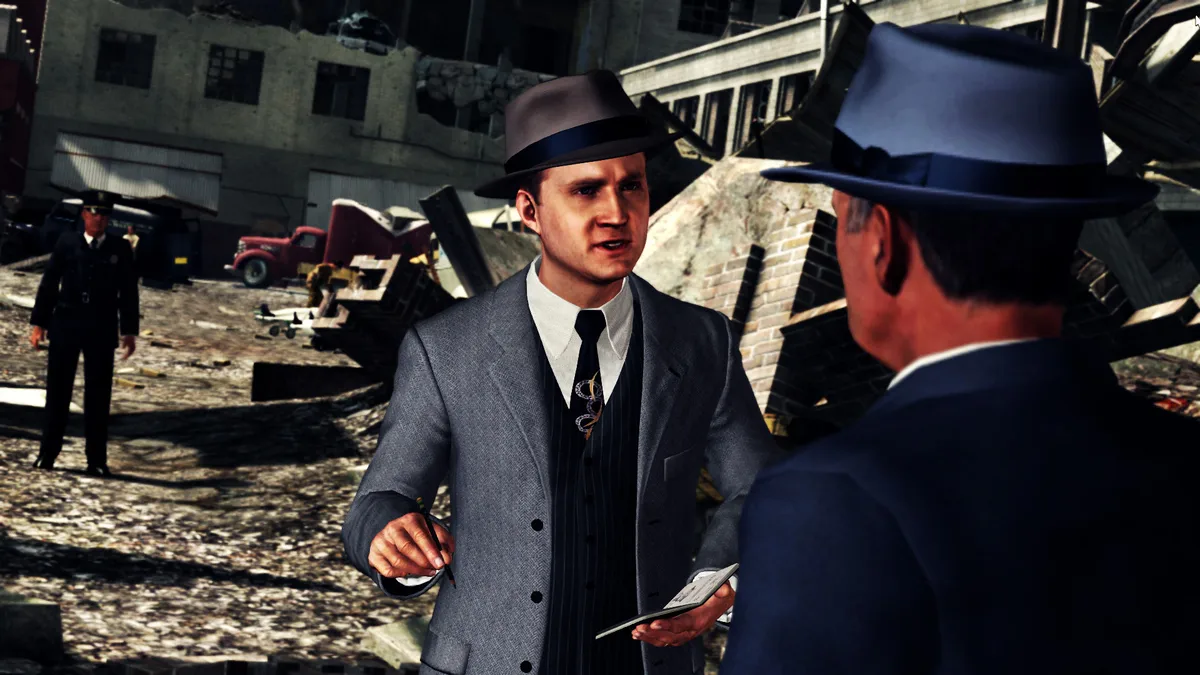
Truth, Doubt, or Lie: The Interrogation Rules
Interrogation is the game's second control layer, and the manual spells out a three-way decision after each answer. Press 1 if you think the person is telling the truth, and the detective coaxes more information from them. Press 2 if you doubt the answer, which forces more information from them. Press 3 only when the response directly contradicts a piece of evidence you have uncovered, which accuses them of lying. The line between pressing 2 and pressing 3 is the central decision of every interview: doubt is a nudge for more, while an accusation is a claim you must be able to back.
Accusing a lie is not a single keystroke; it opens a second step in which you must select the piece of evidence that contradicts the statement. That requirement makes the notebook central to successful interrogations: the accusation is only as good as the contradiction you can point to. The manual also notes that pressing the right mouse button backs out of an accusation so you can ask a different question or ask the same one again, so a suspect's answer is not permanently locked in. That back-out is a useful catch: if you pressed 3 before confirming the evidence, you can return and try a softer approach.
The Notebook: The Case in Writing
The notebook is the case's running record, and it fills itself in. Important information is entered automatically: case objectives, persons of interest, new clues, and new locations. Clues and evidence uncovered during the investigation are logged. When you identify a new person of interest, the notebook stores key information and characteristics for reference throughout the case. Locations work the same way—the notebook catalogs new address details and lets you set waypoints to your destination.
The Tab key opens the notebook at any time, and the manual's own advice is direct: consult it frequently and pay close attention to each piece of information. That advice follows from the interrogation rules—if you cannot recall which clue contradicts a suspect, you cannot safely press 3. The notebook is therefore not a passive journal but the reference you check before making the riskier of the two challenges.
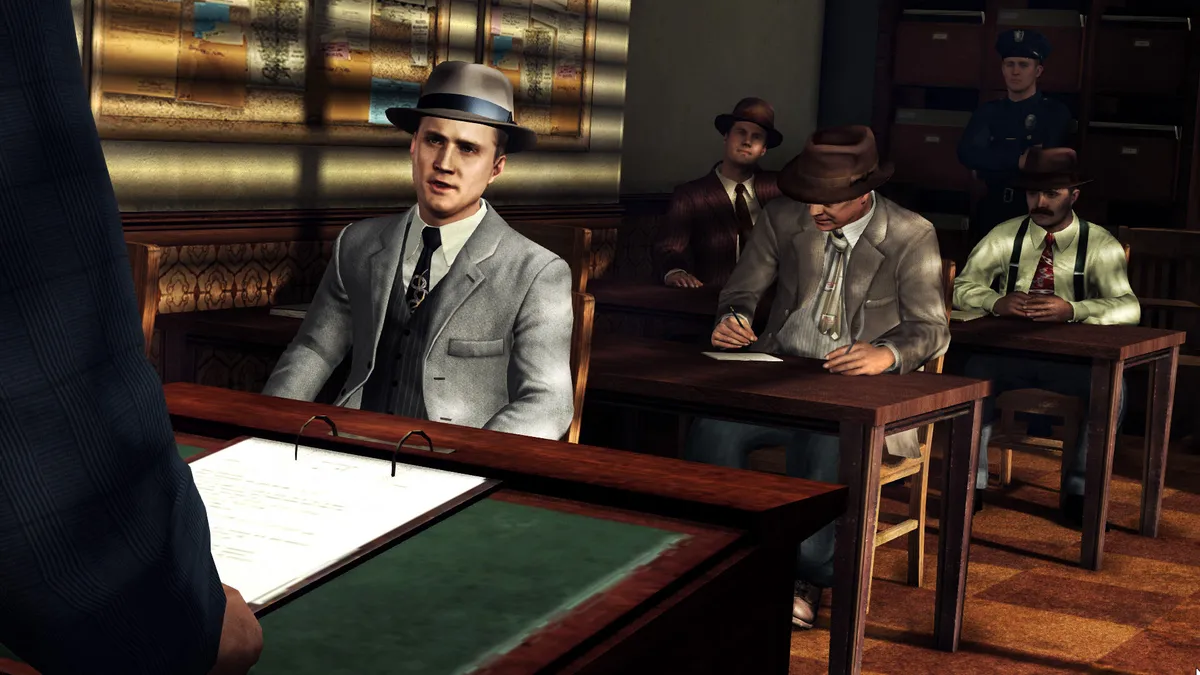
Intuition Points: When You Get Stuck
Experience is earned through successful actions, and the manual lists the main sources: selecting correct responses in interrogations, solving street crimes, and discovering hidden objects and landmarks. That XP produces intuition points, which can be spent during an interrogation or while investigating a crime scene. A used intuition point cannot be reused, and you can store up to five until you decide you need them—so the resource is both a safety net and a reason to keep earning. More XP must be gained to earn more intuition.
The manual lists three intuition rewards. During an interrogation, Remove an Answer eliminates one of the incorrect responses and the incorrect evidence when accusing a suspect. When questioning a person of interest, Ask the Community tells you which answers are most popular among L.A. Noire players. While investigating a crime scene, Show All Clues displays the locations of all the clues on the mini map. Each reward answers a different kind of stuck moment: a bad accusation, an uncertain multiple choice, or a scene you cannot read.
Cases, Partners, and the Mini Map
Case flow is gated by work rather than by time. You must investigate each case assigned to you, and until a case is completed you will not receive a new assignment. Everything relevant you uncover goes into the notebook automatically. A partner works through every case with you, and you can ask him for help at any time by pressing Spacebar while standing near him. For a specific journey, press and hold E near your car to put him in the driver's seat instead.
As a member of the L.A.P.D., you can commandeer any vehicle: walk up to a car and press E to instruct the driver to surrender it. Only L.A.P.D. vehicles carry sirens and radio support from headquarters, so the choice of vehicle has a documented consequence. The mini map reads as a small legend of the case: red blips are enemies, yellow blips the current destination or objective, blue blips your partner's location, red figures street crimes in progress, and camera icons nearby landmarks. Street names for the surrounding area also appear.

Ranks, Replays, and Facial Detail
Progression runs on experience points. The manual's rank indicator shows your XP progress and your rank as a member of law enforcement, which means the correct interrogations, solved street crimes, and discovered objects and landmarks that earn XP all feed the same visible measure of advancement. That loop ties the detective's performance in the field directly to the rank displayed on screen, and the same XP that fills the rank indicator is what converts into intuition points.
Completed cases remain available: the manual notes that they can be replayed by accessing the CASES section of the main menu, so a finished assignment does not disappear once it is closed. A replay is a practical way to revisit an interrogation you handled poorly, since you already know which answers to match and which evidence to reach for. The publisher also describes facial performance capture technology that records an actor's facial performance in detail, which fits the game's emphasis on watching a suspect's face during questioning—though the manual's interrogation rules themselves depend on matching testimony to evidence in the notebook.
Starting Advice From the Manual
Open the notebook often. Because the lie accusation requires selecting contradicting evidence, a suspect's answer is only actionable if you can connect it to a logged clue, and the manual explicitly advises consulting the notebook frequently. When an interrogation stalls, spend intuition deliberately: Remove an Answer narrows a bad accusation, Ask the Community shows popular responses, and Show All Clues lights up remaining clues on the mini map. Since intuition points cannot be reused and cap at five, treat them as limited help rather than a routine click.
On foot, know which Spacebar context you are in. Held, it covers talk, dodge, and block in a fight; standing near your partner, a press of Spacebar asks him for help. If commandeering a car, pair E with the mini map: yellow blips point to the current objective, and only L.A.P.D. vehicles carry the sirens and radio support from headquarters.
Scroll sideways to see the full table →
| Input | Documented Action |
|---|---|
| W / S / A / D | Move forward / backward / left / right |
| Left Shift | Run |
| Caps Lock | Run toggle |
| Left click mouse | Interact / Attack |
| Right click mouse | Leave clue / Aim / Raise fist |
| Spacebar (hold) | Talk / Dodge / Block |
| Spacebar (near partner) | Call partner for help |
| P | Call partner |
| R | Reload |
| Q | Grapple / Pick up found weapon |
| Left Control | Enter / Exit cover |
| G | Drop found weapon |
| E | Enter / Exit vehicle (hold for partner to drive) |
| V | Change camera |
| C | Look behind |
| Z | Minimap zoom |
| Backspace | Skip |
| Tab | Notebook |
| 1 / 2 / 3 | Truth / Doubt / Accuse lie |
| Right click mouse (in accusation) | Back out of an accusation |
Sources & further reading.
- L.A. Noire — official game profile Retrieved Oct 10, 2026
- L.A. Noire — official game profile — publisher-supplied gameplay manual Retrieved Oct 18, 2026
First published .