 THE GAME ARCHIVE
Health, Injury and Death in Empire Bay
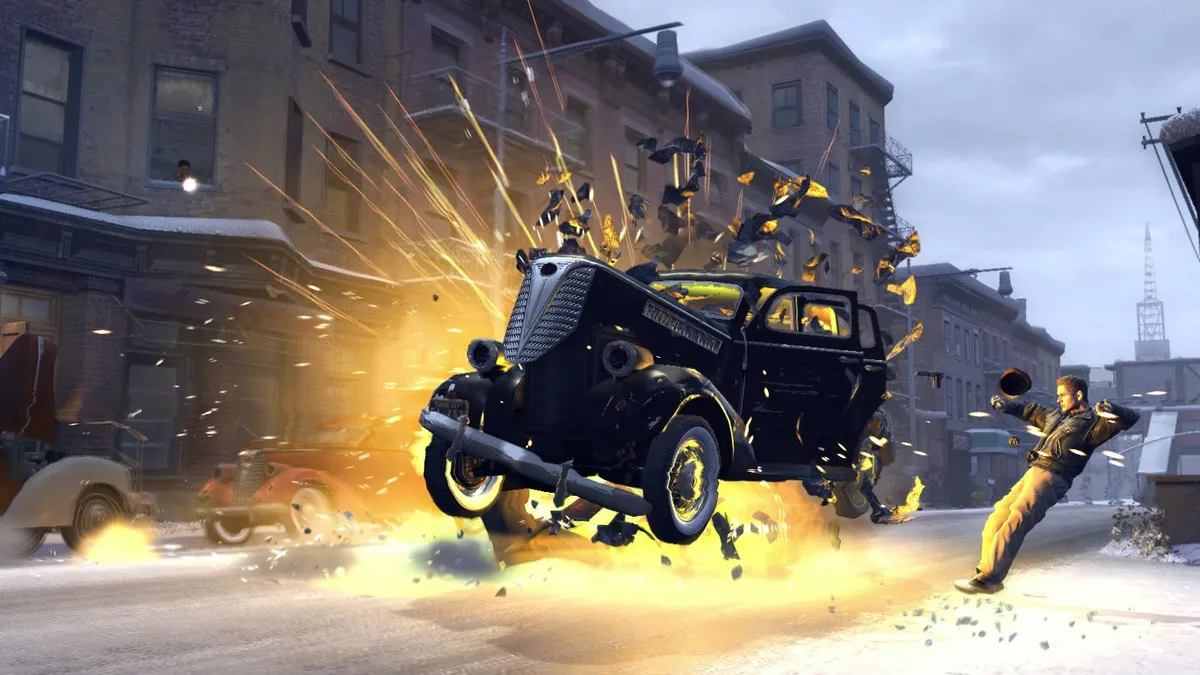
Vito's condition is tracked by a green Health Bar positioned at the right side of the Radar. As he absorbs injuries, the bar shortens; once it turns red, Vito is critically injured, and when the bar vanishes entirely he is dead and the game is over. At that point the player restarts from the last saved point in the story. Injuries come from bullets and car wrecks, both of which can kill him outright rather than merely draining the bar.
Wounds do not stay at their lowest mark forever. The Health Bar regenerates over time on its own, but it will not refill to full until Vito drinks a beverage or eats something; the sole exception is Easy difficulty, where regeneration restores health partially. The starting menu sets difficulty to Easy, Medium or Hard before the story begins, so that single choice changes how forgiving the injury system is across the campaign.
The Radar: Navigation, Police Recognition and Lock Tumblers
The Radar serves as the navigation hub in Empire Bay, displaying the fastest route to a destination, police locations whether on foot or in a vehicle, Vito's position and travel direction, mission markers, and the name of the neighborhood entered at the lower right. The Map, opened with the M key, lists the current mission objective at the upper left and reveals additional icons as exploration proceeds, covering main missions, quests, homes, phone booths, body shops, gas stations, clothing stores, bars, food and drink spots, gun shops, and named contacts. Pressing F centers Vito's marker and the yellow crosshairs on the Map; moving the mouse sets the crosshairs and a left click places a waypoint, which then also appears on the Radar.
The outer edge doubles as the Police Recognition Bar: the blue bar on the left of the Radar fills while police pursue Vito on foot or in the car he drives. A longer bar means the police are closer to recognizing him, and once the whole Radar flashes blue they see Vito and give chase. For lock picking, Vito must stand near a pickable lock, such as a car door, and hold F; the Radar then switches to showing the lock tumblers. The cursor key V raises a tumbler, E advances when the tumbler turns green, and a miss turns the tumbler red and returns to the previous one.
Weapons Selector and On-Foot Controls
On foot, Vito moves with the W, S, A and D keys or the alternate C, V, Z and X set, and holds either shift key to sprint. Climbing is bound to space or numpad 1, crouching to C, and cover to either ctrl key; holding a ctrl key also produces a stealth move. The right mouse button aims and the left fires, R or numpad 0 reloads, and E performs the action command. The middle mouse button centers the camera behind Vito, while Esc pauses the game. Melee has its own split: Q or the left mouse button delivers a light hit, the right mouse button a hard hit, holding space dodges and E taunts.
The Weapons Selector gathers every weapon, fists included, sorted by type, with dots beneath an icon counting how many weapons of that type Vito holds. Numpad 2 selects rifles, 4 fists or grenades, 6 handguns and 8 machine guns; pressing the same key again cycles through the weapons within that group. The Ammo Indicator splits into two figures, the rounds left in the current clip on the left and the total rounds carried for that weapon on the right, so a reload decision can be weighed against the remaining reserve.
Driving: Modes, Damage, Repairs and the Speed Limiter
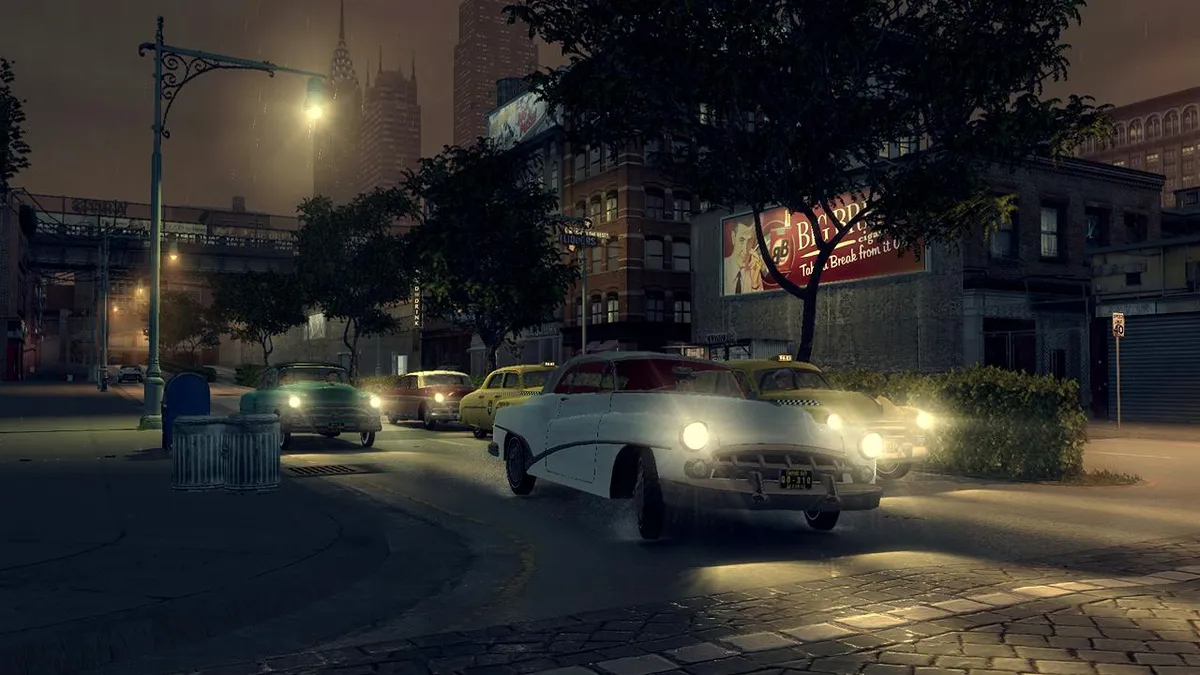
In the game settings, Driving Mode controls how cars respond. Normal supplies steering and braking assists, while Simulation removes those assists and makes acceleration more realistic for the era's vehicles. The choice affects every car Vito takes onto Empire Bay's streets, from high-end luxury cars to big delivery trucks. A huge sedan may be powerful, but a high performance sports car corners much more effectively, and a limo is much faster than a truck, so the mode interacts with each vehicle's design strengths.
Press L to set the Speed Limiter, which keeps the car from exceeding the legal limit: 40 mph on streets and 70 mph on the freeway. A red filter appears on the speedometer to mark the maximum traveling speed. Crashes damage vehicles, and damaged cars are troublesome to drive until repaired. Body shops and player garages can restore a car to fully repaired condition for a fee, and a wrecked car returns to Vito's garage the next day. Tuning adds Basic or Sports tune-ups, new paint, and custom wheels and tires.
Stealing Cars: Windows, Lock Picks and Garages
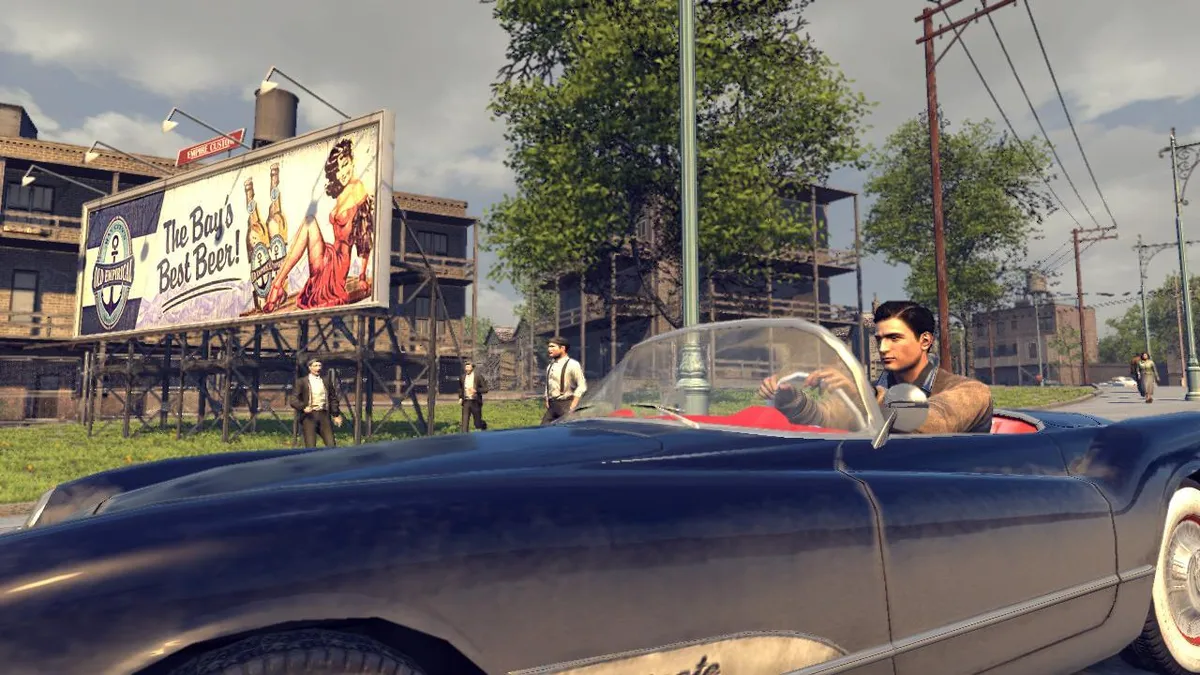
To steal a car, Vito can break in by smashing the driver's side window with the Q key, then press F or Delete to jump in and drive away. Smashing windows makes noise, and if the police learn of the theft they will soon pursue him. Buying lock picks offers a quieter alternative that attracts less attention. When Vito stands near a pickable lock such as a car door, he holds F and the Radar switches to display the lock tumblers, turning the theft into a small matching task rather than a smash and grab.
The lock itself is worked tumbler by tumbler. Vito presses the V cursor key to use the wrench and slowly raise the first tumbler; the moment it turns green, E advances to the next one. A miss turns the tumbler red and sends him back to the previous tumbler, so each corrected error costs progress. Once the tumblers are cleared the lock opens. Garages and body shops serve a separate purpose afterward, restoring damaged cars to fully repaired condition for a fee rather than helping with entry.
Checkpoints, Tuning and the In-Car Radio
Progress through the story is saved automatically at checkpoints, and the manual treats one hazard seriously: switching off the computer while a save is being written can lose that progress. Some missions also run against a clock, with a Countdown Timer appearing at the upper right of the screen; failing to finish before it reaches zero ends the game, and a restart continues from the last saved point. Restarts therefore hinge on the most recent automatic save rather than a manual slot the player manages.
Once inside a car, the comma and period keys tune the radio or switch it on and off, and E or End sounds the horn. The dashboard shows speed on the exterior black gauge with a white needle and engine revolutions on the interior white gauge with a red needle. The Speed Limiter, set with L, caps travel at 40 mph on streets and 70 mph on freeways, with a red filter on the speedometer marking the maximum, while crashes and fender benders damage the vehicle.
Sources & further reading.
- Mafia II (Classic) — official game profile Retrieved Oct 20, 2026
- Mafia II (Classic) — official game profile — publisher-supplied gameplay manual Retrieved Oct 20, 2026
First published .