 THE GAME ARCHIVE
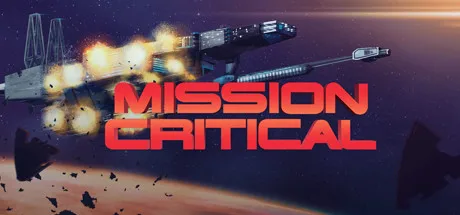
Mission Critical puts a practical interface beneath an expansive science-fiction mission. You navigate by following directional arrows in the room picture, select objects before choosing actions, and use an inventory tray to address carried items. Those small, deliberate inputs serve a much larger predicament: you are the only remaining crewman aboard a crippled vessel. The contrast defines the game's appeal on paper—survival and humanity's future approached through concrete choices about where to look, what to select and how to act.
Survival Before the Mission
The opening emergency is specific: the hull has ruptured, air is leaking into space and the weapons systems are down. Your mission could have ended fifteen years of interstellar war, but staying alive takes immediate priority. That framing gives the damaged ship more significance than a backdrop. It is both the place you occupy and the immediate problem confronting the surviving crewman, with personal survival temporarily displacing the original mission's political stakes.
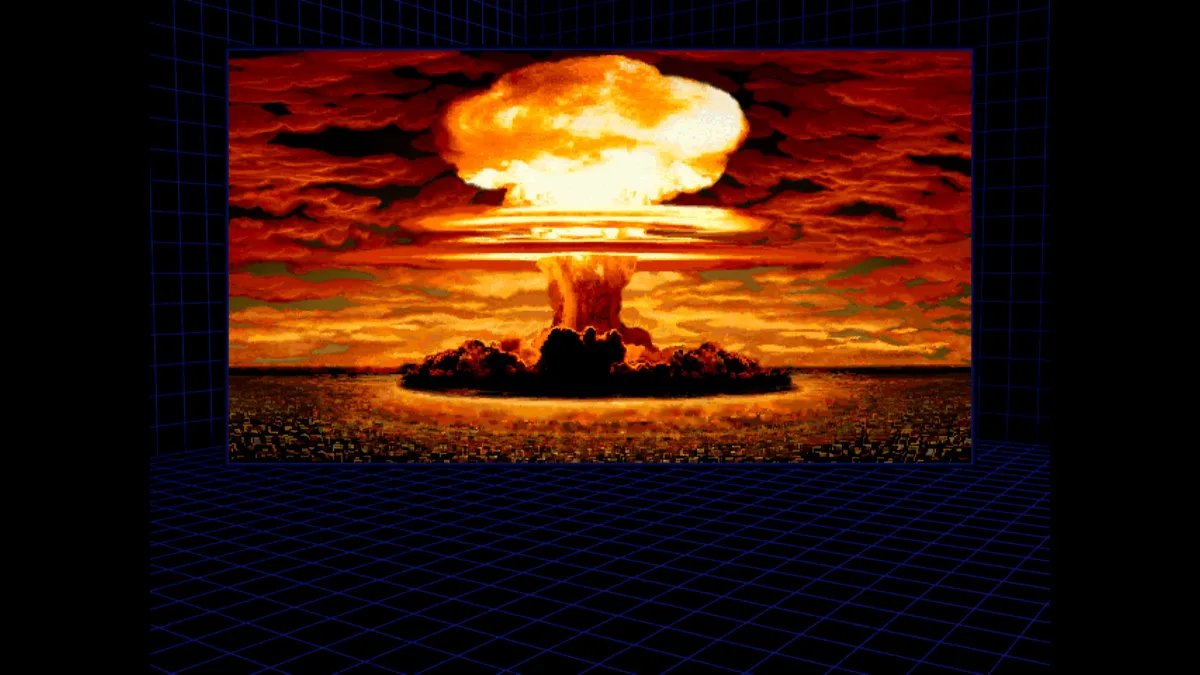
Reading the Room: Movement Versus Turning
Build Commands Object First
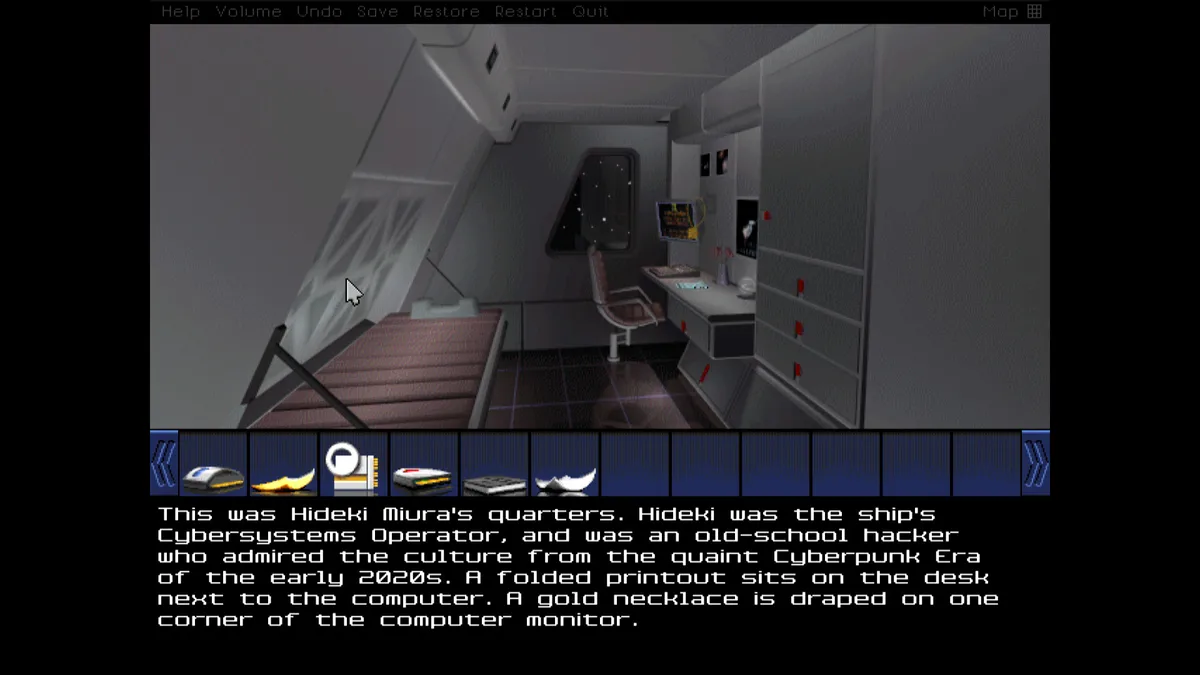
Interaction follows object-verb syntax: first click an object, then click a verb. Commands are assembled from picture objects, inventory icons and verbs, so selecting the subject comes before selecting the action. This makes the order of your decision important. Rather than beginning with an action and then hunting for its target, begin with the thing you intend to affect. The system asks you to establish what the command concerns before specifying what should happen to it.
Carried objects appear as icons in a tray below the picture. Because those icons participate in command construction, inventory is an interaction surface rather than merely a record of possessions. A scene object and a carried item have different screen locations, but both can provide the object selection for a command. When planning an interaction, distinguish the thing visible in the room from the thing represented in the tray, then apply the same object-first ordering to the appropriate target.
Two-object commands add another relationship. The manual's example is putting a notebook on a table: click the first object, then move the cursor over the second object to implement the command. The notebook is the thing being placed; the table is its destination. This example teaches a targeting rule, not a required mission solution. For an interaction involving two things, identify their respective roles before entering the command, and follow the documented pointer movement over the second target rather than assuming another click is required.
The Command Bar and Session Controls
The interface also separates world interaction from session management. A dark bar sits above the picture and activates when the mouse touches it. Its functions include Help, Save, Restore, Undo, Volume and Quit. If you need one of those functions, move to the upper bar rather than looking for an object in the scene. Together with the inventory below the picture and feedback beneath that, this gives the screen a functional layout: session controls above, the visible surroundings in the middle, and carried items and responses below.
Beyond the Ship: Combat, Alien Exploration and a Wormhole
The documented mission broadens beyond the initial emergency to salvaging the starship, surviving a battle in deep space, exploring a vast alien installation and aligning a wormhole across four dimensions. These are distinct objectives, not simply more rooms aboard the vessel. Exploration and character interaction accompany space combat in the official description. The wormhole task introduces an explicitly four-dimensional alignment goal, while the alien installation extends the setting beyond the battlecruiser's nine levels.
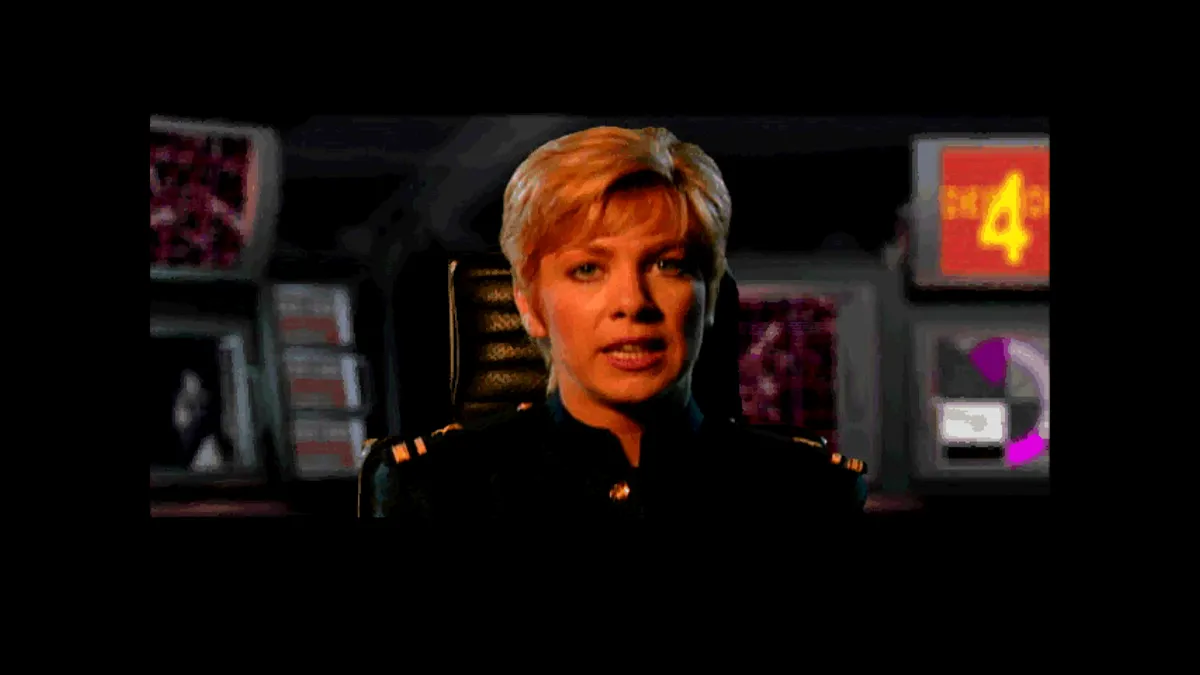
The stakes also extend beyond space travel. Amid electrical storms, you open a crystalline portal to another time and face a choice concerning humanity's fate, framed by the question of what it means to be human. Presentation supports that science-fiction scope through full-motion video integrated into a 3D animated world, layered sound effects and a musical score. The environments are described as seamless, smooth-scrolling 3D: an audiovisual setting for the navigation and command rules, rather than a substitute for those interactions.
Sources & further reading.
- Mission Critical — official game profileRetrieved Nov 8, 2026
- Mission Critical — official game profile — publisher-supplied gameplay manualRetrieved Nov 8, 2026
First published .