 THE GAME ARCHIVE
Need for Speed Undercover puts the player behind the wheel as an undercover officer working into a crime syndicate, and the publisher-supplied manual explains the PC version's systems in unusually concrete terms: which key does what, how a drift is started and held, and how style, reputation, heat and police chases feed into one another. This feature walks through the documented default controls and then the rules behind them, so a new player understands not just the bindings but the decisions those bindings create.
The game is a 2008 Windows release developed by EA Black Box and published by Electronic Arts, catalogued as an action racer. The manual's control list is the basis for everything below; every default binding named here comes from that table rather than from a guessed modern layout.
Default Keyboard Layout: Driving the Car
The manual's basic driving cluster is arrow-key based. The Up Arrow accelerates, the Down Arrow brakes and reverses, the Left and Right Arrows steer, and the SpaceBar is the handbrake. Treating throttle and brake as two directions on one axis is simple to learn, but it also means the handbrake is a wholly separate input: locking the rear to slide is not the same action as slowing down, and a player who wants rotation in a corner reaches for SpaceBar rather than the Down Arrow.
Every field can be changed. Open OPTIONS in the main menu, choose CONTROLS, then CONFIGURATION, and press Enter on a field to remap it. The same table also lists inputs beyond driving: Esc calls the main menu, R resets the car's position, C changes the camera, and V looks behind. Those recovery and camera keys matter in pursuits, where getting wedged or losing sight of a chasing car can be the difference between escaping and being stopped.
Gears, Nitrous and the Speedbreaker
Gear changes and special abilities sit away from the arrow cluster. Shifting down is on Left Ctrl, and nitrous is on N. Nitrous is not free speed from the start: the car must first be upgraded with a nitrous tank, and only then does pressing N deliver a jolt. That makes the nitrous tank a gate on a whole driving option rather than a modest stat tweak, and it gives early-career spending a clear target.
The strength of that jolt is tied to how far In The Zone the player is: the more In The Zone, the bigger and stronger the burst. That single rule links the style system to outright pace. A player who has been racking up stunts and clean moves does not just score better; the same key produces a larger surge when it is finally pressed. Deciding when to spend an amplified burst becomes a tactical choice in a race rather than a simple boost button.
The Speedbreaker is bound to X and slows down time for a few seconds, which the manual frames as a way to take a sharp corner or to take a cop out of the equation. Its short duration makes it a precision tool: it does not remove a hazard, it buys a moment to thread past one. Against a pursuit, that window is worth more than raw speed, because the objective is to break contact rather than out-run an opponent on a straight.
How Drifting Works, Step by Step
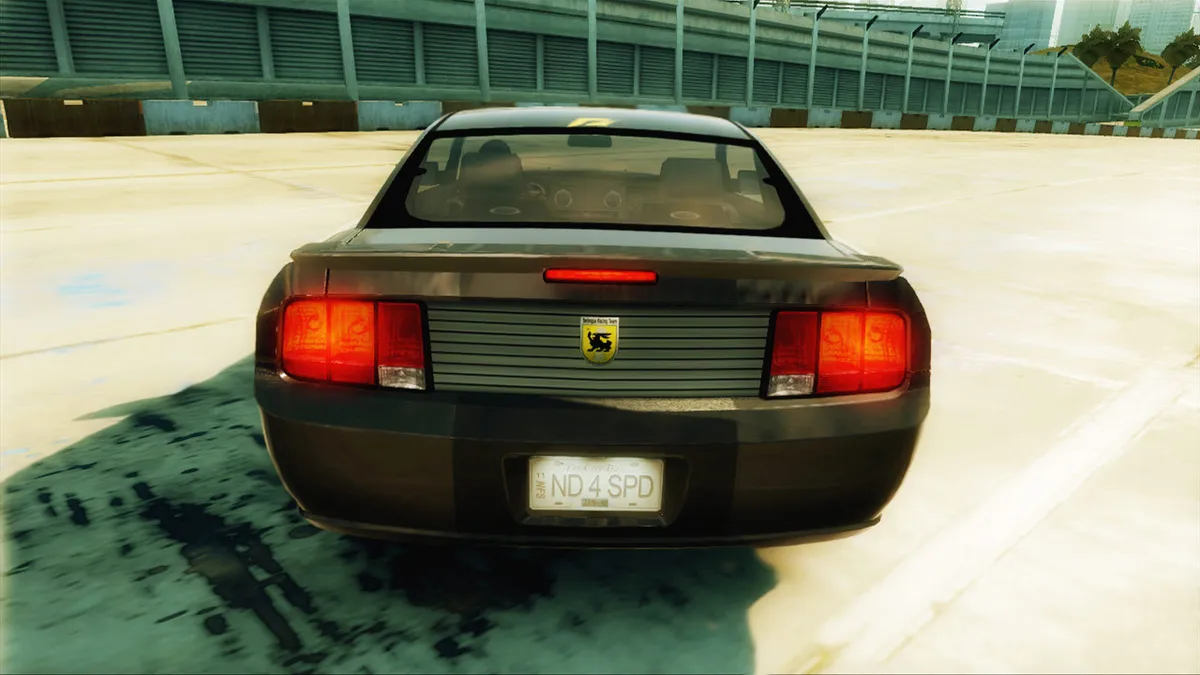
The manual's drift instruction is short and specific: take a turn at speed, tap the handbrake, and counter-steer to keep the car on the road. Keeping the car pointing where the corner goes is the player's job, not the game's. Tapping the handbrake again increases the drift, and timing the taps well is what lets the car flow through the corner rather than spin. In practice this means the drift is a rhythm of small inputs, not one held button.
Nitrous changes the drift. The manual describes a nitrous drift as hitting nitrous as the slide begins, which produces a faster slide and demands heavier counter-steering. That is a real trade-off: the same input that speeds the exit also makes the car harder to catch. A player with a strong In The Zone buildup can get a bigger burst mid-corner, which raises both the reward and the risk of the move in one decision.
Style Points, In The Zone and Wheelman Rep
Undercover rewards taking chances. Style points come from heroic driving moves, and the manual names 180s, 360s, 540s and 720s along with burnouts. It also describes a combination: speed plus a turn plus the handbrake equals good times, and the faster the car is going when the move is pulled off, the better the payoff. The same passage lists the In The Zone meter, the Heat meter, race position, Speedbreaker meter, race time and the In The Zone multiplier as the things the style system tracks.
Wheelman Rep is the measure of how far the syndicates trust the player. Winning races persuades them the player is on their side, while Style and Cost to State points make the cover more convincing; the Rep level appears after every event. This gives the career two currencies at once. Prize money buys cars and parts, and reputation opens the story, so a clean win and a showy win are not always the same play.
Careers, Cash and Car Upgrades
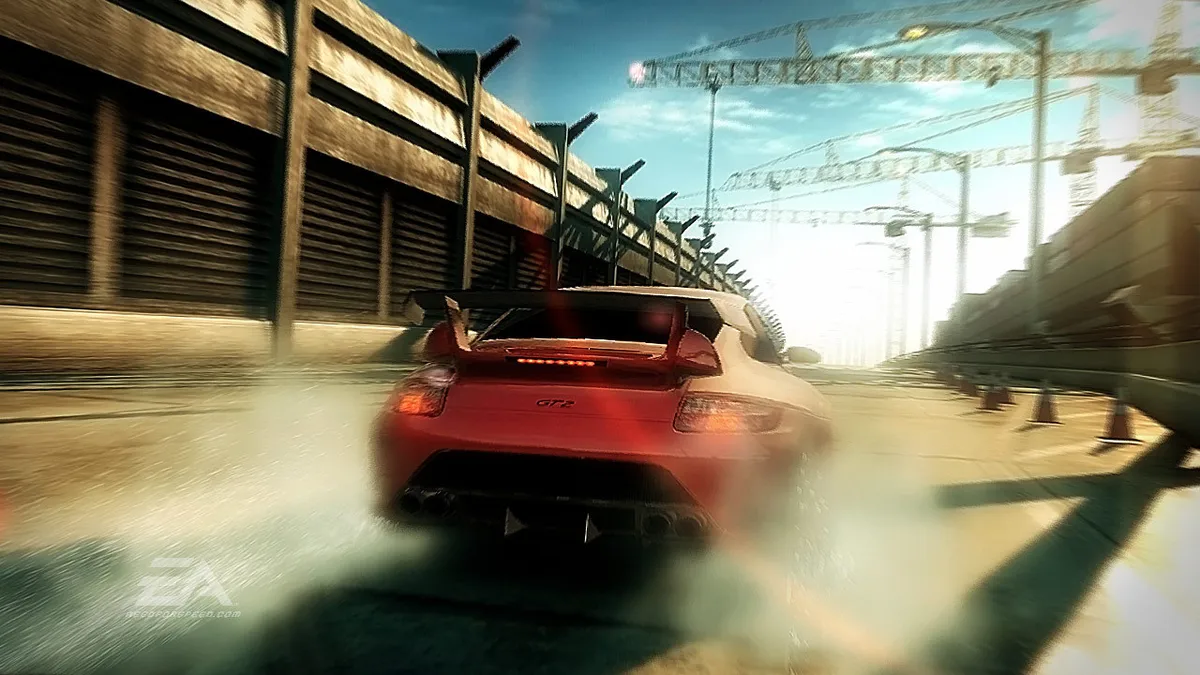
The career loop is described in plain terms: beat the best street racers until you get noticed and the local mob starts offering work, then earn cash to buy new cars and modify the collection. Cash goes into performance parts that boost power and handling, or visual parts for appearance, and the shop only shows cars you can afford. The deeper you go, the more cars and tracks unlock for Quick Race events, so progress in the story widens the options outside it.
Heat, Pursuits and Pursuit Breakers
Pursuits can start at any time, whether the player is cruising around town or in the middle of an event. The trigger is Heat: if a cop spots a car with a high Heat level, they come after it. While the police are actively pursuing, a meter at the bottom of the screen shows how close the player is to escape or to prison. Managing how visible and hot the car is therefore matters before a chase begins, not only during one.
Breaking contact uses the map and the environment together. Pursuit breakers are marked on the GPS map and the mini-map during a pursuit; the technique is to spot an elevated structure ahead, ram its supports, and bring it down as an instant roadblock behind the car. Hiding spots also appear on the map, and reaching one undetected and staying there until the cooldown finishes is the alternative. Sitting tight in the hiding spot accelerates that cooldown, so patience is an active choice rather than dead time.
Wanted events turn the pursuit into a set-piece with objectives. One is the cop take-out, which asks the player to destroy a recommended daily quota of cop cars; another is Cost to State, which racks up a score of damage and expense attributed to the player. Those objectives reward causing chaos rather than avoiding it, which makes Wanted events a deliberate counterweight to the stealthier hiding-spot approach used to end an ordinary chase.
The GPS Map as a Navigation Tool
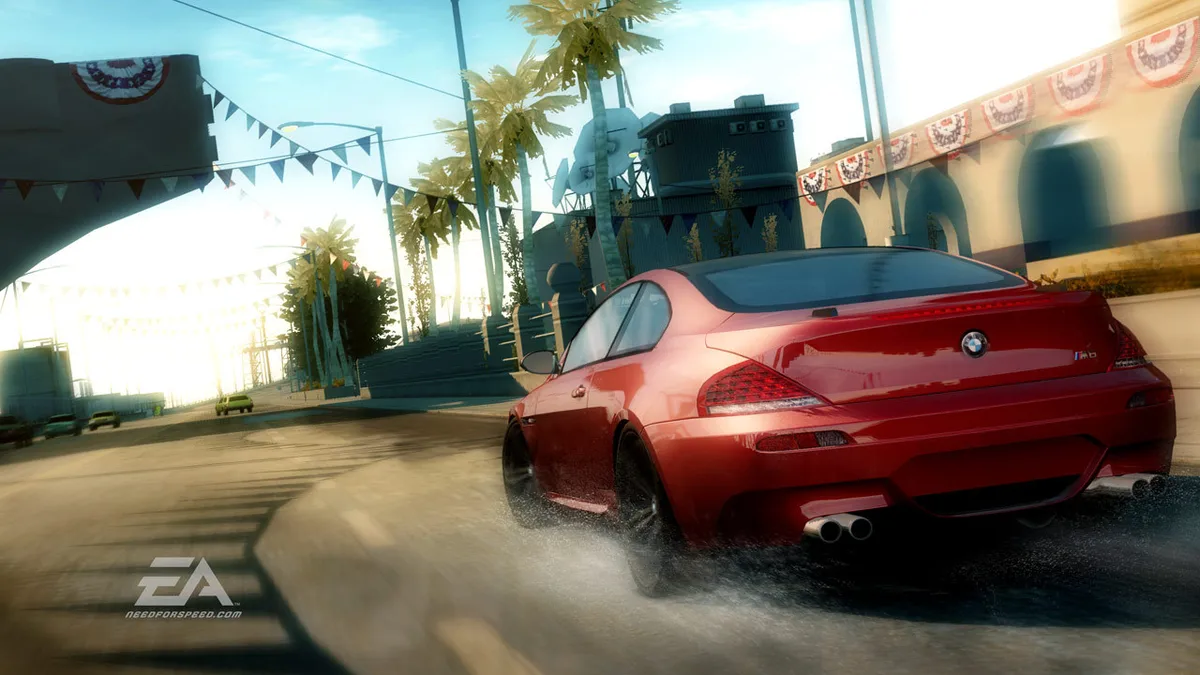
The GPS map is more than a route display. It shows race routes, event locations, pursuit breakers, hiding spots and career progress, and selecting an event and pressing Enter jumps straight to it. Because the main menu is a single Esc press away, checking the map and moving to the next job are quick interruptions rather than a trip back through nested menus. For a pursuit-minded player, the same screen that plans the next race also marks the nearest breaker and the nearest hideaway.
Quick Race and Online Cops and Robbers
Quick Race steps outside the career: it lets the player instantly race any unlocked event in any unlocked car. There is no payout for winning, but the mode saves fastest times automatically for each event run. That makes it a practice and benchmarking space. A player can take an unlocked car into a familiar event, chase a personal best without spending money, and leave career earnings untouched.
Online, Cops and Robbers is a two-team smash-and-grab mode. Robbers race to pick up stolen cash and deliver it to select drop-off points before the timer runs down, while cops chase them down and try to bust them. Games run for two rounds with the teams switching sides between rounds, so a squad has to handle both roles. Cars modified in My Cars can be used in the online modes.
Starting Guidance for New Players
- Learn the handbrake-and-counter-steer drift before worrying about speed: tap SpaceBar into a corner at speed and steer back to hold the line.|Install a nitrous tank early so N actually does something; before the upgrade the key has no boost to give.|Bank In The Zone buildup before a long straight or an exit, because the same nitrous press scales with how far in the zone you are.|Use X when a corner or a cop car is tightening, not as a general speed button; the slowdown only lasts seconds.|Watch the Heat level between events, since a hot car draws police even during ordinary driving.|When a pursuit starts, read the GPS map for breakers and hiding spots rather than simply outrunning the flashing lights.
The common thread is that Undercover's systems point at each other. Style fills the In The Zone multiplier, the multiplier strengthens nitrous, nitrous makes a drift faster and harder to control, drifting earns style, and cash from races pays for the tank and the parts that make all of it work. A new player who learns the handbrake and the map first will find the rest of the ladder much easier to climb.
Sources & further reading.
- Need for Speed Undercover — official game profile Retrieved Oct 19, 2026
- Need for Speed Undercover — official game profile — publisher-supplied gameplay manual Retrieved Oct 19, 2026
First published .