 THE GAME ARCHIVE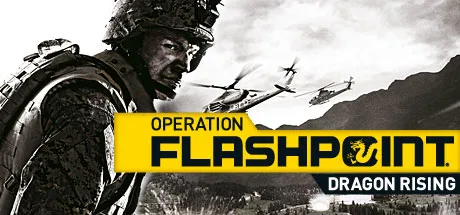
Operation Flashpoint: Dragon Rising is Codemasters' 2009 Windows action game, built around leading a fireteam rather than a single gun. The player moves, aims and takes cover like any infantry shooter, but the distinctive layer sits above the rifle: ordering formations, laying down suppression so half a squad can bound forward, and spending a small stock of fire missions against targets the player has actually identified. Combat rewards positioning and cover over raw volume of fire, and the command tools are described in the official manual as context-driven rather than menu-heavy.
Infantry Movement: Stances, Sprinting, and Aimed Fire
Movement uses the standard directional keys, with forward motion following the direction the character faces; the mouse governs that facing, so steering and shooting share one control axis. The manual frames movement as part of survival: using terrain, cover and position is the first defensive tool, and the stance keys feed directly into how the character is presented on the battlefield. Pressing the left C key drops the character into a crouch, z puts them prone, and a separate key returns them to standing. Sprinting is a short-burst ability: holding the left sprint key runs the character for short distances, but sprint too long and the character slows as breathing becomes laboured.
Firing is handled with the fire key, and shots taken without aiming are less accurate; holding the aim key raises accuracy and applies any scope or aiming device fitted to the weapon. Reloading uses the reload key, number keys switch weapons, and pressing the already-selected number key again changes ammunition type, such as attached grenade launchers, while the fire-mode key toggles rates of fire. In practice these bindings create a small decision loop before every engagement: stand or crouch, aim or hip-fire, and which ammunition is loaded.
Squad Command: Formations, Bounding, and the Quick Command Radial
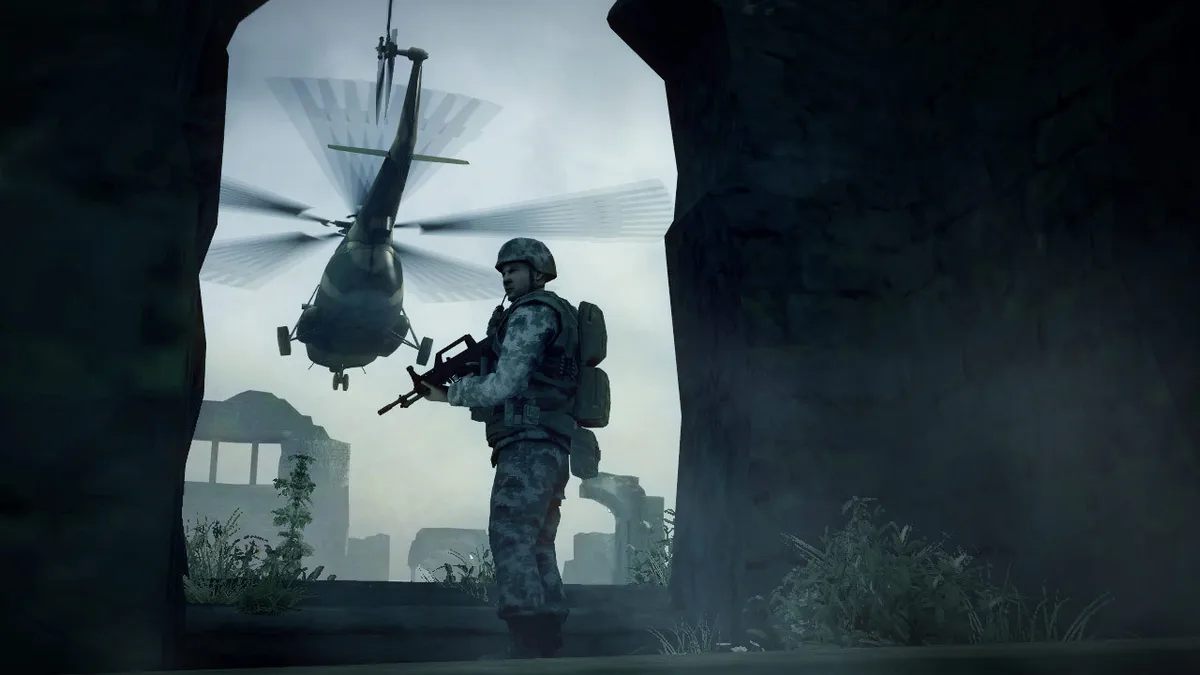
Formations are a positional tool rather than a cosmetic setting. The line and wedge formations determine which way each man looks and where his weapon points, so moving through hostile ground in formation widens coverage and the chance of spotting the enemy first. That makes formation choice a scouting decision as much as a combat one: the squad's shape decides which arcs are watched before contact begins.
Movement under fire is handled through suppression and bounding. To bound, the unit splits in two halves; one half runs forward while the other fires in automatic or semi-automatic mode, and the roles then swap. Suppressive fire makes incoming fire less accurate and lowers the weight of fire against the advancing half. The manual presents this as the basic fire-and-movement tactic, which means the player's job is to sequence the halves rather than simply order everyone forward.
The quick command radial provides instant orders when there is no time to plan complex tactics. Pressing the q key opens it, and the character can still look around while it is open, so the player can keep watching a threat while choosing an order. The wheel is context driven: the player looks at a location or target and sees the orders most appropriate to it. It covers orders within the immediate vicinity up to 1 kilometre; more complex and longer-range orders go through the command map instead. A separate manoeuvre, flanking, moves the unit around an enemy position to gain a better firing line and negate the advantage of that position.
Fire Missions and Navigating Objectives
Fire support is not a permanent asset pool. Instead the player is given a small number of fire missions that can be called at any time against targets they have identified; each strike is devastating to the enemy when released at the right moment, so the limited stock encourages restraint about when it is spent. Calling a mission runs through the quick command radial: the player aims their view at the intended destination for the air strike or artillery, selects fire support on the radial with the movement keys, and then chooses the type of strike to send.
Objectives are military tasks such as covering a friendly unit's retreat or running short-range recon patrols. To help find them, gray dots on the compass at the top of the screen point toward each objective's direction, and objectives are also marked within the world. Rendezvous points appear only in Normal and Experienced difficulty modes, where they guide the player toward suitable areas of cover; they can be turned off through the game options.
Vehicles: Shared Controls, Ground Roles, and Helicopter Seats
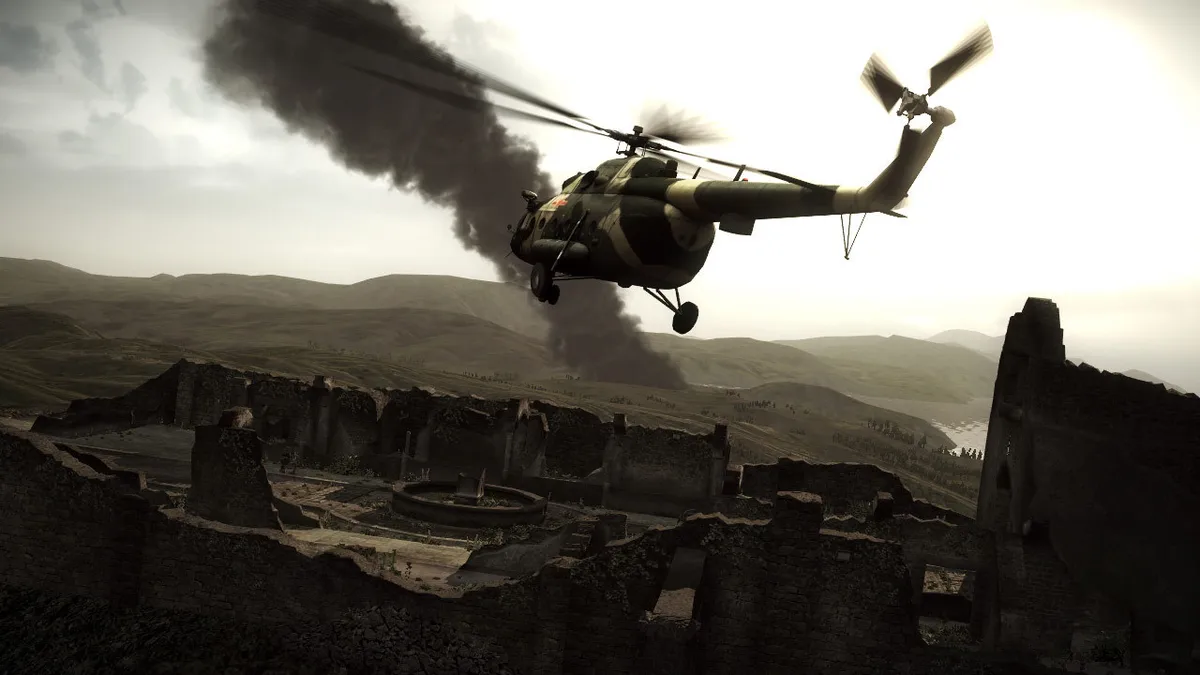
Vehicles span tanks, infantry fighting vehicles, APCs, and attack and utility helicopters, each with its own control set. A shared layer handles engine and lighting: pressing b switches the engine on or off, g turns the vehicle lights on or off, and v toggles a vision mode when the vehicle supports one. An external view uses its applicable key, and the vehicle is left with e. Switching seats is bound to holding the left bracket key, so a player is not locked into one station for the whole ride.
Ground vehicles separate driving from turret work. In the driver role, w accelerates and s brakes or reverses, with the handbrake on a dedicated key. The gunner fires the main weapon with l, and other systems have their own bindings, such as right c for smoke and f for turning in or out where applicable. Helicopters use a different arrangement: the pilot handles pitch and roll with w, s, a and d, and power and rudder on separate keys, with auto hover, countermeasures on f, weapon changes on the number keys, and a fire control on l for when turned out.
The helicopter crew split matters because the seat switch is the same hold-left-bracket action used in other vehicles. The pilot works flight and weapon controls while the gunner has a separate set, and the player changes positions by holding the seat-switch key rather than being tied to one station for the whole flight. In a vehicle, then, the player's role is a choice: drive, command, or shoot.
Campaign and Single Mission Progression
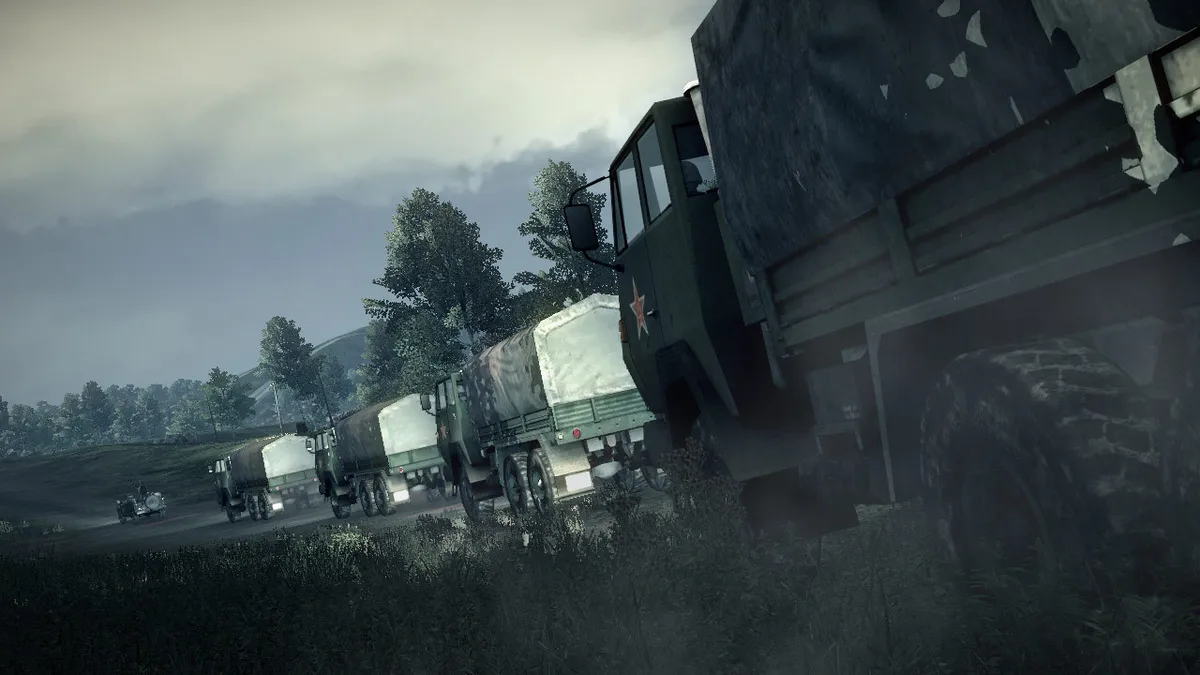
The game separates its play into a campaign screen and a single-mission screen. The campaign screen starts a new campaign or loads saved progress from one already underway, and in the Dragon Rising campaign the player takes the role of both USMC infantry and Special Operations Forces fireteam leaders in engagements against an airborne brigade of the People's Liberation Army of China. The single-mission screen instead lets the player pick any mission already unlocked through campaign progress, and unlocked Fire Team Engagements and other additional downloadable missions join that individual mission list.
The breadth of the sandbox shows in the vehicle roster: more than 100 authentically modeled vehicles and weapons are available, and the player controls multi-component vehicles including tanks, infantry fighting vehicles, APCs, and attack and utility helicopters. Progression therefore has two faces depending on the screen opened: launching the next campaign engagement, or unlocking an individual mission for separate play. The crew-switching rule matters here too, since vehicles are operated across multiple stations rather than as single-role machines.
A Source-Backed Starting Approach
The documented rules suggest a simple opening rhythm. Move in a formation whose facing matches the ground you expect to be watched, because line and wedge decide where eyes and muzzles point. When contact starts, bound in halves instead of charging with the whole unit, and use the suppressing half to make enemy fire less accurate. Keep fire missions in reserve for targets you have identified and for moments when one strike changes the fight, not for speculative strikes.
Before a fight, decide whether the target warrants a flank rather than a frontal assault, since flanking exists to gain a better firing line against defended positions. When driving or flying, treat the seat switch as a tactical tool: changing station is one held key, and the gunner, driver and pilot each have distinct bindings worth learning before the vehicle is under fire.
Scroll sideways to see the full table →
| Detail | Documented value |
|---|---|
| Release year | 2009 |
| Platforms | Windows |
| Developers | Codemasters |
| Publishers | Codemasters; Electronic Arts |
| Genres | Action |
| Quick Command Radial key | q |
| Sprint | Hold left sprint key |
| Stance keys | left C crouch, z prone |
| Aim | Hold aim key for accuracy and scope benefit |
| Fire support | Limited fire missions via the radial |
| Vehicle engine | b |
| Vehicle lights | g |
| Switch seat | Hold left bracket key |
| Campaign roles | USMC infantry and Special Operations Forces fireteam leaders, against an airborne PLA brigade |
| Vehicle roster | Over 100 authentically modeled vehicles and weapons |
Sources & further reading.
- Operation Flashpoint: Dragon Rising — official game profile Retrieved Oct 18, 2026
- Operation Flashpoint: Dragon Rising — official game profile — publisher-supplied gameplay manual Retrieved Oct 18, 2026
First published .