 THE GAME ARCHIVE
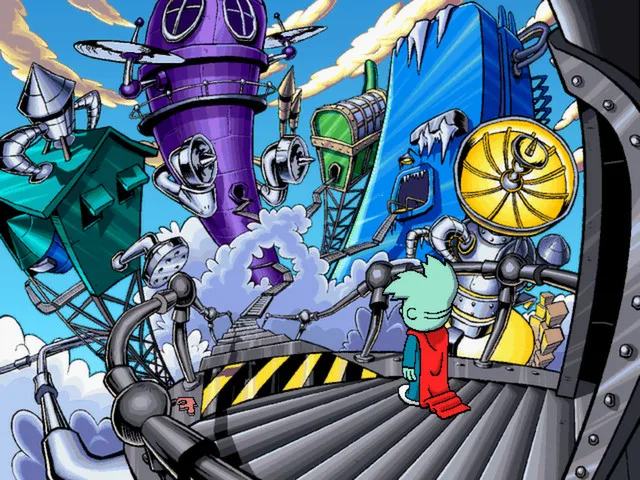
Pajama Sam 2: Thunder And Lightning Aren't So Frightening is a point-and-click adventure in which Sam travels above the clouds to World Wide Weather, the storm-stirring factory in the sky. There, by the publisher's account, he accidentally sends the weather system into a frenzy, producing snow in Saigon and sunshine in Seattle, and must explore a world of challenging puzzles, fun games and fantastic new friends to help Thunder and Lightning fix the broken machines and return the world's weather to normal before Mother Nature finds out. This feature covers the documented interface and gameplay systems; it is not a hands-on test report.
The game is listed with Adventure and Casual genres, developed by Humongous Entertainment and published by Humongous Entertainment and Nightdive Studios. The official Steam product lists Windows, macOS and Linux and a 2014 release year. That year belongs to this Steam product, not to the original release of the game; the supplied sources do not document the original release date.
The Bottom-Screen Inventory and Two-Click Item Use
Pajama Sam's inventory is reachable at any time by moving the mouse icon close to the bottom of the screen. There is no separate container, character or menu screen to visit first: the collection of found items appears in response to cursor position, so checking what Sam is carrying is a single gesture rather than a detour. That design choice matters in a point-and-click adventure, because it lets a player sweep a scene, open the strip, and act on what was found without leaving the room on screen.
Using an item follows a two-click pattern. The player clicks the item to select it, then clicks the thing in the scene they want to apply it to. The manual describes this as the way most of the items found around the game are used, so the same gesture carries across different objects and situations. This is the core of the game's interaction: selected item plus target, repeated against the environment until the problem in front of Sam is solved.
A separate control sits at the bottom left of the screen. That computer opens the main menu, where the game can be saved, loaded, or quit, returning the player to the desktop. The manual also warns players to save before closing the game, which is practical advice rather than a mechanic: closing the game without saving loses progress.
The Weather Machine Job
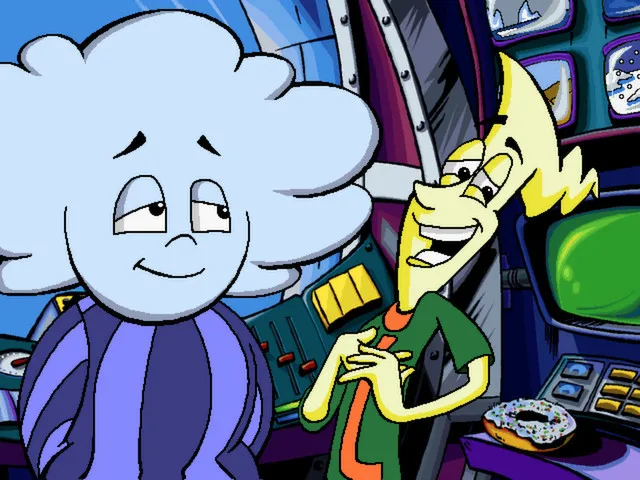
The job begins above the clouds at World Wide Weather. Just as Sam begins to learn that storms are not as bad as they seem, the publisher's description has him accidentally sending the weather system into a frenzy. The visible result is scrambled conditions: snow in Saigon and sunshine in Seattle. The task that follows is to fix the broken machines and return the world's weather to normal before Mother Nature finds out. In the publisher's framing, the child helps Sam explore the world and assist Thunder and Lightning with those repairs.
What the sources make clear is that the repair is not one button press. The world Sam explores is filled with challenging puzzles, fun games and fantastic new friends, and those encounters are how the route to the machines and to Thunder and Lightning is worked through. The machine repairs and a return to normal weather are the stated goal, while the puzzles and games are the documented content a player meets on the way.
Click Points and the Exploration Layer
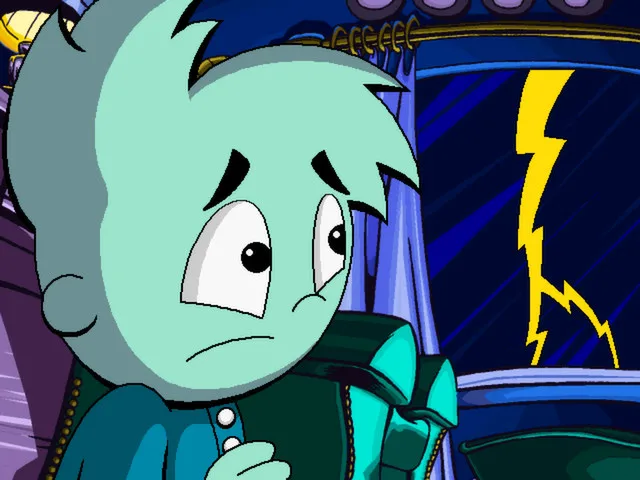
Click points are the game's discovery layer. The publisher states that click points reveal hundreds and hundreds of hidden surprises, which means the scenes reward a player who moves the cursor over the environment rather than only clicking the obvious target. In practice this turns scene-reading into part of the game: each location potentially holds many small reactions, and the player who probes the scenery encounters more of the world than the player who clicks only what the immediate puzzle requires.
Click points are distinct from the puzzle chain, not a substitute for it. The puzzles and fun games carry the route toward the machines and toward helping Thunder and Lightning, while click points supply the hundreds of hidden surprises layered over that world. The two systems interlock with the inventory: a player sweeping for click points may also turn up the items that the two-click usage pattern then applies elsewhere.
How the Systems Fit Together
Read together, the documented rules describe a loop of looking and applying. The player enters a scene, scans it with the cursor for click points, opens the bottom strip to check which items Sam holds, selects one, and applies it to a target in the scene. When a new item appears, it joins that strip and can be carried into the next scene with the same two-click gesture. Because the inventory is always one cursor movement away and item use is a uniform two-step action, switching between curiosity and problem solving never requires a new control scheme.
The objective sits above the loop. Everything the player does with click points, items and puzzle encounters serves the move toward repairing the broken machines and restoring normal weather. That keeps the exploration legible: the hidden surprises are a reward for attention, but the puzzle and game encounters are what carry progress toward Thunder and Lightning and the equipment that must be set right.
Saving and Loading: The S and L Keys
Saving has its own key rather than requiring a menu walk. Pressing the S key opens the Save Game screen, which presents a grid of squares. The player clicks one of the squares, types a name for the save and presses Enter to confirm; after that the manual declares the game saved. Because this screen is reached directly by keypress, saving does not depend on clicking the bottom-left computer.
Loading mirrors that flow through its own key. Pressing the L key opens the Load Game screen, where clicking a save returns the player to where they last saved. The manual notes a precondition: if nothing has been saved, there is nothing to load. Together the two keys form a matched pair, S writing a named entry into a square and L reading one back, so an interrupted session can be picked up later without losing the weather-repair progress already made.
Replay and Skill-Building Activities
The game is built to be played again. The publisher states that new puzzles, new friends and new challenges await each time you play, so a second run is not the same run with a memorized route. The same controls carry over, with bottom-strip items and two-click use, but the puzzle and friend encounters differ from playthrough to playthrough. That makes thorough scene-sweeping more valuable than route memorization: the player who always scans for click points and checks the inventory will meet each variation on its own terms.
Alongside the repair route, the game provides special games and activities that, per the publisher, encourage creativity, help teach spatial relations and sharpen problem-solving skills. These activities sit alongside the puzzles and fun games rather than replacing them. For a young player, the documented value is that the same exploration that moves Sam toward the broken machines also exercises spatial-relations and problem-solving practice through those activities.
Getting Started: Practical Guidance
The documented interface supports a simple routine. Sweep each scene with the cursor to find click points and their hidden surprises, open the bottom strip to review what Sam carries, and select an item before clicking it onto a target. Save early with the S key and name the slot; the manual explicitly reminds players to save before closing the game, and loading with the L key returns to the last save. Because the puzzles, friends and challenges refresh on a new playthrough, a returned session or a replay benefits from the same habit of checking scenes and inventory rather than relying on memory.
Design Character
The game's distinctive scenario is a factory in the sky that manufactures weather, and the frenzy turns that premise into visual comedy: snow falling on Saigon while Seattle basks. The interface mirrors the setting's workmanlike humor, with a bottom-left computer standing in for a menu button and the items Sam collects resting at the bottom of the screen. The hundred-odd click points are the design's way of making the cloud world feel busy rather than empty, rewarding the player who treats scenery as something to poke.
Editions and Current Access
The official Steam product lists the game for Windows, macOS and Linux with a 2014 release year; that date belongs to the Steam product, not the original release, which the supplied sources do not document. The package uses ScummVM across those three platforms, and the store text notes that players can save the game and finish it later. The gameplay systems described here come from the publisher-supplied manual, so they describe the documented interface of this product rather than a verified hands-on session.
Scroll sideways to see the full table →
| Field | Documented value |
|---|---|
| Title | Pajama Sam 2: Thunder And Lightning Aren't So Frightening |
| Developer | Humongous Entertainment |
| Publishers | Humongous Entertainment, Nightdive Studios |
| Genres | Adventure, Casual |
| Steam platforms | Windows, macOS, Linux |
| Steam product release year | 2014 (not the original release date) |
| Inventory access | Move the mouse icon close to the bottom of the screen |
| Item use | Click the item, then click the target |
| Save key | S (click a square, name the save, press Enter) |
| Load key | L (click the save to load) |
| Main menu | Bottom-left computer icon |
Sources & further reading.
- Pajama Sam 2: Thunder And Lightning Aren't So Frightening — official game profileRetrieved Oct 30, 2026
- Pajama Sam 2: Thunder And Lightning Aren't So Frightening — official game profile — publisher-supplied gameplay manualRetrieved Oct 31, 2026
First published .