 THE GAME ARCHIVE
Into the Closet: Sam's Fear-Facing Adventure
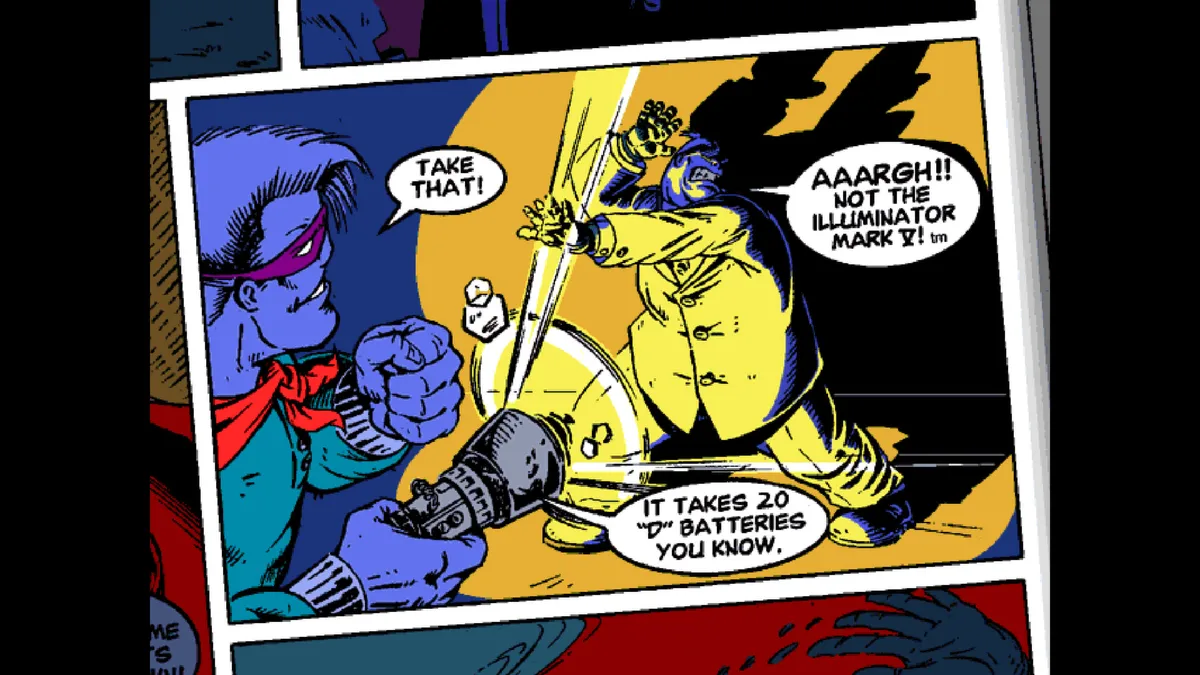
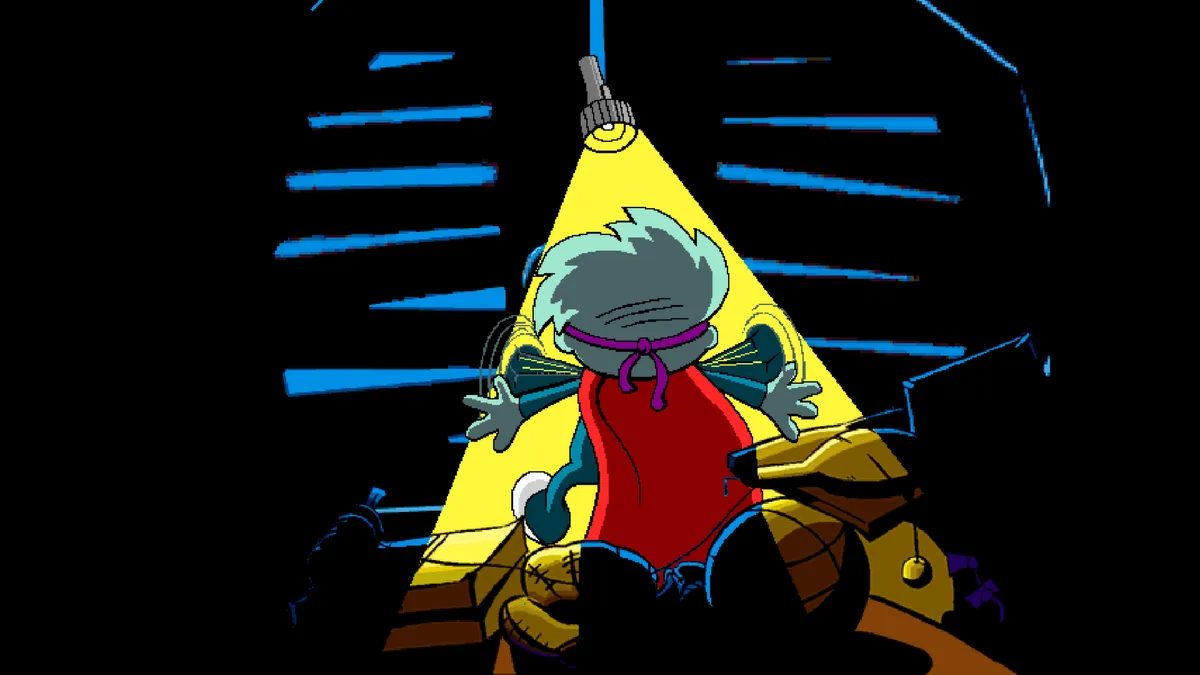
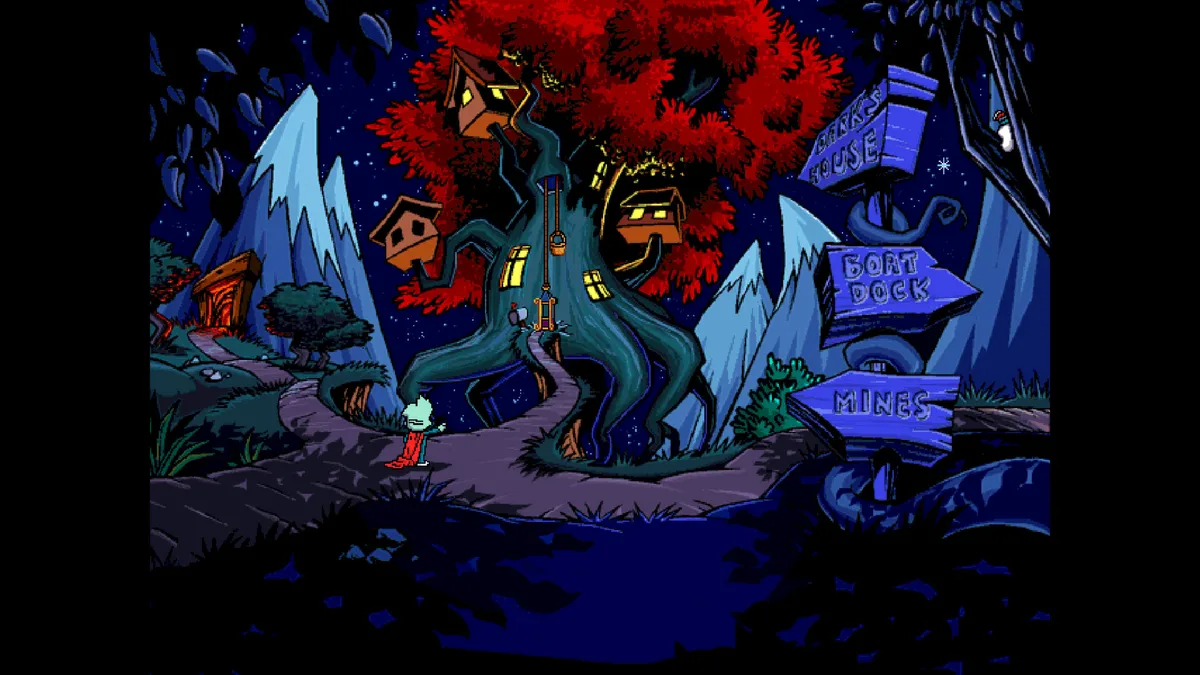
Fed up with being afraid of the dark, Sam puts on his red cape and transforms into Pajama Sam, the world's youngest superhero, and resolves to confront Darkness itself. His journey takes him into the land of darkness located in his closet, where the adventure's goal is to uncover who or what stands behind the darkness and to realize there is no need to hide when it is dark outside. The single-player adventure hands Sam companions along the way, including King the mine car and Otto the boat, plus a host of other characters who help him press forward.
The trip through the closet follows an exploration-based adventure structure, with the player choosing where the characters go rather than following one fixed route. Progress comes from exploring exciting locations and collecting information needed to complete the adventure, so scouting each area and gathering what it offers feeds directly into finishing the journey. The adventure also changes each time it is played, so the path through the darkness is not identical on every run. These rules combine into a loop of choosing destinations, collecting information, and moving on.
The Mouse and the Inventory Bar
In Pajama Sam, the inventory lives at the bottom edge of the screen. Moving the mouse icon close to the bottom of the screen opens Sam's inventory at any time, so there is no separate menu command to memorize. The interface is built around the mouse: the same pointer that opens the inventory is used to interact with items and the on-screen interface. Once an item has been collected during exploration, it becomes available through this bar rather than staying out in the world.
Item use follows a two-click sequence. Click an item in the inventory to select it, then click the thing you want to use that item on; most of the items found around the game work this way. This makes the inventory bar the staging point for every object Sam gathers while exploring. The red button at the bottom left of the screen closes the game and returns to the desktop, and the manual notes you should save your game before closing.
S to Save, L to Load
Saving is done entirely from the keyboard: press the S key and the Save Game screen appears. There you click one of the squares, type a name for the save, and press Enter to store it. That single rule ties the save to a named slot rather than a rolling autosave, so each record is something you create yourself. The manual also advises saving before you use the red button at the bottom left of the screen, which closes the game and returns to the desktop.
Loading mirrors saving: press the L key to open the Load Game screen, then click the save you want. The rule is conditional, though, because nothing appears to load unless a save already exists, so the S-key routine has to happen first. Once a record is chosen, you are returned to the point where you last saved. The two keys define the whole cycle: S opens the Save Game screen for naming and storing, L opens the Load Game screen for picking a stored record to resume from.
F5 Audio and Subtitle Toggles
The F5 key opens the ScummVM settings window at any time during play. From that window, clicking the Options button exposes the audio and text controls: separate volume levels for music, speech, and effects, plus switches that turn subtitles on or off and voices on or off. Because the settings open over the running game rather than through a title-screen menu, the player can pause mid-adventure, make an adjustment, and then click OK and resume to continue from the same spot.
The three volume sliders and the two on/off switches work independently, so tuning one channel does not force a change in the others. Music, speech, and effects each keep their own level, letting a player lower the music while keeping spoken dialogue audible. Subtitles and voices are toggled separately as well: turning subtitles on does not disable voices, and turning voices off does not automatically enable subtitles. These controls are grouped under the Options button reached through F5, and confirming with OK applies the chosen settings before the game resumes.
Rendering, MIDI, and the Paths Warning
Through ScummVM, the game's Options button opens a set of advanced controls grouped into graphics and rendering modes, MIDI settings, and directory settings. These are configuration choices rather than in-game mechanics, and the manual notes that not every setting there changes how the adventure plays. The warning is explicit: misconfiguring these entries can prevent the game from loading correctly, so the safer habit is to alter only what you need and leave the rest untouched. A Return to Launcher button can also send you back to the ScummVM launcher screen from this same area.
One tab deserves separate handling. The Paths tab exists among the configuration screens, but the manual puts the instruction in capitals: do not alter any settings on the Paths tab. Because the broader warning states that bad configuration can stop the game loading, these path entries are the specific zone to leave alone; directory settings elsewhere in the Options area are listed as adjustable, whereas the Paths tab is not. Treating the Paths tab as off-limits keeps file and folder locations out of the tinkering that rendering and MIDI may invite.
Sources & further reading.
- Pajama Sam: No Need to Hide When It's Dark Outside — official game profileRetrieved Oct 30, 2026
- Pajama Sam: No Need to Hide When It's Dark Outside — official game profile — publisher-supplied gameplay manualRetrieved Oct 30, 2026
First published .